
How to Create an Online Job Application Form

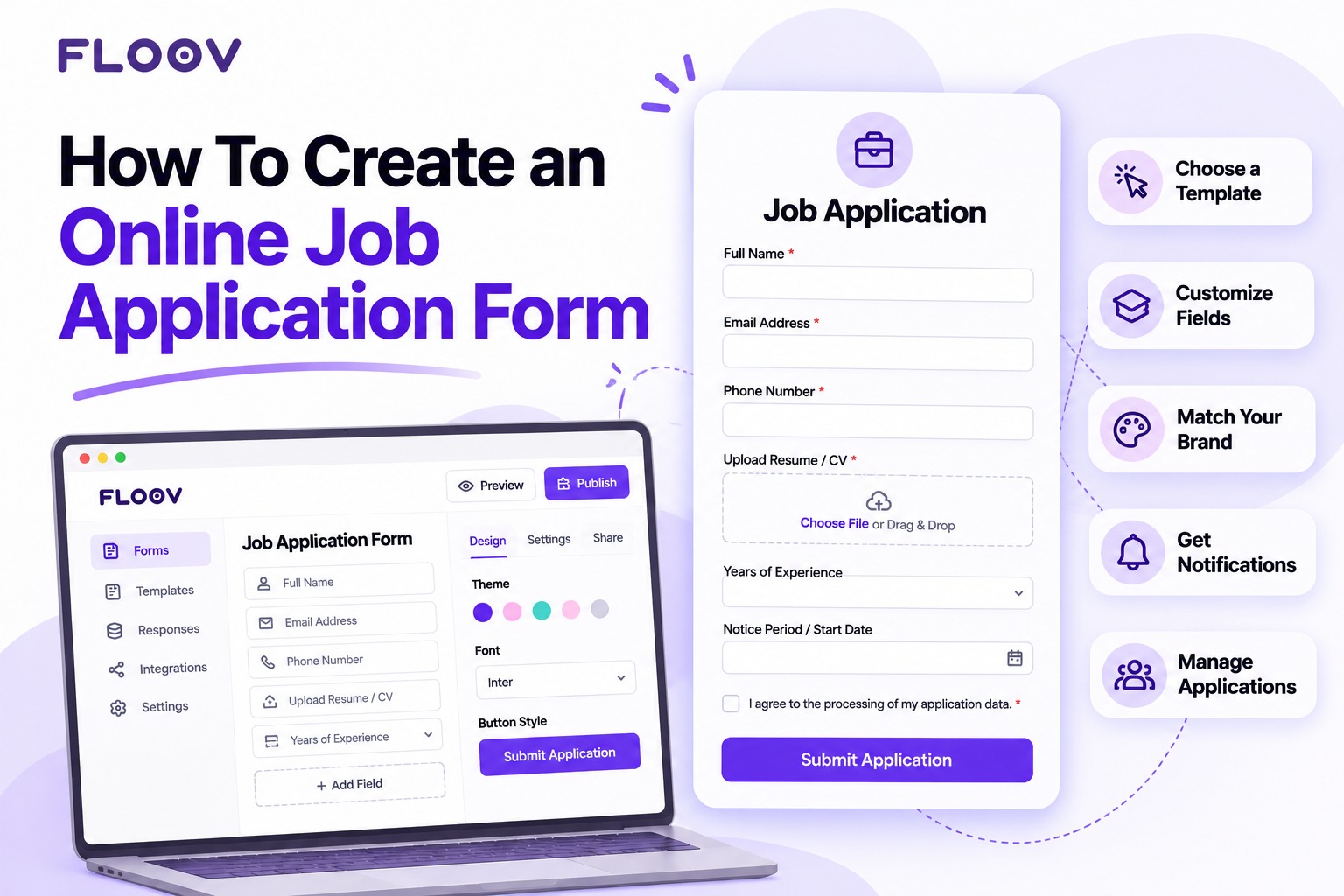
Hiring looks easy on paper. Then the applications actually start coming in, and things fall apart fast. One person emails a resume. Someone else drops a message on WhatsApp. A third candidate starts a form, gets bored halfway, and vanishes. Two weeks later the resume you liked is buried under forty unread newsletters and nobody remembers who applied for what.
There’s a simpler way. Put one online form in front of every applicant - same questions, same order, same place. Resumes stop going missing and comparing two candidates stops being a memory test.
Why Create Job Application Form Online Instead of Using Email?
Email feels free, so most small teams start there. The bill arrives later. Every application looks different, attachments go missing, and when two candidates are close, there’s no tidy way to line them up. A form quietly fixes all three, and six months later you can still find that one applicant you almost hired.
What Is On A Job Application Form?
Think of it as the interview before the interview. You pick the questions, every candidate answers them, and you get back something you can actually compare: contact details, work history, documents, plus a few screening questions that matter for the role.
What To Include In A Job Application Form
Short enough that good candidates finish it. Complete enough to make a first call. That balance usually looks like this:
- Contact details - full name, email, phone number, and city
- Resume or CV upload - so files stay attached to each application
- Work experience - recent roles and years of experience
- Education - degrees, certifications, relevant training
- Screening questions - two or three tied to the role, like “Have you managed a team before?”
- Availability - notice period or start date
- Work authorization - whether the candidate can legally work in the country
- Links - portfolio or LinkedIn, where relevant
- Privacy information - explain why you collect applicant information, how it will be used, who can access it, and how long it will be retained. Request consent only where it is the appropriate legal basis; keep optional recruitment updates or marketing opt-in separate and unchecked by default.
If a question won’t change your first-round decision, leave it out.
Job Application Form Fields and Their Types
Field types sound boring until you fill a form that gets them wrong. In Floov’s drag-and-drop editor, the Job Application Form Fields you’ll reach for most:
- Short answer for names, cities, and current job titles
- Email and phone fields that check the format automatically
- File upload for resumes and certificates (private uploads on Pro)
- Dropdowns and multiple choice for department, role, or experience level
- Long answer for open questions like “Why do you want this role?”
- Date fields for availability and graduation dates
How To Create An Online Job Application Form with Floov
Here’s the whole thing:
Important: Floov's ready-made Job Application Form with File Upload template requires an active Pro plan because it includes resume uploads. You can still create and publish a basic job application form for free using the standard form editor, but file uploads and conditional logic require Pro.
- Create a free account. Start with the free forever plan if you want to build a basic application form, or choose Pro if you want to use the ready-made Job Application Form with File Upload template.
- Choose how to start. You can build a basic job application form on Floov’s free forever plan using text, choice, and date fields. If you want to start with the ready-made Job Application Form with File Upload template, note that this template requires an active Pro plan. Resume file uploads and conditional logic are also Pro features. Floov’s template library includes other HR forms for your wider hiring workflow.
- Make it yours. Drop the fields you don’t need, drag the rest into an order you like. Long form? Split it into pages - a few questions per screen feels far less scary than one endless scroll.
- Brand it. Logo, colors, fonts. Candidates trust a form that looks like the company they’re applying to.
- Switch on notifications. An email pings the right person the moment an application lands.
- Publish it. Drop the link in the job post, or embed the form straight onto your careers page. Floov builds Mobile-Friendly Forms out of the box, which matters - plenty of candidates apply from a phone.
Honestly, writing the job ad takes longer.
Job Application Form Best Practices
Some forms get finished, some die at question three. The difference is usually these habits:
- Cut hard. If the first screening round doesn’t need it, don’t ask it.
- Test on your own phone. Fill the whole thing in before you publish. Slow or fiddly? Cut more.
- Use conditional logic where it earns its keep. On Floov’s Pro plan, a question can show up only for the candidates it applies to - the designer gets the portfolio link, the driver doesn’t.
- Tell people what happens next. One line on the ending page - “We review applications every Friday” - saves you follow-up emails.
- Explain your privacy practices. Tell applicants what information you collect, why you need it, how long you plan to retain it, and how they can contact you about their data. Ask for consent only where appropriate for your legal basis. Keep optional marketing or recruitment-update subscriptions separate from the application itself, with a separate, unticked choice.
Collecting and Managing Applications
Every response lands in your Floov workspace, where you can search, filter, and review applications. Export responses to CSV or Excel when you need a separate file. You can also use the Google Sheets integration to send each new application response to a row in your selected spreadsheet.
Once the hiring form is working, teams may add employee time-off request forms and onboarding checklists to their workflows. If you manage several openings or clients, you can organize forms in separate workspaces. Pro collaboration supports team access without per-seat fees, and Floov does not charge per response.
Frequently Asked Questions
Common questions about the topics covered in this article.
Yes. Floov’s free forever plan lets you build and publish a basic job application form with text, choice, and date questions, without a credit card. The ready-made Job Application Form with File Upload template, resume uploads, and conditional logic require an active Pro plan.
Pick a builder that’s responsive by default - Floov forms reshape themselves for phones. Then do the obvious thing people skip: open the form on your own phone and fill it in. Thumbs annoyed? Fix it before candidates see it.
Applications are stored in your Floov workspace, where your team can search, filter, and review responses. Export them to CSV or Excel, or use the Google Sheets integration to send each new response to a row in your selected spreadsheet. Team notification emails can alert the right person when an application arrives.