
Flexible Question Formats
Combine text, selection, rating, ranking, date, and structured input fields in multi-page forms.
Structured research forms, without enterprise complexity.
Free forever · No credit card required
Combine text, selection, rating, ranking, date, and structured input fields in multi-page forms.
Use Pro conditional logic to route participants through the pages and endings appropriate to their answers.
Filter the response set and export it to CSV or Excel for analysis in your preferred research tools.
Create a considerate participant experience while keeping collection and export straightforward for the research team.
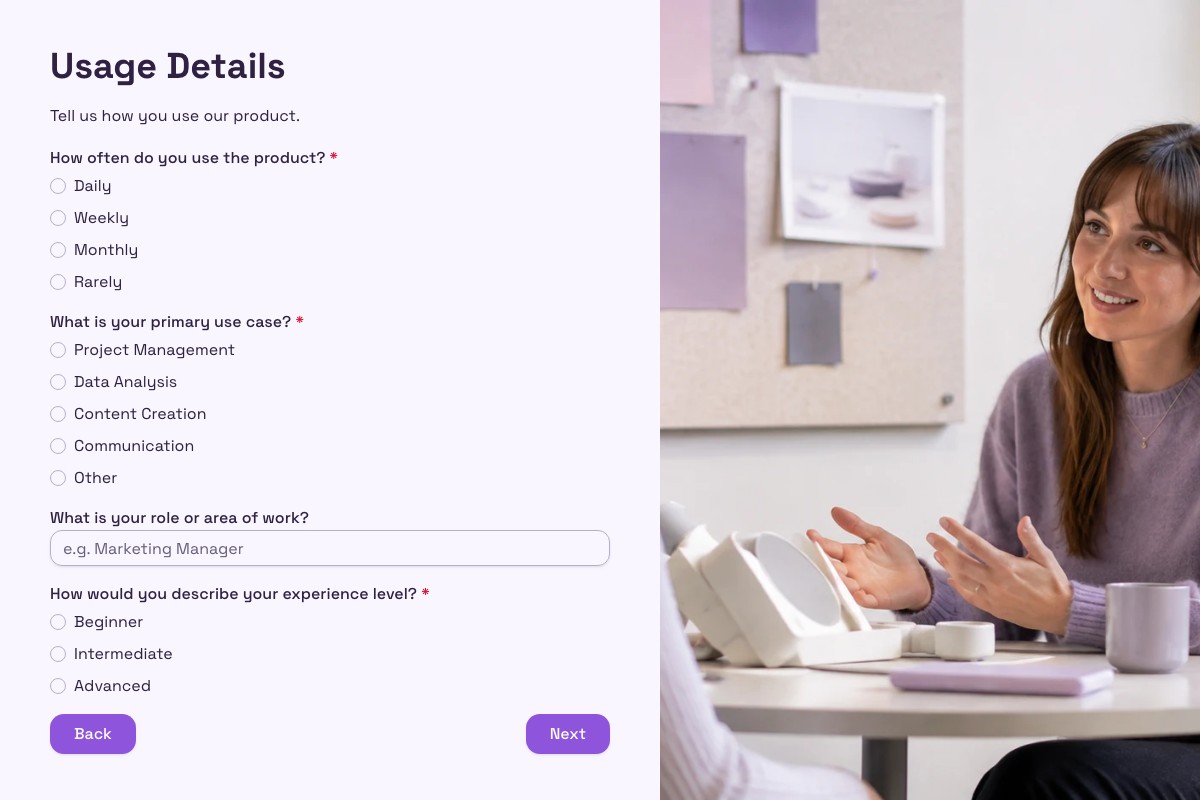
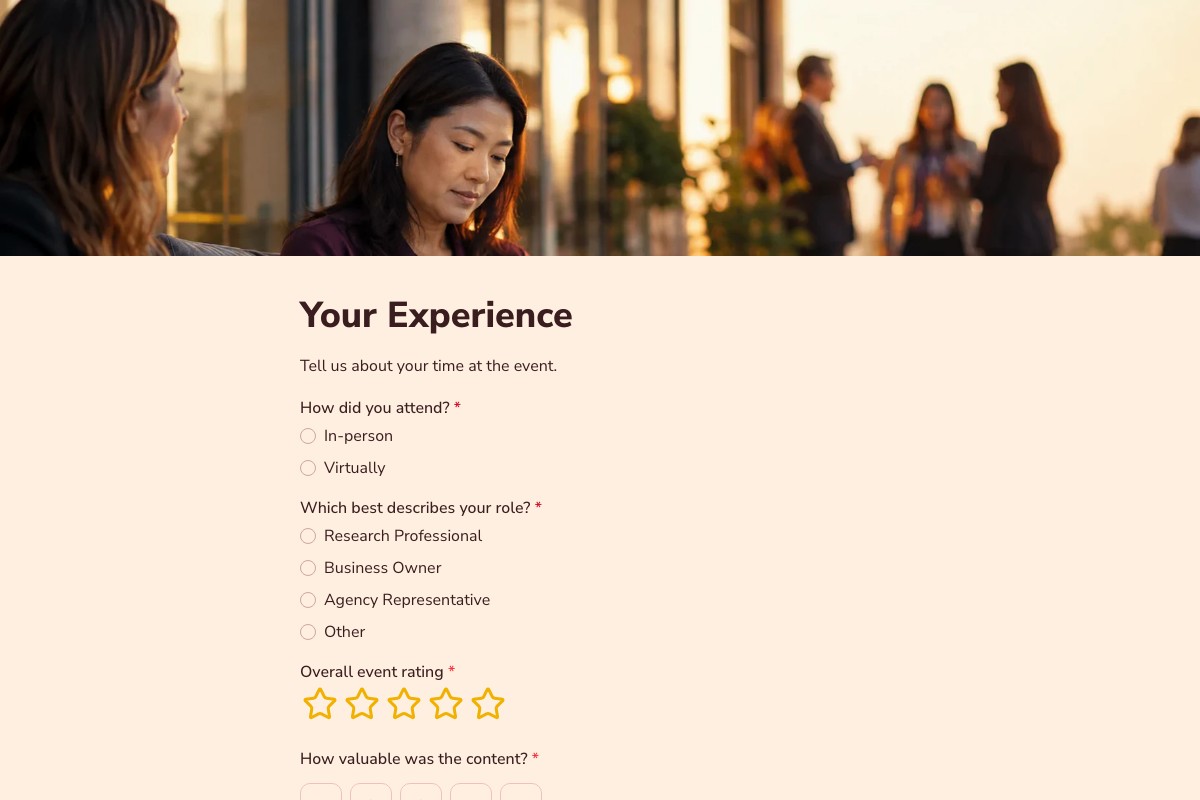
Build a multi-page form with the question types and supporting content the study requires.
Configure conditional rules, access controls, and custom endings for the intended experience.
Enable respondent save and resume on Pro when participants may need to return later.
Search, filter, inspect, and export completed responses to CSV or Excel for further analysis.
Preview the full form, review what it collects, then adapt it to your own process.
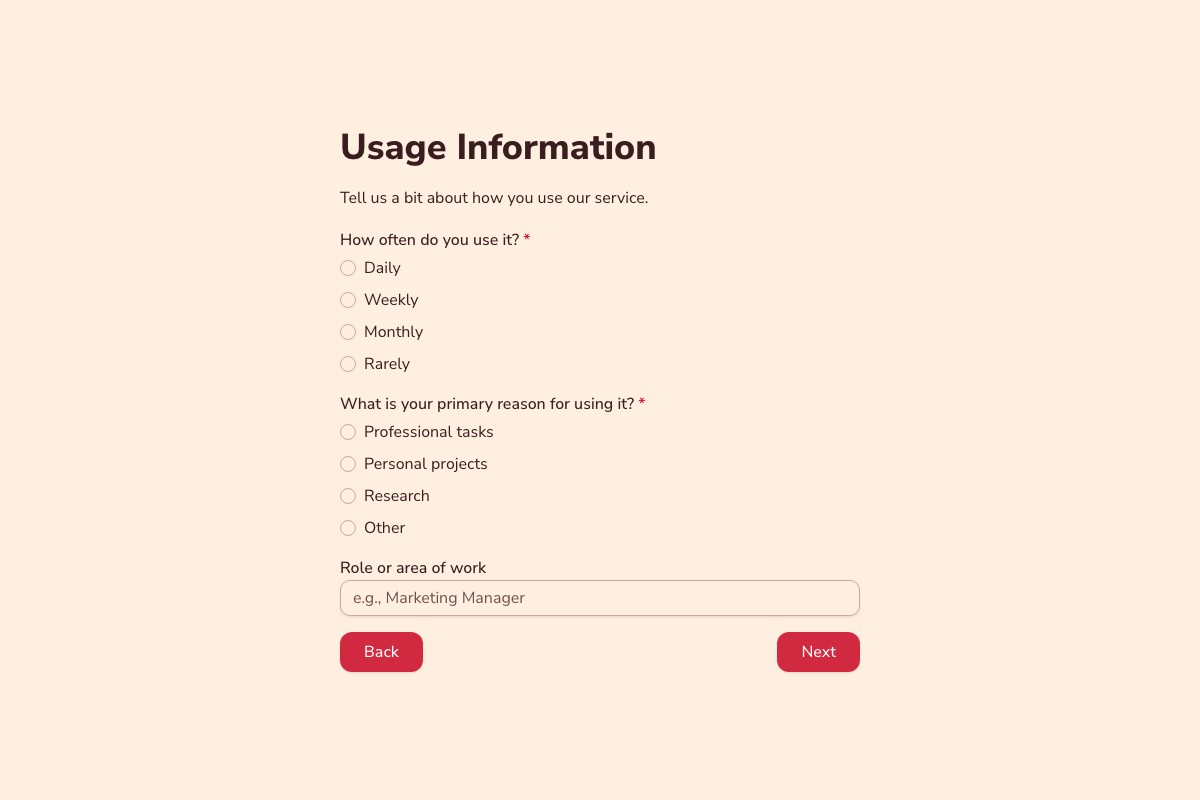
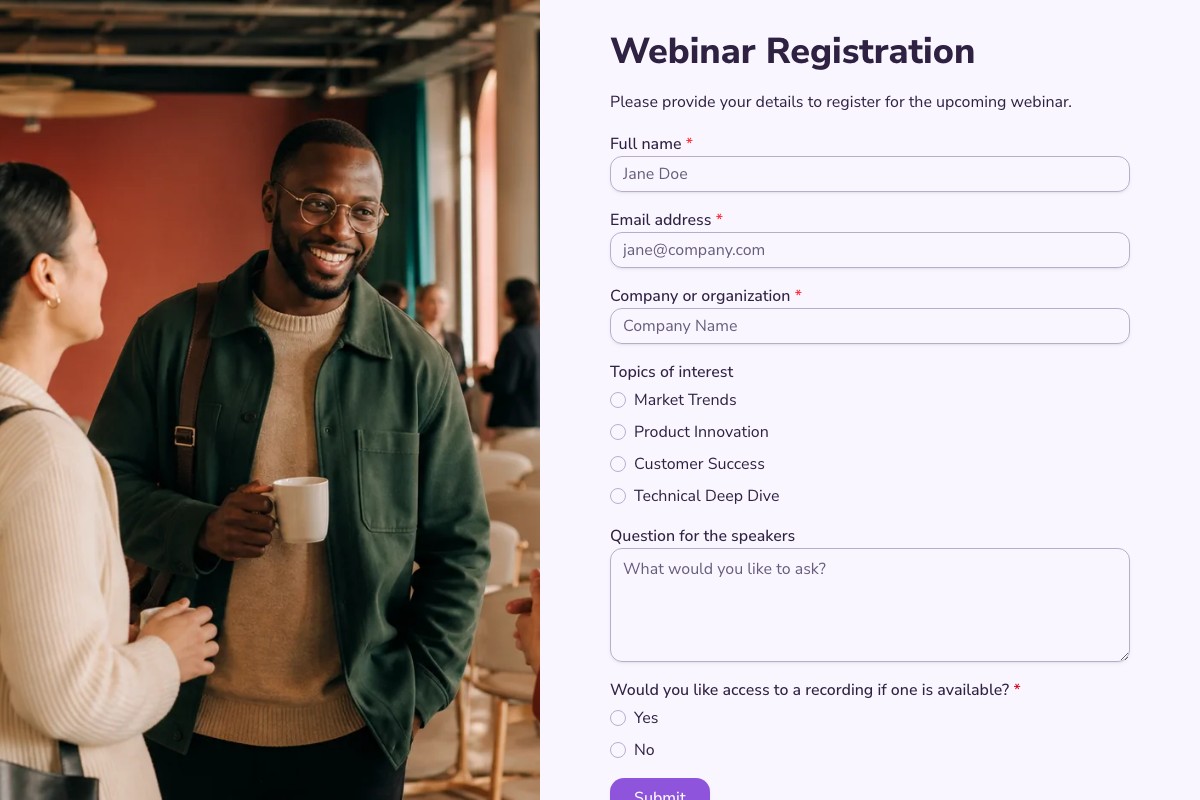
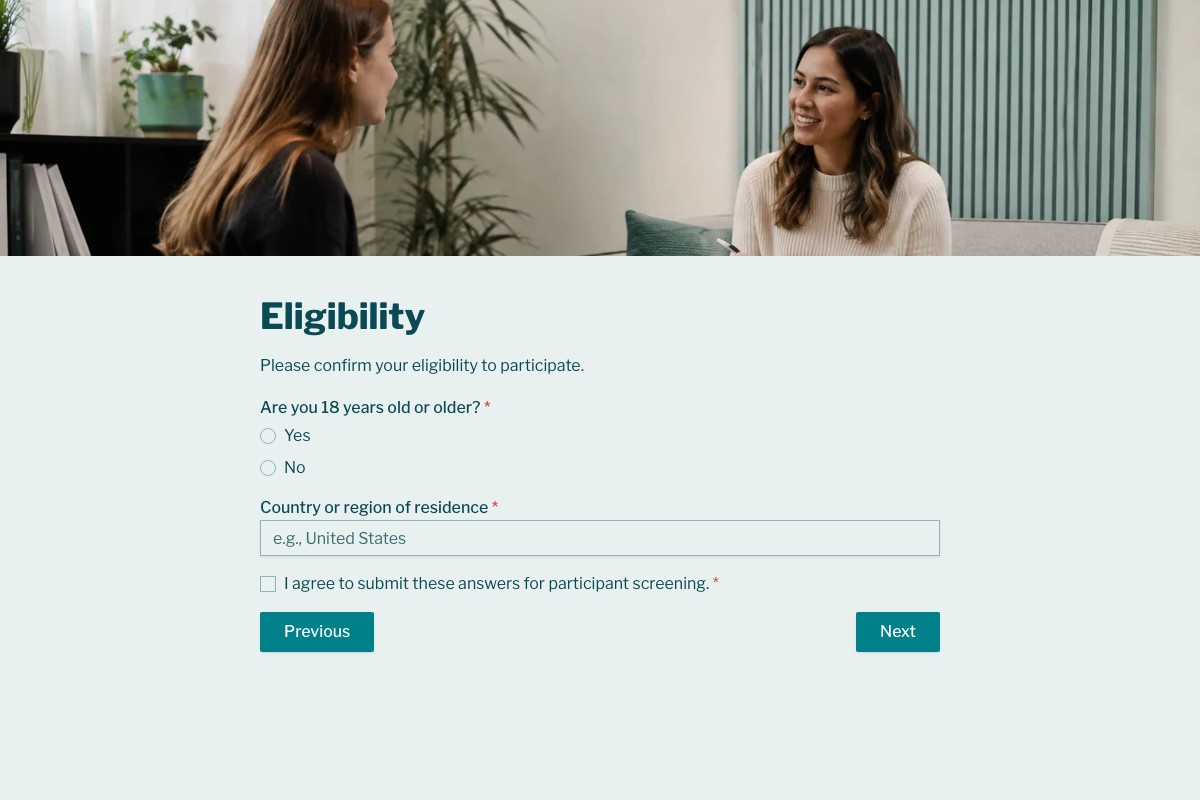
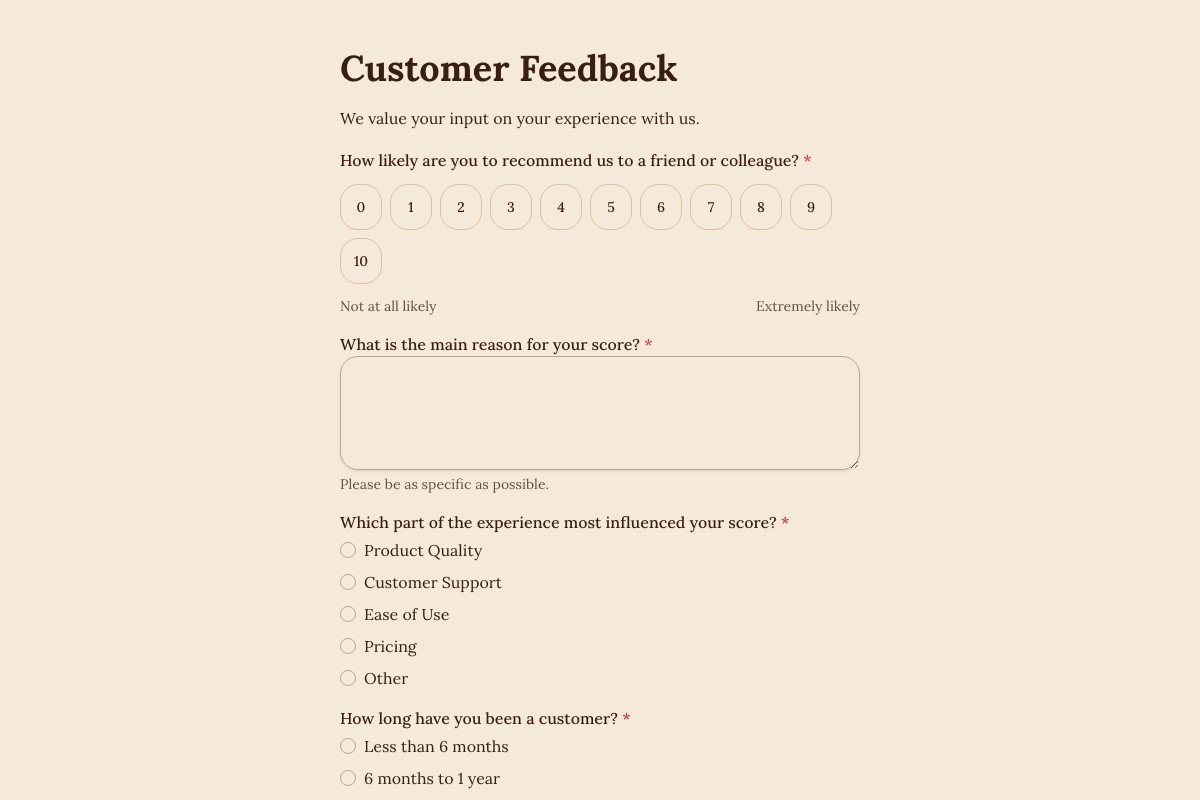
Answers about building and managing forms for this workflow with Floov.
Researchers can recruit participants online with a short, mobile-friendly screener shared through approved channels. Ask only the questions needed to determine eligibility, explain what happens next, and include the study information and consent process required by your protocol. Floov's Research Participant Screener is a Pro template, and conditional logic can route eligible participants onward or end the form for people who do not qualify.
The best online survey tool for research offers flexible question types, clean design, reliable data collection, and secure storage. Floov's Free plan includes multi-page surveys, rating fields, unlimited responses under Fair Use, Basic Insights, and CSV or Excel export, with data hosted in the EU. Pro adds conditional logic, save and resume, advanced insights, and up to 10 reports per form.
To design a research questionnaire, start from your research objectives and write clear, neutral questions grouped by theme. Choose the right question type for each one, such as rating scales, multiple choice, or open text, and order them from general to specific. In Floov, build this visually on the Free plan using multi-page layouts and rating fields, without needing to code.
A research questionnaire should include a clear introduction explaining the study's purpose, a consent statement, screening or demographic questions, and core questions aligned with your research objectives. Use neutral wording, consistent scales, and logical grouping. Close with a thank-you message and contact details. Keep it concise, test it before full launch, and ensure every question serves a specific research goal.
To run a research survey, define your target participants and recruitment channel, then pilot test the questionnaire with a small group before full launch. Publish it by link or embed it on a website, and monitor responses as they arrive. Floov's Free plan collects unlimited responses under Fair Use with Basic Insights; Pro adds advanced insights and up to 10 reports per form.
A research participant screener is a short questionnaire that checks whether potential participants meet a study's criteria, such as age, location, job role, or product experience. It filters out unqualified respondents before they join, so you recruit the right sample. Floov offers a Research Participant Screener template on the Pro plan, where conditional logic can end the survey early or route qualified people onward.
Open the full preview in a new tab, or continue to the template details and field list.