
Feedback, Survey & Research Form Templates
Learn what people think and why with feedback and research forms designed for useful responses.
Find the Right Starting Point
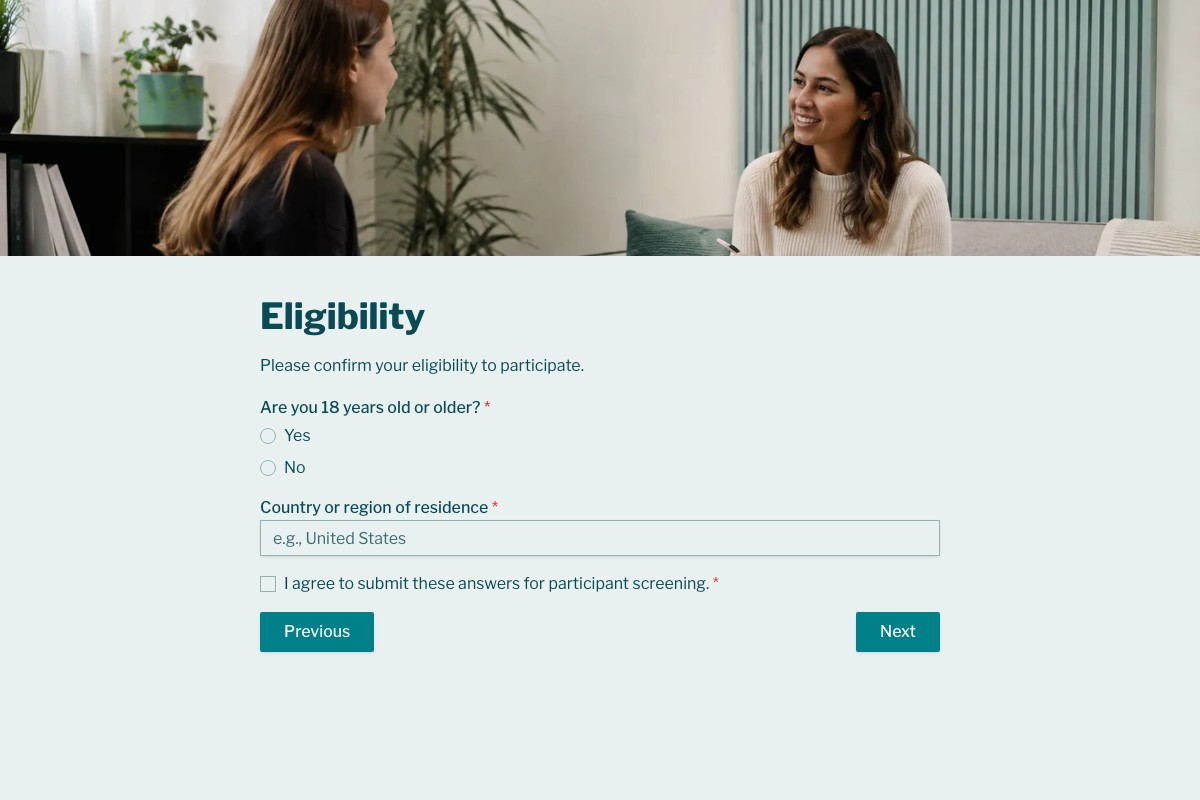
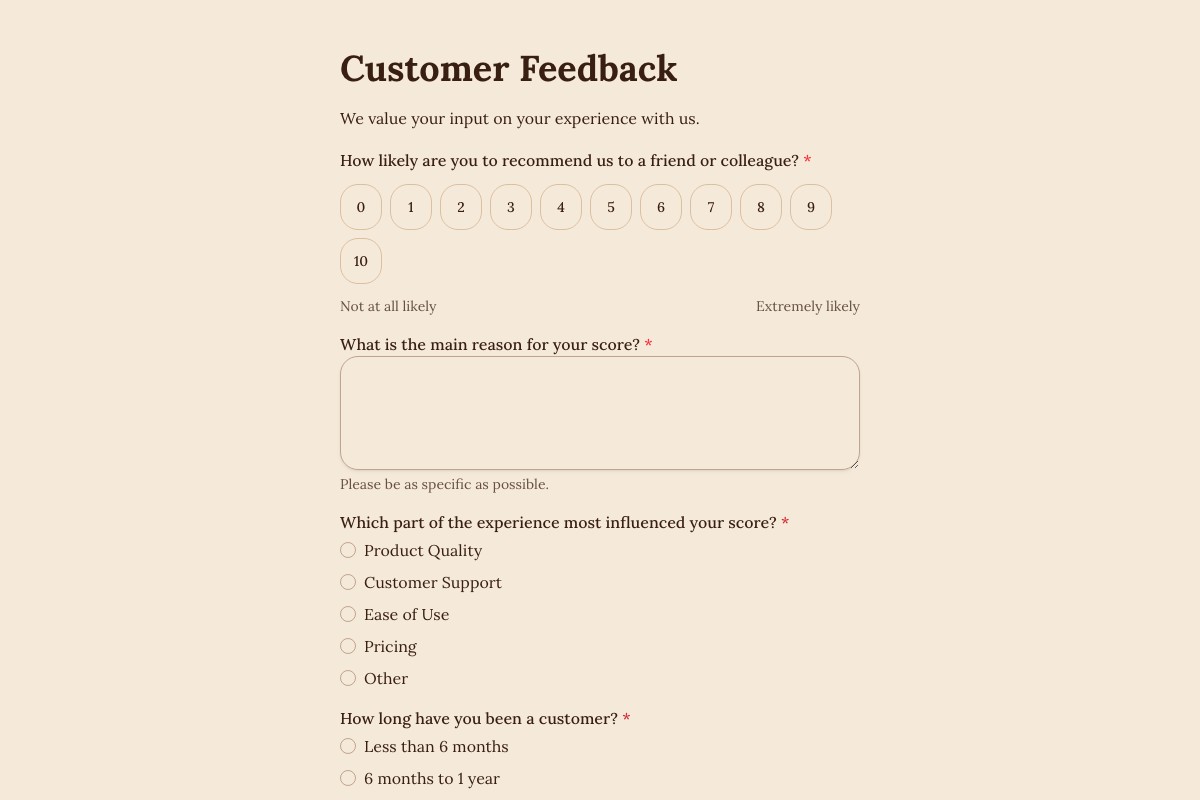
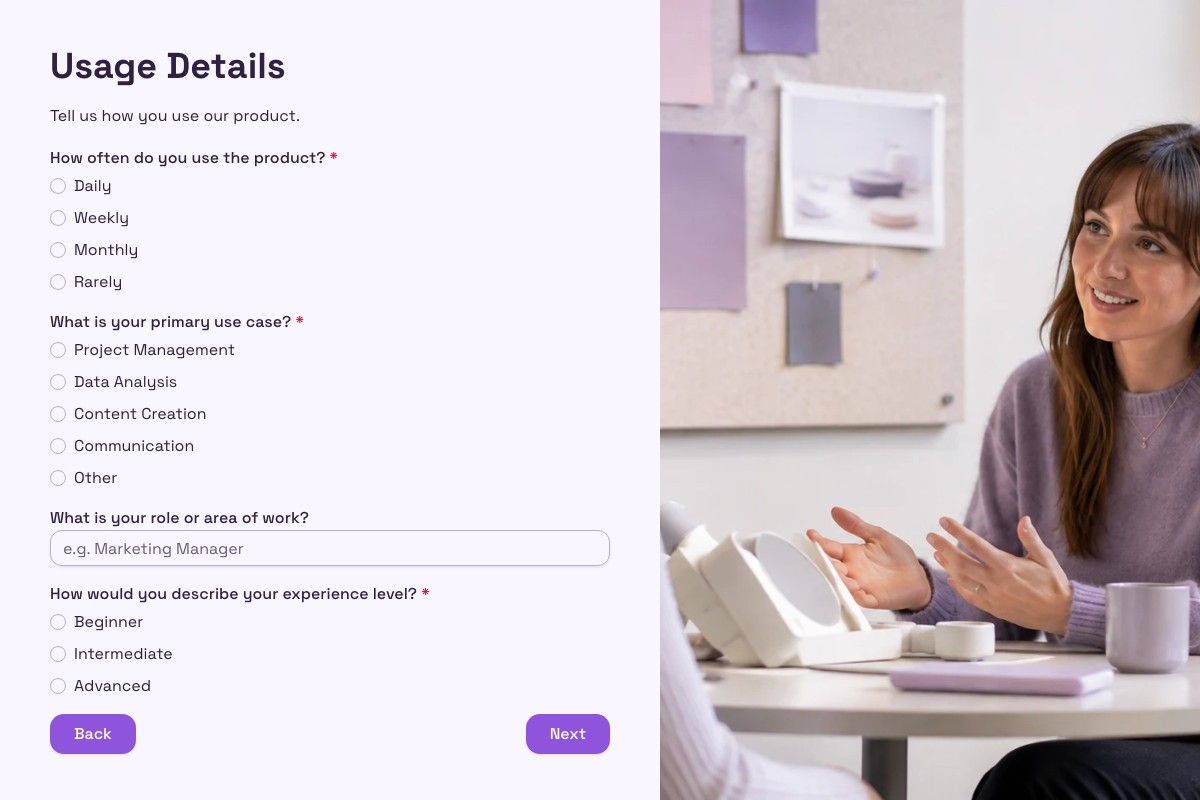
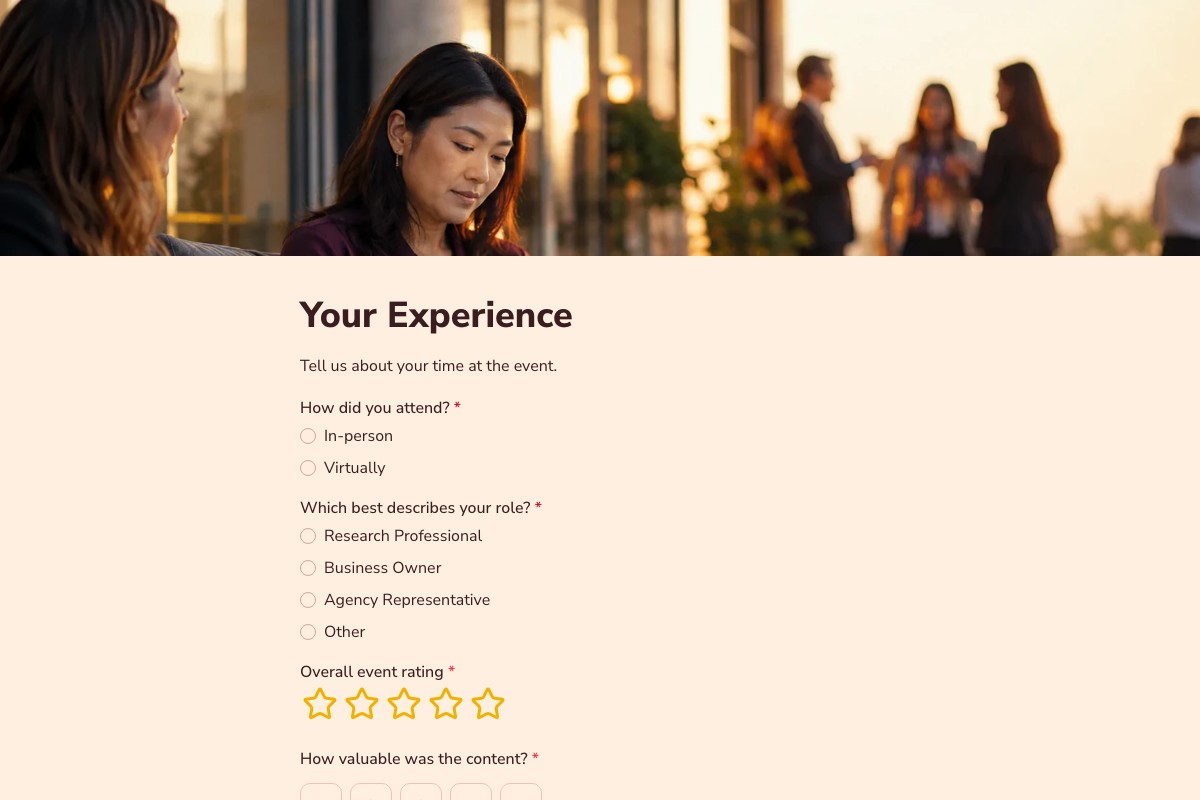
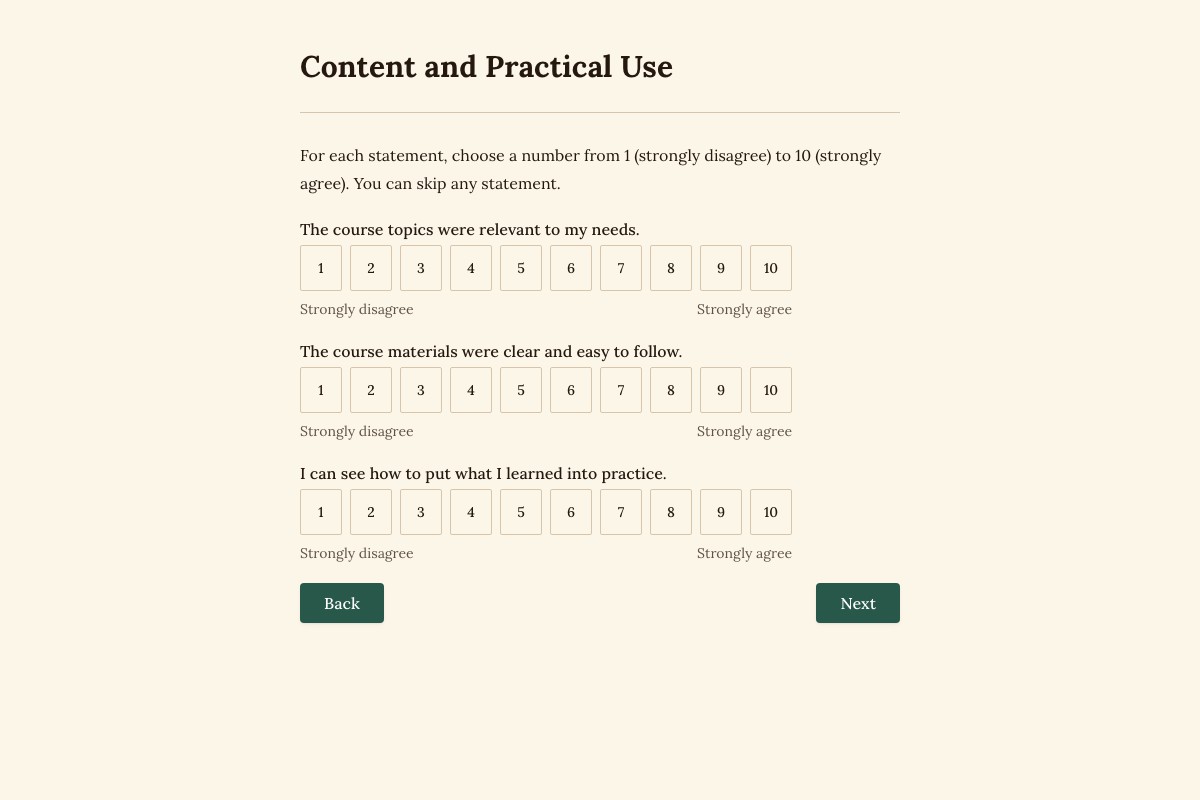
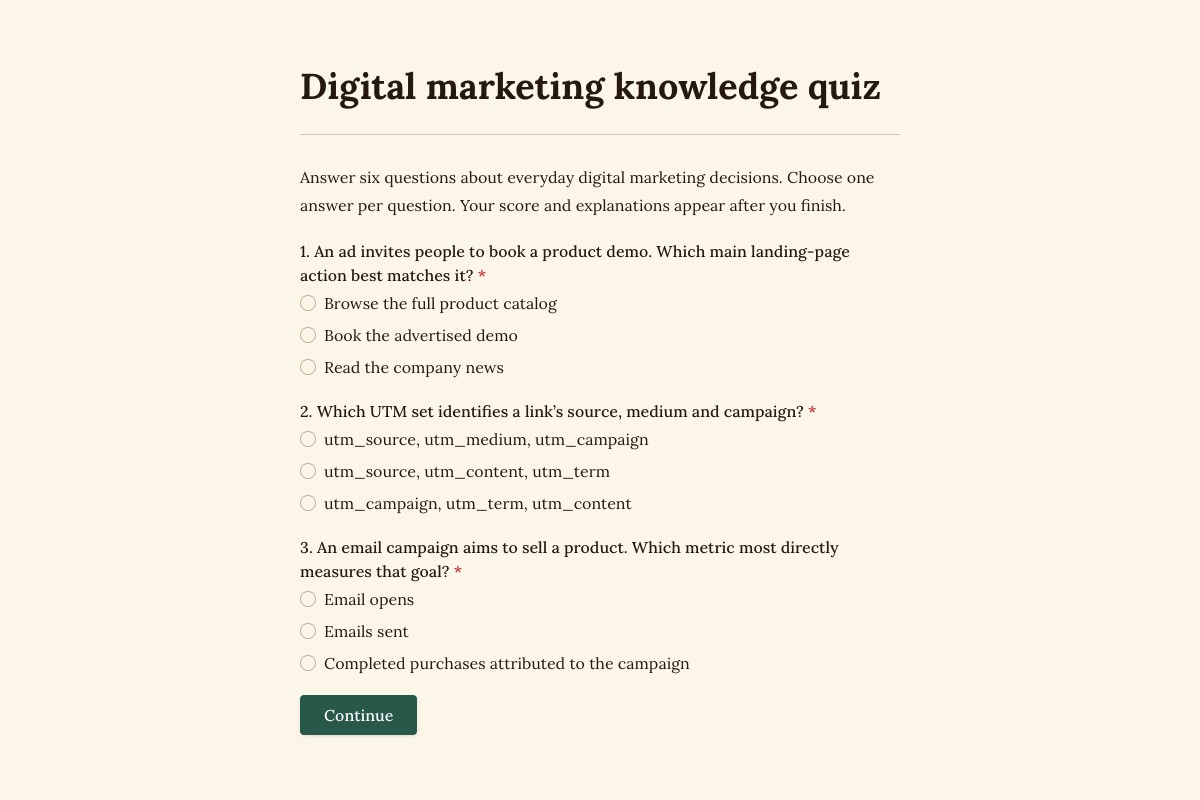
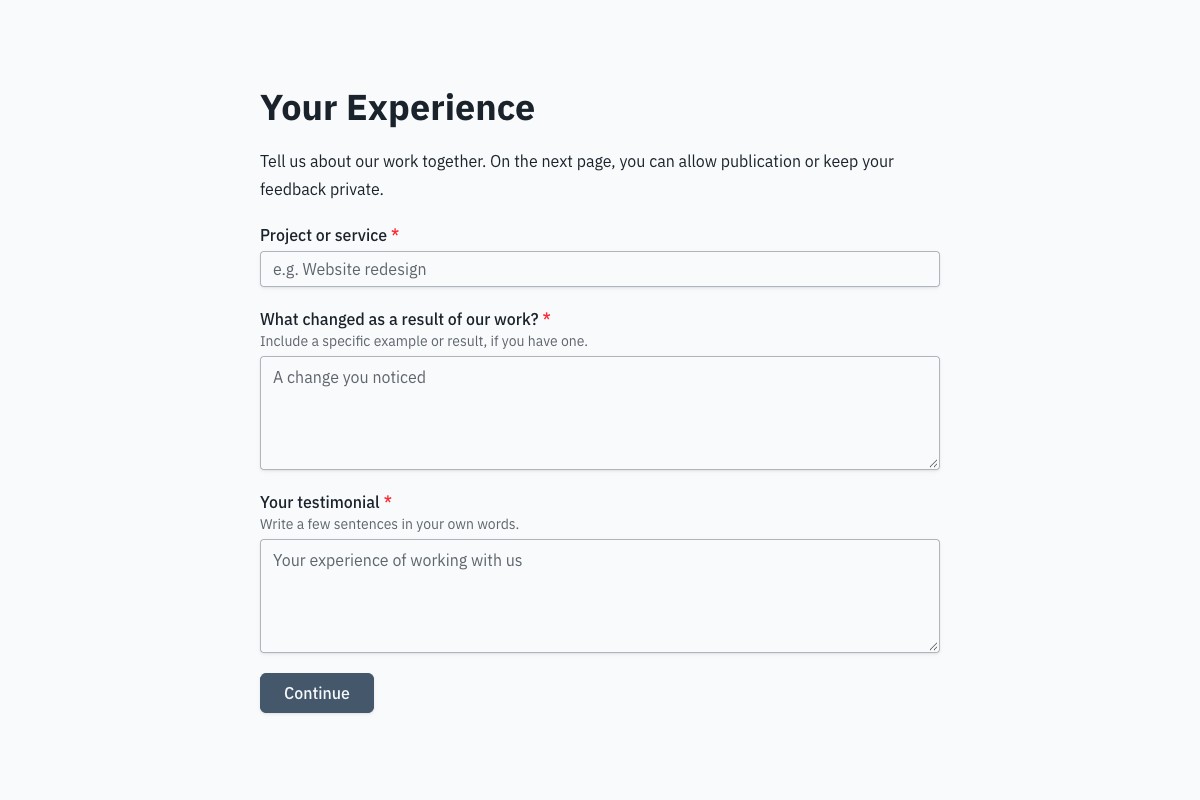
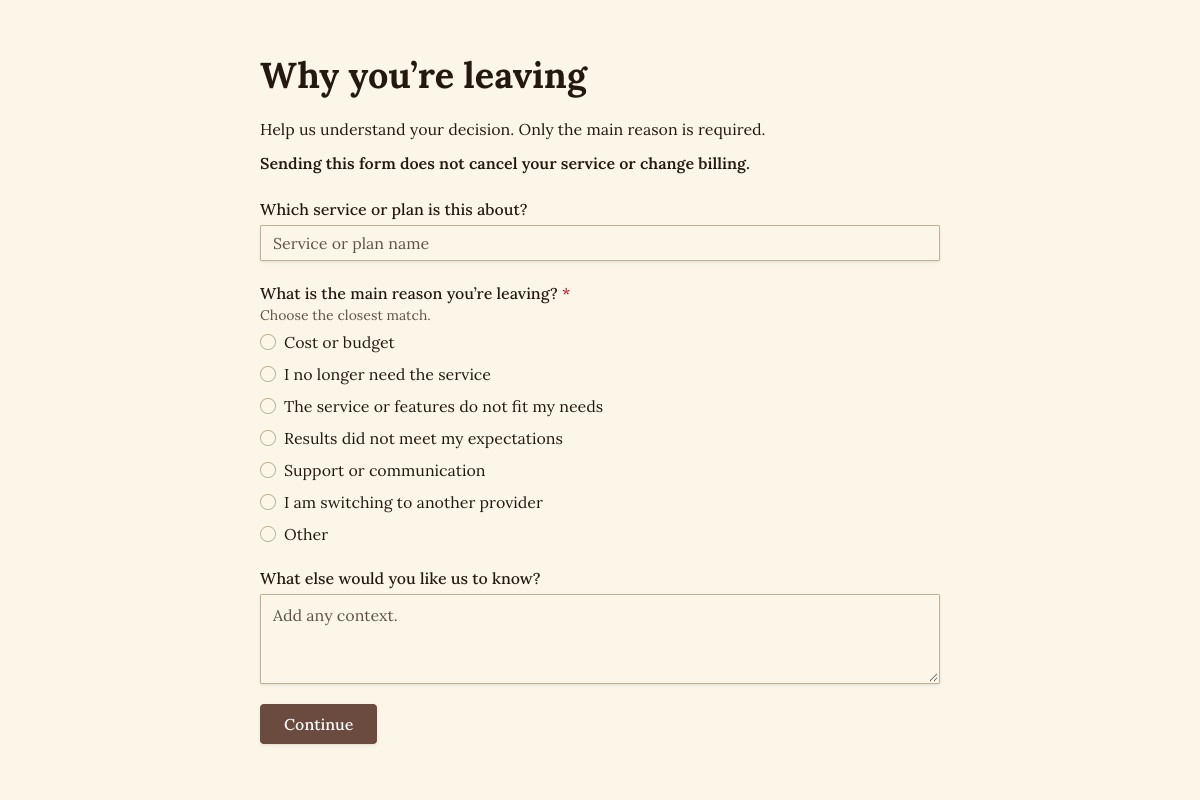
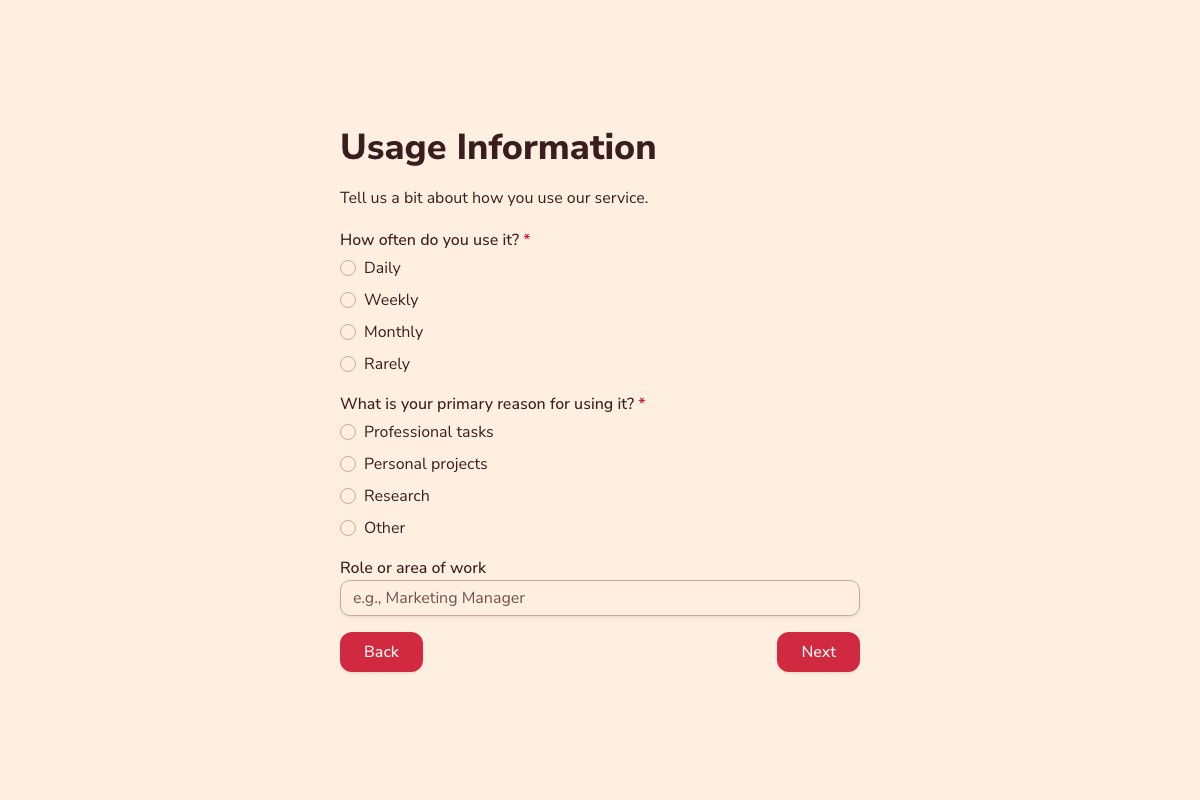
Choosing a Feedback & Research Template
Start with the template whose questions and page flow are closest to your real process. Review every field, remove anything you cannot justify collecting, then adapt the labels, theme, ending, and delivery settings before publishing.
Can I Change Every Question?
Yes. A copied template becomes an ordinary Floov form, so its fields, pages, settings, and appearance are yours to edit.
Should I Preview It First?
Yes. Preview desktop and mobile layouts, then use the detail page to review exactly what the form collects.
Frequently Asked Questions
Answers about choosing, customizing, and publishing Floov templates.
A useful customer feedback survey combines a rating question, such as satisfaction or likelihood to recommend, with one or two open questions about what worked and what could improve. Ask only about topics you can act on, such as product quality, support, or value. Keep the survey focused and test it before sharing it with customers.
Start with a survey template or create a draft with Floov AI, then review and edit the questions before publishing. Use a mix of question types, such as multiple choice, ratings, and text fields, based on what you need to learn. Share the form by link or embed it on a page. You can review responses in Floov and export them for further analysis; available insights and reports depend on your plan.
A feedback form usually collects comments about a specific product, service, or interaction, often with just a few questions. A survey is generally a more structured set of questions used to understand opinions or compare responses across a group. The terms can overlap, so choose the format based on the decision you need the answers to support.
Ask customers what they like, what is frustrating, and which improvements would matter most. A short rating question plus an optional comment and feature-suggestion field can provide both measurable feedback and useful context. Share the form after a relevant interaction or through your website. Floov can send completed responses to tools such as Google Sheets, Notion, or Airtable for review.
Begin with screening questions that relate directly to your study, such as relevant experience, eligibility, availability, or other criteria you are permitted to collect. Explain how the information will be used and avoid asking for unnecessary sensitive details. With Floov Pro, conditional logic can route respondents to different pages or endings based on their answers. Review every path before publishing.
Loading template preview…
The Preview Is Taking Longer Than Expected
Open the full preview in a new tab, or continue to the template details and field list.