Keep Applications Together
Collect structured answers and private file uploads in one response, then review each applicant record without chasing attachments.
Route applicants before your team reviews them.
Free forever · No credit card required
Collect structured answers and private file uploads in one response, then review each applicant record without chasing attachments.
Use Pro conditional logic to show role-specific questions or endings based on an applicant’s answers.
Search and filter completed responses, open individual applications, and export the results to CSV or Excel.
Configure the routing you need while keeping hiring decisions with the people responsible for them.
Build the questions, role choices, consent copy, and document requests needed for the opening.
Use explicit rules to send applicants through the questions and ending pages you configure.
Use email notifications, webhooks, or integrations to deliver completed responses to the next system.
Filter responses, inspect each record, and export to CSV or Excel for the team’s review process.
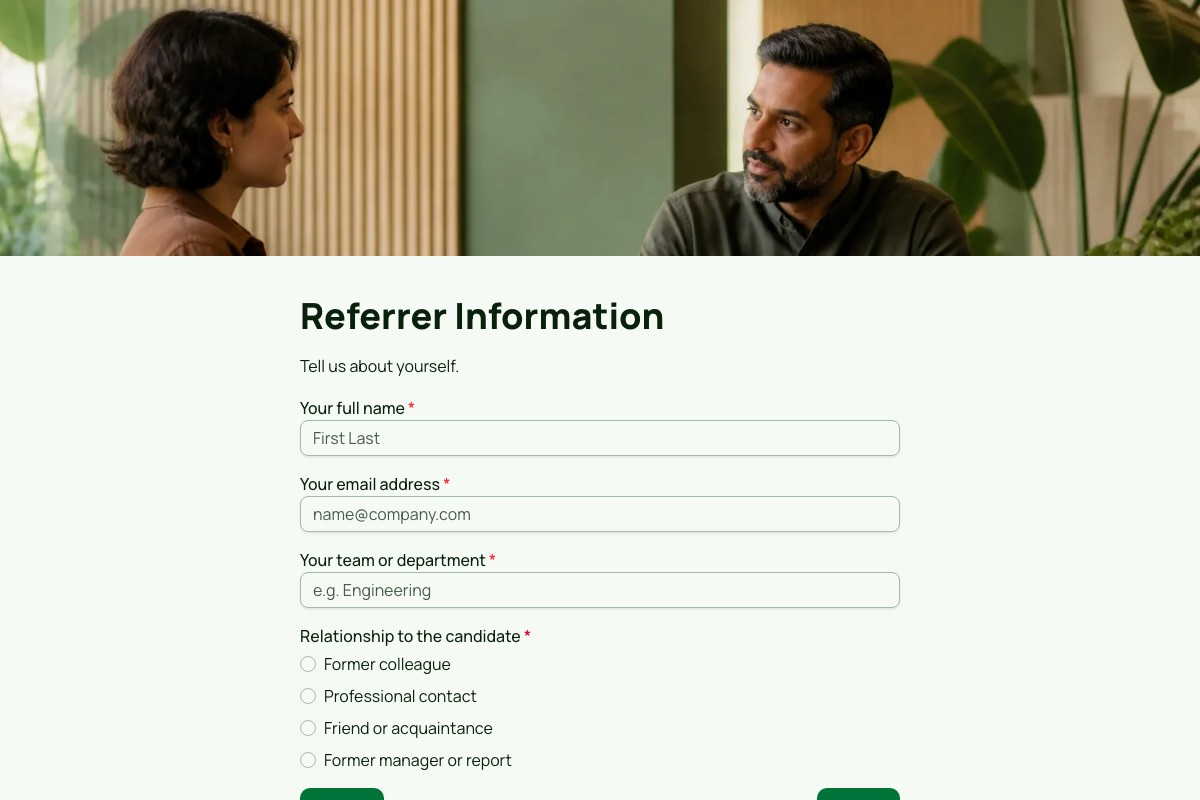
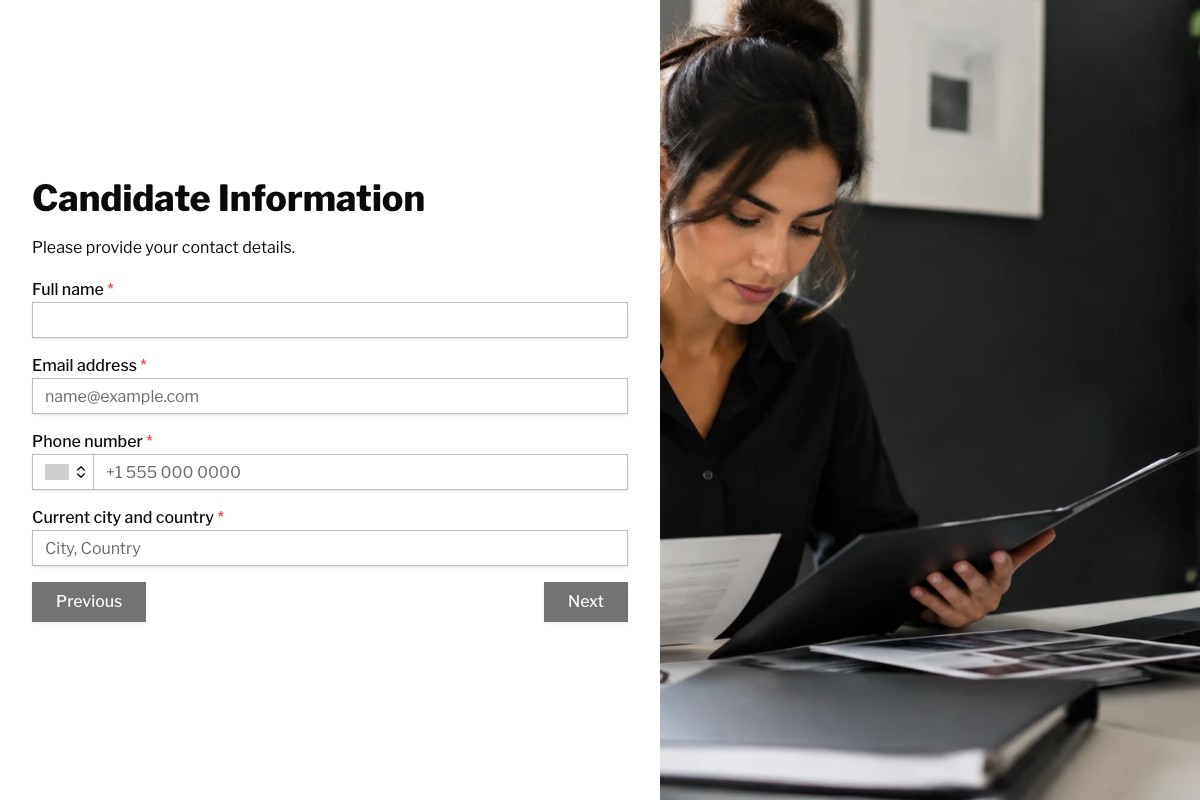
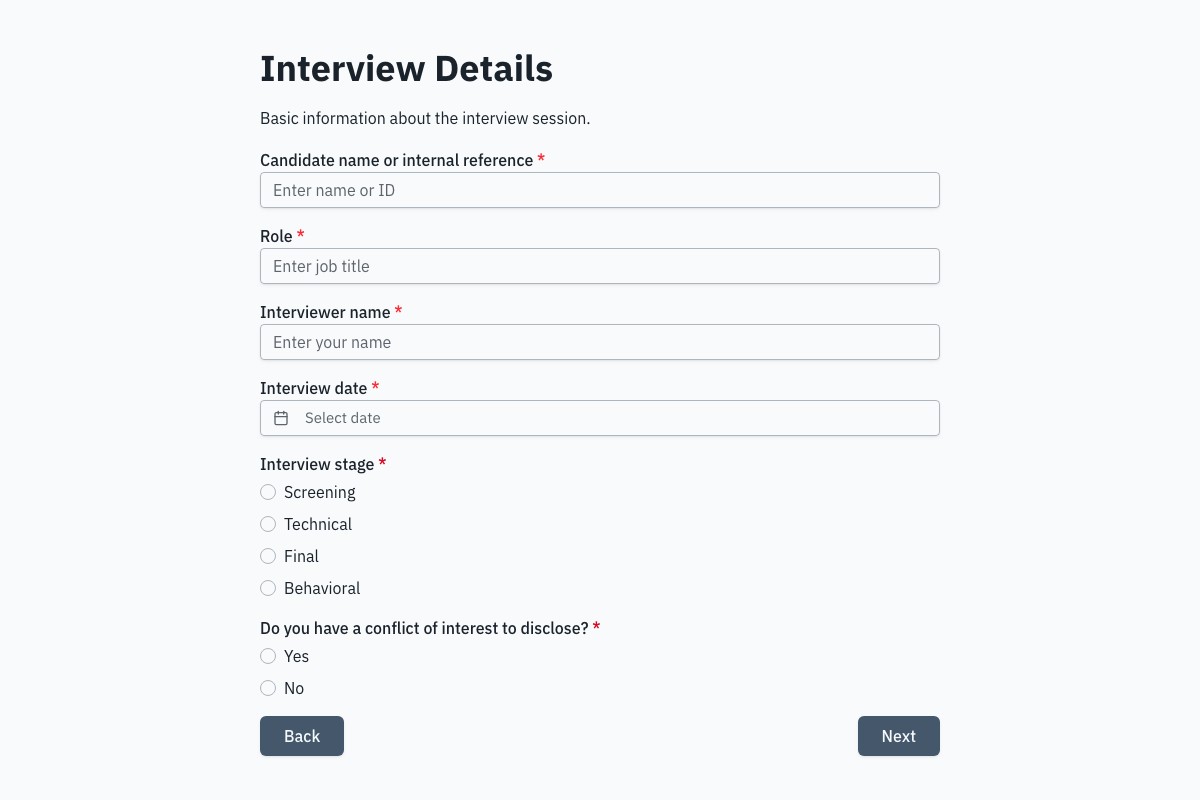
Preview the full form, review what it collects, then adapt it to your own process.
Answers about building and managing forms for this workflow with Floov.
The best job application form for recruiters is short, mobile-friendly, and structured, collecting contact details, resume upload, work history, qualifications, availability, and screening questions. Floov's Job Application Form with File Upload template is available on Pro, which includes private file uploads for resumes. Pro also adds conditional logic to skip irrelevant fields, while Free users can still build text-based application forms.
To create an online job application form, define the role's requirements, then add fields for contact details, experience, and screening questions. Add your company branding and preview on mobile. In Floov, you can start from the Job Application Form with File Upload template on Pro to collect resumes privately, or build a text-based form on the Free plan, then publish a shareable link.
A job application form should ask for full name, email, phone, location, resume upload, and links to portfolios or profiles. Add questions on relevant experience, key skills, work authorization, availability, salary expectations, and why the candidate wants the role. Include one or two role-specific screening questions, and keep the form concise so qualified candidates complete it without dropping off midway.
A candidate screening form is a short questionnaire that helps recruiters quickly assess whether applicants meet a role's basic requirements before interviews. It typically asks about experience, skills, availability, location, work authorization, and salary expectations. Structured answers let recruiters compare candidates consistently and focus interviews on the most qualified people. Floov's Pro plan adds conditional logic to tailor screening questions by role.
Recruiters can screen candidates online by sending one structured form to every applicant, then reviewing responses in a single dashboard instead of scattered emails. Export results to CSV or Excel, or sync them to Google Sheets to compare candidates side by side. Pro adds conditional logic so each candidate only sees questions relevant to their role, which speeds up shortlisting considerably.
Recruiters can collect resumes and applications online by publishing a branded application form and sharing the link on job boards, career pages, or social media. On Floov, resume collection uses private file uploads, available on Pro, while the Free plan supports text-based applications, unlimited responses under Fair Use, and CSV or Excel exports. Every submission lands in one organized place instead of scattered inboxes.
Open the full preview in a new tab, or continue to the template details and field list.