
Online Form Templates for Every Business Workflow
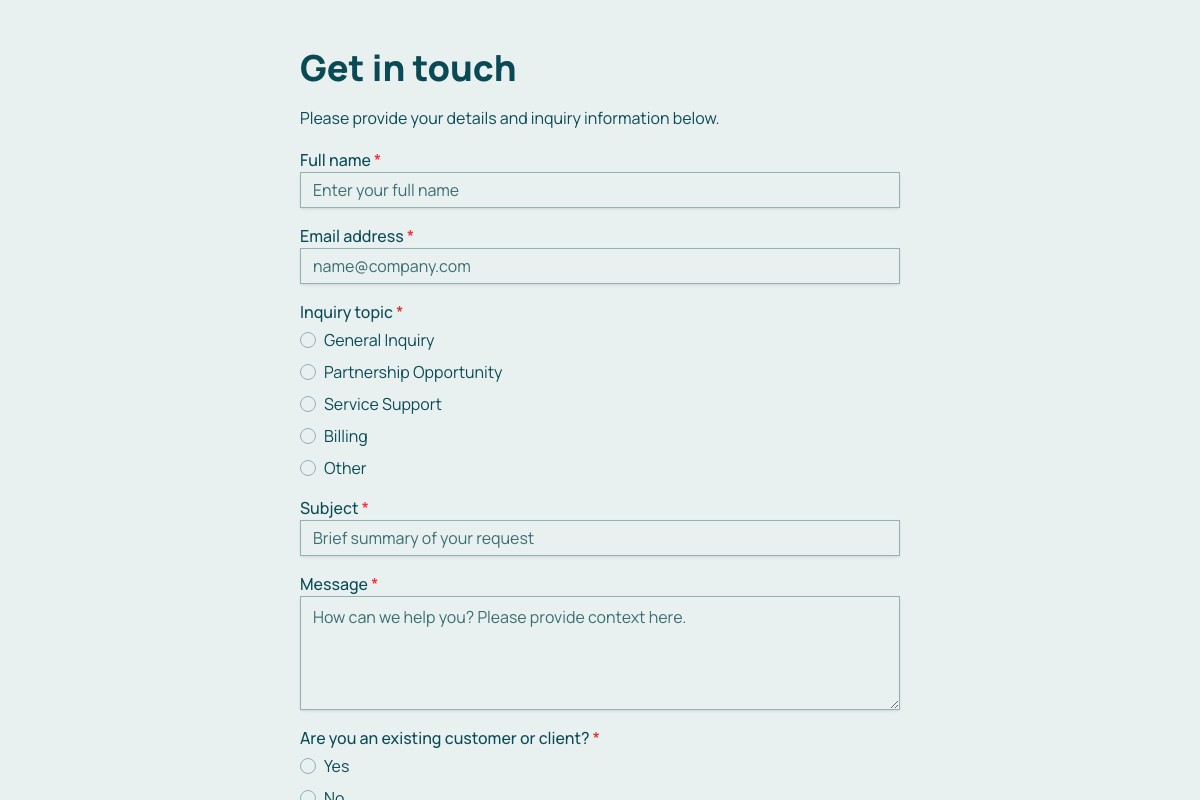
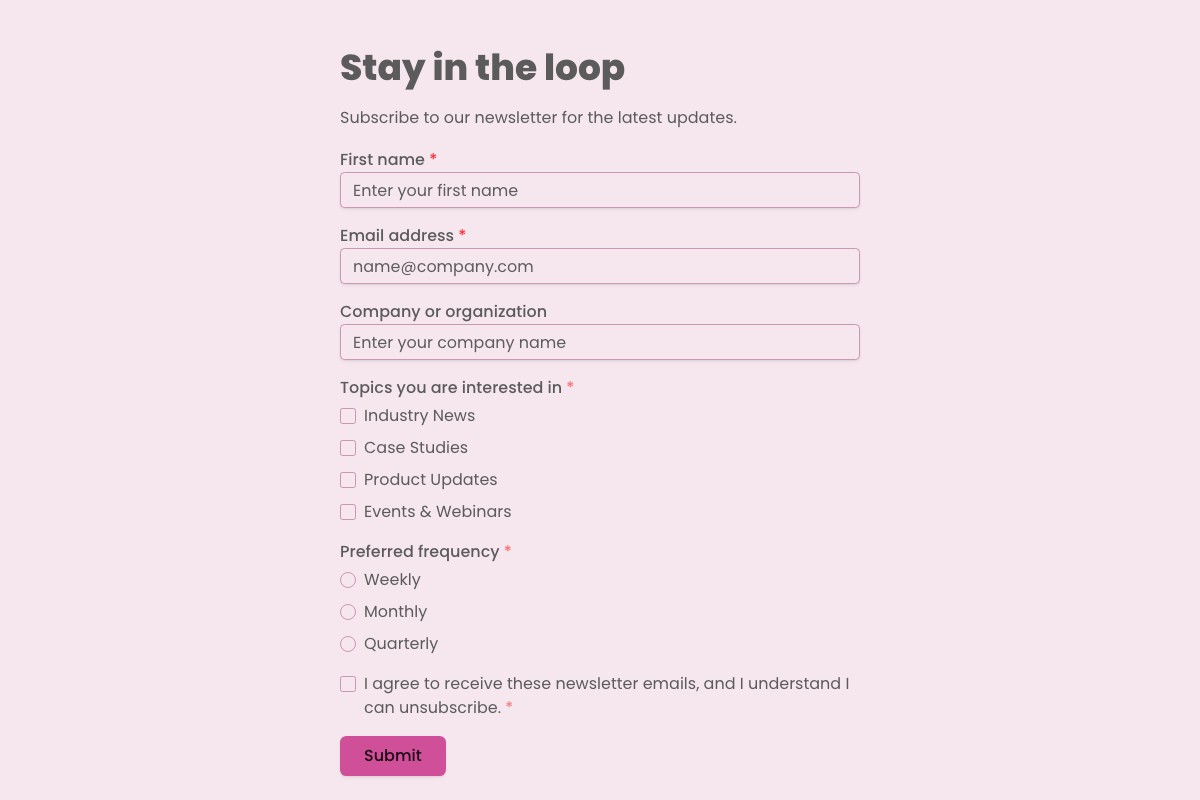
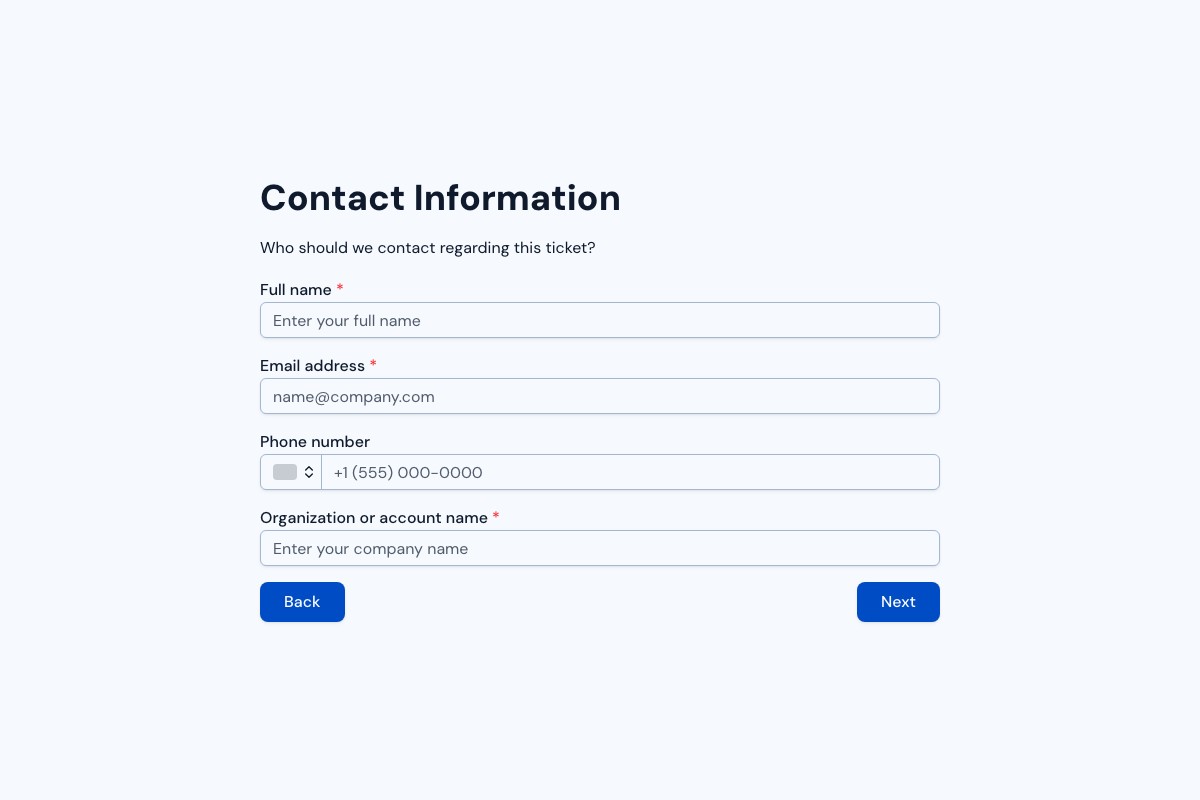
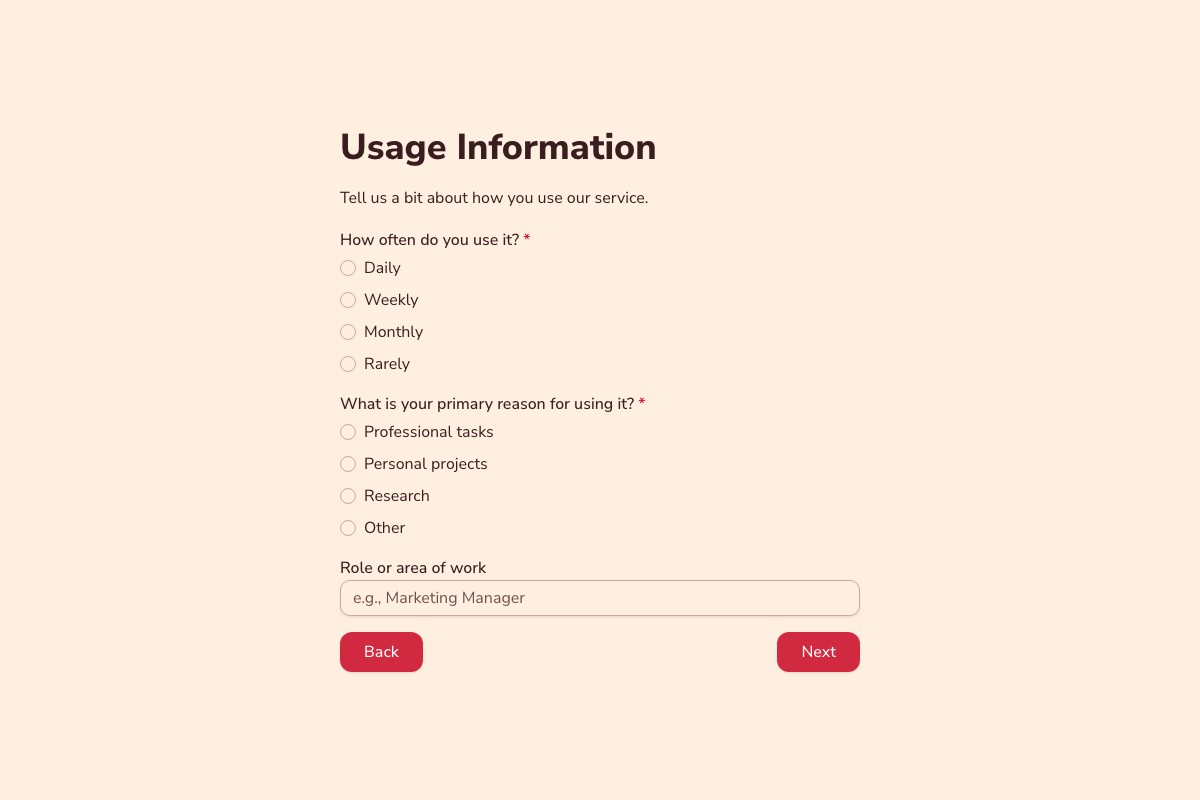
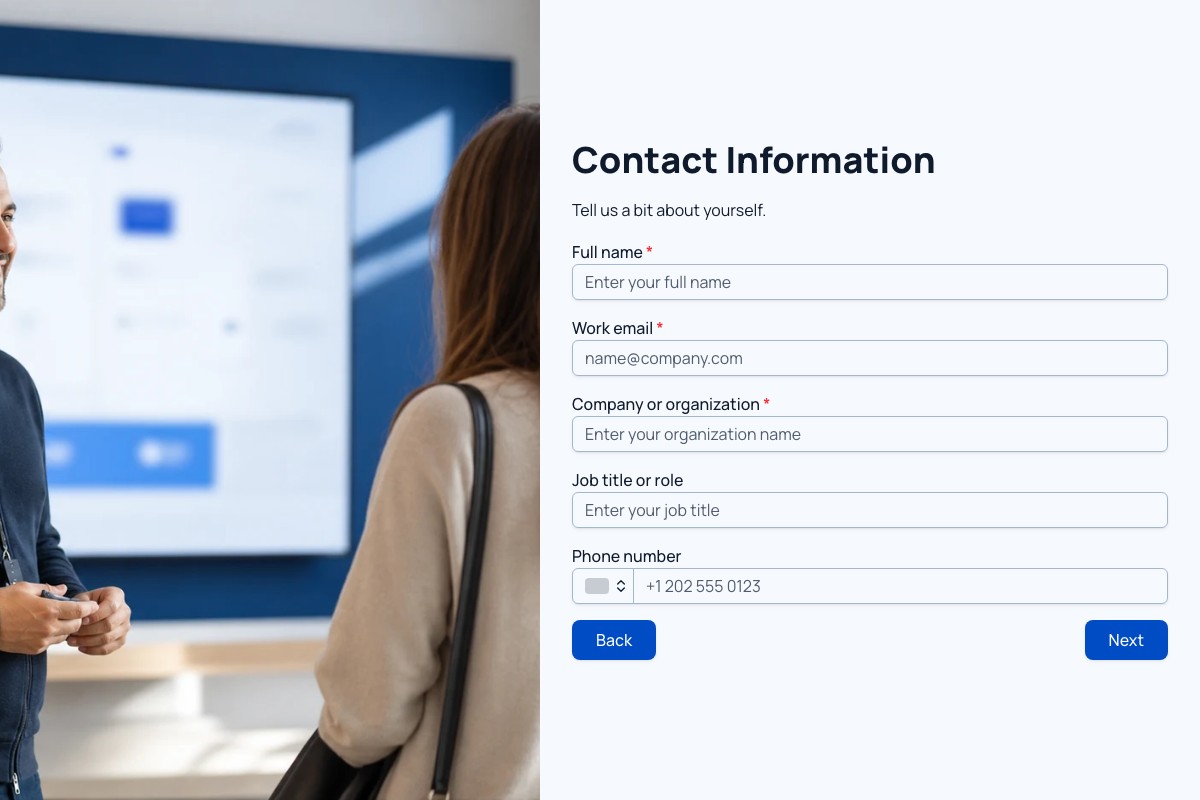
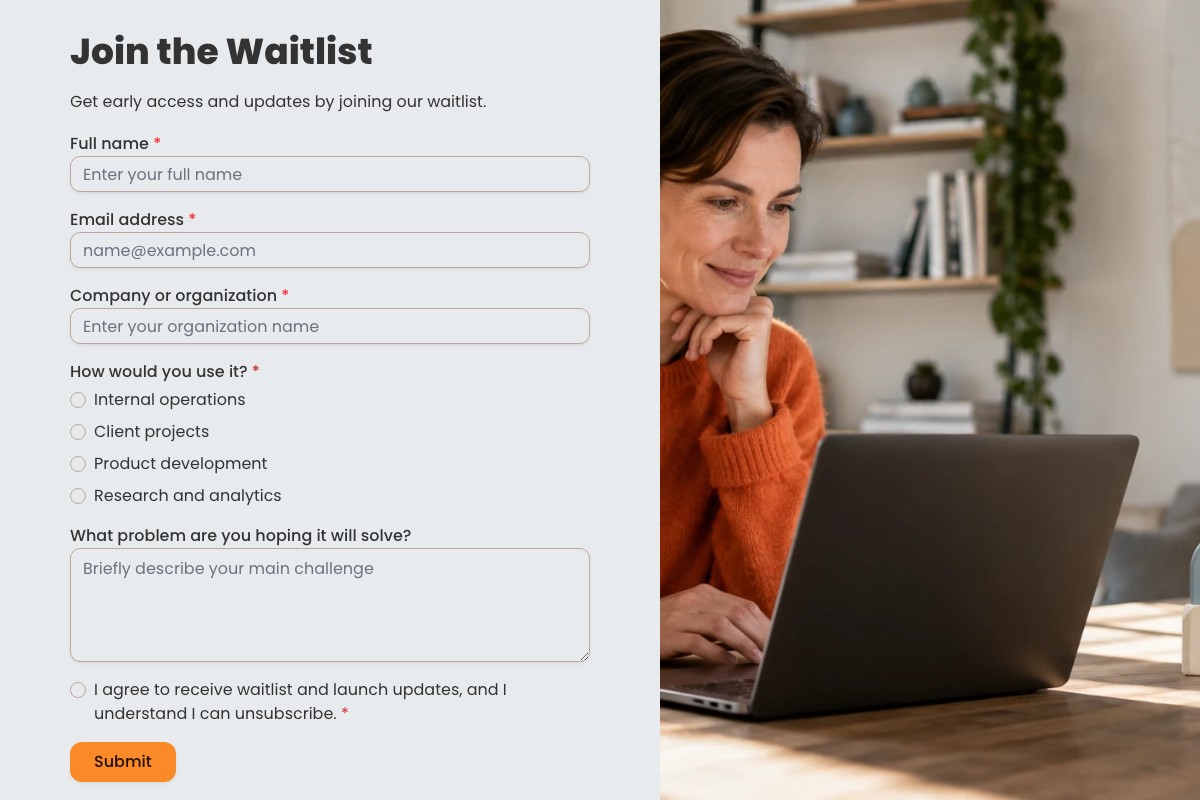
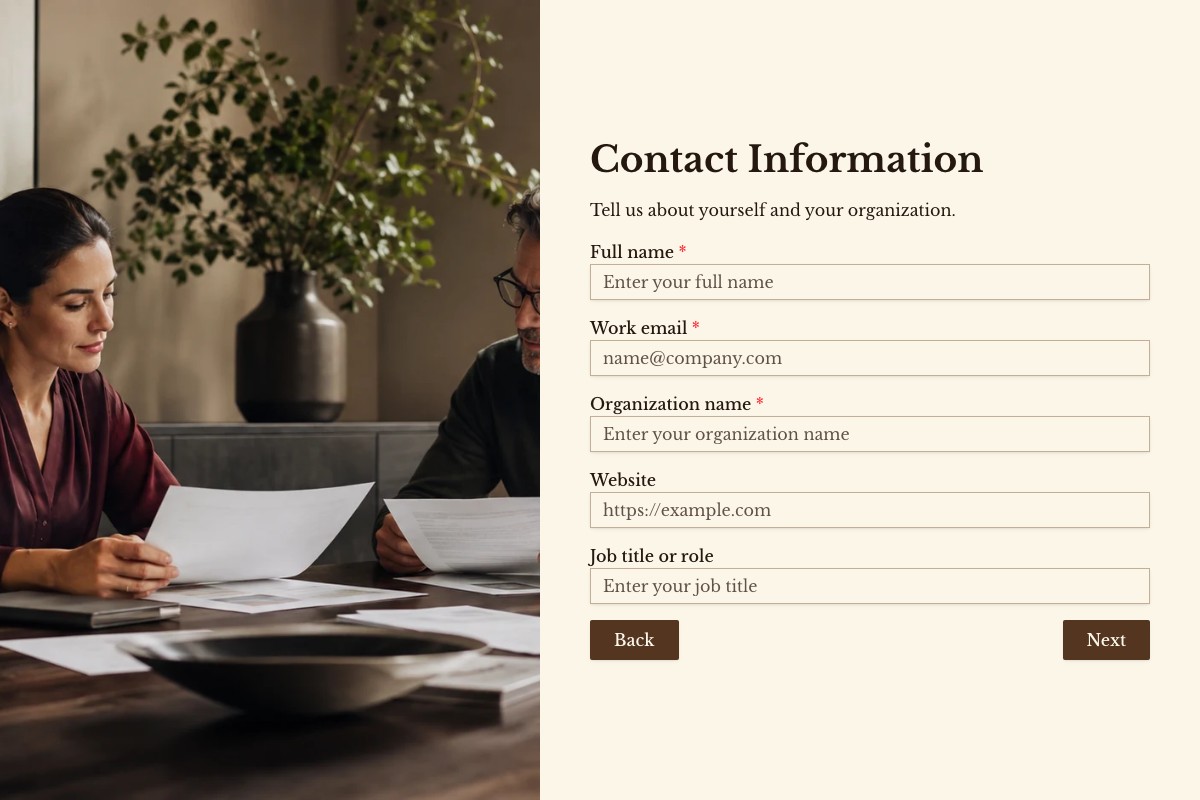
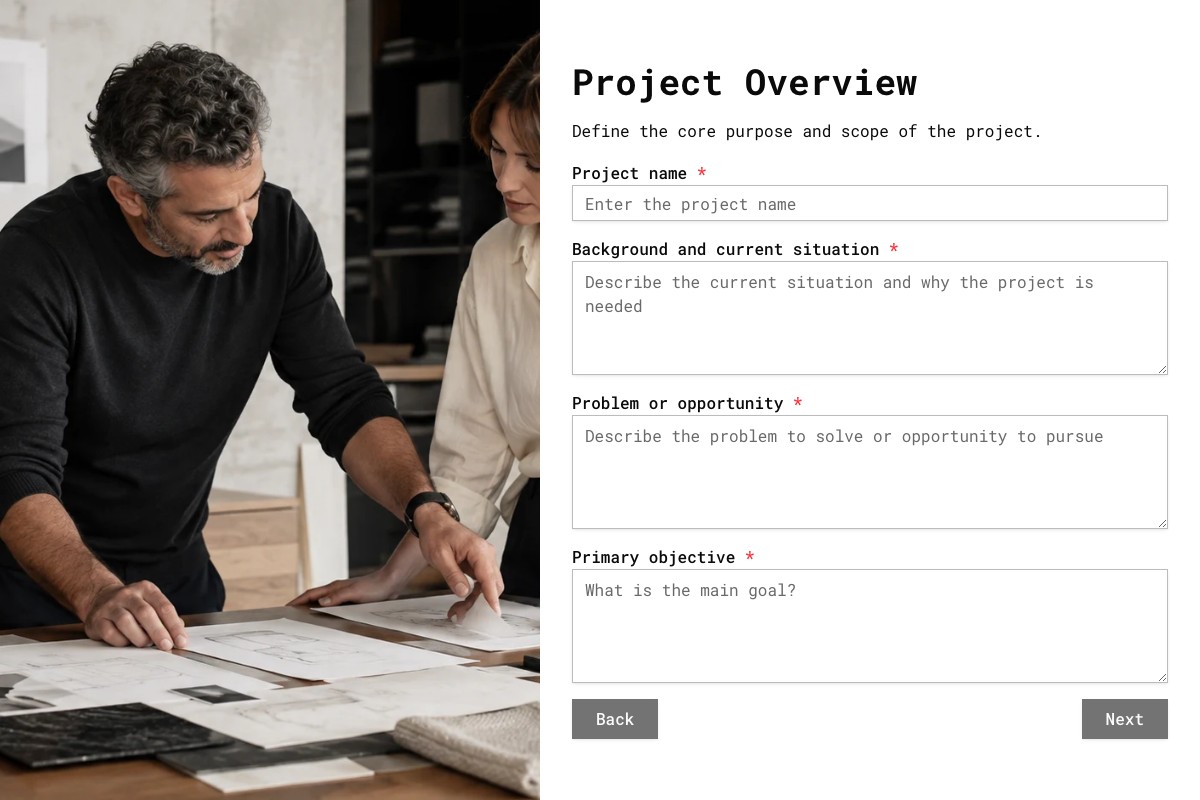
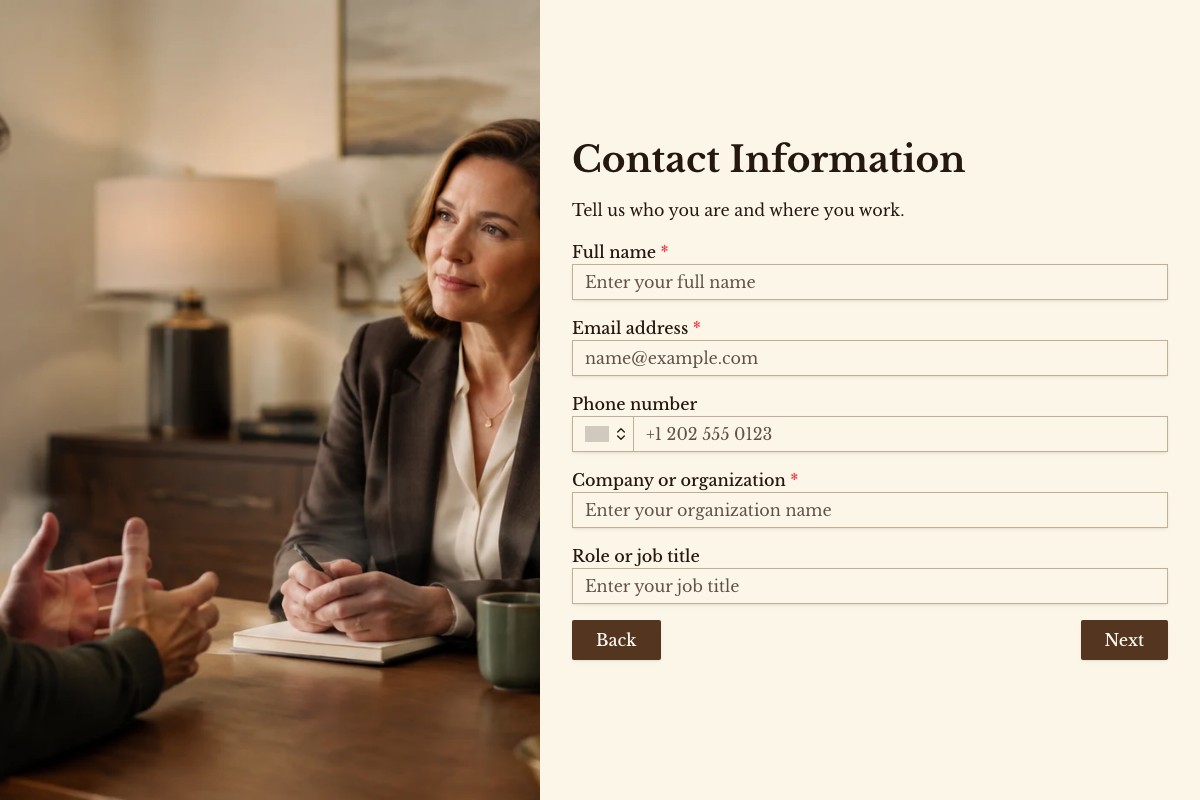
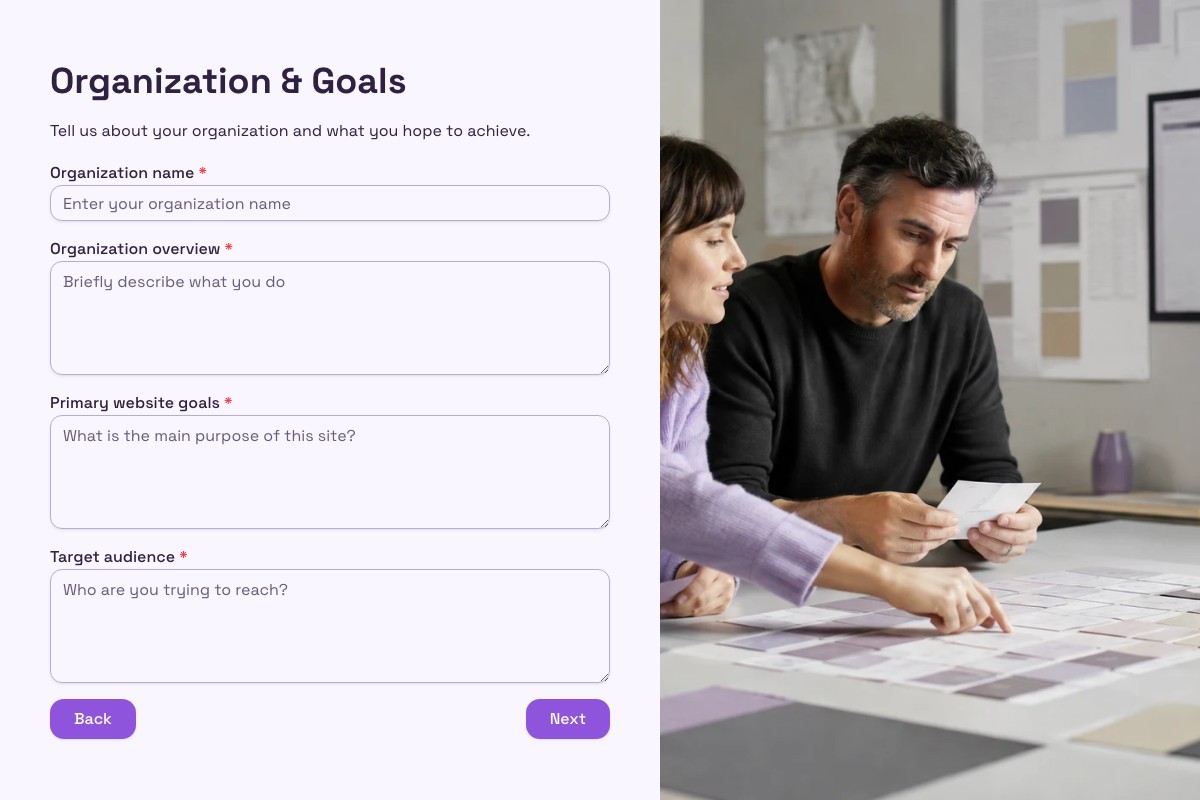
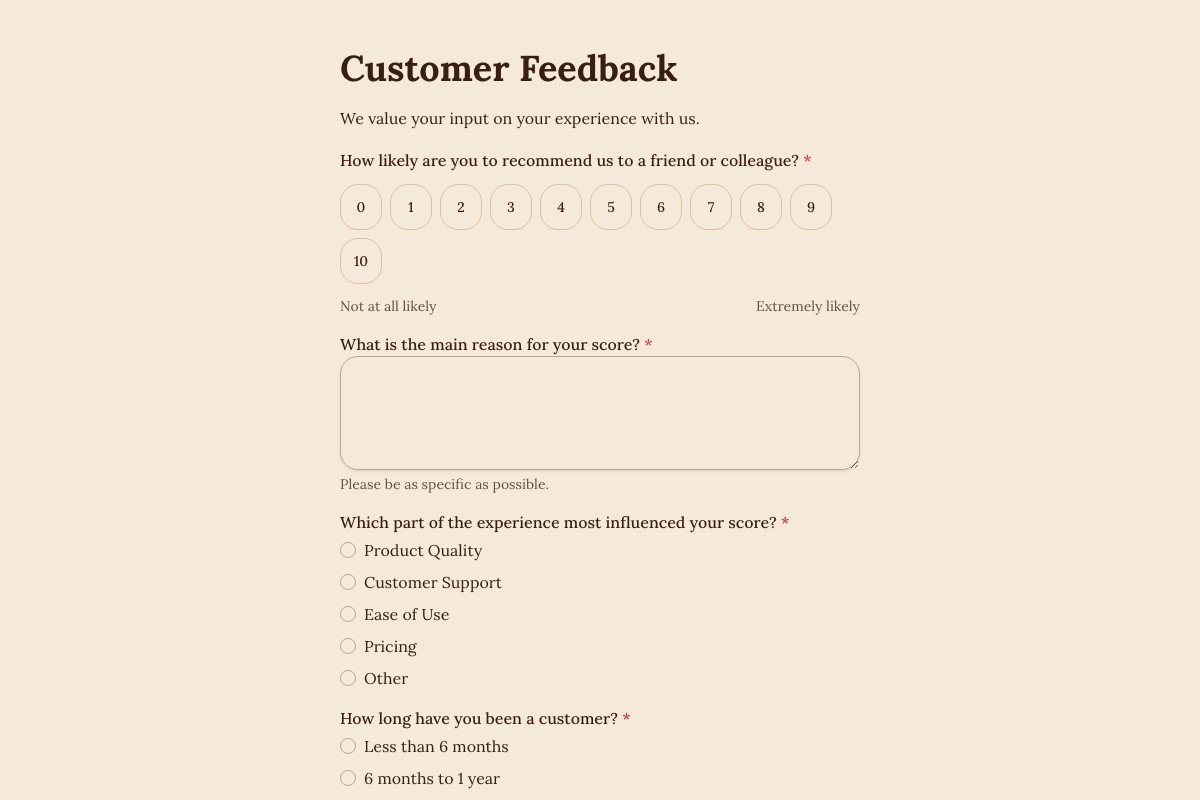
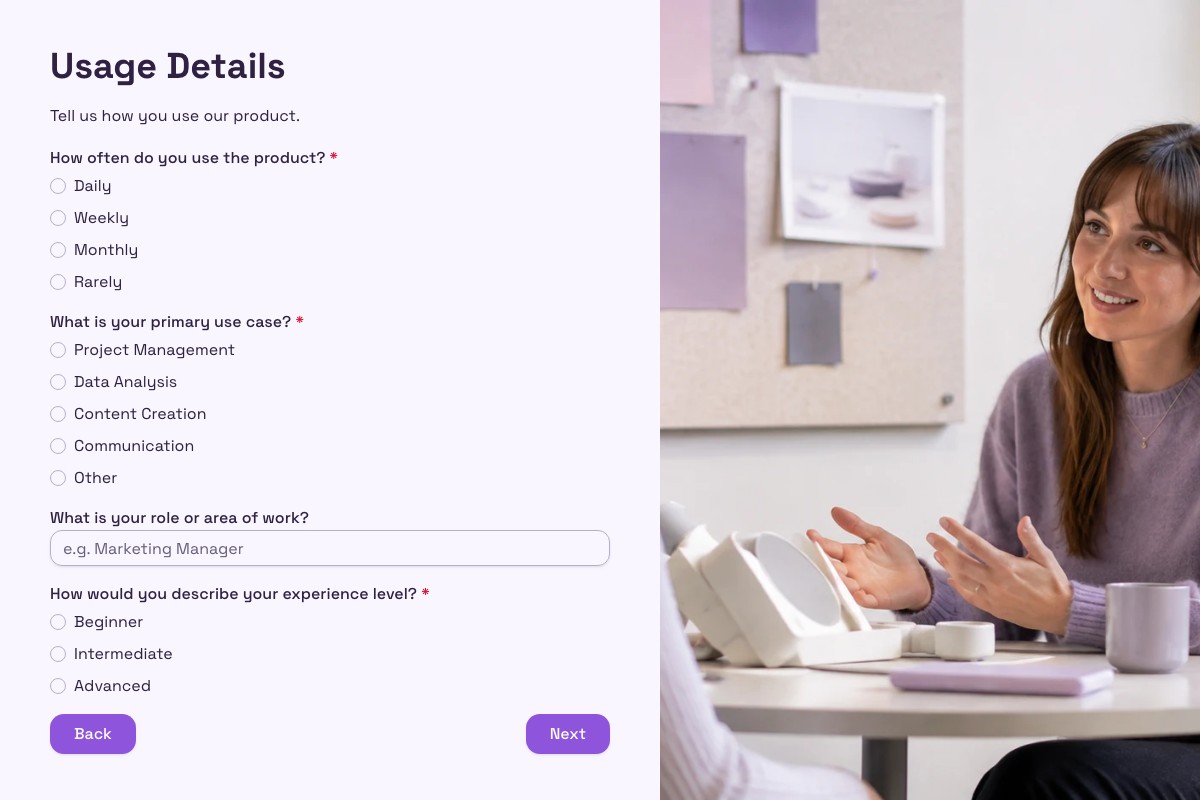
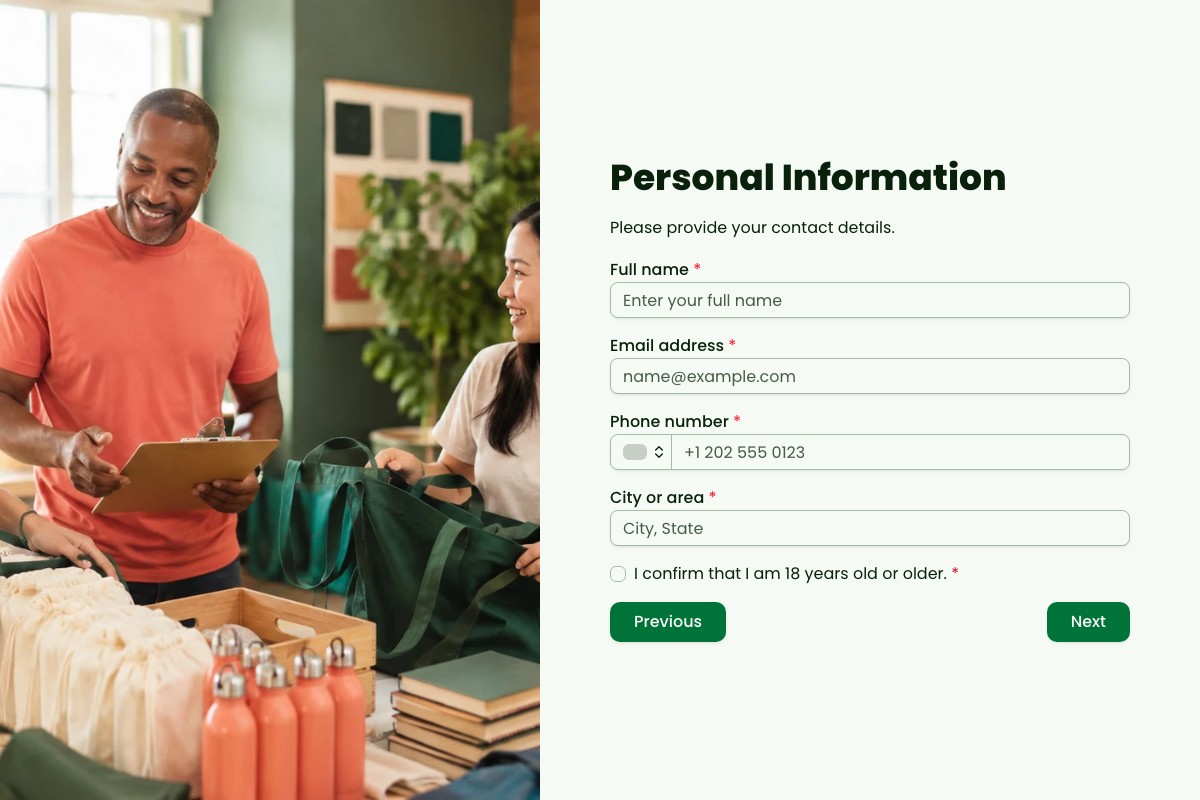
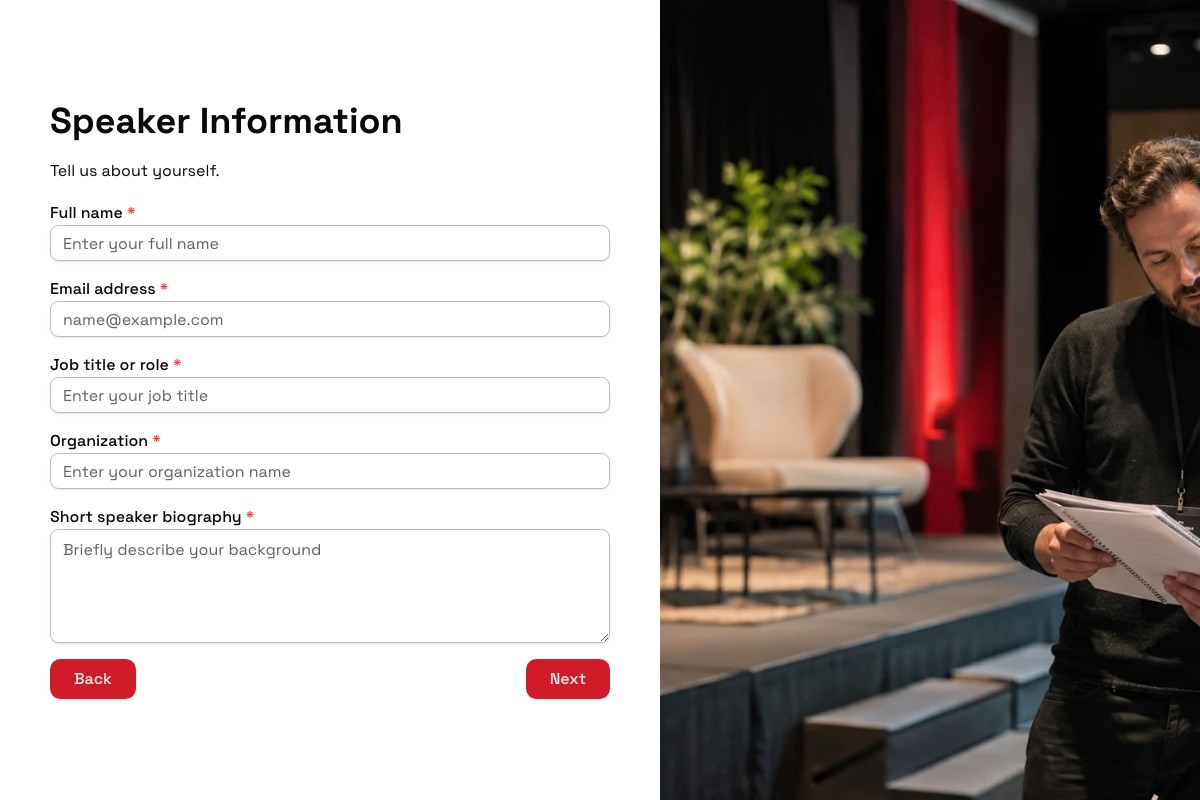
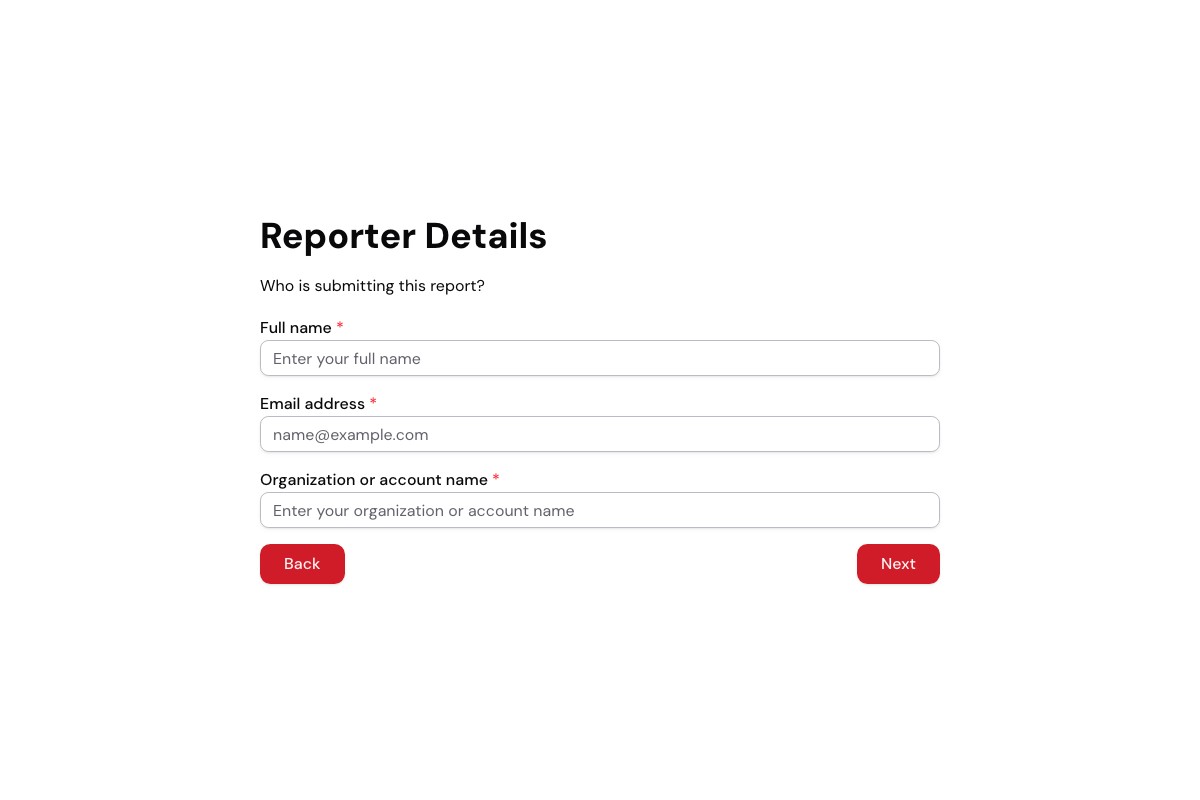
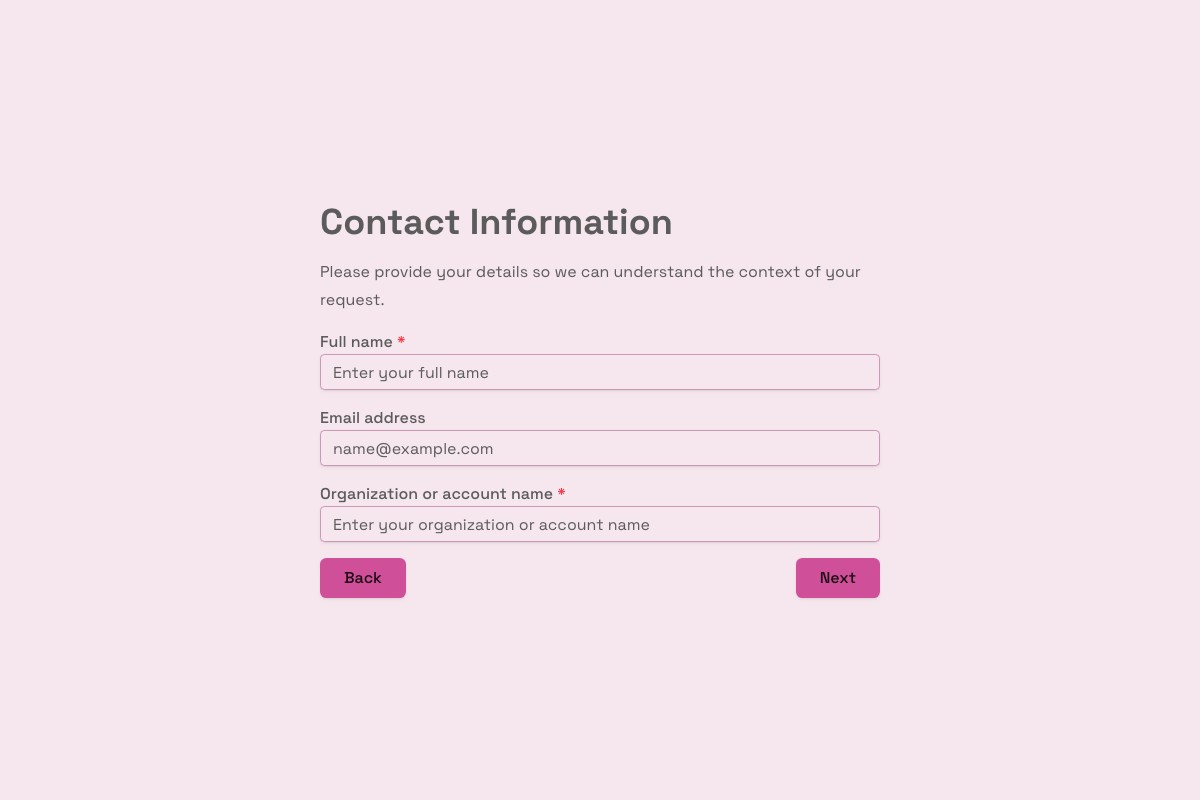
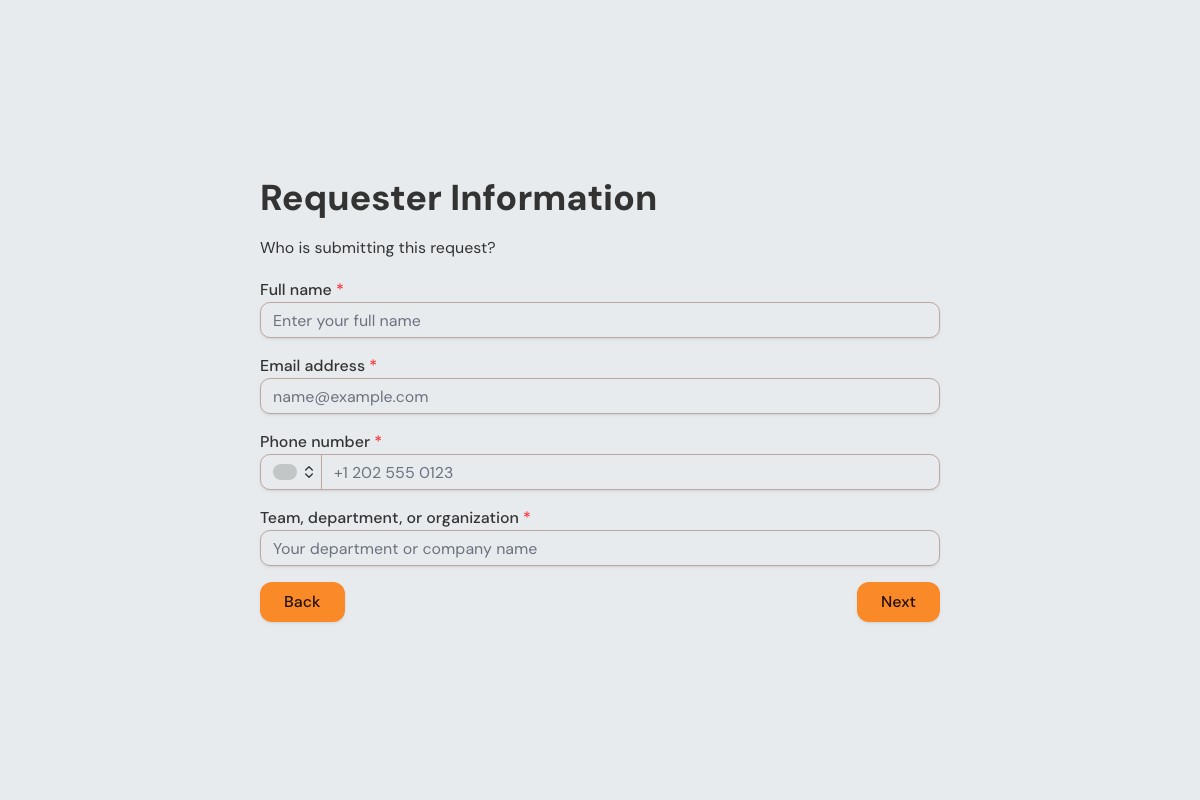
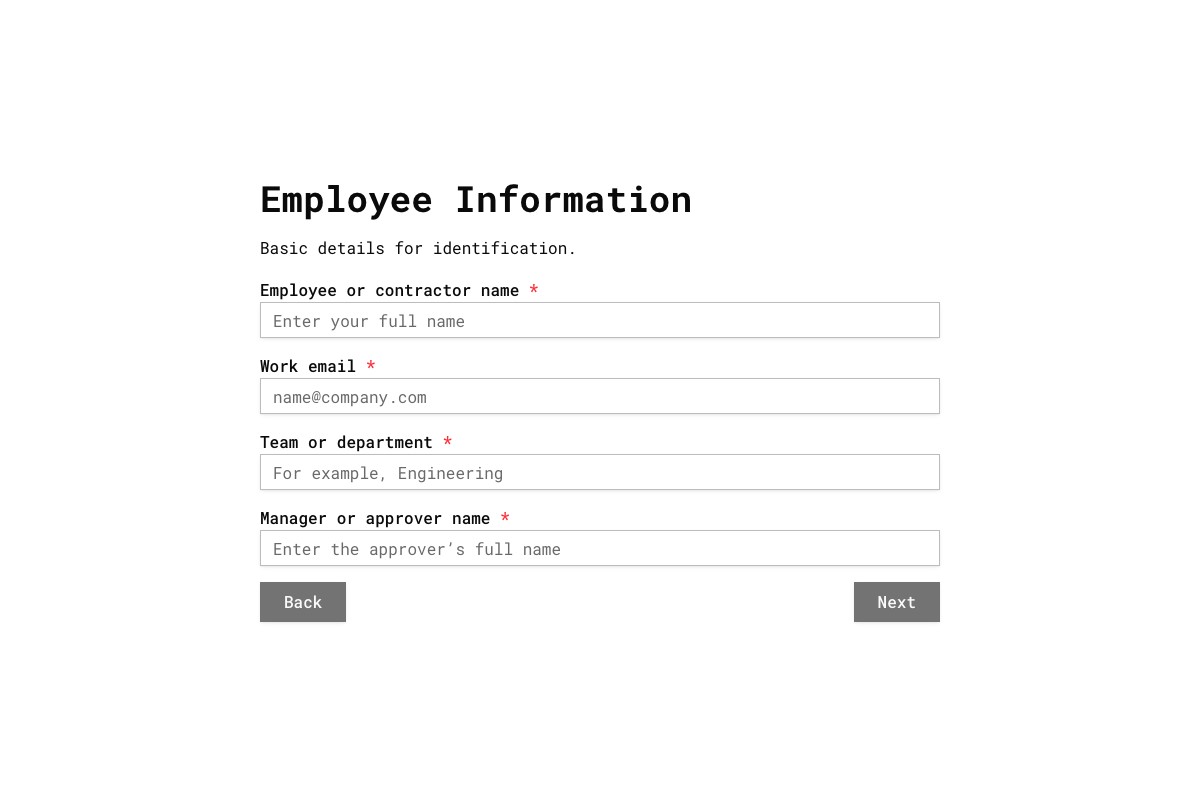
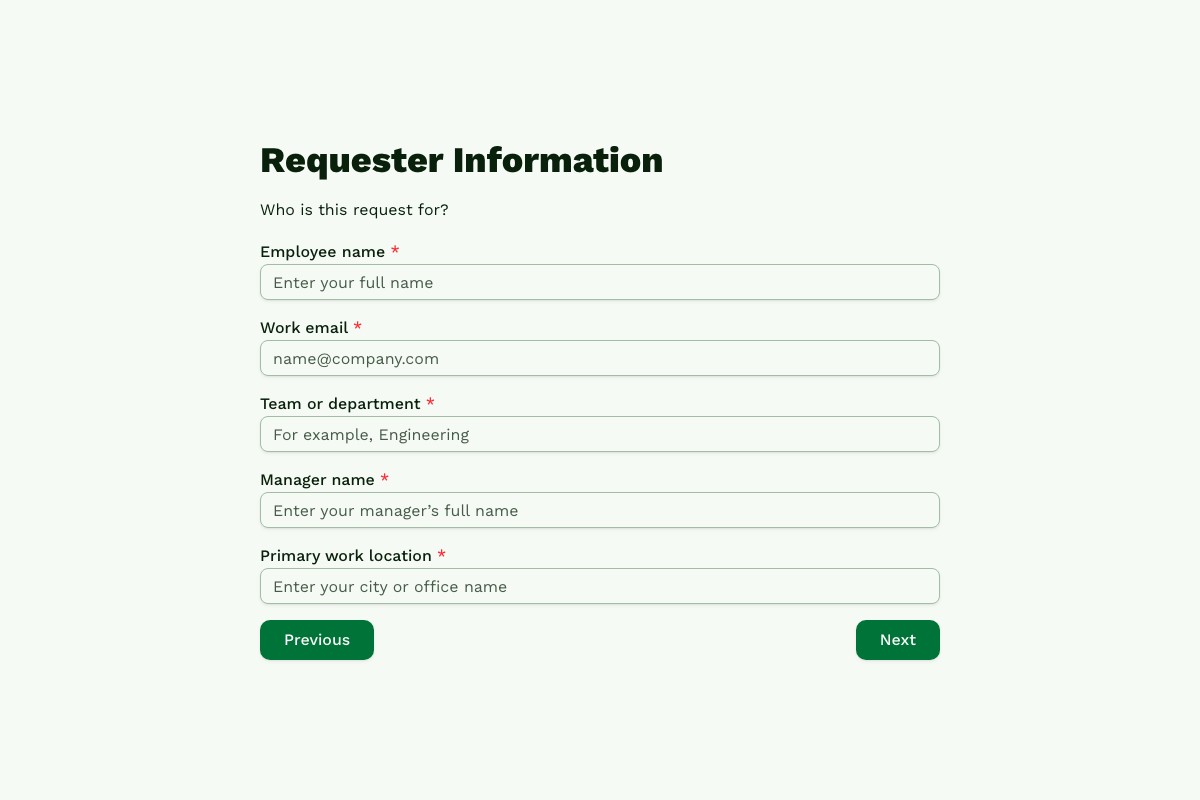
Search a focused library of forms, understand what each one collects, and preview the complete respondent experience before you copy it.
Browse by Outcome
Choose the job first; each destination is a focused collection.
Browse for Your Team
See workflows selected for the audience you serve or work with.
All Templates
Filter by the workflow details that matter to you.
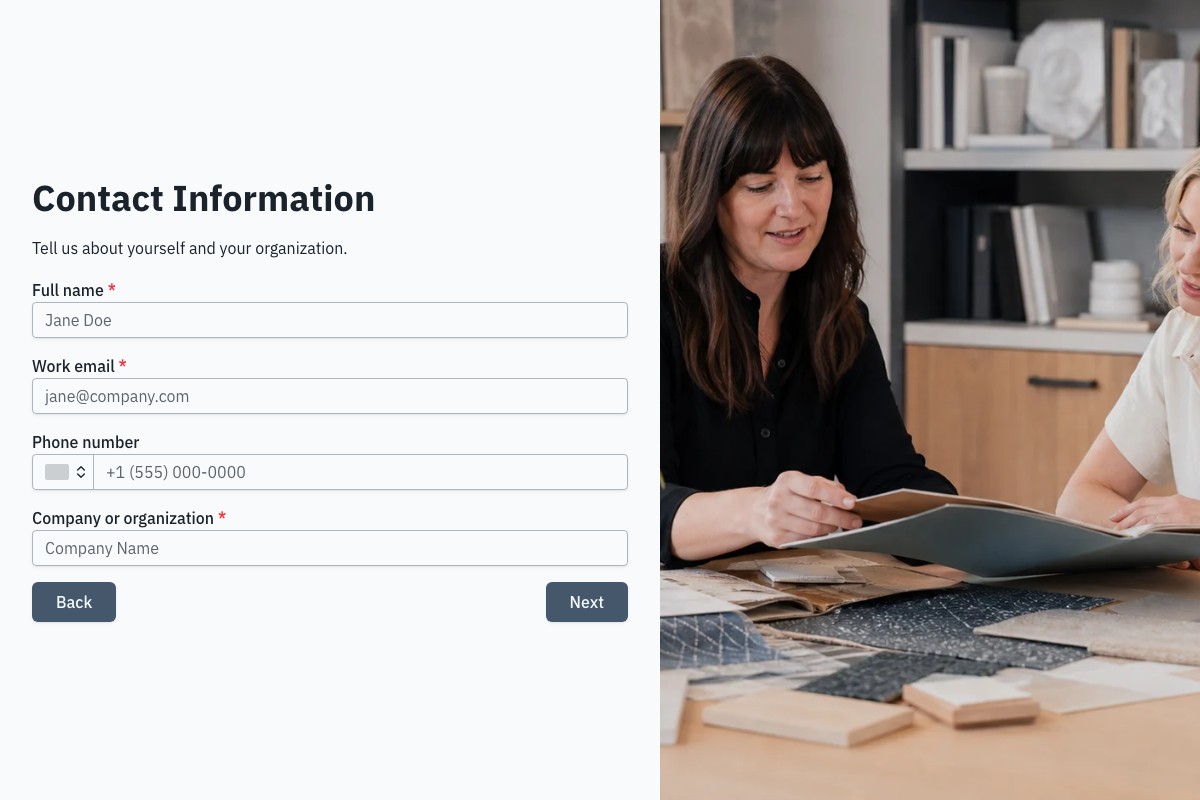
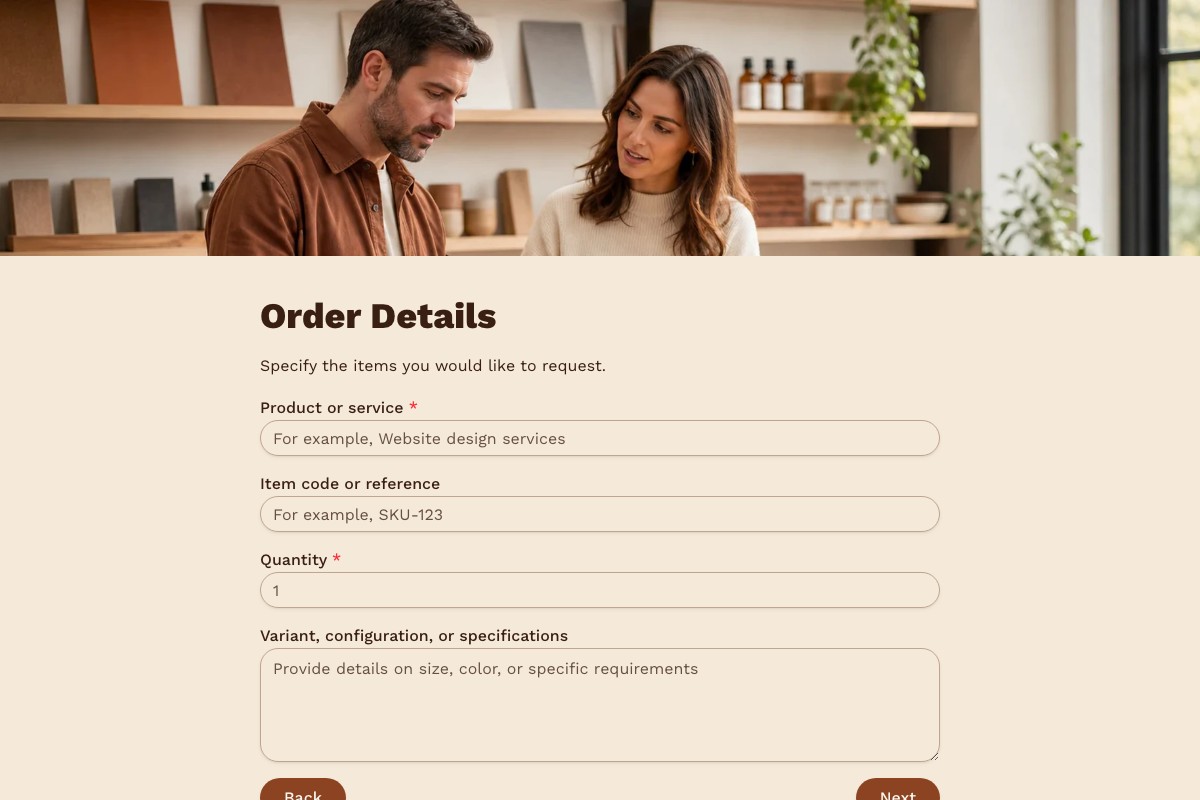
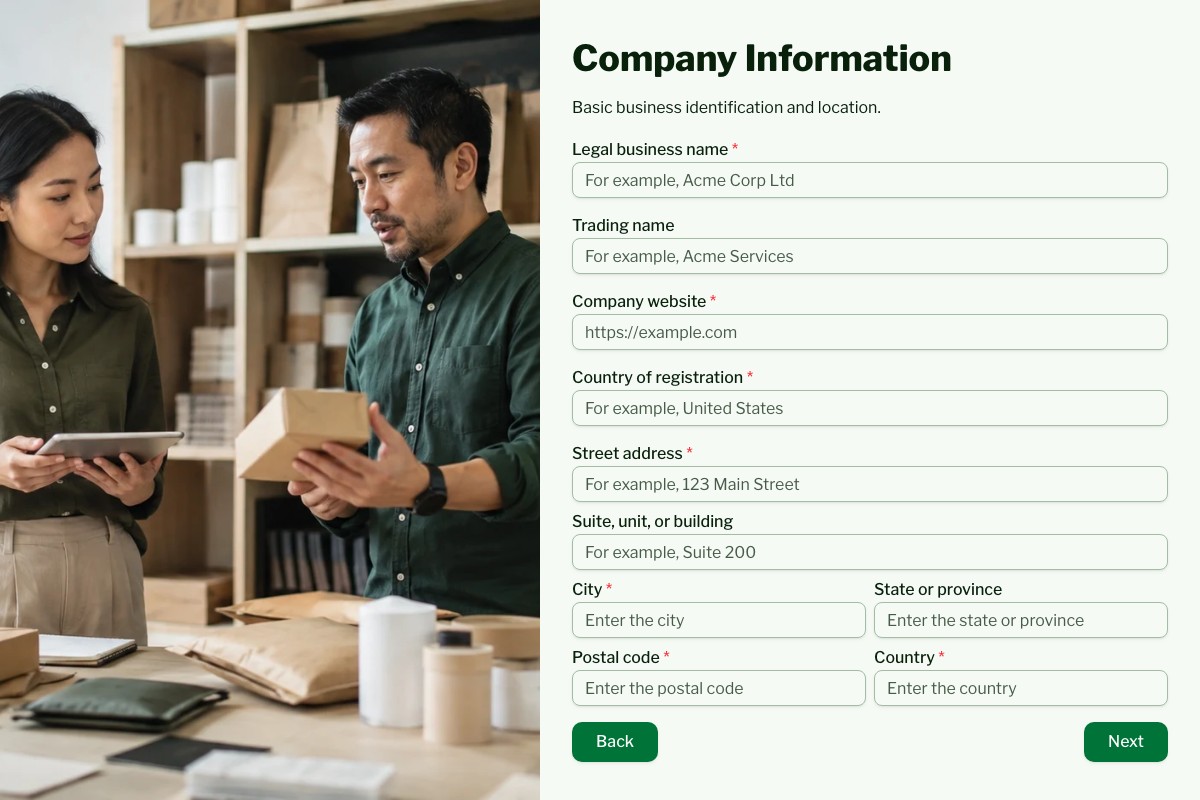
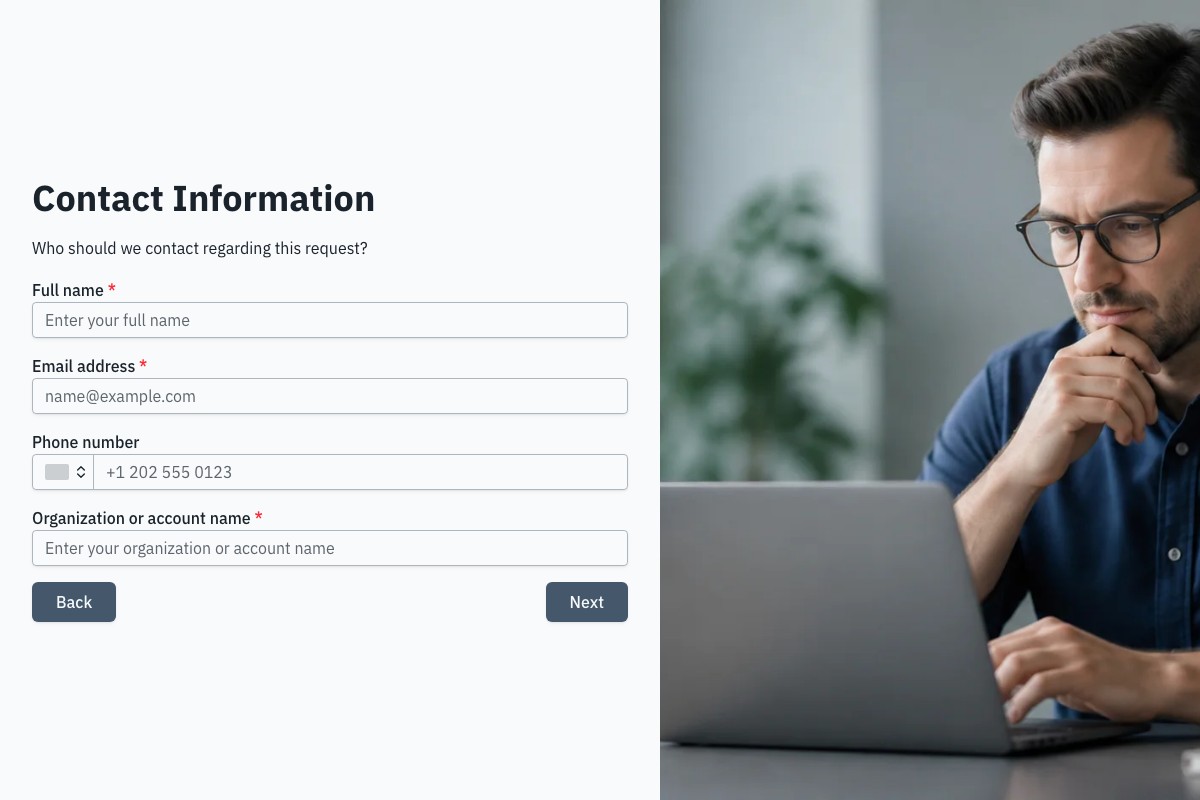
Frequently Asked Questions
Answers about choosing, customizing, and publishing Floov templates.
The best online form templates for businesses cover contact, lead generation, client intake, feedback, hiring, events, and internal requests. Floov offers more than 30 ready-made templates, most of them free, with a few advanced ones such as file-upload job applications reserved for Pro. Every template can be customized with themes and your own questions, and you can start for free without a credit card.
You can find free online form templates in Floov's template library at floov.co/templates. Most templates, including contact, client intake, lead qualification, feedback survey, and event registration forms, are available on the Free plan. A few advanced templates are marked Pro. Sign up for free without a credit card, copy a template, customize its theme and questions, and start collecting responses right away.
An online form builder lets you create contact forms, lead generation forms, client intake forms, surveys, job applications, event registrations, and employee onboarding forms. On Floov's Free plan, you get core fields, multi-page layouts, and full theme customization for branded forms. Pro adds conditional logic, file uploads, and a drawn E-signature field for more advanced forms like job applications or client agreements.
For everyday impact, the most useful templates are Contact Form, Lead Qualification, Client Intake, Customer Feedback Survey, and Event Registration, the workflows nearly every business runs. They're all available on the Free plan, so you can copy one, adjust the questions and theme, and publish a polished form the same day instead of building one from a blank page.
To create a professional online form, define your goal, ask only necessary questions, and group them logically across clear pages. Match your colors and fonts, and add a logo using an image URL or the Pro Media Library, then keep the layout clean and mobile-friendly. Free includes multi-page layouts and theme customization; Pro adds conditional logic, custom domains, and Floov branding removal.
Loading template preview…
The Preview Is Taking Longer Than Expected
Open the full preview in a new tab, or continue to the template details and field list.