
Leads & Marketing
Free Template
Lead Qualification Form
Collect prospect details, goals, timing and budget, then review an editable score alongside each inquiry with this free lead qualification form template.
- Pages
- 4 + Confirmation
- Fields
- 12
- Structure
- Multi-Page
- Compatibility
- Free and Pro
Live Preview
Try the respondent experience without changing the template.
Interactive preview
Full Preview
Open Full Preview
Explore any page without filling in answers.
Loading preview…
Preview Unavailable
The full template details and field list remain available below.
Template colors and styling are fully customizable.
Inside This Template
Review the page flow and every answer this form is configured to collect.
- Best For
- Sales Teams Digital Agencies Consultants B2B Services SaaS Companies
- Includes
- Written answers Contact details Choice fields Numeric answers Calculations
Let's Connect
Intro page
Introductory content; no answers are collected on this page.
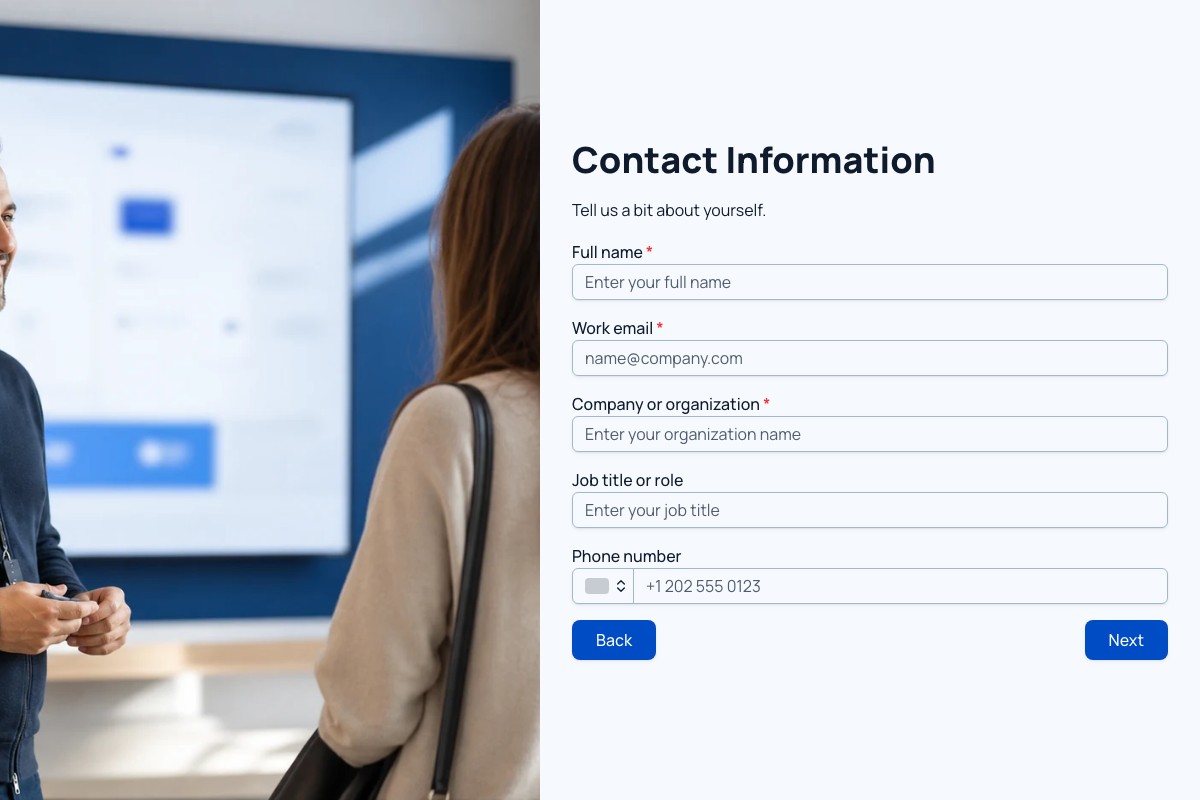
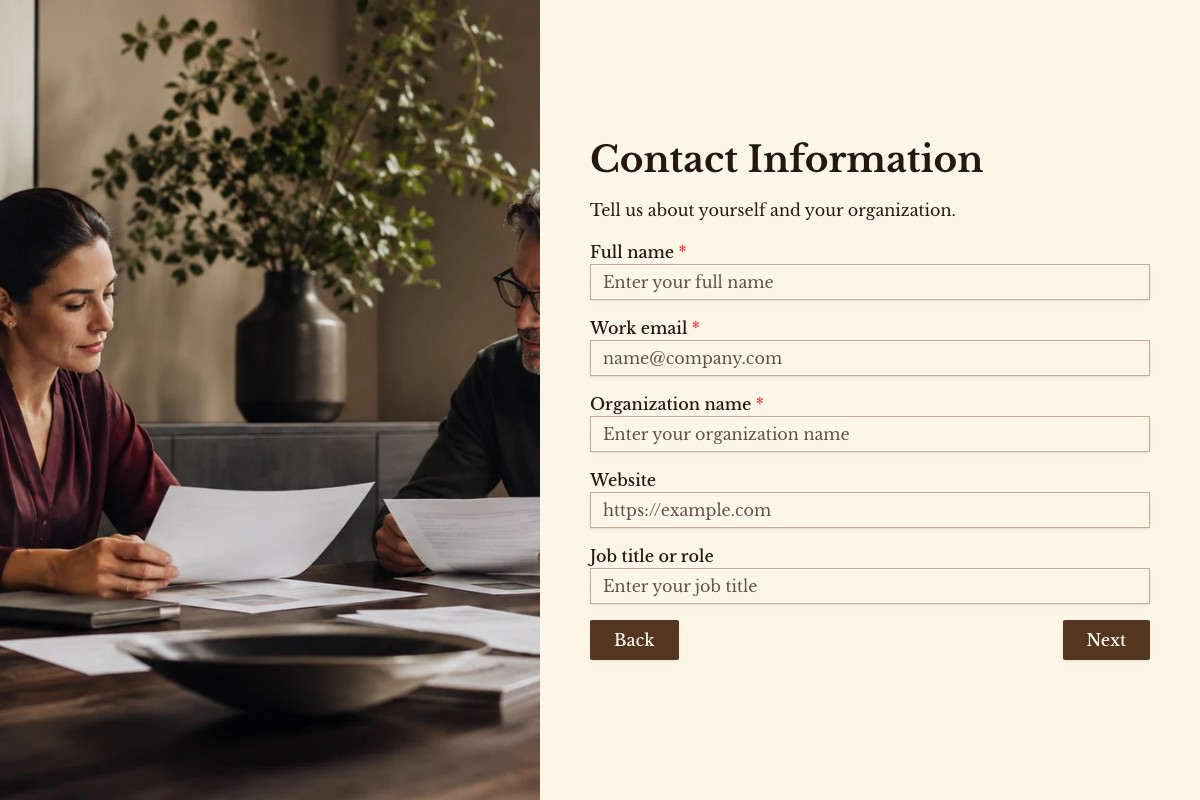
Contact Information
5 fields
- Full name Short answer Required
- Work email Email Required
- Company or organization Short answer Required
- Job title Short answer
- Phone number Phone number
Project Goals
3 fields
- Primary area of interest Single choice Required
- What are you hoping to achieve? Long answer Required
- What is getting in the way today? Long answer
Logistics and Budget
4 fields
- When would you like to begin? Single choice Required
- Estimated budget range Single choice Required
- Number of people involved in the decision Number
- Preferred follow-up Single choice Required
Thank you Confirmation ending
Shown after a successful form submission.
Before You Publish
Three quick checks help make the copied template ready for your audience.
Explore forms for Google Sheets
-
Adapt the Example Weights
In Settings > Calculations, adapt service fit (40 points), timing (30) and budget context (30) to your offering. Match areas, budget bands and currency to your work, then update their score mappings together.
-
Review the Context With the Score
Use the 100-point review score alongside goals, obstacles and contact preferences in Responses. Not decided yet receives 20 budget points and never triggers automatic rejection. Adjust these illustrative weights to your own criteria.
-
Test Contrasting Inquiries
Publish and submit a 100-point example, an undecided budget and an Other service on a phone. Check all four saved score columns and the confirmation. Offer only contact methods you use and explain your follow-up expectations.
Related Templates
Explore more templates for similar tasks.
Loading template preview…
The Preview Is Taking Longer Than Expected
Open the full preview in a new tab, or continue to the template details and field list.