
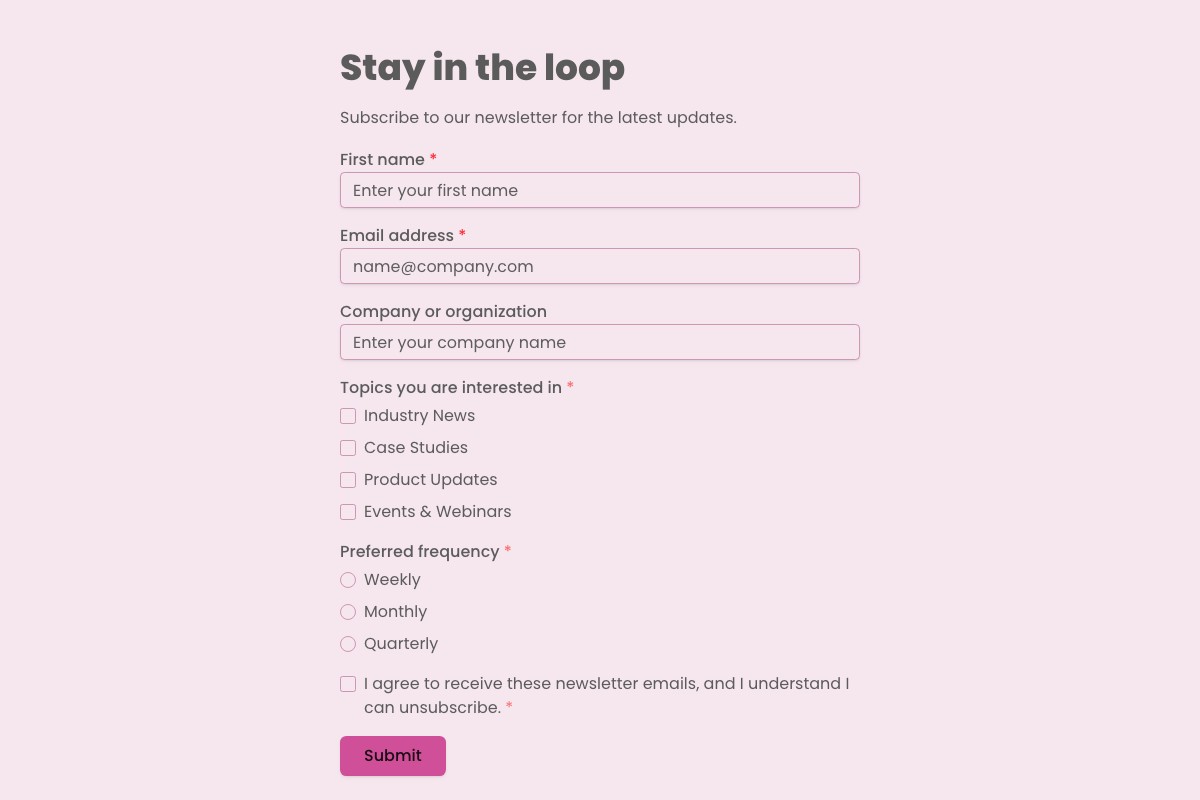
Lead Generation & Marketing Form Templates
Turn interest into structured next steps with lead and marketing forms you can adapt to your audience and brand.
Find the Right Starting Point
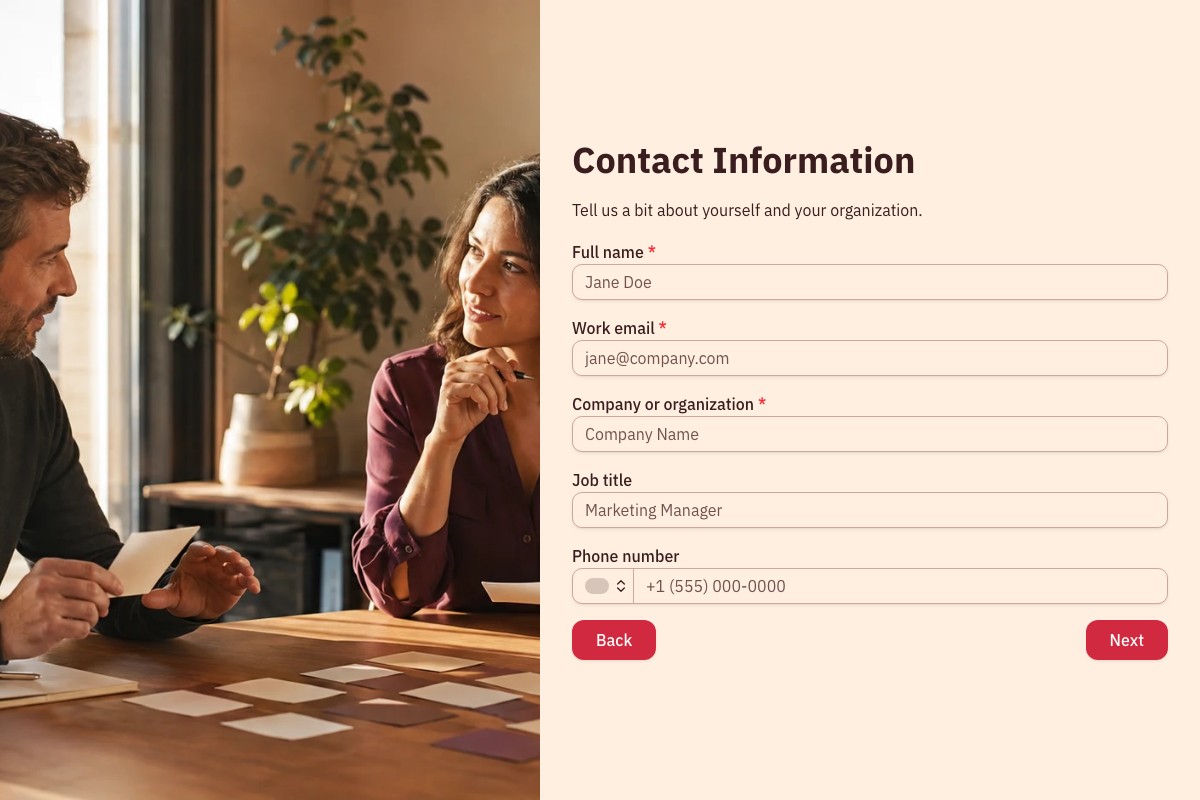
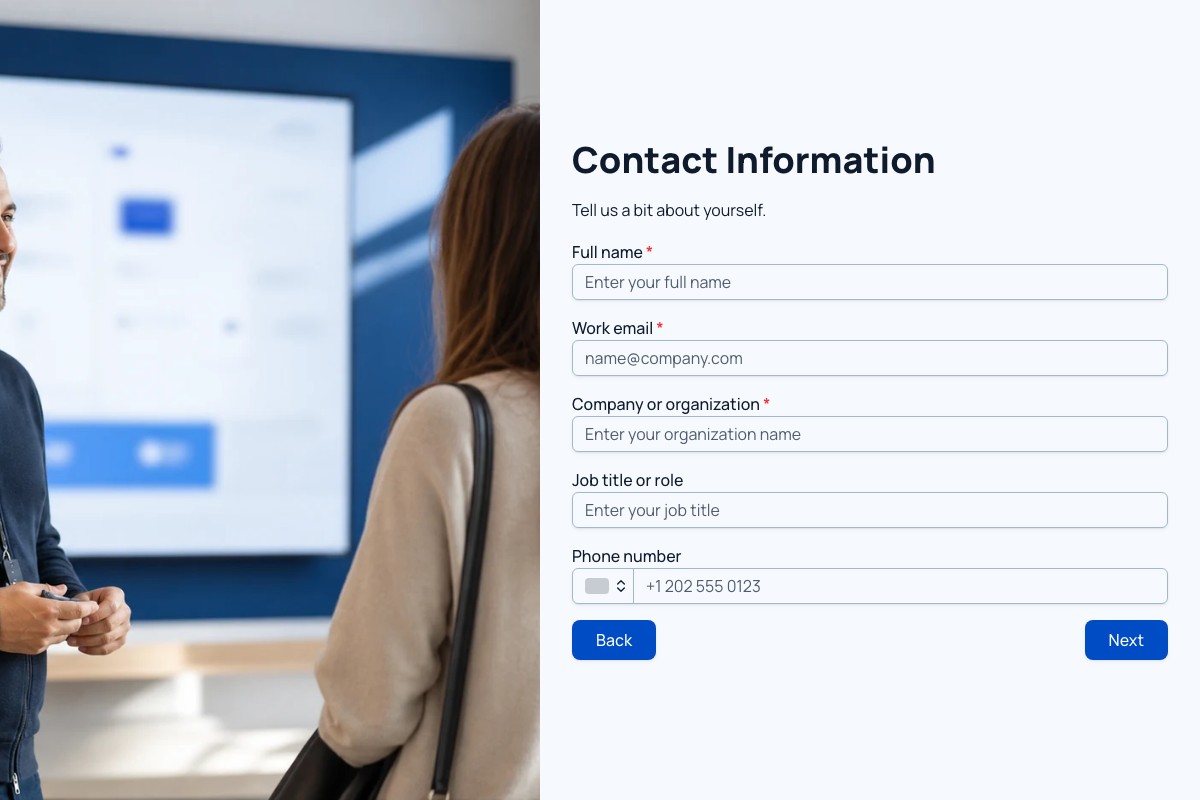
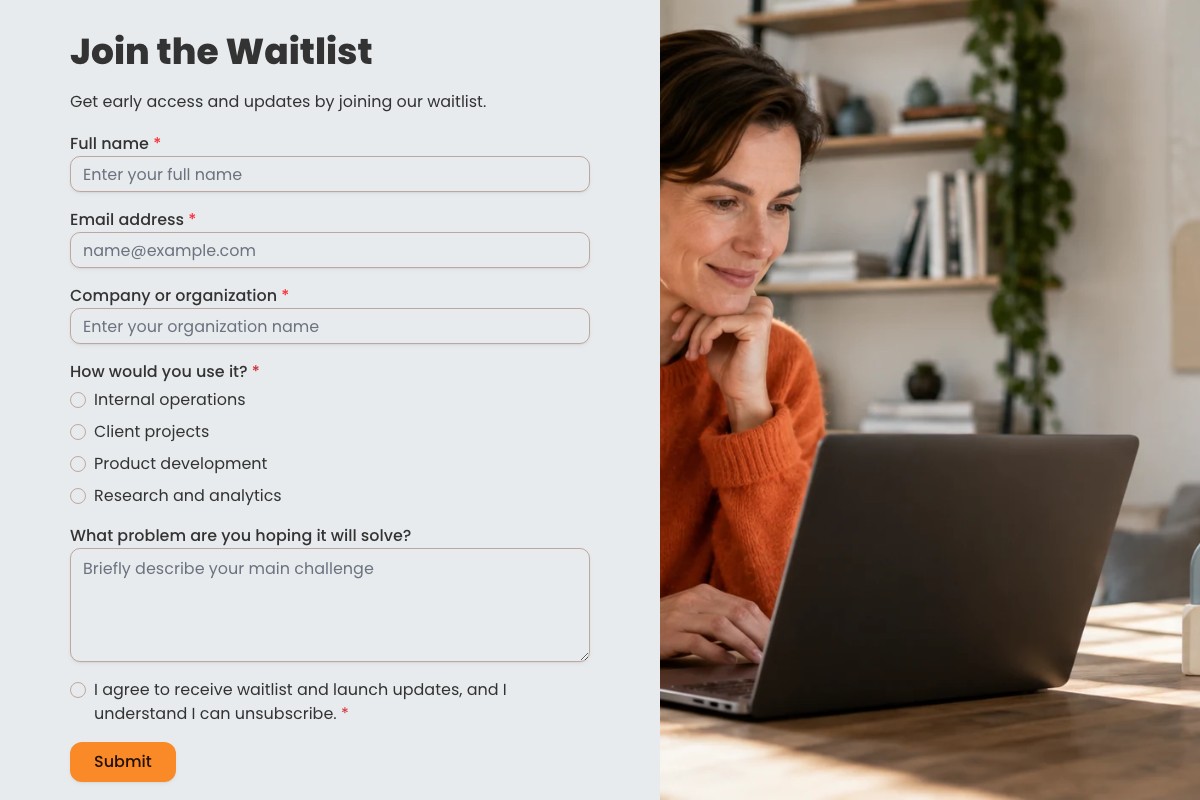
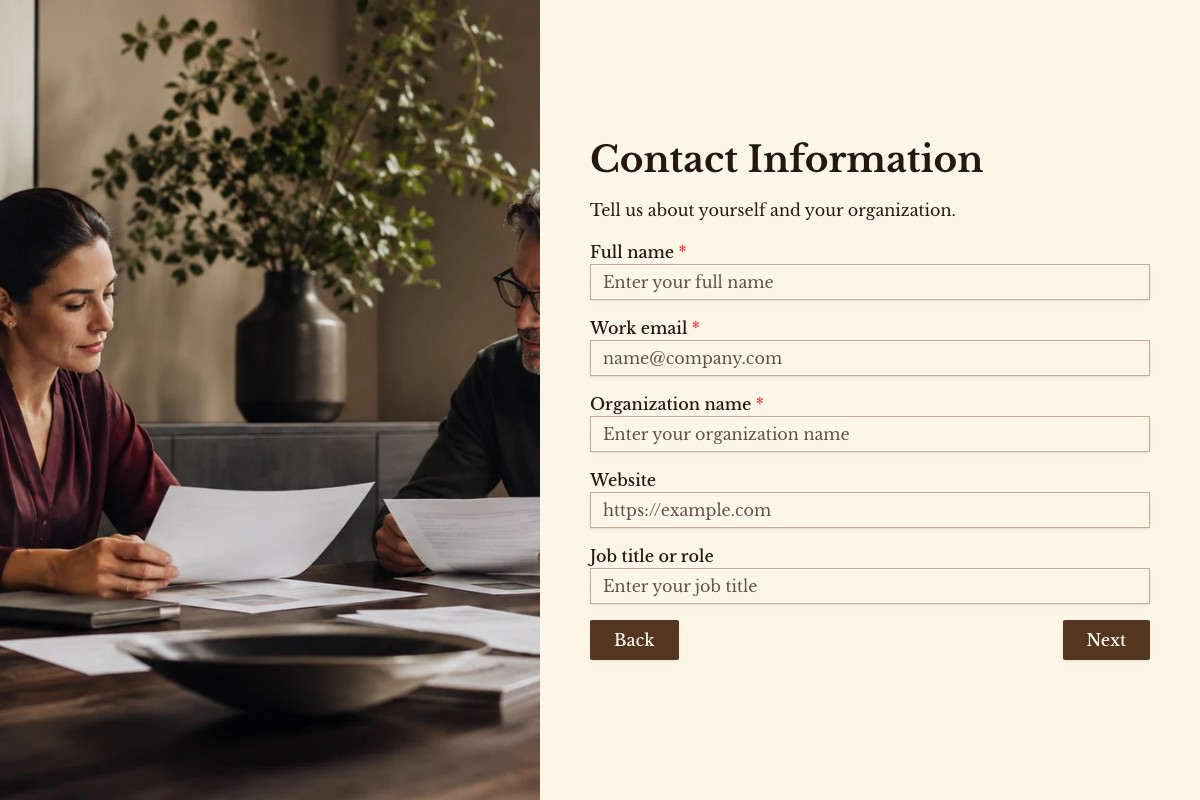
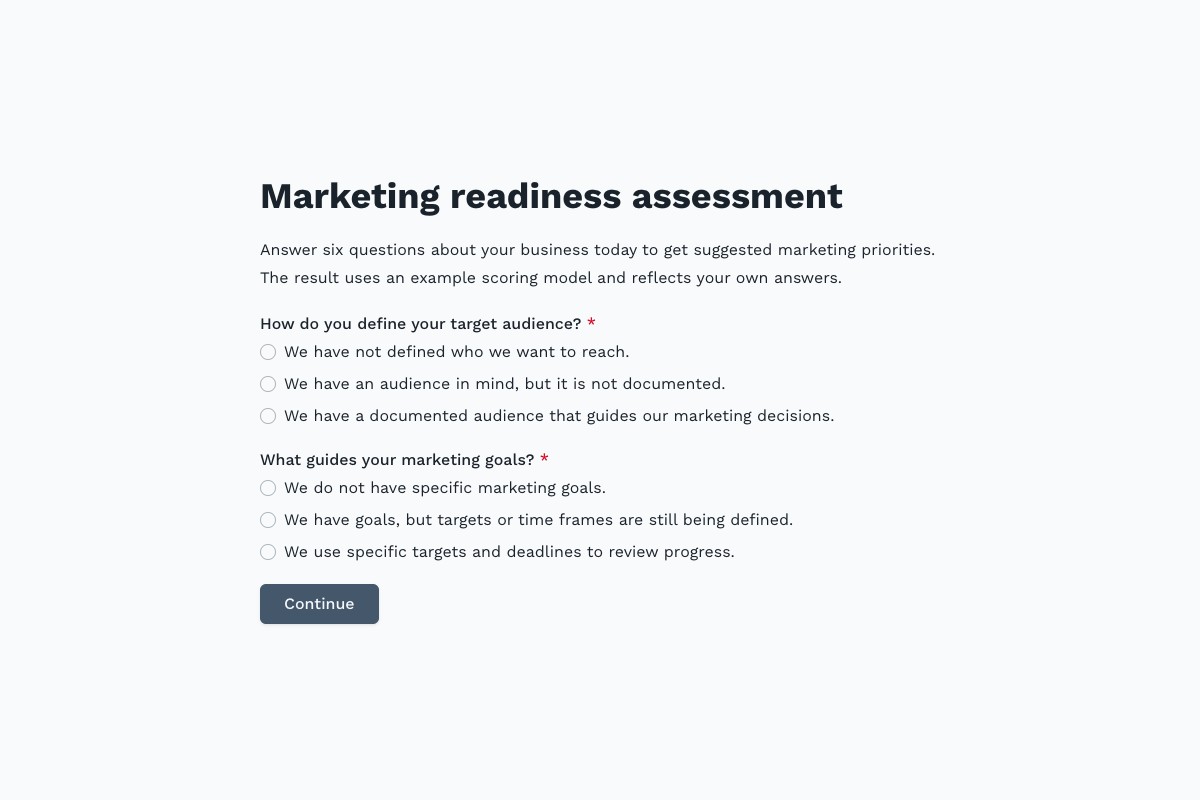
Choosing a Leads & Marketing Template
Start with the template whose questions and page flow are closest to your real process. Review every field, remove anything you cannot justify collecting, then adapt the labels, theme, ending, and delivery settings before publishing.
Can I Change Every Question?
Yes. A copied template becomes an ordinary Floov form, so its fields, pages, settings, and appearance are yours to edit.
Should I Preview It First?
Yes. Preview desktop and mobile layouts, then use the detail page to review exactly what the form collects.
Frequently Asked Questions
Answers about choosing, customizing, and publishing Floov templates.
A lead generation form collects a visitor’s contact details and relevant information, such as their interests or business needs. Businesses use it to invite follow-up about a demo, quote, consultation, or newsletter. With Floov, you can start from a form template or build your own, then share it by link or embed it on your website.
Start with the details your team actually needs, usually name and email, and add company, role, phone number, budget, or project needs only when they help with follow-up. Shorter forms are often easier to complete. If you use Floov Pro, conditional logic can show relevant follow-up questions based on a person’s answers.
Create a form with an email field and, if useful, an optional name field. Add a clear explanation of what subscribers will receive and obtain consent where required by applicable privacy and email-marketing rules. Publish the form and share its link or embed it on your website. Floov supports integrations such as Mailchimp and Google Sheets; configure the destination in the form’s integration settings.
A lead qualification form asks about factors such as a prospect’s needs, budget, company size, and timeline so your team can assess fit before following up. Floov’s answer-scoring feature can assign points to responses. Conditional workflows that route respondents based on their answers are a Pro feature, so confirm your plan before relying on that setup.
Yes. You can start with a Floov template or create a form in the visual builder without writing code. Ask for details such as name, work email, company, and what the person wants to discuss, then customize the design and publish it as a link or embed it on your website. Responses can be sent to supported tools such as Google Sheets, Slack, or HubSpot.
Loading template preview…
The Preview Is Taking Longer Than Expected
Open the full preview in a new tab, or continue to the template details and field list.