
Browse Templates
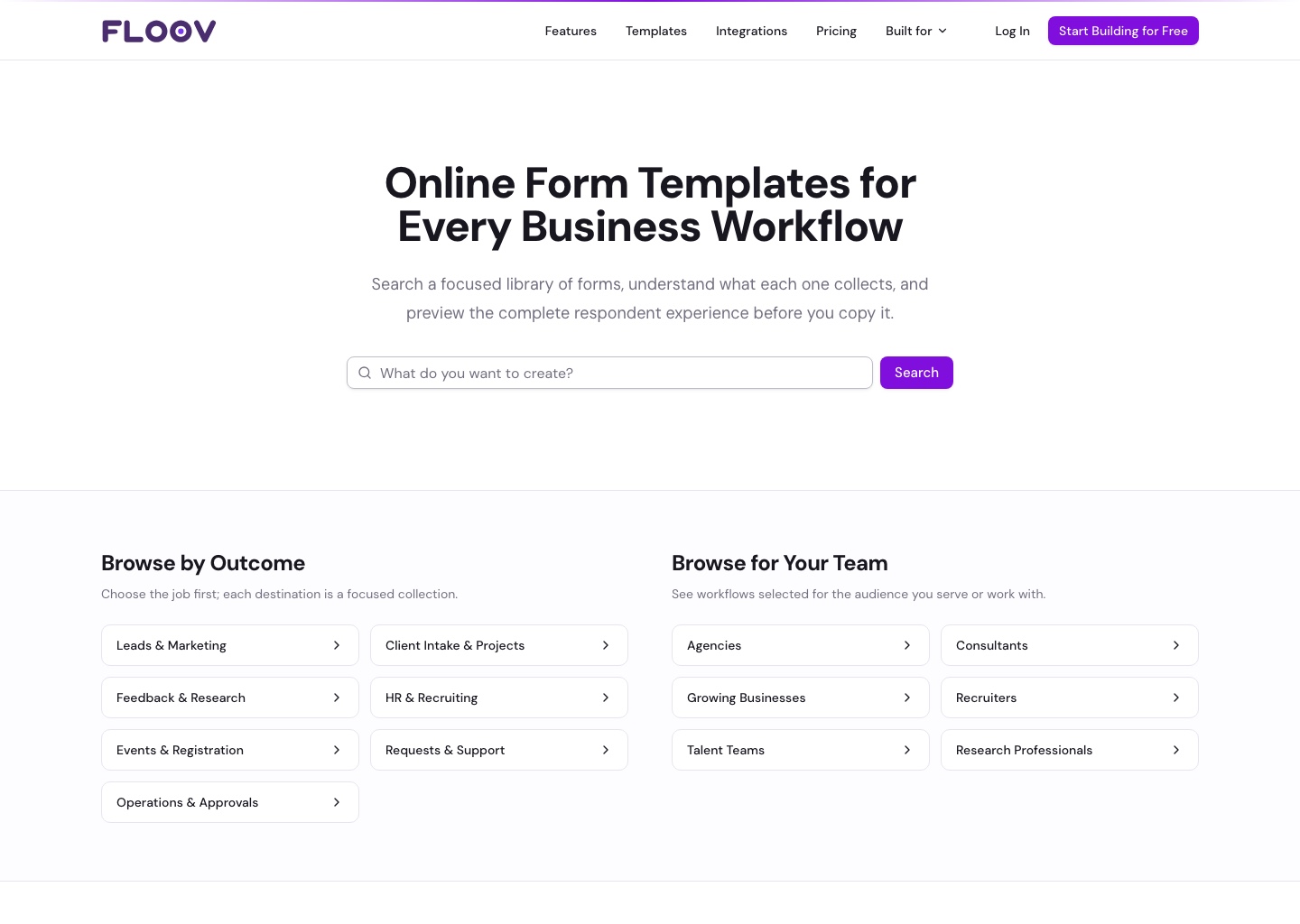
Templates are ready-made forms you can copy and customize. Browse the template library with or without a Floov account.
Find a Template
- Search for what you want to create, such as a contact form or customer survey.
- Use the category and audience filters to narrow the results.
- Open a template to preview it. Switch between desktop and mobile to try both layouts.
- Choose Use template when you find a good starting point.
Template Details shows the questions, pages, and features included. If a preview cannot load, open the full preview in a new tab.
Free and Pro Templates
Free templates work with either plan. Copying a Pro template requires an active Pro subscription on the selected workspace's owner.
Once copied, you can change the questions, design, and settings. Follow Using a Template to create your copy and publish it.