
Date & Time Fields
Use date and time fields for appointments, registrations, and scheduling.
Choose a Field
- Date: a calendar date, such as a birthday or event date.
- Time: a time of day, such as a preferred contact time.
- Date & Time: both together, such as an appointment.
Set It Up
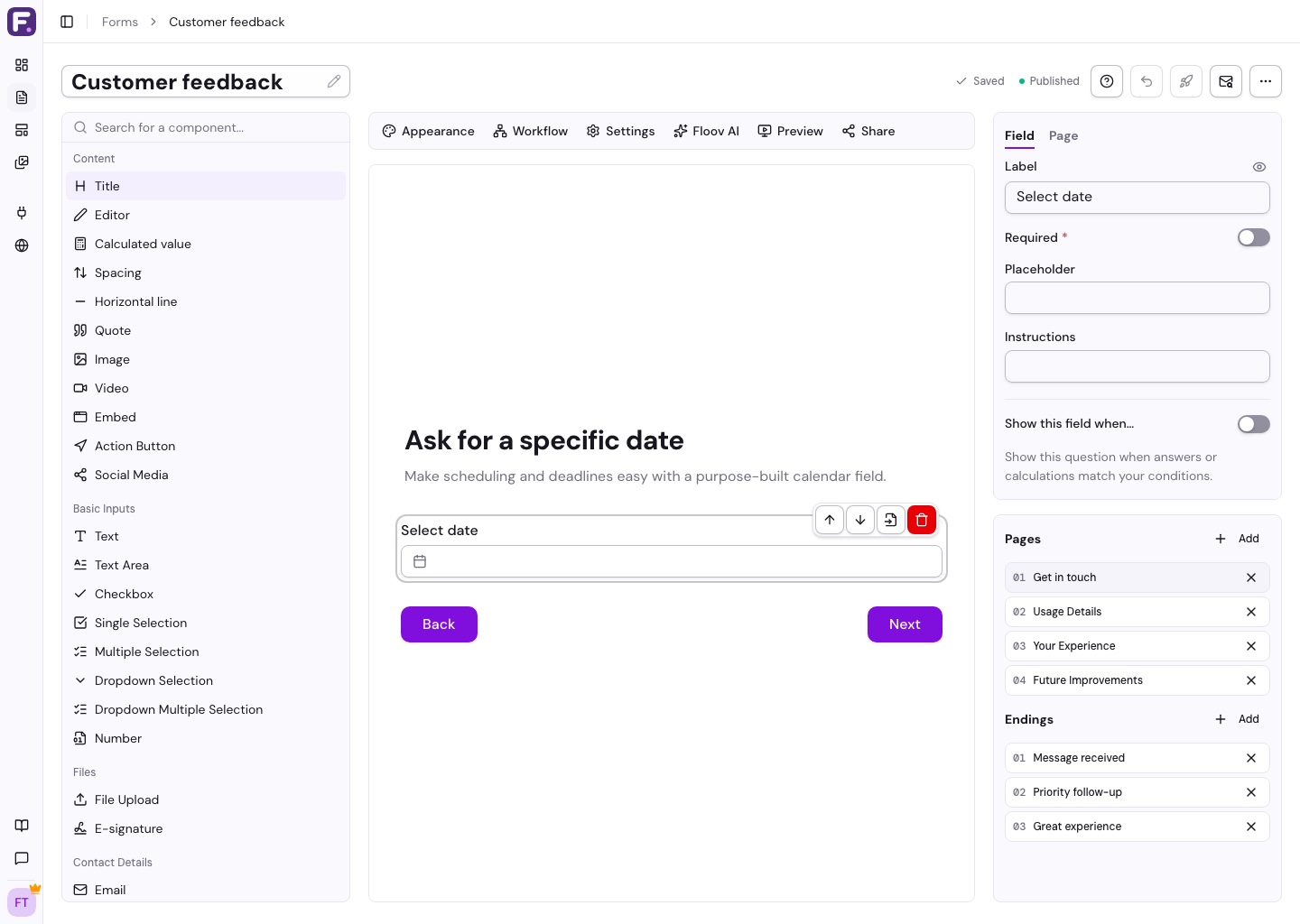
- Add the field from the toolbox and select it.
- Enter a clear label and any instructions.
- Turn on Required if an answer is needed.
Date and Date & Time also support a placeholder shown before an answer is selected.
With Pro conditional logic, you can route respondents based on a date or time, or whether they answered.
See Input Fields for typed answers.
Date and Date & Time answers include the respondent's timezone offset. This lets date-based integrations such as Mailchimp retain the selected calendar date.