
Hidden Fields
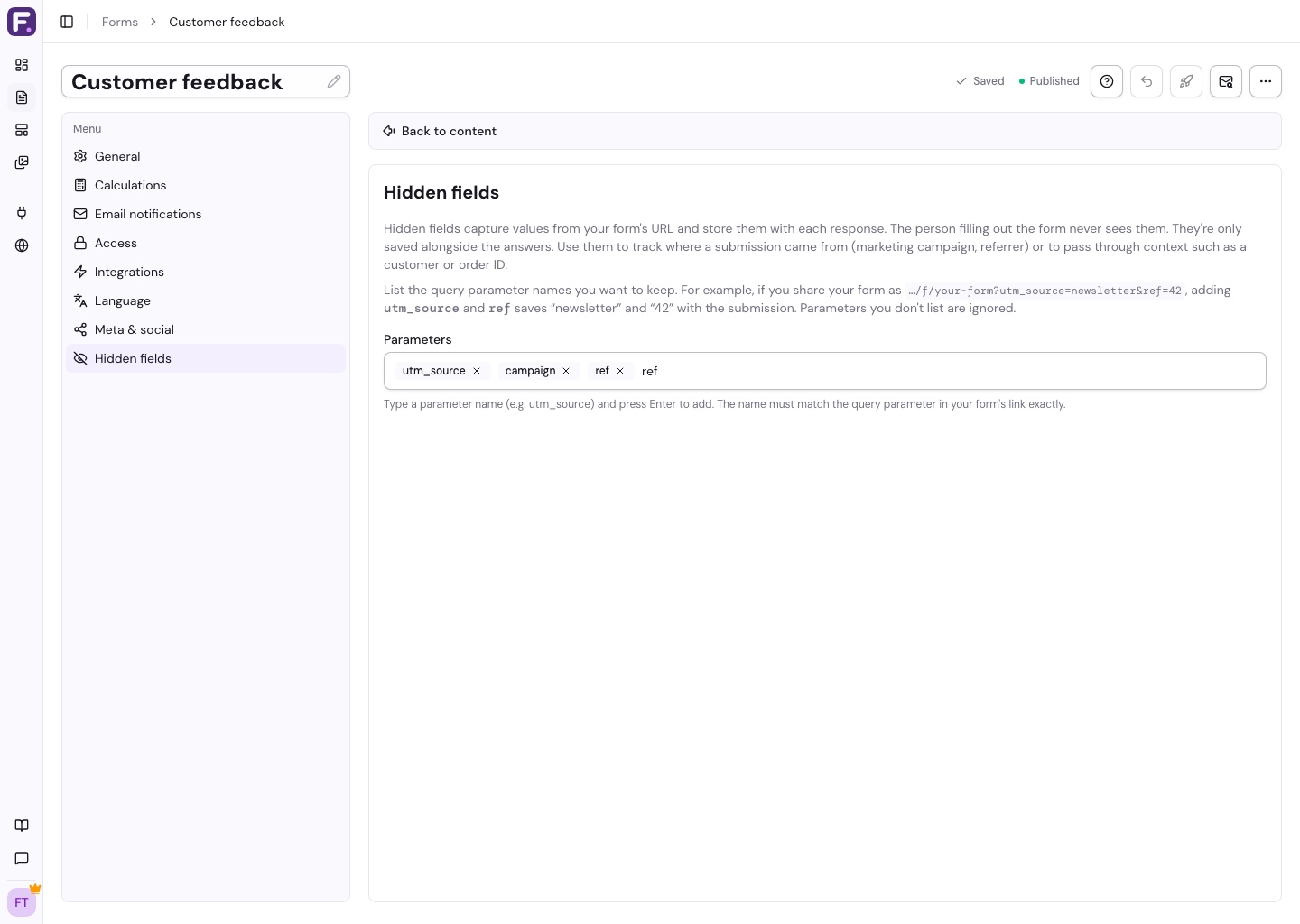
Hidden fields save values from your form link alongside each response. Use them to track a campaign, referral, or source without asking another question.
Add Hidden Fields
- Open Settings > Hidden Fields in the form editor.
- Type a parameter name, such as
utm_source, and press Enter. - Add any other names you want to capture, then publish.
Share a Tagged Link
Add the matching names and values to your public form URL:
https://floov.co/f/your-form?utm_source=newsletter&campaign=springIf you added utm_source and campaign, responses from this link record “newsletter” and “spring”.
Other useful names include utm_medium, utm_campaign, and ref. Remove a field with the X beside its name.