
Theme Customization & Branding
Customize your form's colors, font, and corner roundness on any plan. Pro also lets you remove Floov branding.
Customize the Theme
- Open Appearance in the form editor.
- Under Customize Theme, choose your primary, background, and text colors.
- Search for a font and choose a border radius for the corners of controls.
- Preview the result, then publish.
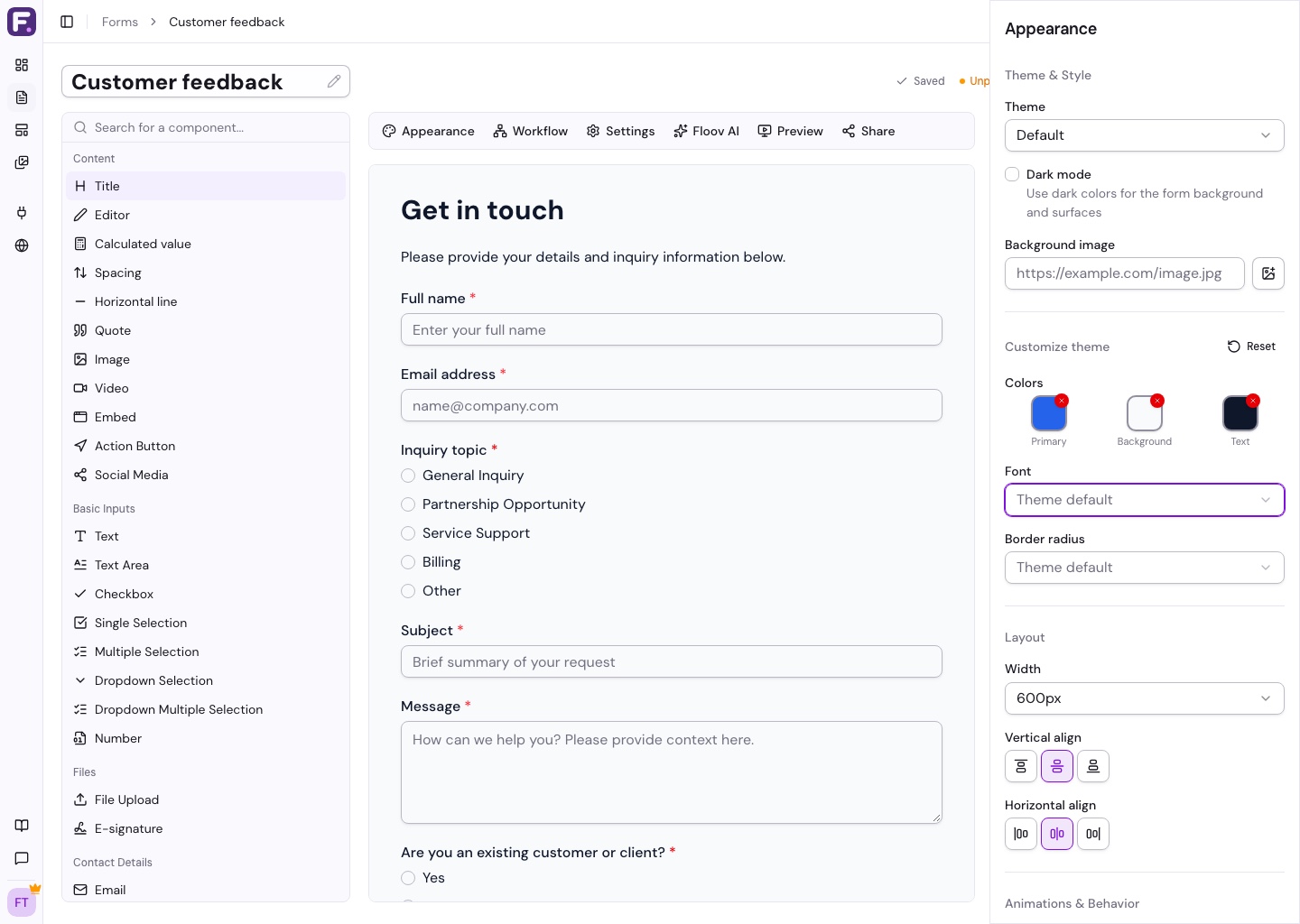
Choose background and text colors that are easy to read together. Primary color controls buttons and other accents.
Reset Your Changes
Each color has a reset button. Choose Theme default to reset the font, or Reset in Customize Theme to restore all custom colors, font, and radius to the selected theme's defaults.
Remove Floov Branding
On Pro, open Settings > General > Preferences, turn off Show Floov Branding, and publish. This removes the Floov link from your ending pages.
See Themes & Appearance for page layout, or Billing & Plans for Pro.