
File Uploads
Pro. File Upload lets respondents attach documents or images to their response.
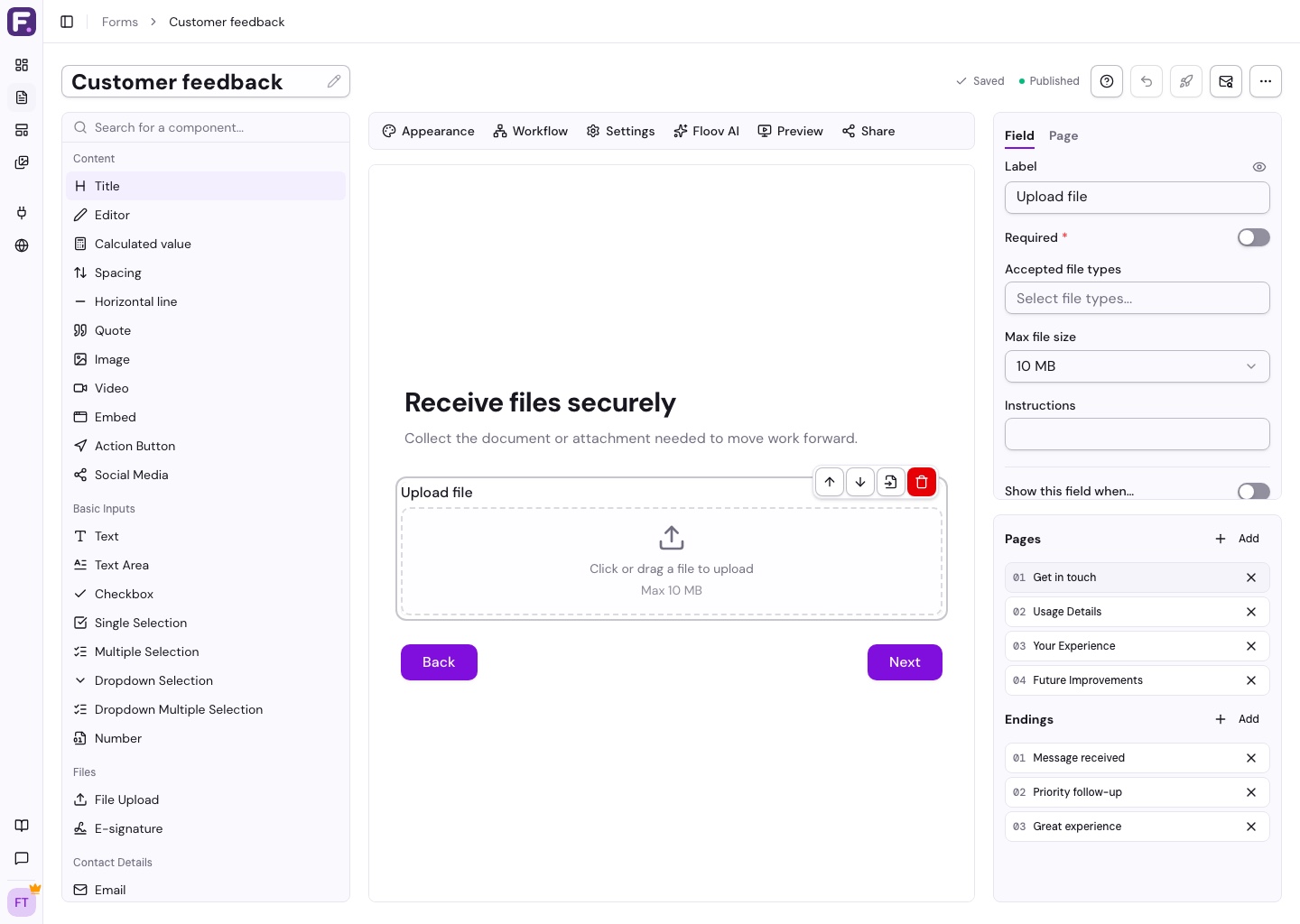
Add an Upload Field
- Add File Upload from the toolbox.
- Set the label, such as “Upload your resume”, and any instructions.
- Choose accepted file types and a maximum size of 2, 5, 10, or 25 MB.
- Turn on Required if an attachment is needed, then publish.
Supported formats include PDF, Word, Excel, TXT, CSV, JPG, PNG, GIF, and WebP. Storage is subject to Fair Use.
View Uploaded Files
Open a submission in Responses to download its files. Files are private, so you must be signed in with access to the form's responses.
To remove an attachment, edit the response and choose Remove. This permanently deletes the file while keeping the rest of the response.
Files upload when the form is completed. Respondents returning to saved progress after a reload must select their files again.
The workspace owner needs active Pro to collect uploads. For your own reusable form images, use the Media Library.