
Reusable Employee Forms
Start from a reusable form, then adapt questions for employee onboarding, internal requests, or feedback about work.
Collect new-hire information, handle internal requests, and ask employees about their experience at work. Keep responses in your team’s workspace.
Free forever · No credit card required
Start from a reusable form, then adapt questions for employee onboarding, internal requests, or feedback about work.
Pro supports up to 25 total members per workspace, including the owner, with defined roles and no per-seat fee.
Use notifications, webhooks, and native integrations to move completed responses into the team’s next step.
Keep a consistent starting point for onboarding, internal requests, and employee feedback. Adjust each form to the information you need.
Build a reusable form for onboarding, an internal request, or an employee satisfaction survey.
Change questions for the information you need. Add conditional routes with Pro when answers require different paths.
Use owner, admin, editor, and viewer roles so collaborators can work without shared credentials.
Notify reviewers, connect another system, or export the data to CSV or Excel.
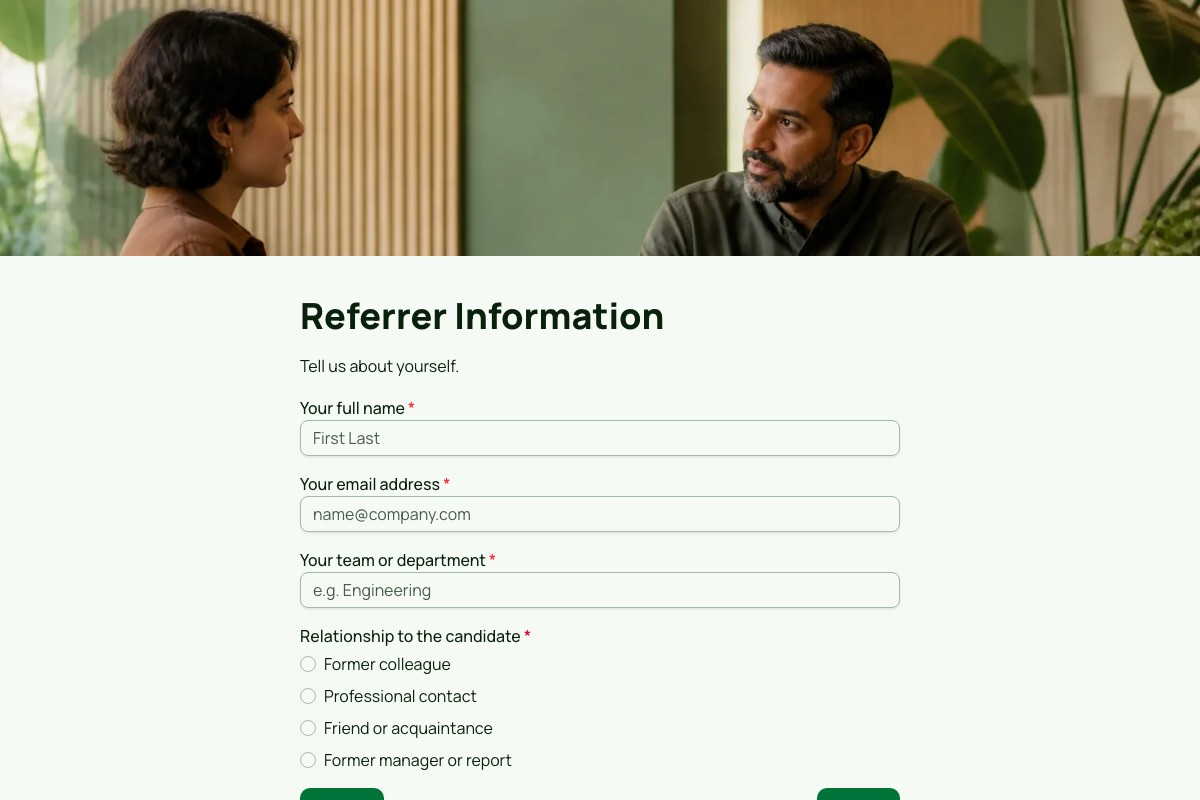
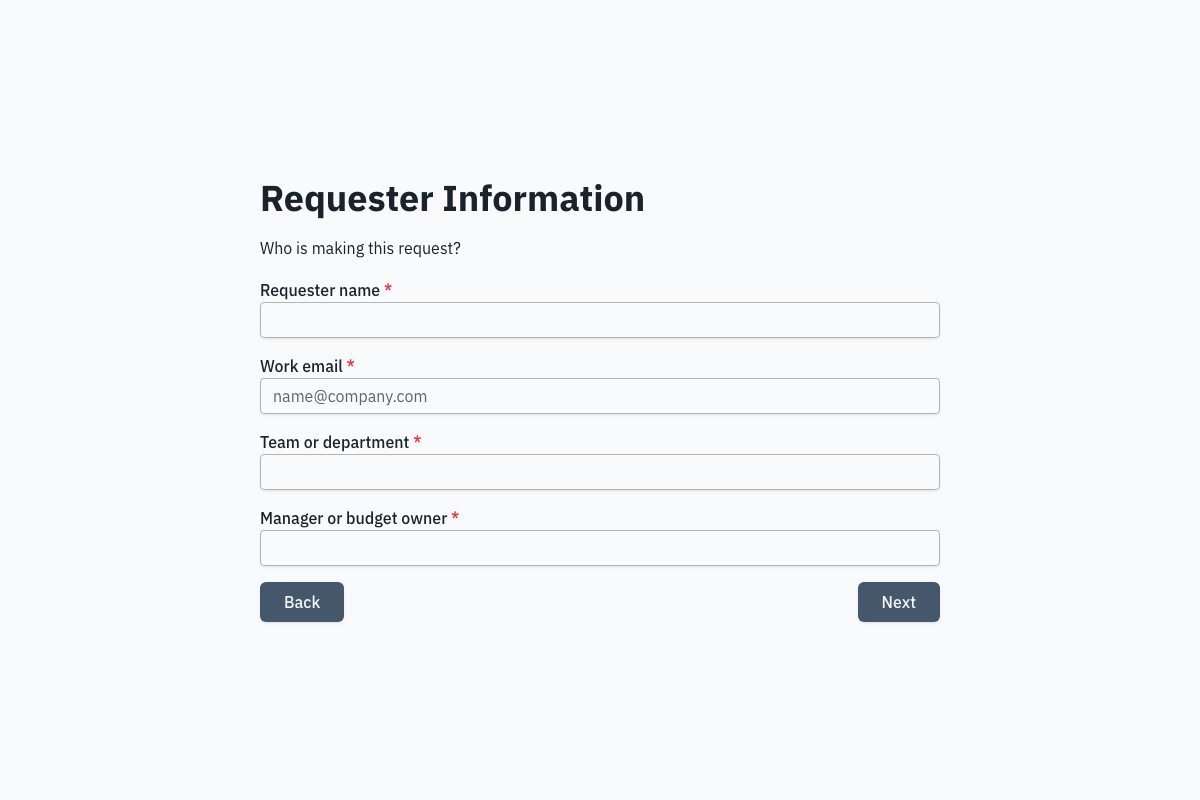
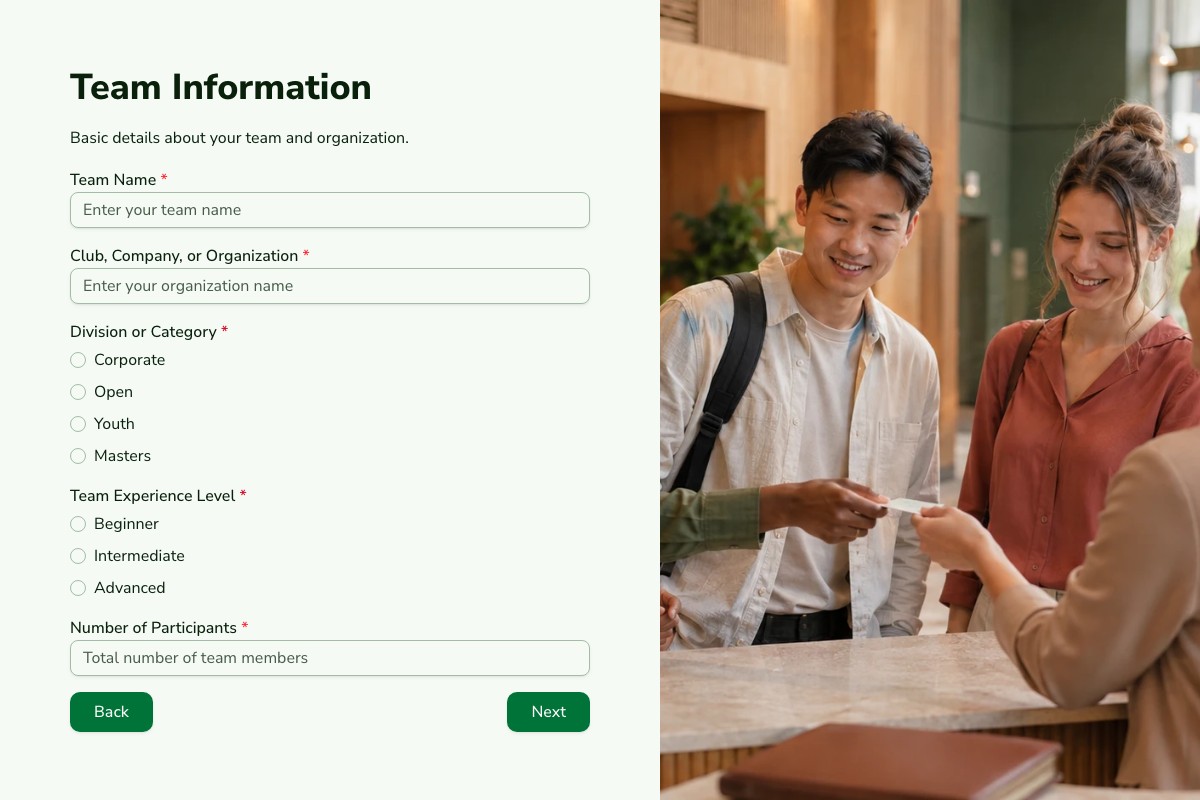
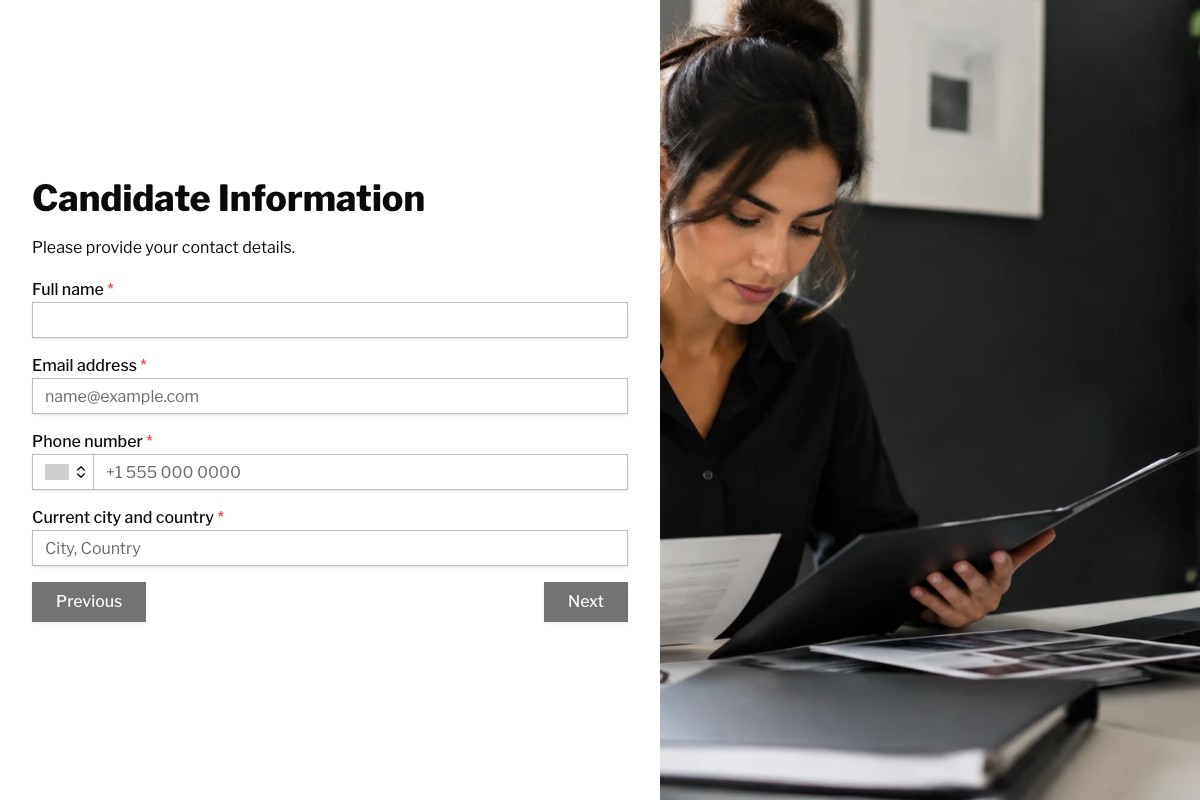
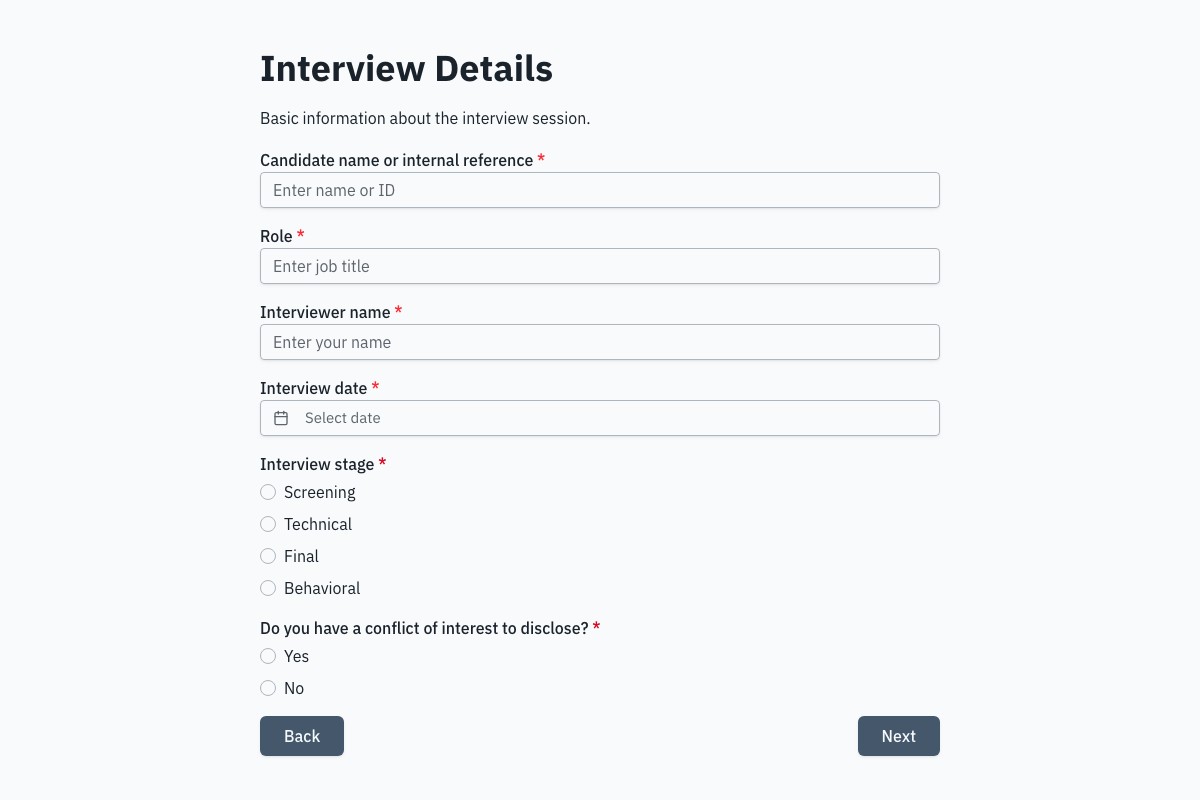
Preview the full form, review what it collects, then adapt it to your own process.
Answers about building and managing forms for this workflow with Floov.
An employee onboarding form is a structured form that collects the information a new hire needs to provide before or on their first day, such as personal details, emergency contacts, and equipment or access needs, while routing sensitive payroll data to a dedicated system. It replaces paper forms and long email chains, keeps records consistent, and helps HR and talent teams complete onboarding faster and more accurately.
An employee onboarding form can collect legal name, contact details, address, emergency contacts, and equipment or access requirements. Sensitive data like tax, bank, and identity details often belongs in a dedicated payroll or HR system with restricted access rather than a general form. Only collect what you genuinely need, and confirm your safeguards, retention, and legal basis with HR or legal counsel for your jurisdiction.
To create an employee onboarding form, list the information HR, payroll, and IT need from each new hire, then group it into sections such as personal details, emergency contacts, and equipment, while routing payroll and tax details to a dedicated system instead. Floov's Free plan includes an Employee Onboarding Information template. Pro adds conditional logic, private file uploads, and a drawn E-signature field for policy acknowledgments.
Employee onboarding typically needs a new-hire information form, emergency contact form, tax withholding forms, direct deposit authorization, work eligibility verification, and signed policy acknowledgments. Sensitive forms like tax and payroll details are often better handled in a dedicated, access-restricted HR system. Exact requirements vary by country and employer, so confirm them with HR or legal counsel. Floov's free templates cover onboarding information, equipment, and time off requests.
An employee information form records essential employment details such as full name, contact information, address, emergency contacts, job title, and start date. HR uses it to maintain accurate personnel records. Keep tax, payroll, bank, identity, and other sensitive information in an appropriate restricted system. A well-designed online form keeps permitted data consistent, reduces manual-entry errors, and simplifies later updates.
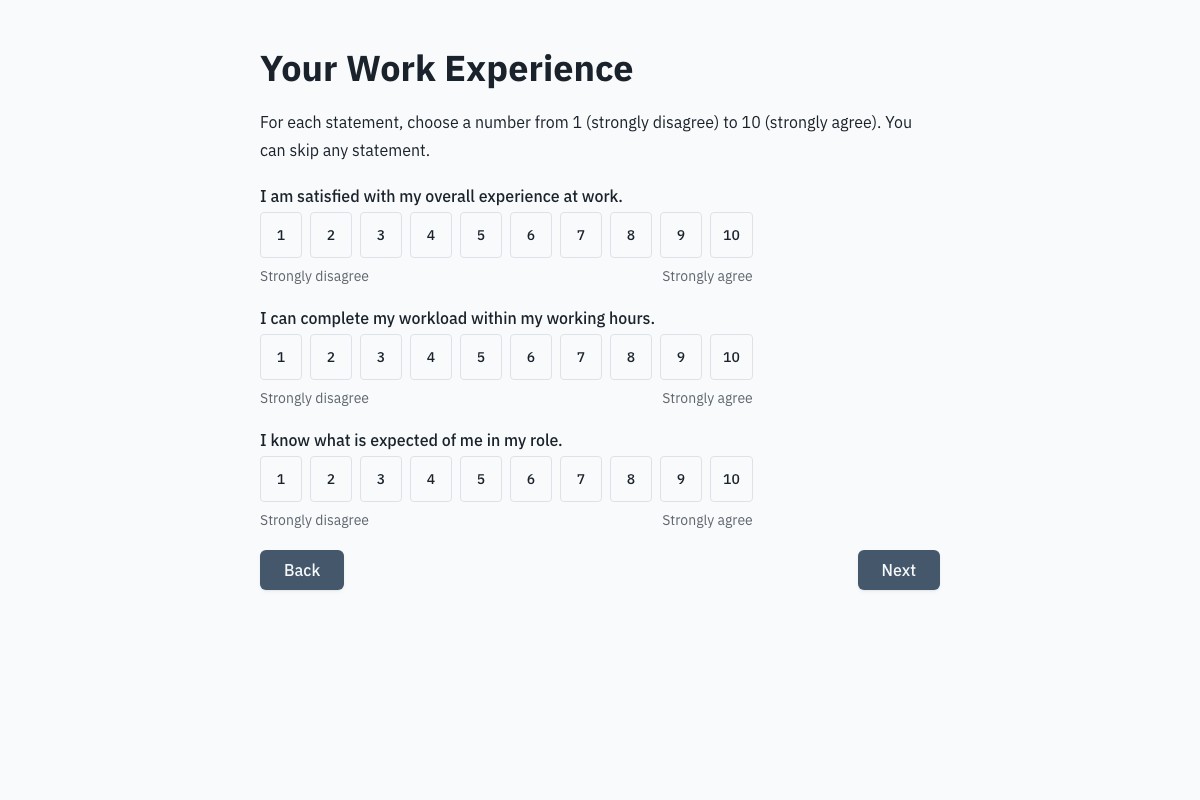
Start with the free Employee Satisfaction Survey template and adapt the questions about employees’ experience at work. Explain who can read responses and how you will use the feedback. After reviewing the results, share the actions you plan to take with the team.
Open the full preview in a new tab, or continue to the template details and field list.