
Roles & Permissions
Choose a role based on what each person needs to do. Non-owner access requires the workspace owner's active Pro subscription.
Permissions at a Glance
| Permission | Owner | Admin | Editor | Viewer |
|---|---|---|---|---|
| View responses and exports | Yes | Yes | Yes | Yes |
| Edit forms and responses | Yes | Yes | Yes | No |
| Publish forms and manage reports | Yes | Yes | Yes | No |
| Create, delete, or move forms | Yes | Yes | No | No |
| Manage members | Yes | Yes | No | No |
| Rename or delete the workspace | Yes | No | No | No |
| Manage domains and connect accounts | Yes | No | No | No |
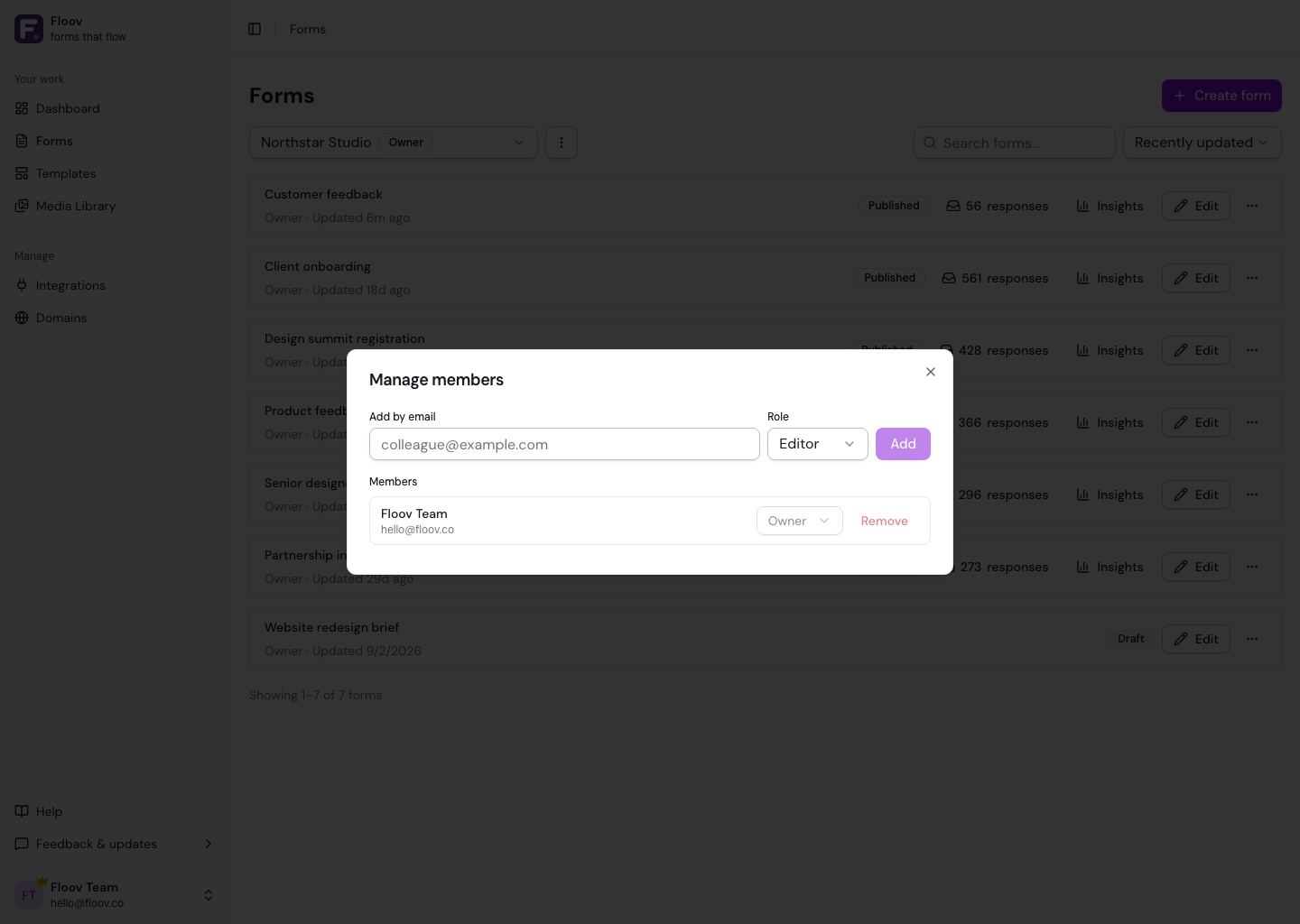
Owners and admins manage members at or below their own role. Moving forms requires Owner or Admin access in both workspaces. Editors can use existing integration connections.
Ownership and Leaving
Ownership cannot be transferred. An owner cannot leave or be removed, and can delete a workspace only when they own another one. Deleting it permanently removes its forms and responses.
Other members can leave at any time. If Pro ends, their access pauses until it resumes; their roles stay saved.
See Managing Members for setup or Workspaces Overview.