
Profile
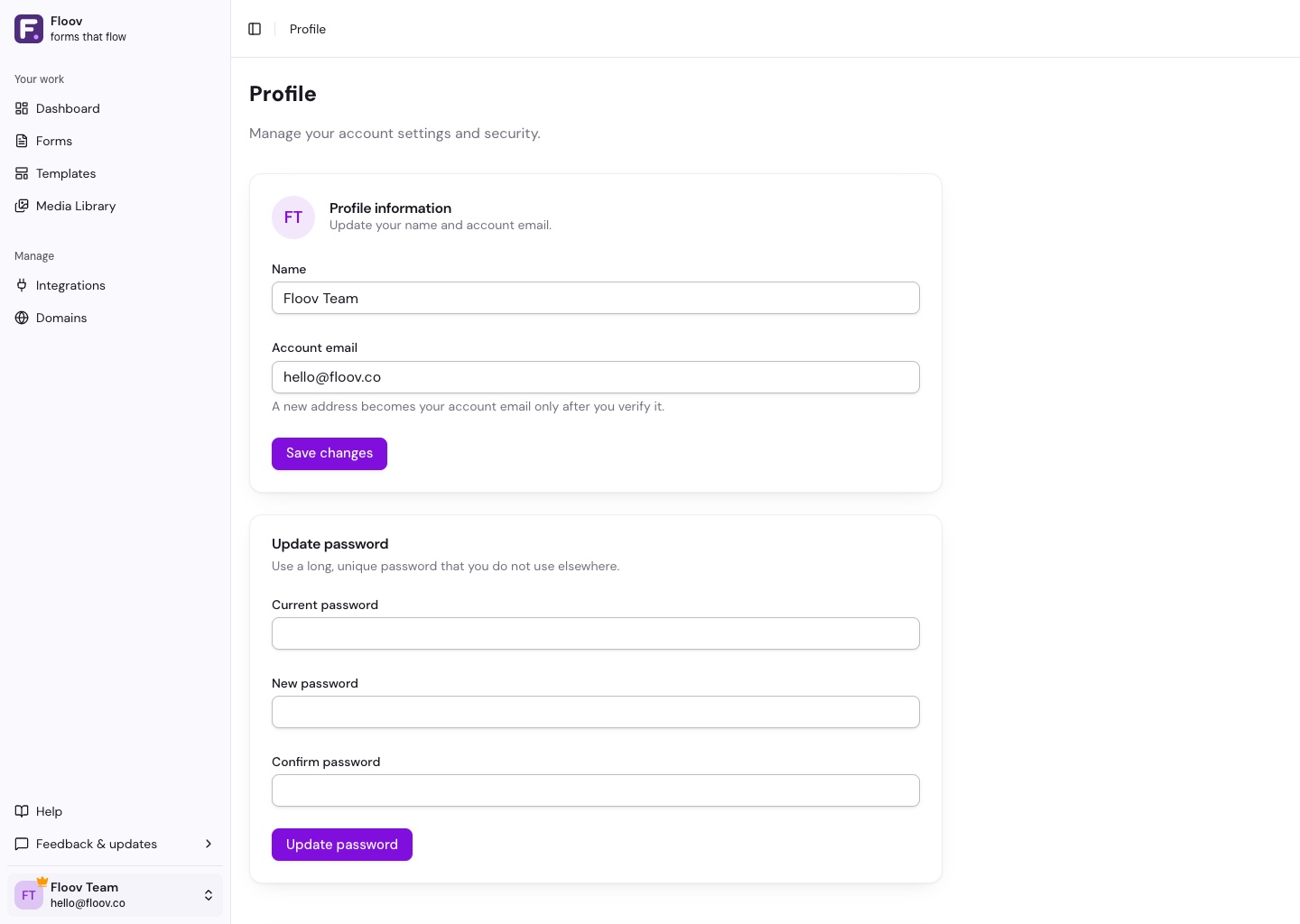
Open your account menu at the bottom of the sidebar and choose Profile to update your name, account email, or password.
Change Your Name or Email
Edit your name and choose Save changes.
For a new account email, confirm with your current password or the Google account linked to Floov. Follow the verification link sent to the new address. Your current address stays active until you verify the new one.
You can resend verification or cancel a pending change from Profile. Changing the account email does not change your linked Google account.
Change Your Password
Enter your current password, enter and confirm the new password, then choose Update password.
Delete Your Account
Account deletion is permanent. First cancel any active paid subscription in Billing. If cancellation is already scheduled, deleting the account ends the subscription immediately.
Deletion removes your owned workspaces and their forms and responses, forms you created elsewhere, and your files and account connections. Collaborators lose access to workspaces you own. Ownership cannot be transferred.
Review the deletion summary, confirm with your password or linked Google account, and choose Delete permanently.