
Rating Fields
Rating fields collect scores and preferences. Add one from the toolbox, then select it to set the question and options.
Star Rating
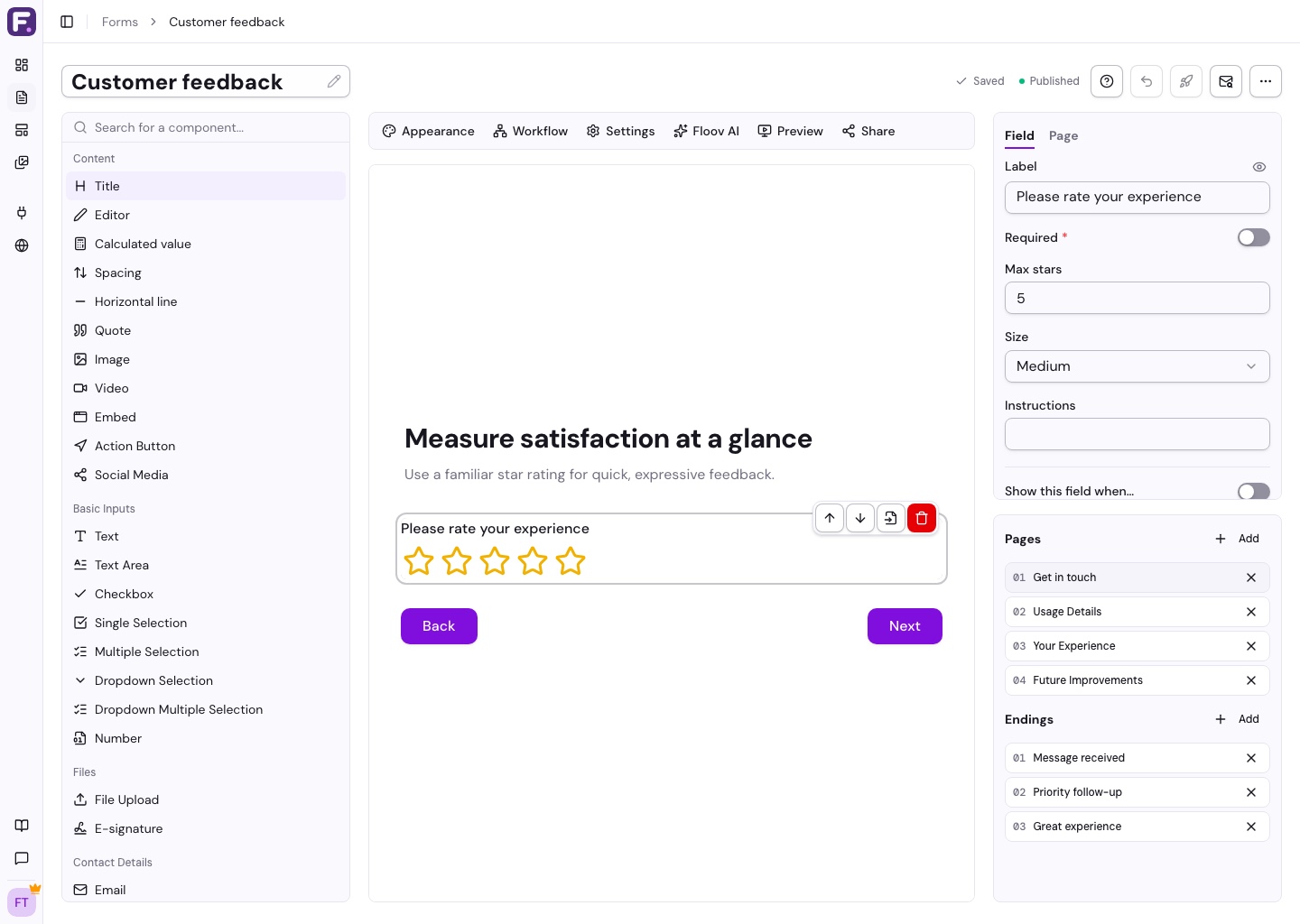
Ask for a quick rating, such as “How was your experience?” Choose the number and size of stars, and make the answer required if needed.
Opinion Scale
Use a numbered scale for satisfaction or recommendation questions. Choose the maximum value, whether to start at zero, and labels for each end.
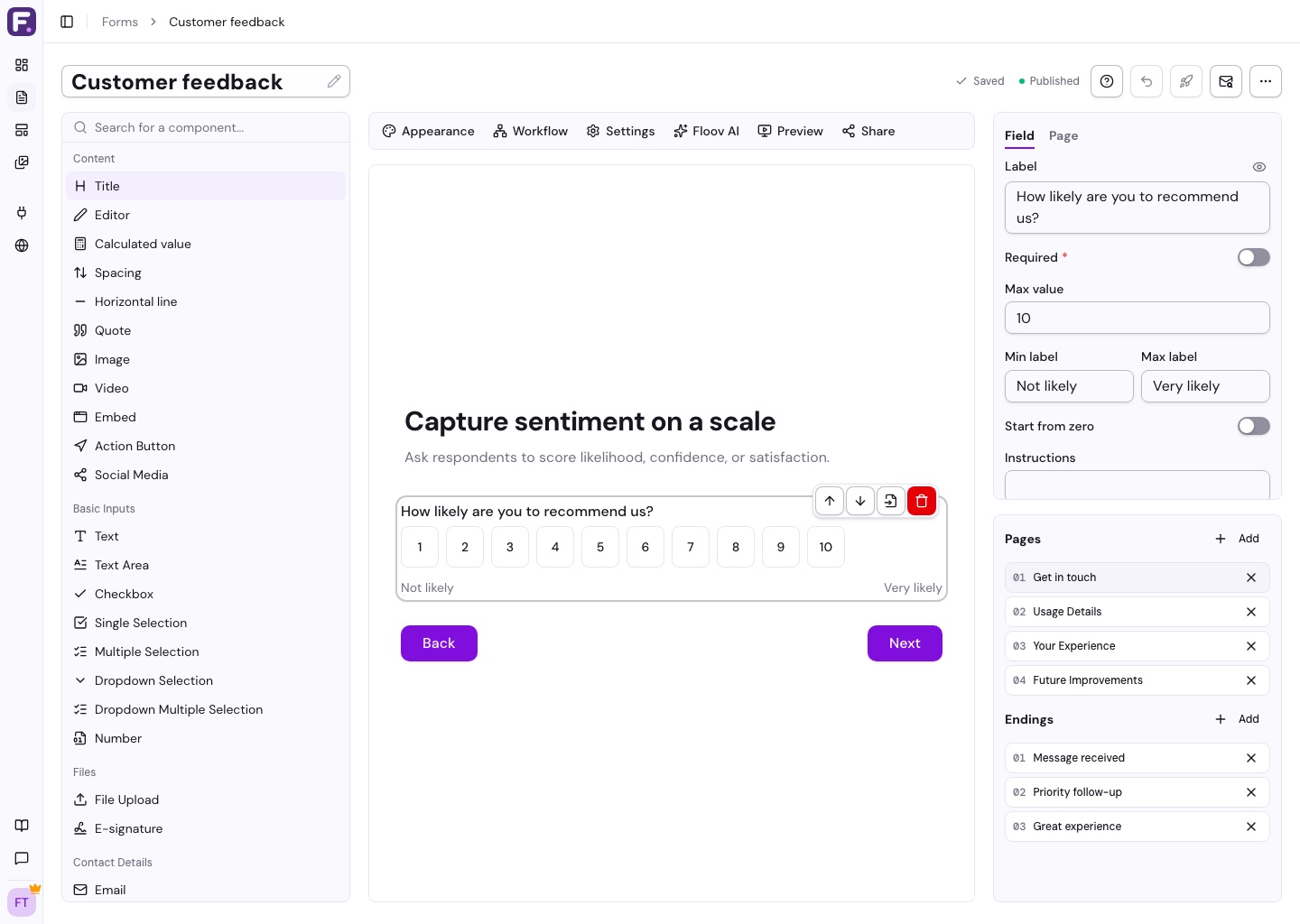
For an NPS question, use 0 to 10 with labels such as “Not at all likely” and “Extremely likely”.
Ranking
Ask respondents to put options in order of preference. Add the items in the field settings. The answer records their order from first to last.
With Pro conditional logic, Star Rating and Opinion Scale can send low scores to a follow-up question. Ranking does not support workflow conditions.
See Selection Fields for choosing options without ranking them.