
Using a Template
Start with a template, then make it your own. Your copy is a separate form that you can edit and publish.
Create Your Copy
- Choose Templates in the sidebar, browse the template library, or choose Use a template on the Create form page.
- Preview a template and choose it. Sign in or create an account if asked.
- Choose a workspace, set the form name, and select Create form.
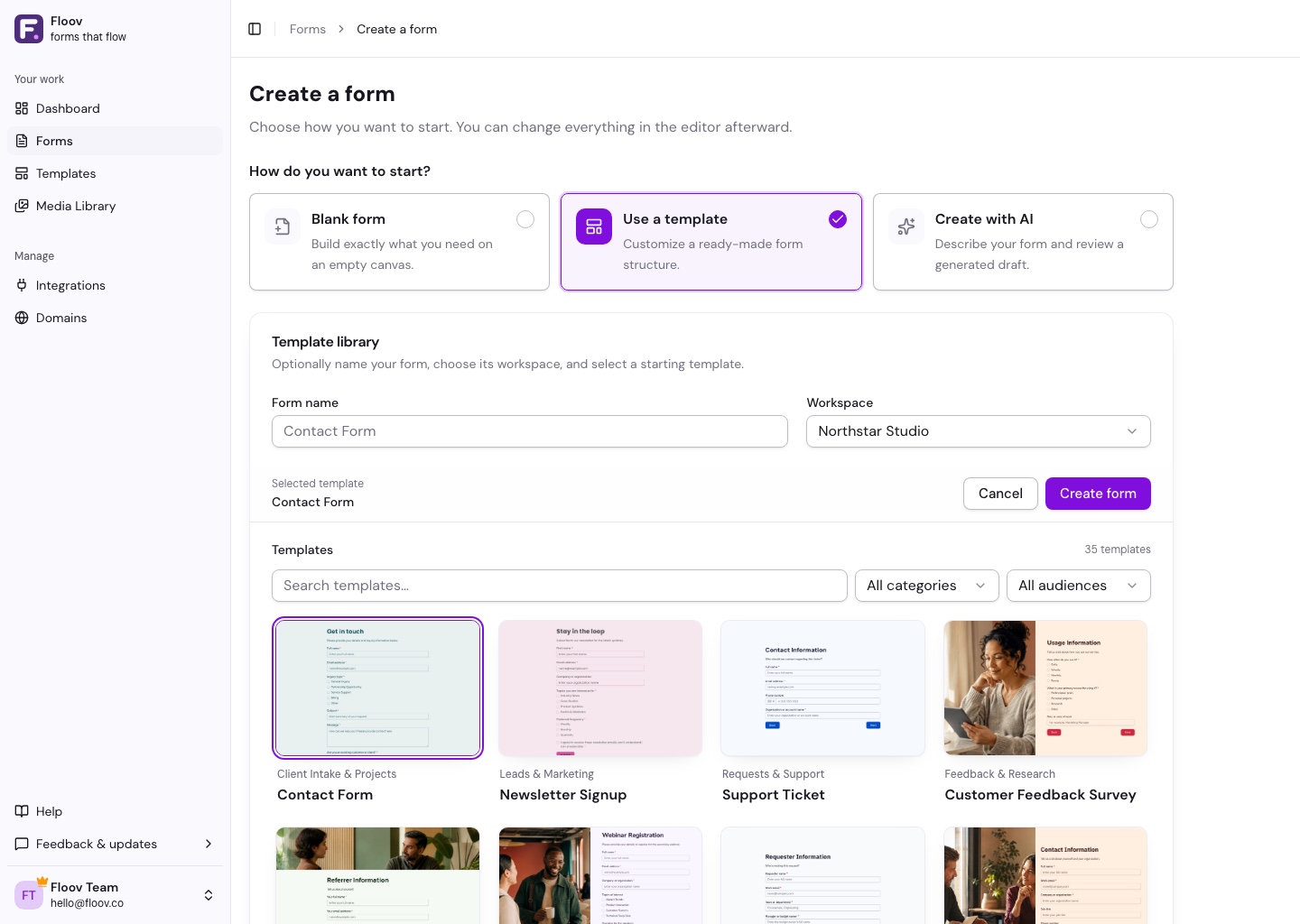
You can use the eye button to review a selected template before creating it.
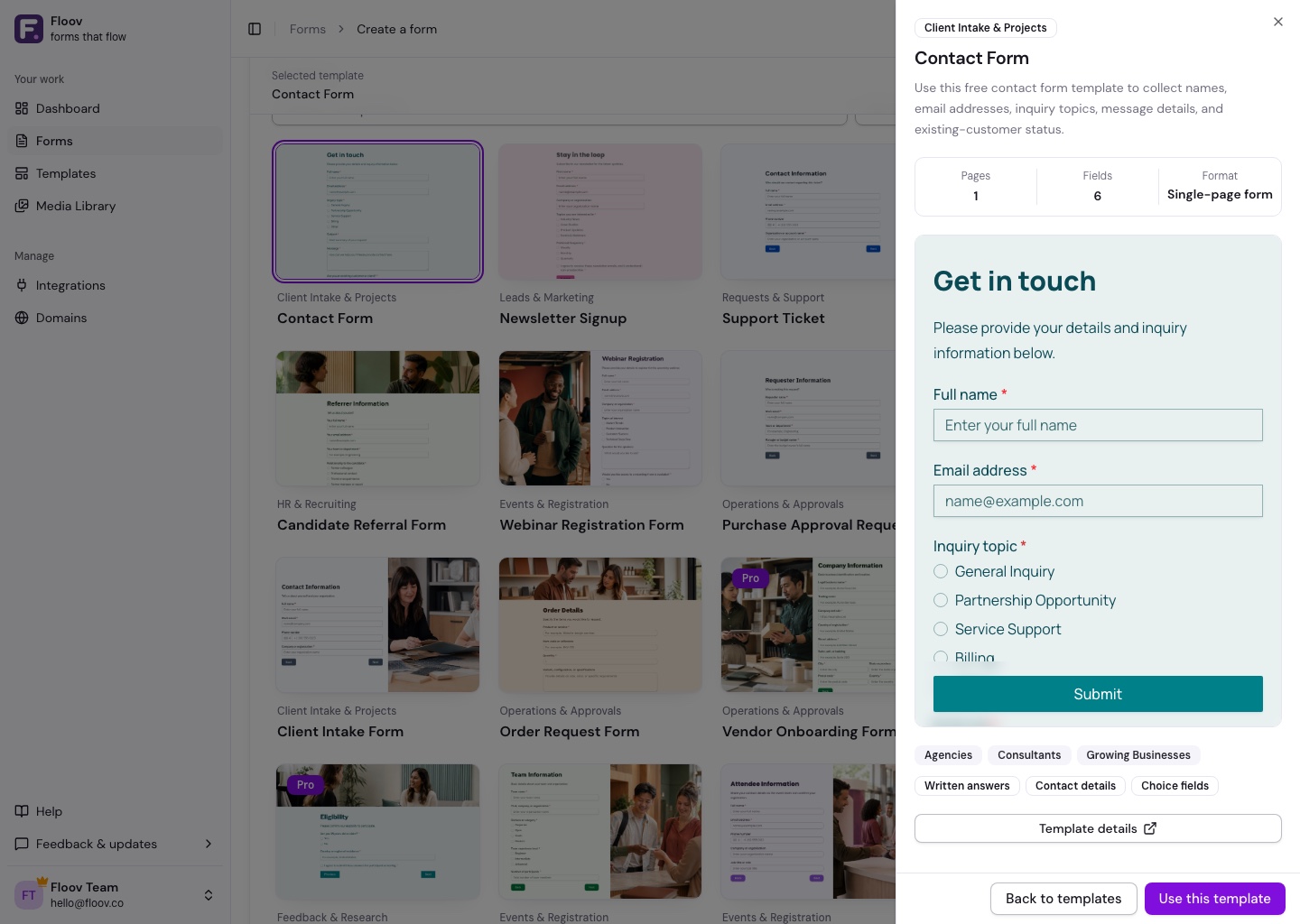
A Pro template requires an active Pro subscription on the workspace owner. Choose a Free template or an eligible workspace if needed.
Make It Yours
Edit the questions, remove anything you do not need, and replace sample details with your own. You can also change the theme and replace or remove page images.
Check which answers should be required. Placeholders are examples that disappear when someone types; put essential guidance in Instructions.
Preview the form, then Publish and share it. Later template-library updates do not change your copy.
See the editor overview, input fields, or appearance guide for help customizing.