
Managing Members
Pro. Share a workspace with up to 25 total members, including the owner, with no per-seat fee.
Add a Member
- Open Forms and select the workspace.
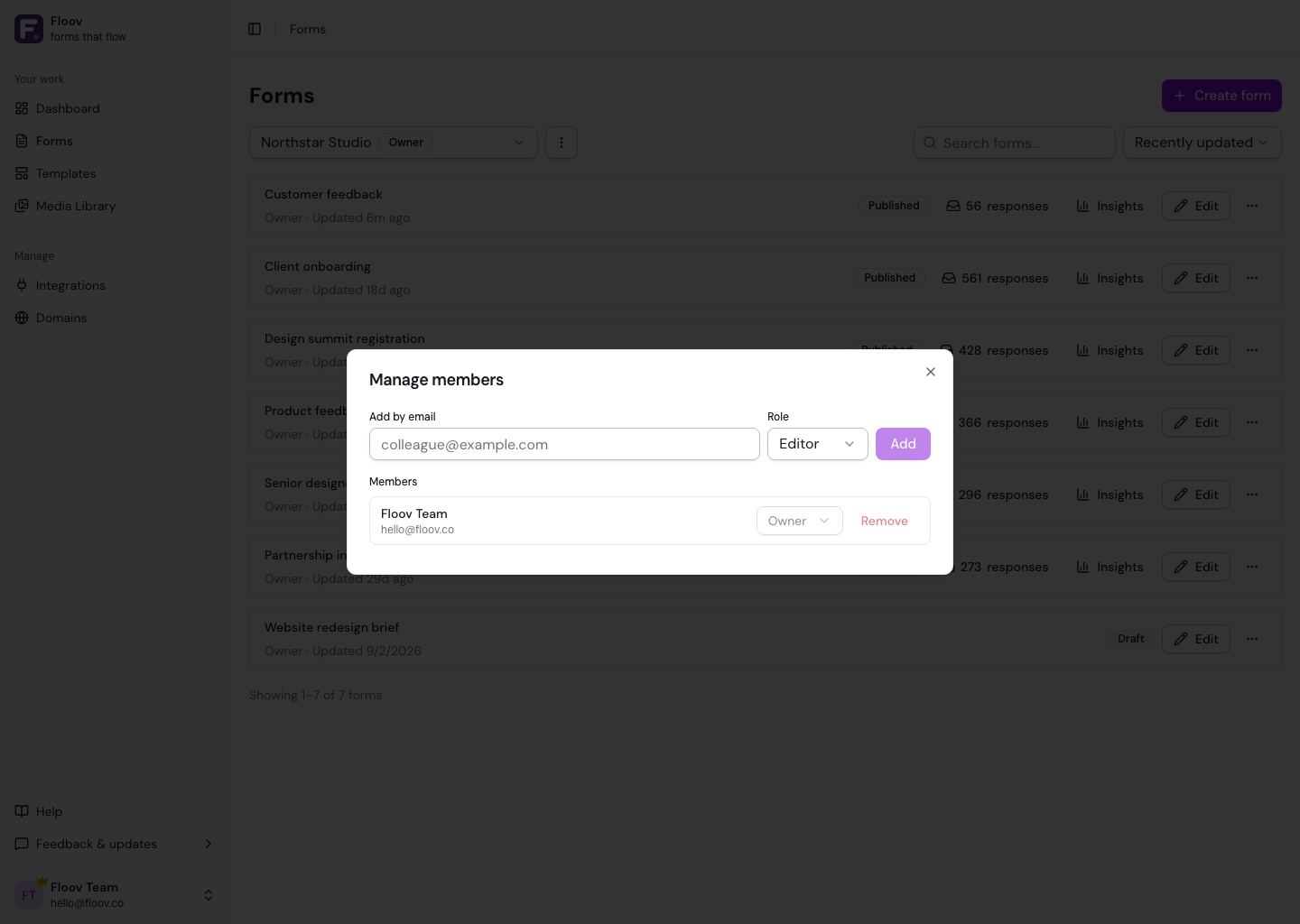
- Open the menu beside the workspace selector and choose Manage members.
- Enter the person's Floov account email, choose Admin, Editor, or Viewer, and select Add.
The person must already have a Floov account. If they cannot be added, ask them to confirm their registered email. Each account can belong to up to 25 workspaces.
Change or Remove Access
Owners and admins can view and manage members at or below their own role. You cannot change your own role or assign the owner role.
Non-owners can leave a workspace themselves. Owners cannot leave or transfer ownership. See Roles & Permissions to choose the right access.
If Pro Ends
Member access pauses until the workspace owner resumes Pro. Memberships and roles are kept, and members can still leave. The owner retains access to their workspace and data.
See Workspaces Overview or Billing & Plans.