
Media Library
Pro. The Media Library stores your images so you can reuse them in forms, backgrounds, and social previews.
If your account does not have Pro access, choose Upgrade to Pro to open Billing. After upgrading, use Upload to add images.
Upload an Image
- Open Media Library in the sidebar.
- Choose Upload or drag images into the library.
- Select files in JPEG, PNG, GIF, or WebP format, up to 5 MB each.
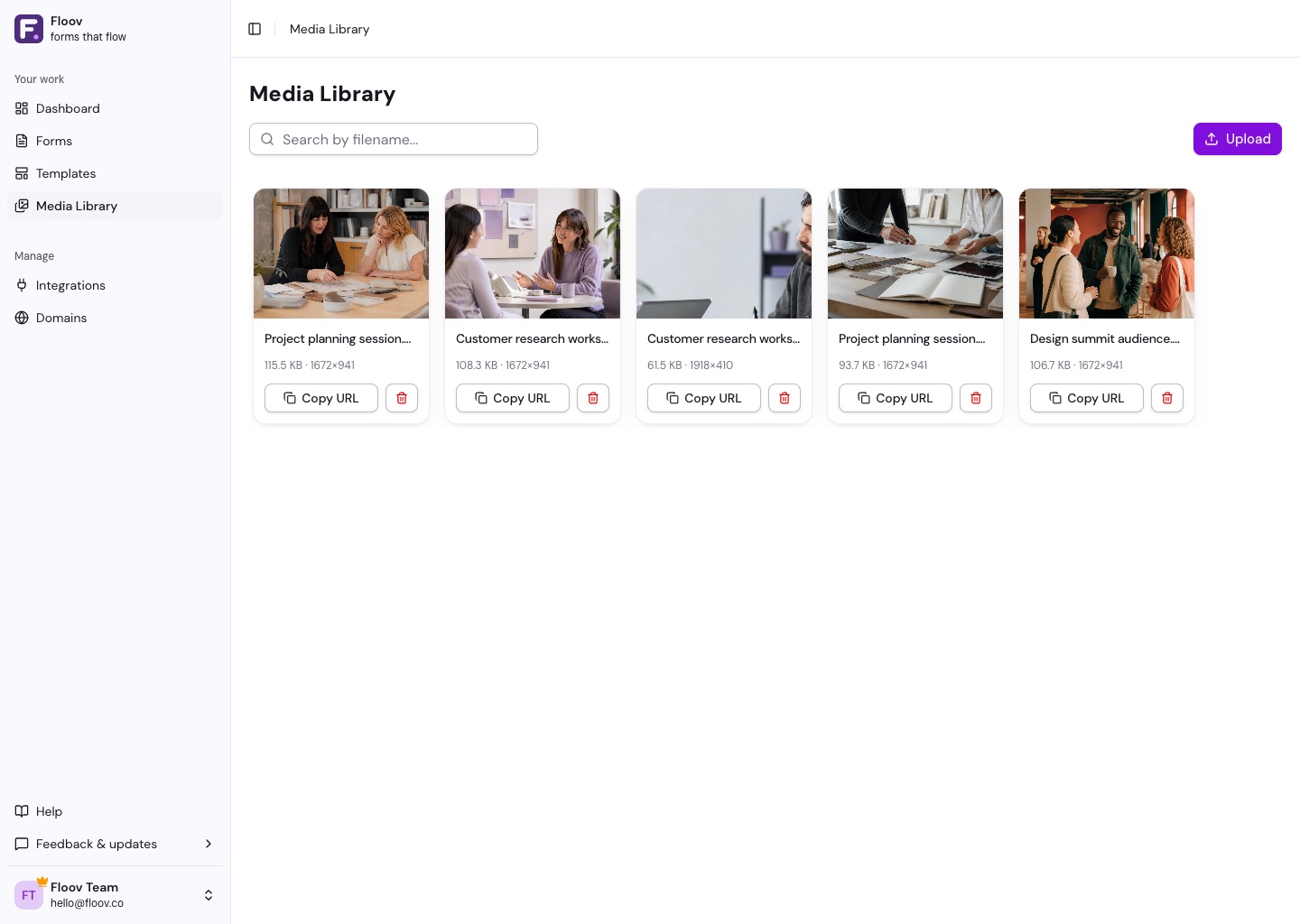
You can upload several images at once. Search by filename to find one later. Storage is subject to Fair Use.
Use an Image
Open the image picker while editing a form and choose Select on an image, or upload a new one there. Use Copy URL when you need its link elsewhere.
Delete an Image
Choose the trash icon and confirm. Deletion is permanent, so check whether your forms still use the image first.
See Text & Content Fields, Themes & Appearance, or Meta & Social Sharing for places to use your images.