
HR Form Templates & Recruitment Application Forms
Create consistent hiring and people workflows while keeping each form relevant to the role and process.
Find the Right Starting Point
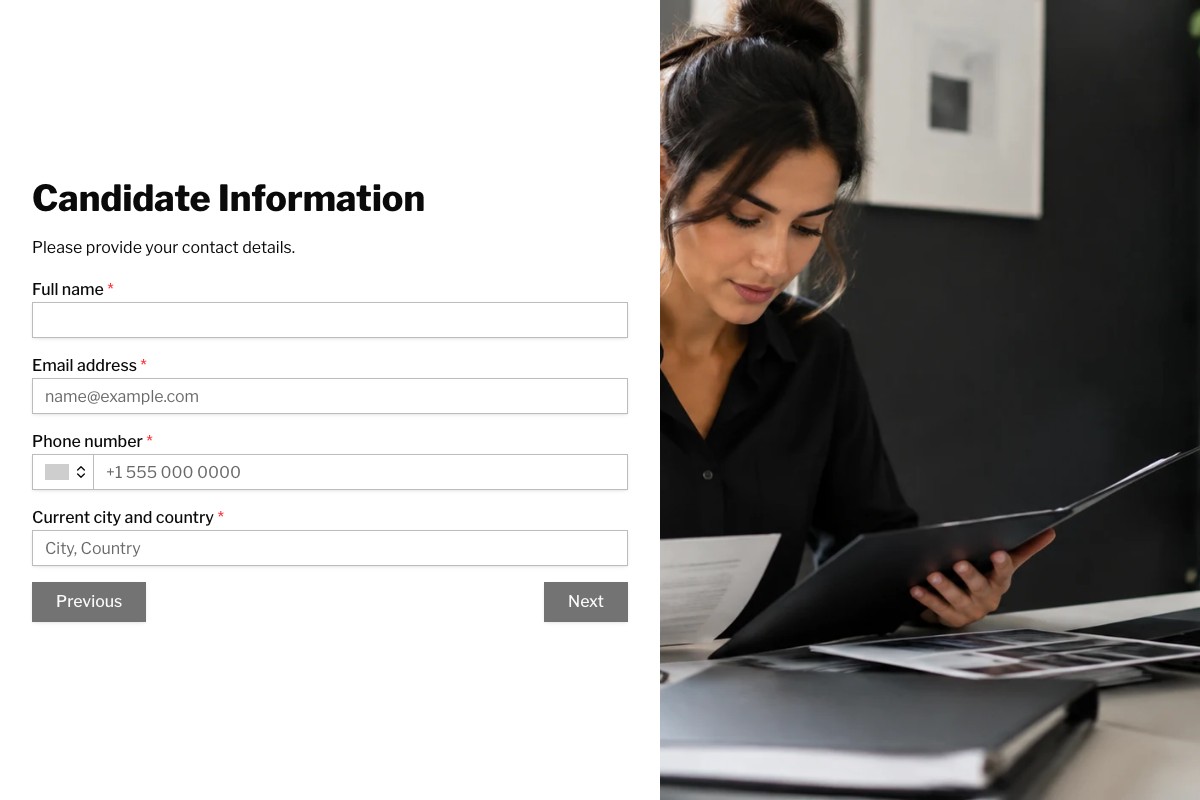
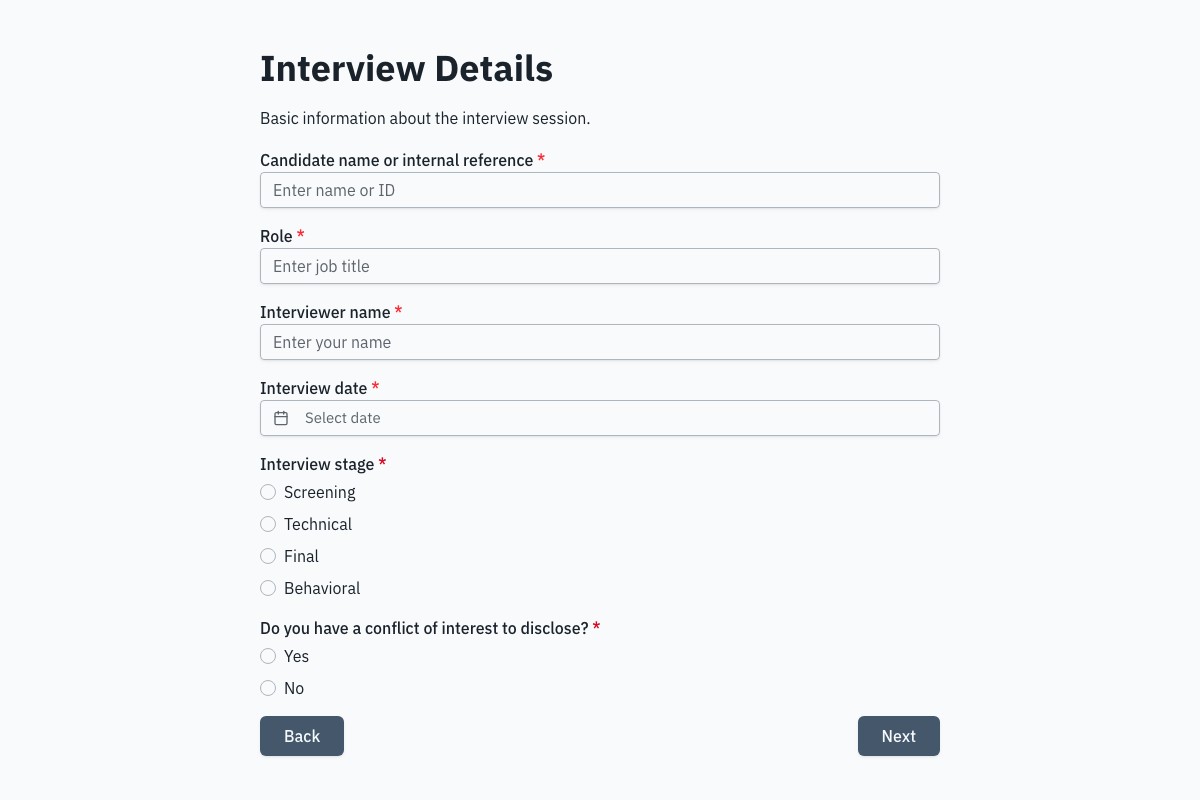
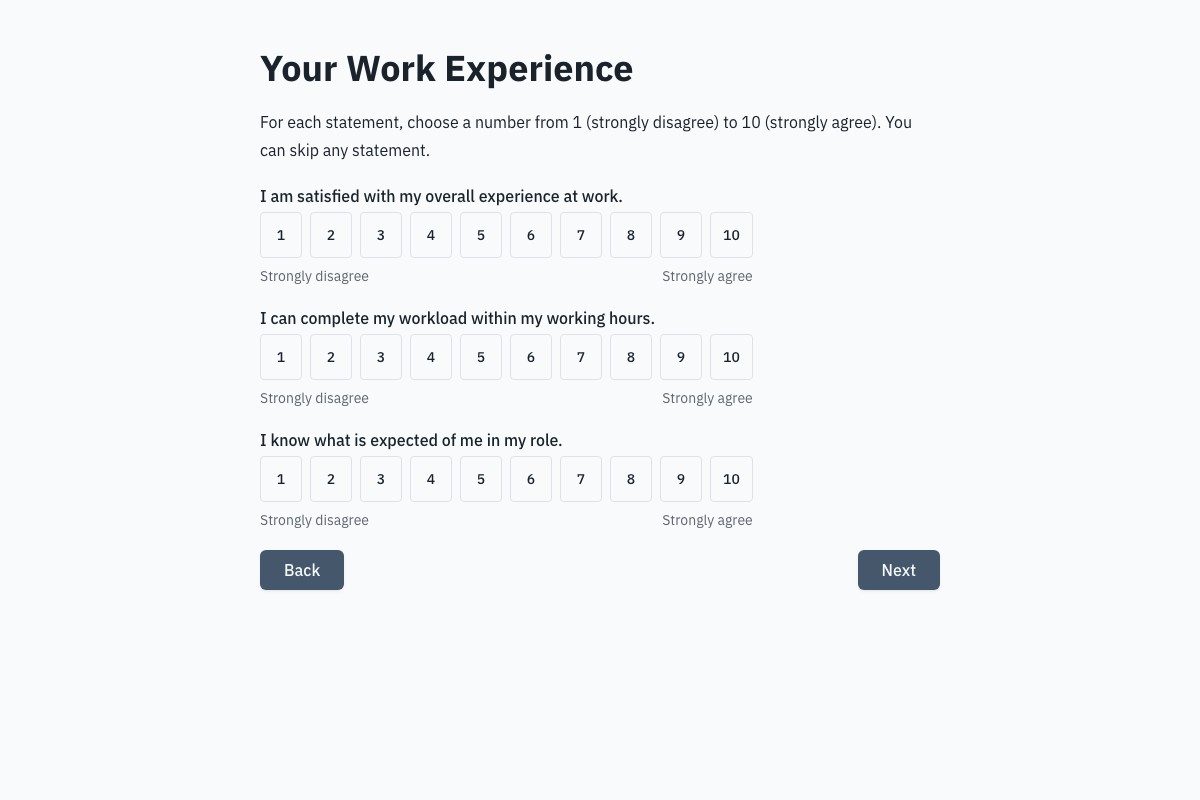
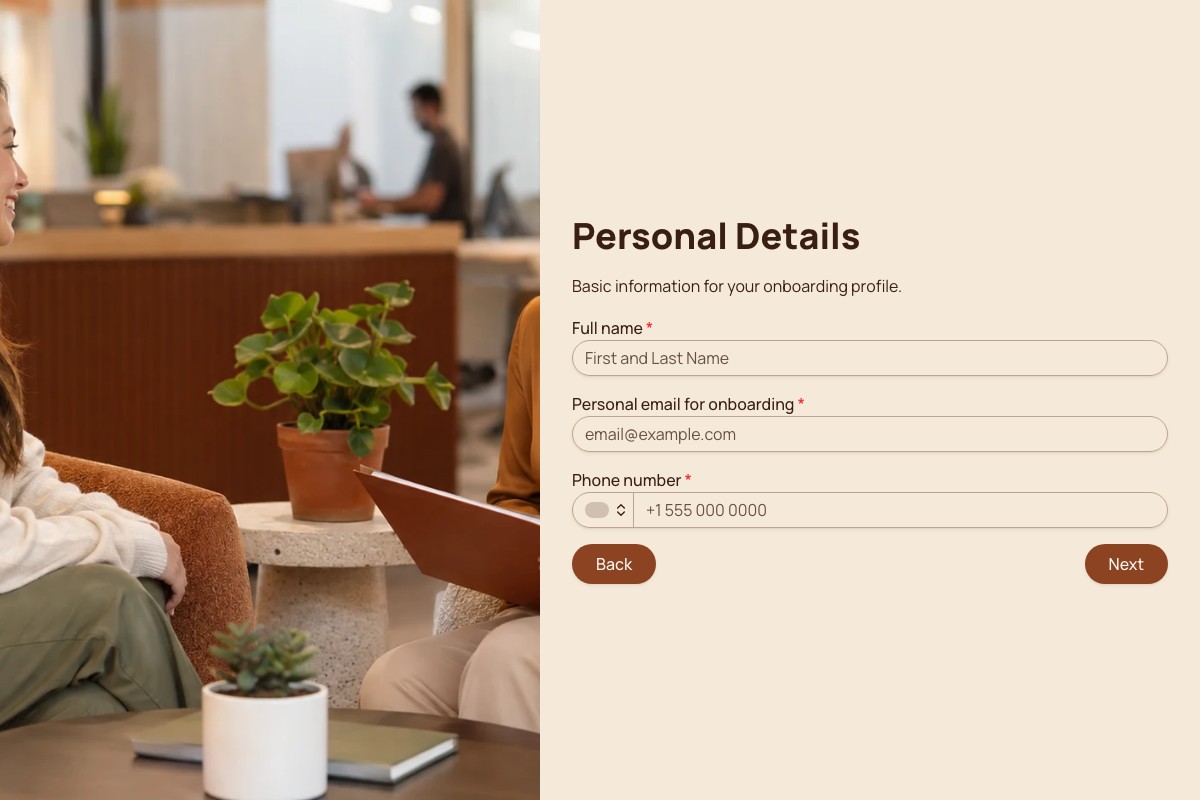
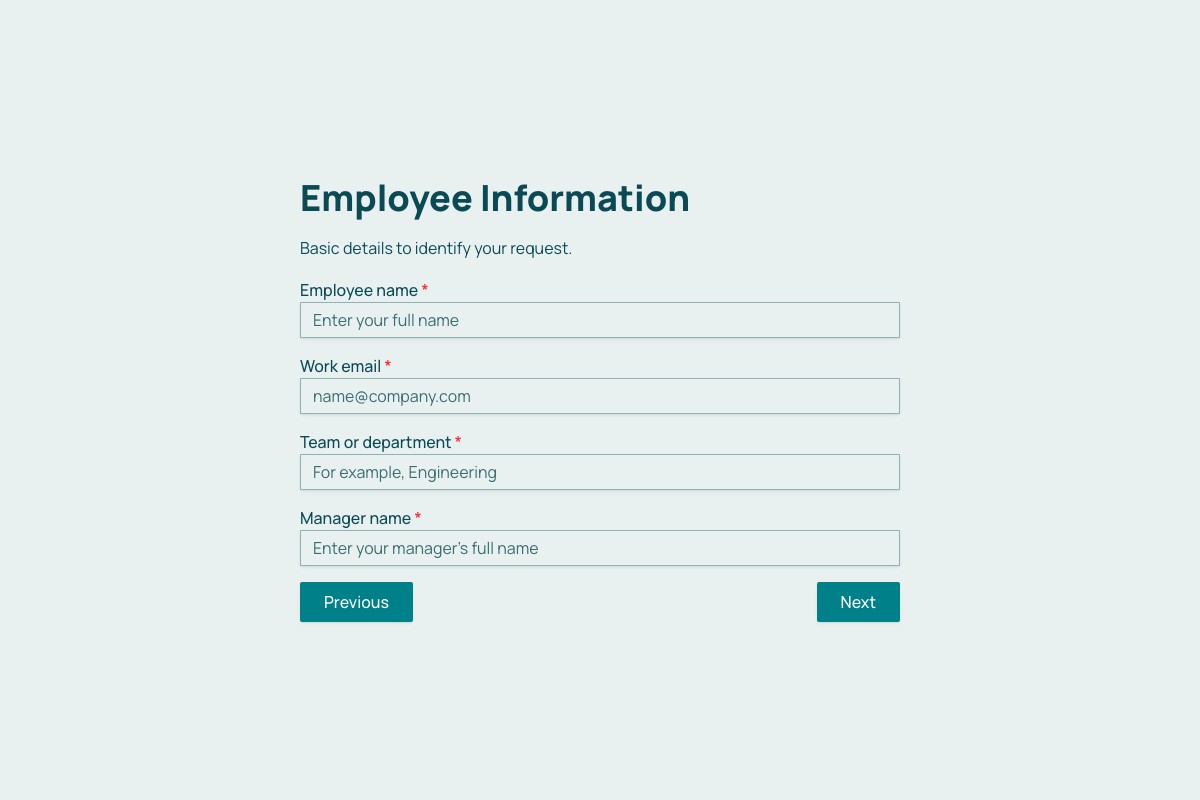
Choosing a HR & Recruiting Template
Start with the template whose questions and page flow are closest to your real process. Review every field, remove anything you cannot justify collecting, then adapt the labels, theme, ending, and delivery settings before publishing.
Can I Change Every Question?
Yes. A copied template becomes an ordinary Floov form, so its fields, pages, settings, and appearance are yours to edit.
Should I Preview It First?
Yes. Preview desktop and mobile layouts, then use the detail page to review exactly what the form collects.
Frequently Asked Questions
Answers about choosing, customizing, and publishing Floov templates.
A job application form typically asks for contact details, the role, relevant work experience, education or qualifications, skills, and availability. Include work-authorization questions only when they are appropriate for the role and local hiring rules. A resume upload can be useful, but file uploads are a Floov Pro feature. Keep the form relevant and avoid collecting personal information that is not needed for recruitment.
Create a form for the details your organization needs from a new hire, such as contact information, emergency contact, role, start date, equipment needs, and onboarding tasks. Be careful with sensitive tax, banking, or identity documents: Floov Pro supports file uploads and form password protection, but those features alone do not guarantee suitability for collecting highly sensitive records. Check your organization’s security, access, retention, and legal requirements before collecting them.
An employee referral form lets staff recommend someone for an open role and gives recruiters a consistent record to follow up on. It can collect the referrer’s details, the candidate’s contact information, the role, how they know the candidate, and a brief recommendation. Ask employees to share candidate information only where they have an appropriate basis to do so, and explain how it will be used.
Use consistent criteria tied to the role, such as job-related skills, relevant experience, communication, and evidence from the interview. Include candidate and interviewer details, rating scales, space for specific examples, and an overall recommendation. Define the rating scale so interviewers interpret it similarly, and avoid vague criteria that could introduce bias. A shared form helps teams compare feedback more consistently.
Include the employee’s name, leave type, start and end dates, and any additional details your policy requires. Keep the reason field optional unless it is genuinely needed, since it may invite sensitive personal information. Floov email notifications can alert managers when a request is submitted. Conditional logic is a Pro feature if you want different questions or routes based on the type of leave.
Loading template preview…
The Preview Is Taking Longer Than Expected
Open the full preview in a new tab, or continue to the template details and field list.