
Client Intake & Project Form Templates
Start client work with the context your team needs using polished intake and project forms.
Find the Right Starting Point
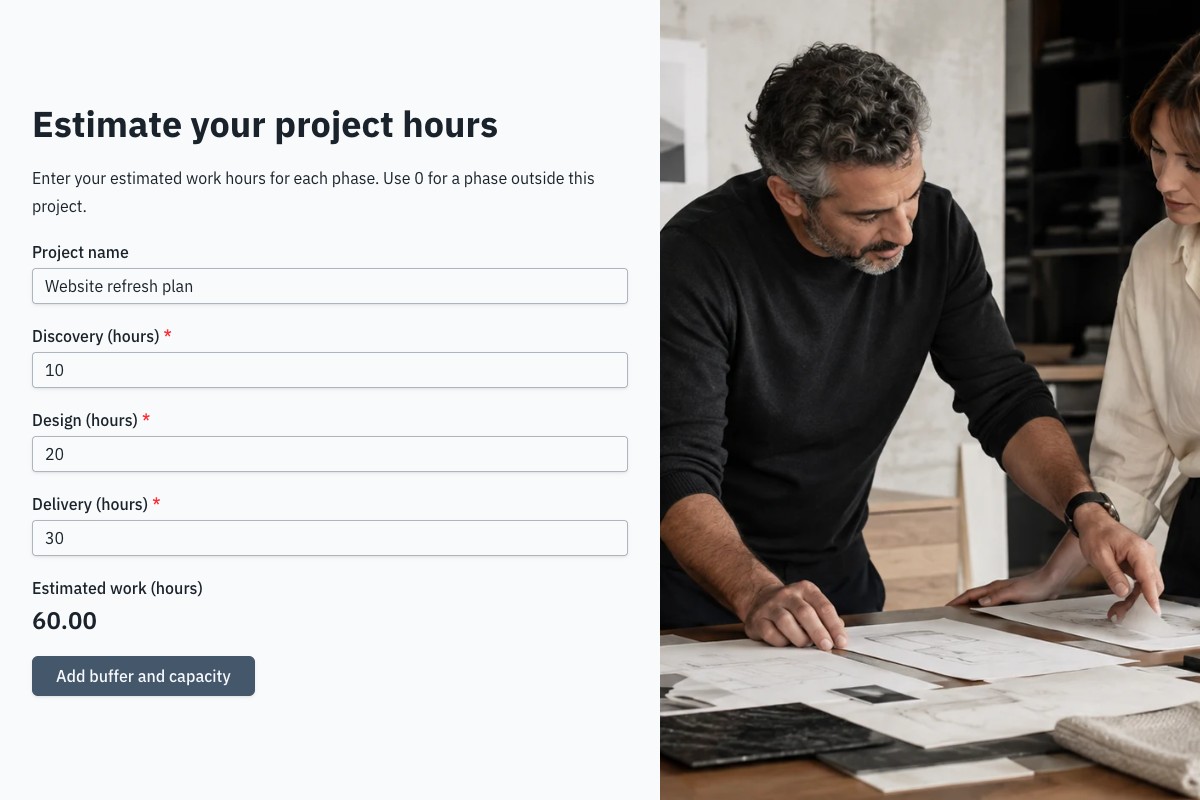
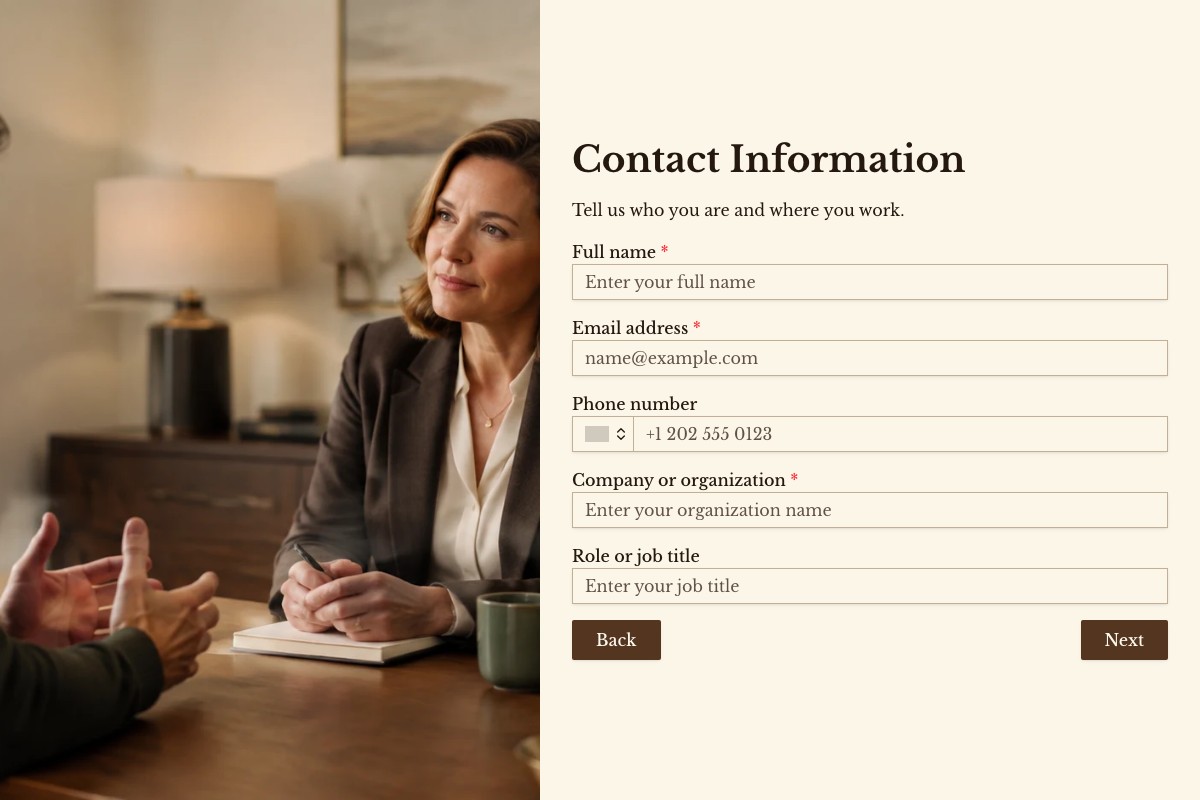
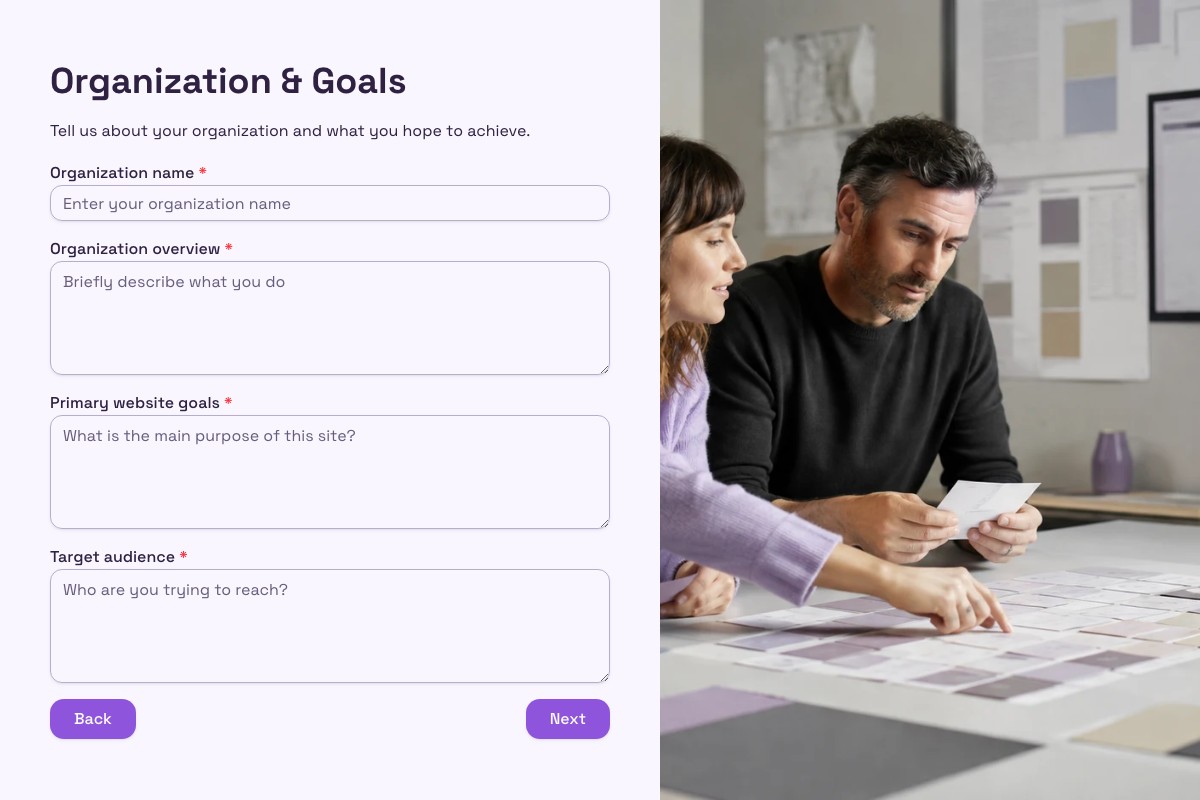
Choosing a Client Intake & Projects Template
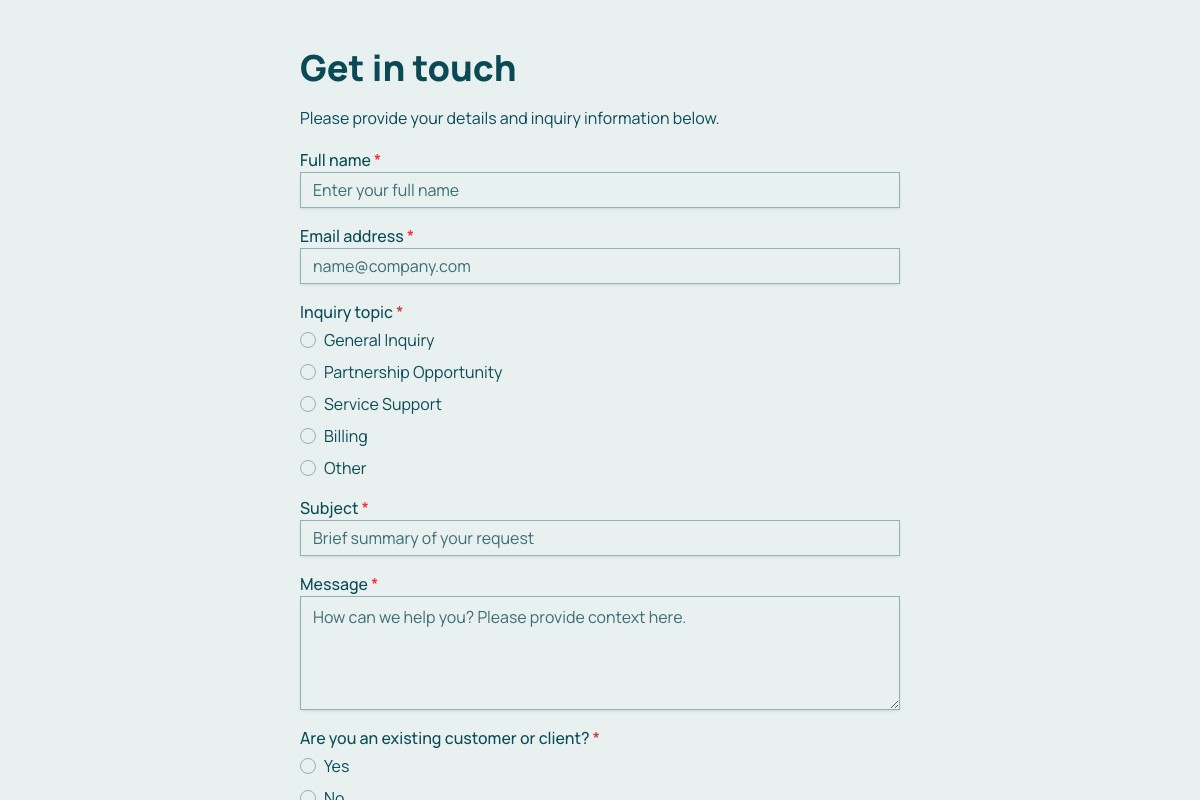
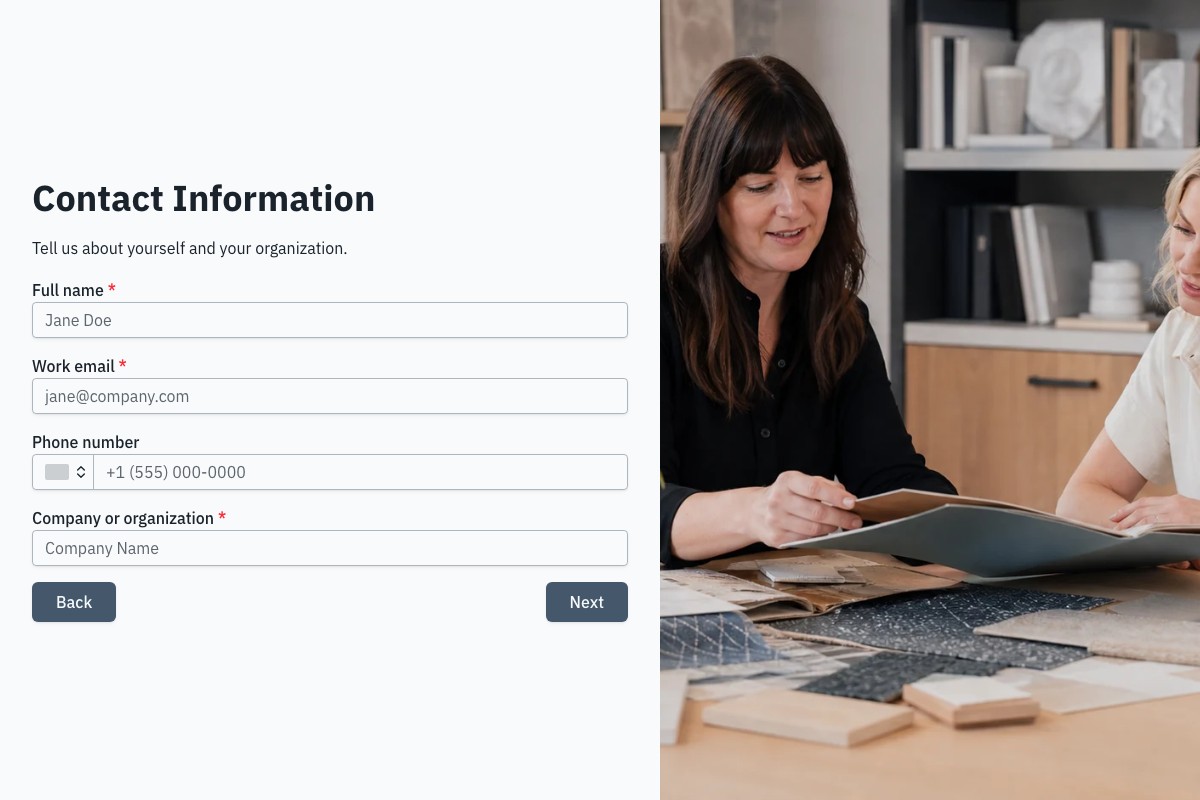
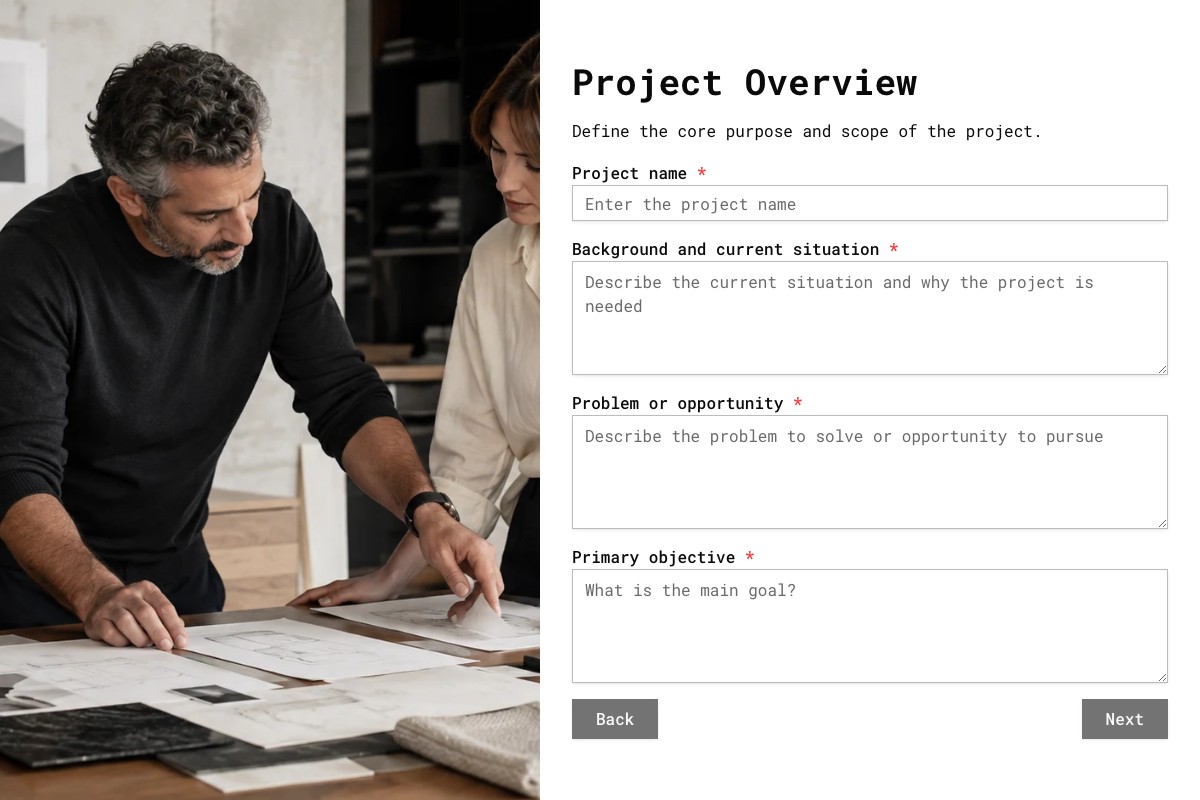
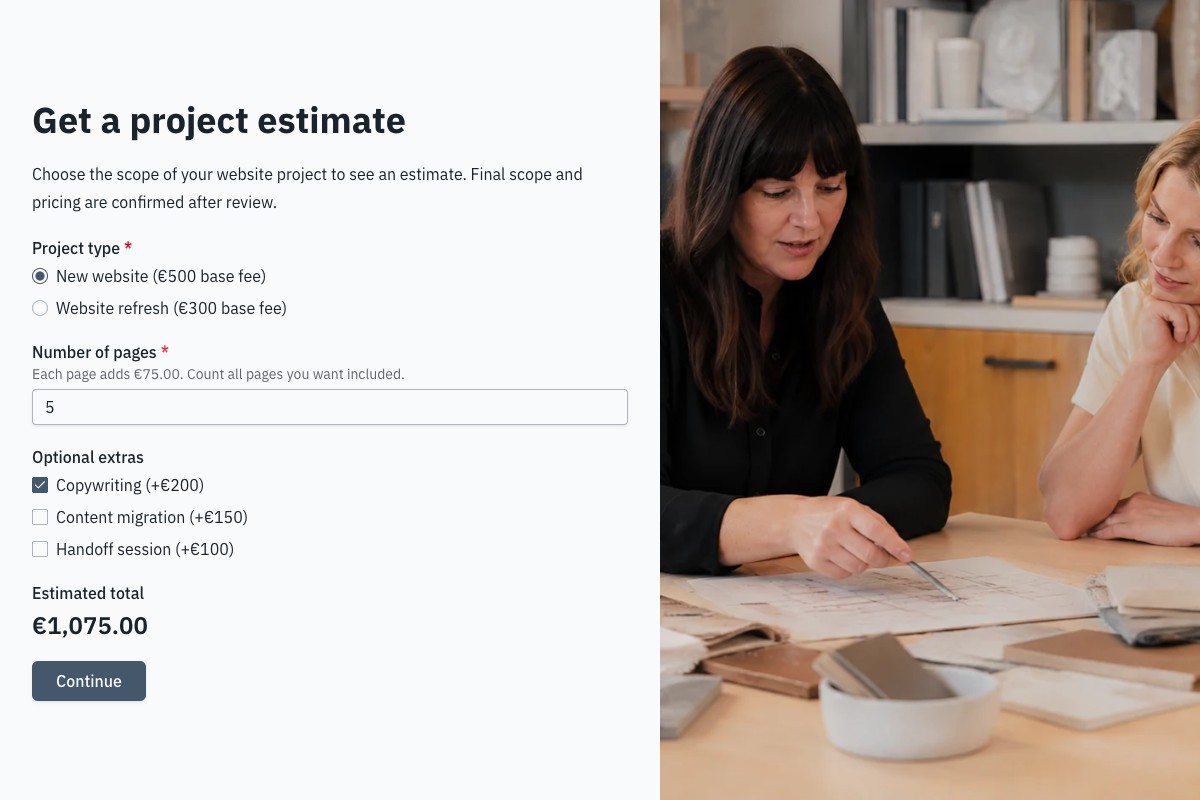
Start with the template whose questions and page flow are closest to your real process. Review every field, remove anything you cannot justify collecting, then adapt the labels, theme, ending, and delivery settings before publishing.
Can I Change Every Question?
Yes. A copied template becomes an ordinary Floov form, so its fields, pages, settings, and appearance are yours to edit.
Should I Preview It First?
Yes. Preview desktop and mobile layouts, then use the detail page to review exactly what the form collects.
Frequently Asked Questions
Answers about choosing, customizing, and publishing Floov templates.
Include the client’s contact details, the service they need, project goals, relevant background, budget range, timeline, and any constraints that will shape the work. Add follow-up questions only when they help you scope the project. File uploads and conditional logic are available with Floov Pro, so check your plan if you need clients to attach documents or see different questions based on their answers.
Start with a contact form template or build a simple form with name, email, and message fields. Add only the details you need, customize the form’s appearance, then publish it and use Floov’s embed option to place it on your website or share a link. You can enable email notifications and connect supported tools such as Slack or Google Sheets to help your team follow up.
A client intake form gathers initial information about the client, their needs, and whether the work is a good fit. A project brief is more focused on a defined piece of work, including goals, scope, deliverables, timeline, and budget. Many teams use intake to understand the request first, then prepare a brief once the project is better defined.
A consultation request form collects a prospect’s goals, needs, preferred contact method, and any useful budget or timing information before a call. This helps you prepare and decide what questions to ask. Floov Pro conditional logic can show relevant follow-up questions based on earlier answers; without that feature, you can still collect the information using a straightforward form.
Ask about the business goals, target audience, brand style, competitor or inspiration sites, required pages and features, available content, budget, and deadline. Invite clients to share links to examples and explain which parts they like. If you need them to attach logos or reference files, note that file uploads are a Floov Pro feature. Keep questions tied to decisions the design team needs to make.
Loading template preview…
The Preview Is Taking Longer Than Expected
Open the full preview in a new tab, or continue to the template details and field list.