
Operations & Approval Form Templates
Replace one-off requests with repeatable forms that make operational details easier to review and act on.
Find the Right Starting Point
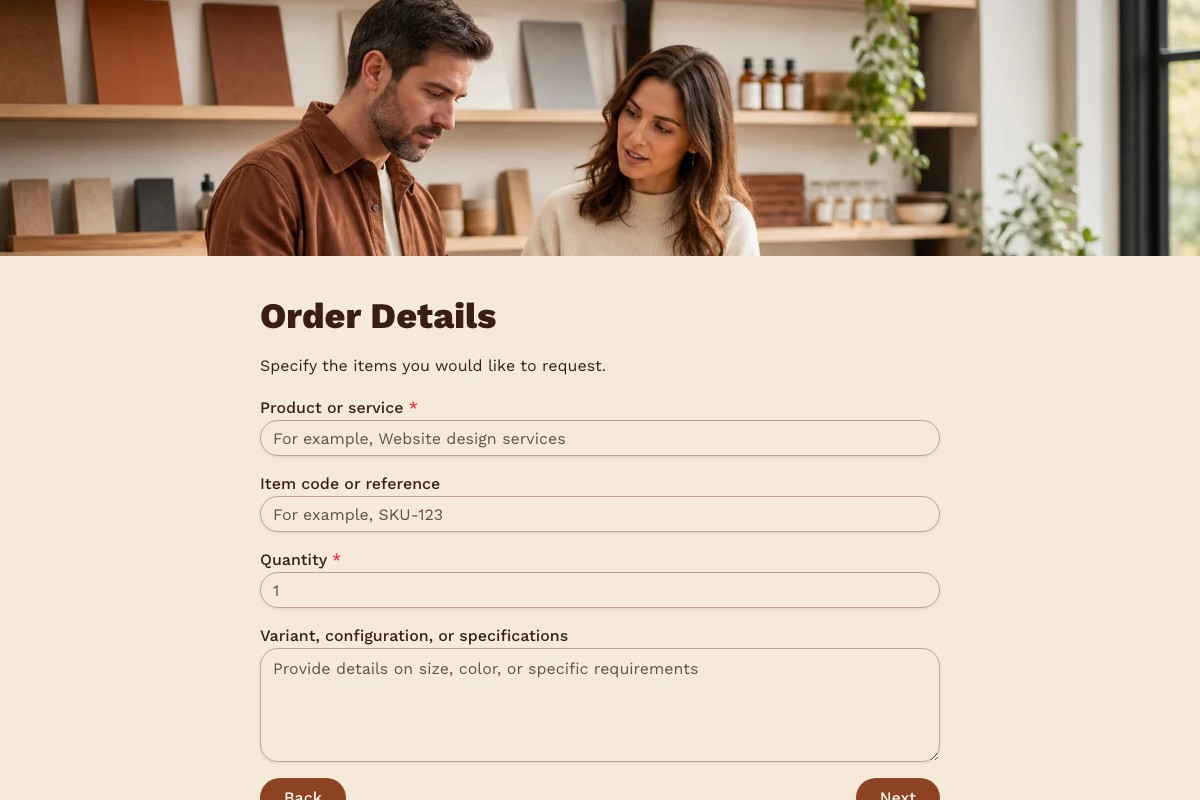
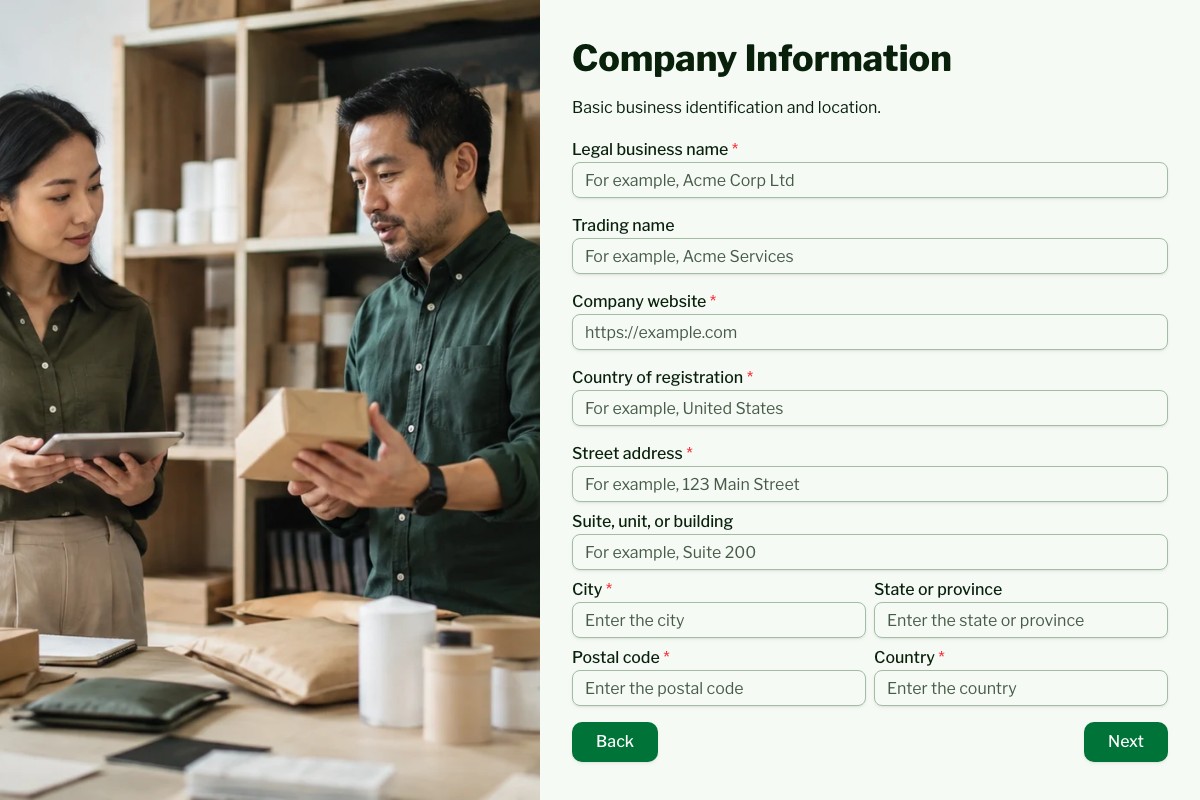
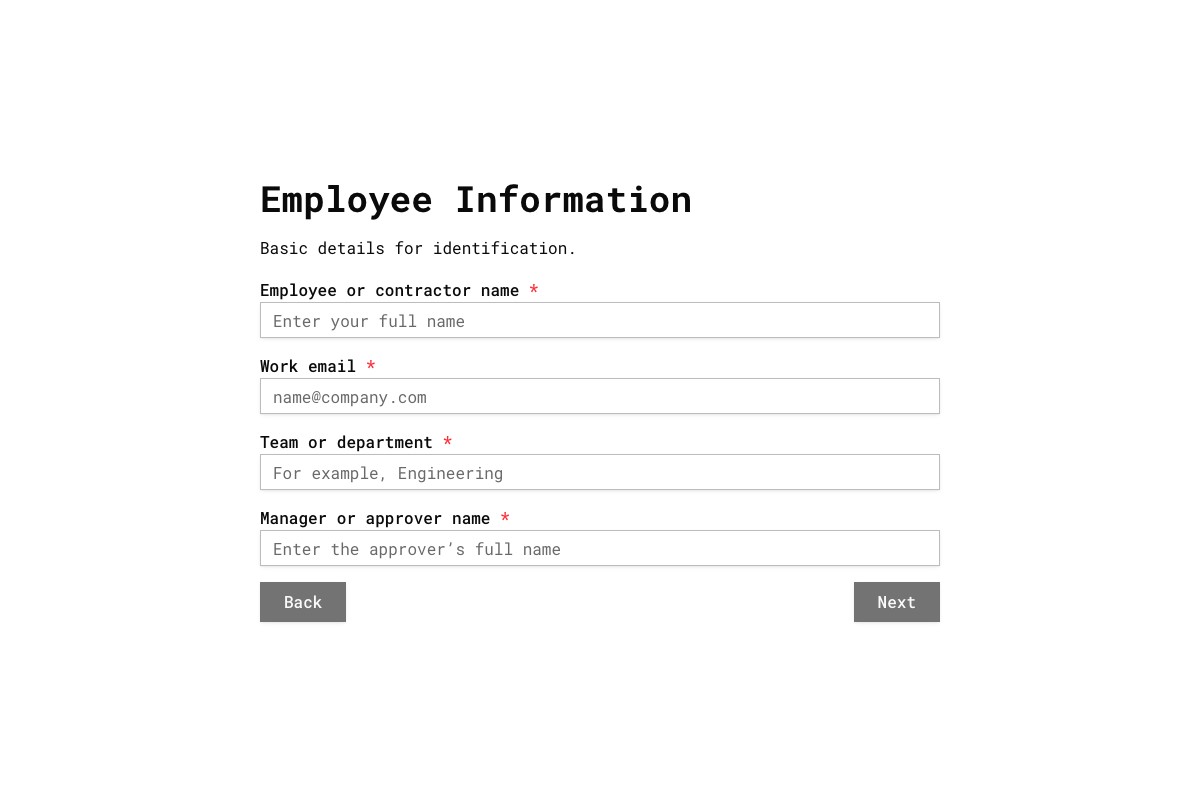
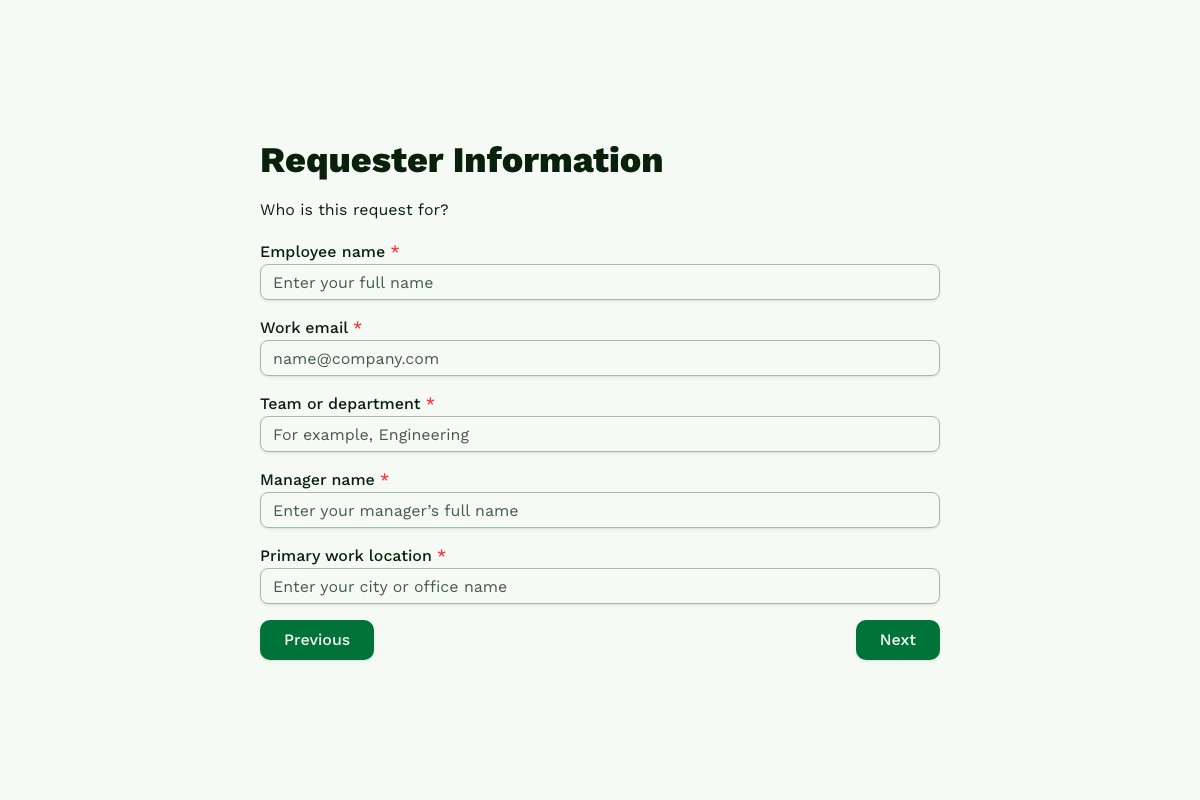
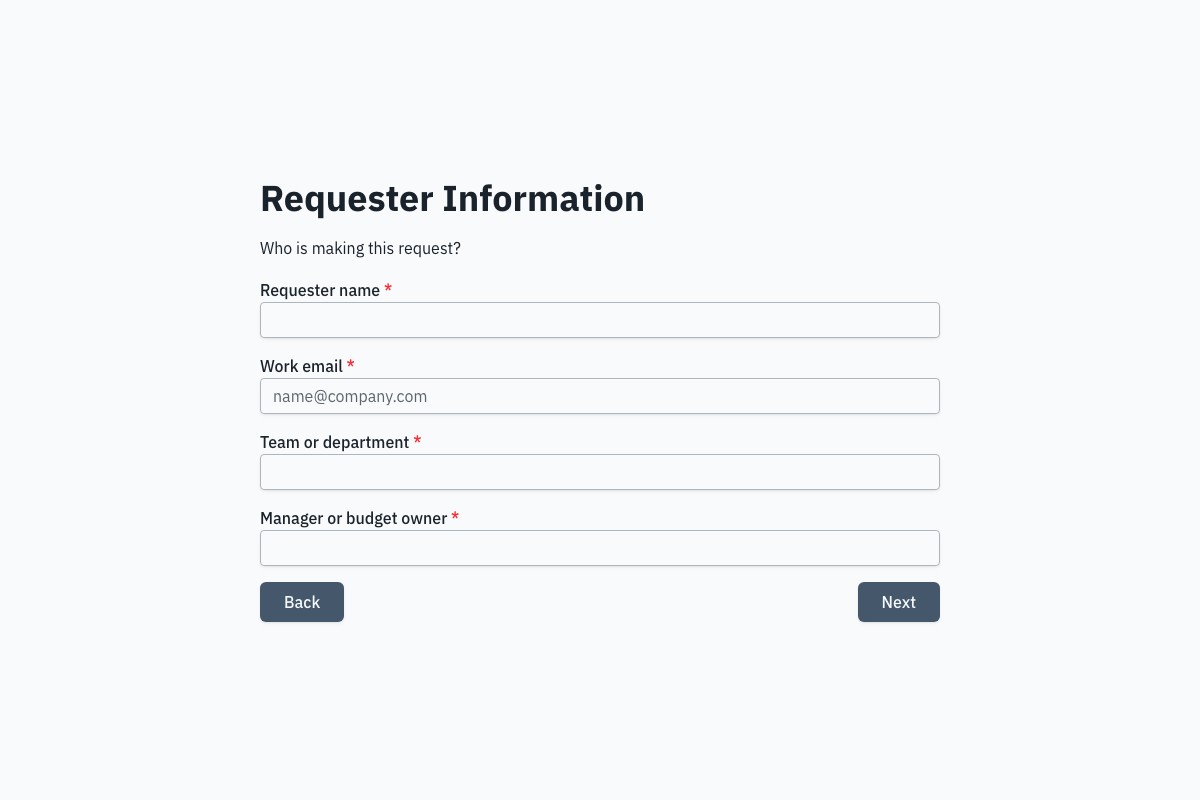
Choosing a Operations & Approvals Template
Start with the template whose questions and page flow are closest to your real process. Review every field, remove anything you cannot justify collecting, then adapt the labels, theme, ending, and delivery settings before publishing.
Can I Change Every Question?
Yes. A copied template becomes an ordinary Floov form, so its fields, pages, settings, and appearance are yours to edit.
Should I Preview It First?
Yes. Preview desktop and mobile layouts, then use the detail page to review exactly what the form collects.
Frequently Asked Questions
Answers about choosing, customizing, and publishing Floov templates.
A purchase request form commonly asks for the requester, department, item or service, vendor if known, quantity, estimated cost, business reason, and required date. Add a receipt or quote upload only if needed; file uploads are a Pro feature in Floov. Floov’s calculation fields can total numeric amounts, but a calculated total does not itself approve or authorize a purchase.
Create a form with fields for the item or service, estimated cost, business justification, requester, and any information your approvers need. Floov calculations can help total numeric amounts. Conditional logic for routing respondents through different pages or endings is a Pro feature. Floov can notify your team about new submissions or send them to Slack, but your organization’s approval decision and process must be handled by your team or connected workflow.
Collect the employee’s name, relevant contact or department details, expense date, category, amount, business purpose, and any required manager or cost-centre information. A receipt upload can be useful, but file uploads require Floov Pro. Calculation fields can total numeric expense amounts when configured appropriately. The form collects the request; your finance team remains responsible for checking receipts and approving reimbursement.
Create a separate, clearly named form for each common request type, such as equipment, time off, or purchasing. Use consistent labels and required fields so teams receive the information they need without repeated follow-up. Floov supports email notifications and integrations such as Slack. Conditional logic can tailor the questions or route respondents based on answers, but that feature requires Pro.
A vendor onboarding form gathers the supplier details your organization needs before working with a new vendor, such as company information, business contacts, and relevant compliance details. Ask only for information needed for your process and use an appropriate secure collection method for sensitive tax or banking data. Floov Pro supports file uploads, but that alone does not establish that a form is suitable for every sensitive document or compliance requirement.
Loading template preview…
The Preview Is Taking Longer Than Expected
Open the full preview in a new tab, or continue to the template details and field list.