Event Registration Form Templates
Run smoother registrations with structured event forms that collect the right details up front.
Find the Right Starting Point
Choosing a Events & Registration Template
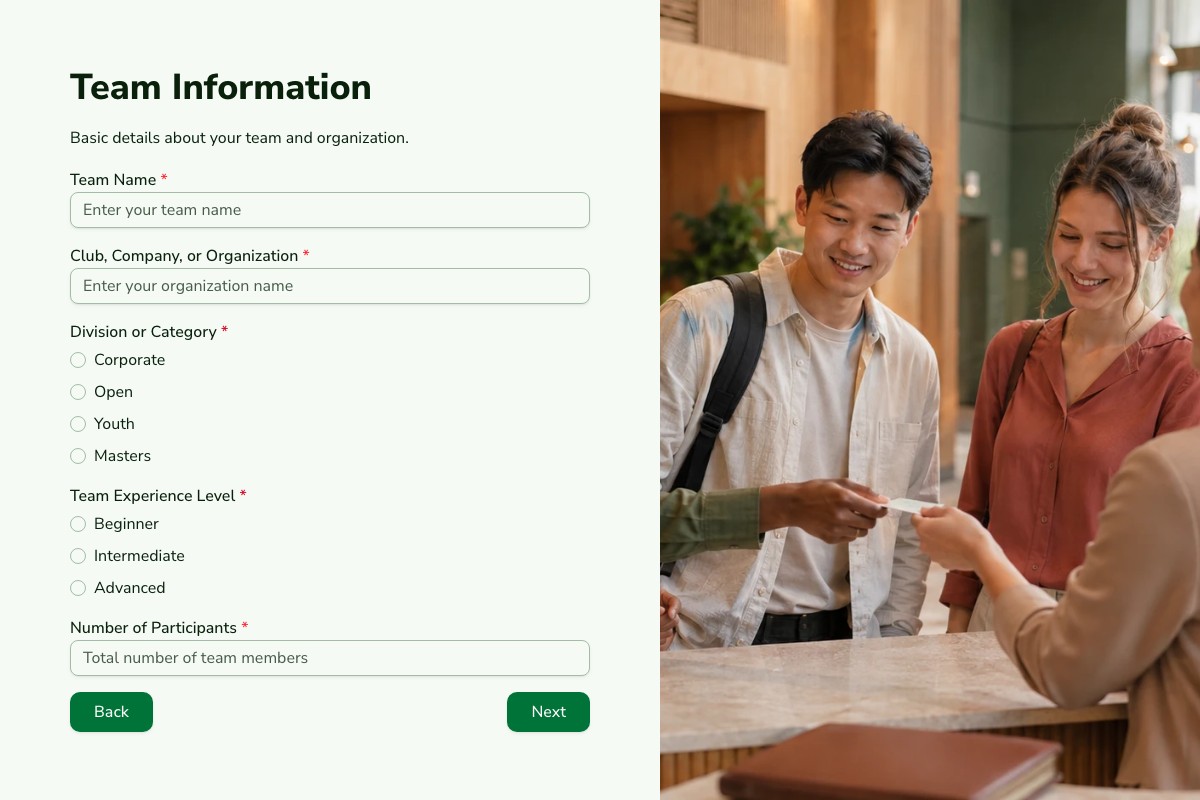
Start with the template whose questions and page flow are closest to your real process. Review every field, remove anything you cannot justify collecting, then adapt the labels, theme, ending, and delivery settings before publishing.
Can I Change Every Question?
Yes. A copied template becomes an ordinary Floov form, so its fields, pages, settings, and appearance are yours to edit.
Should I Preview It First?
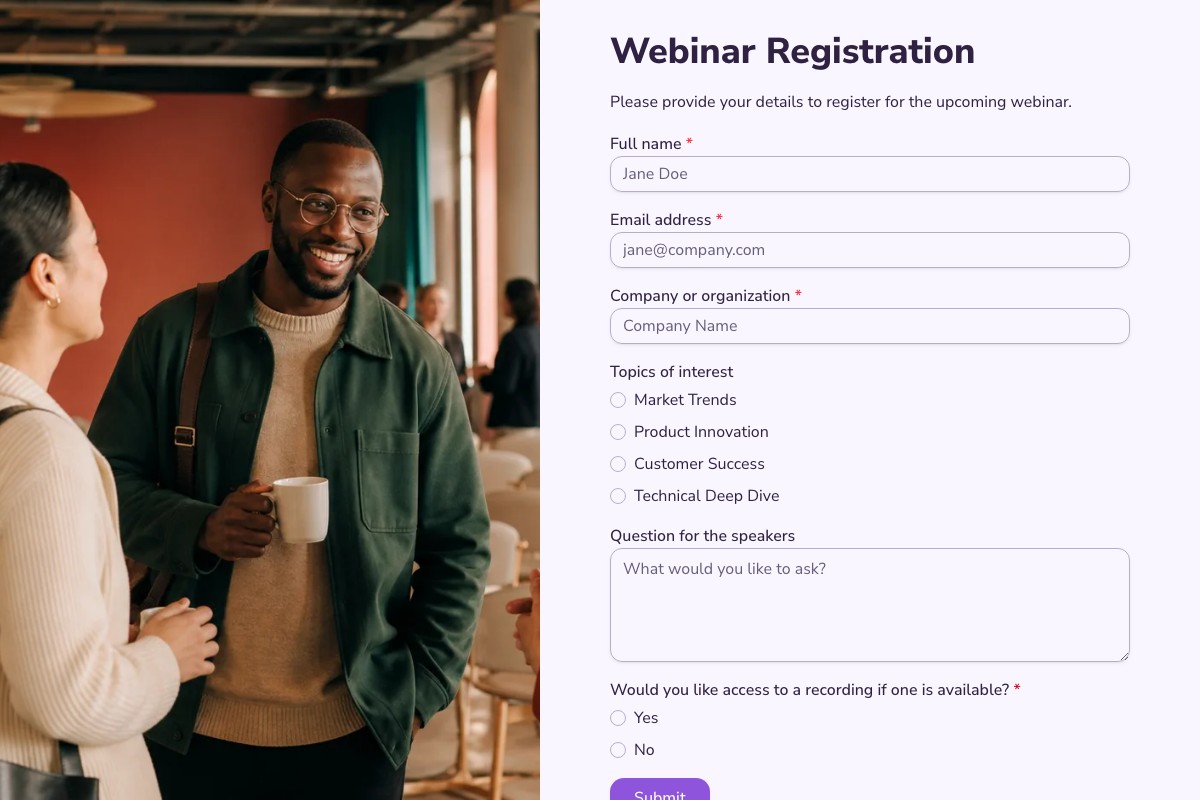
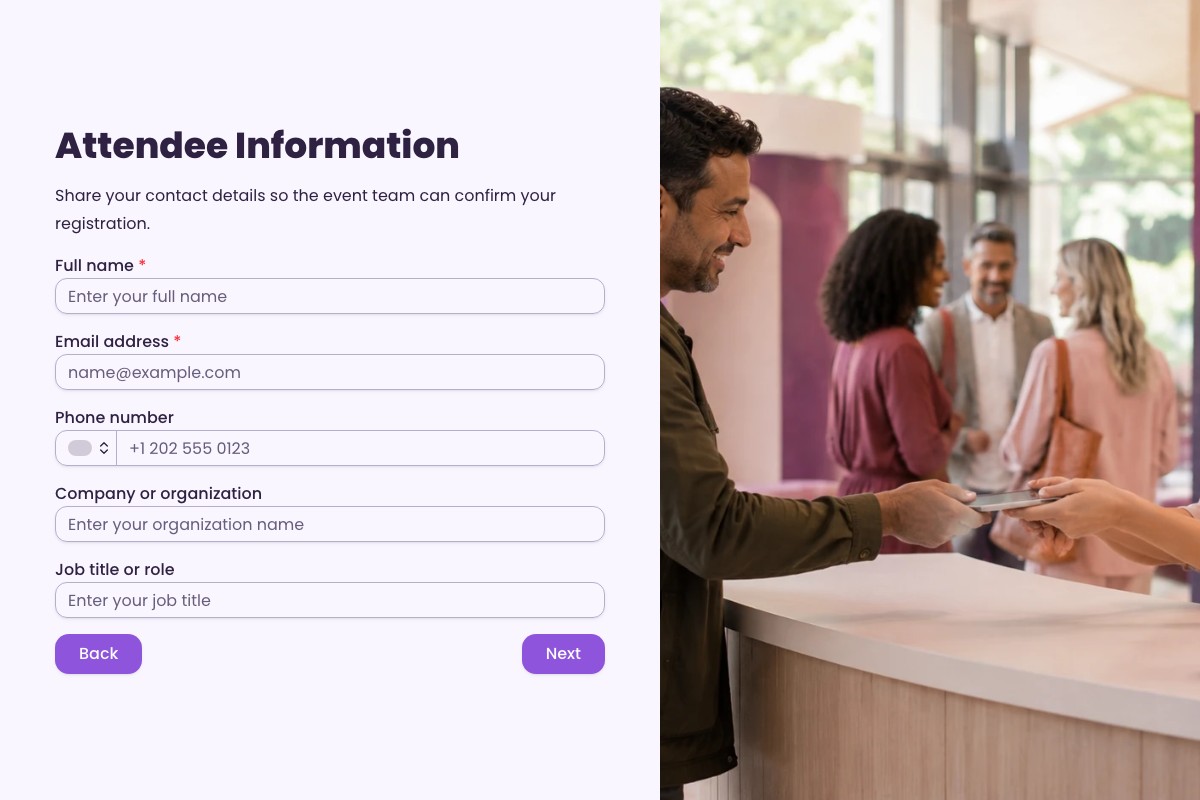
Yes. Preview desktop and mobile layouts, then use the detail page to review exactly what the form collects.
Frequently Asked Questions
Answers about choosing, customizing, and publishing Floov templates.
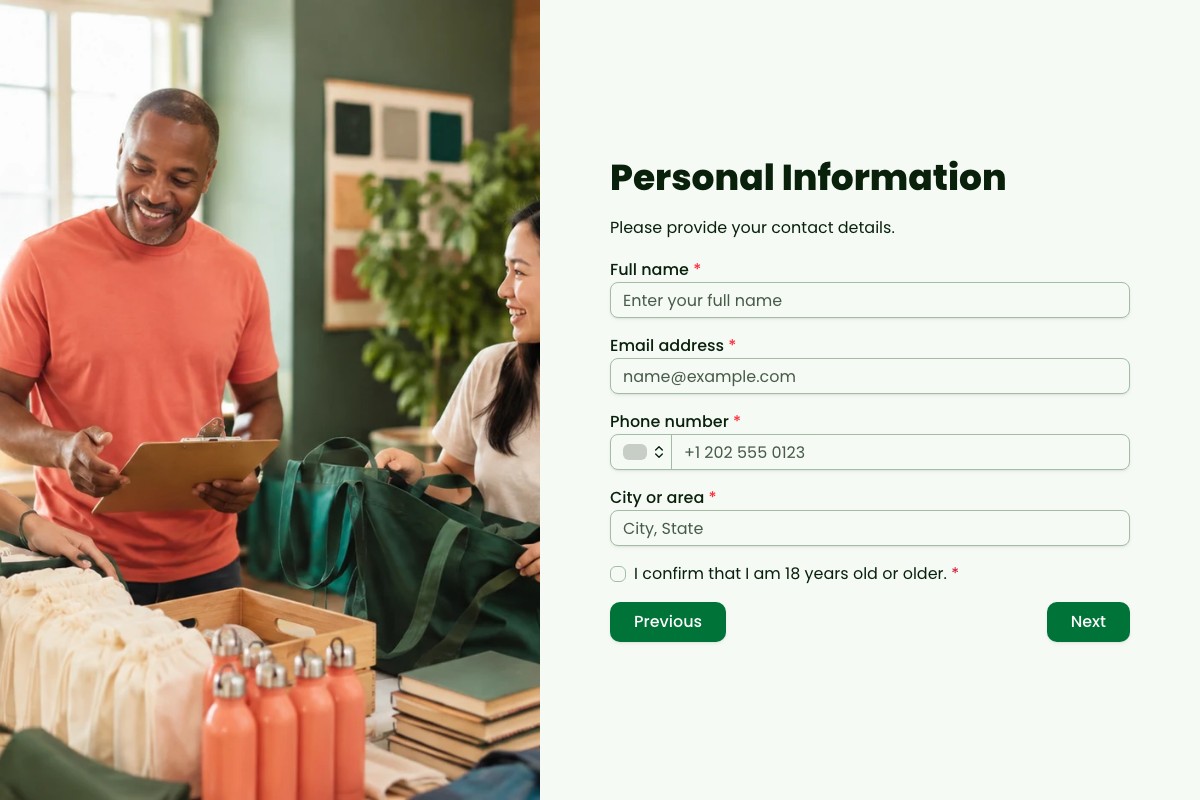
Collect the attendee’s name and contact details, then ask for event-specific information such as ticket type, session choice, dietary needs, or accessibility requirements only when relevant. Include any important consent or event-policy wording and explain what happens after registration. Keep the form focused so attendees can complete it without unnecessary steps.
Choose a suitable event form template or build one in Floov, add the fields your event requires, and customize the design and confirmation message. Publish the form and share its link or embed it on your event page. You can review incoming submissions in Floov and connect Google Sheets to send completed responses to a spreadsheet.
A webinar registration form usually focuses on contact details and information needed to manage online attendance, such as session choice or time zone. An in-person event form may also need ticket type, accessibility requirements, dietary preferences, or logistics. The right fields depend on the event, so collect only what organizers genuinely need.
For a virtual event, create a form that collects contact details and any relevant session or time-zone preferences. Publish it as a link or embed it on the event page, then share it through your usual channels. Floov lets you review responses and send completed submissions to supported destinations, including Google Sheets, so your team can organize attendee details and follow-up.
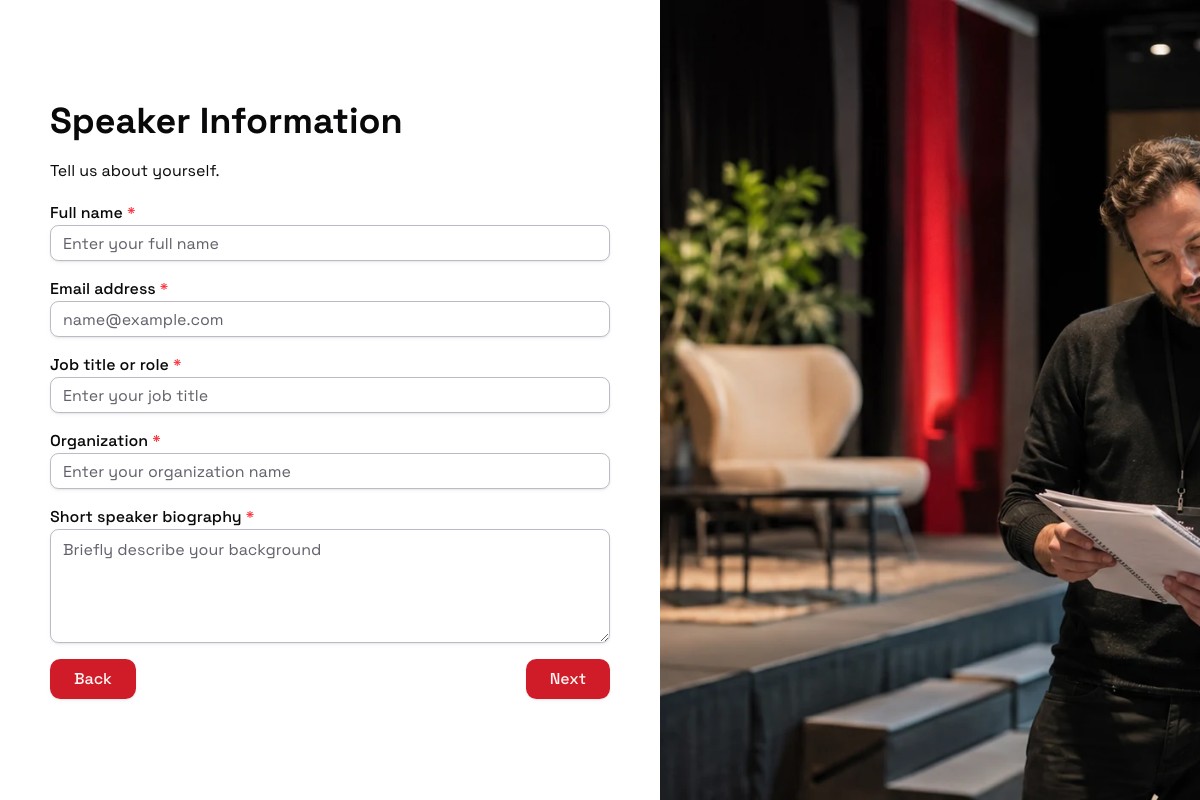
Ask for the speaker’s name and contact details, talk title, abstract, intended audience, and relevant experience. If you need supporting materials, you can include a file-upload field; file uploads are available on Floov Pro. Publish the form and share it with prospective speakers. Review submissions in Floov or send responses to a connected tool for your selection process.
Loading template preview…
The Preview Is Taking Longer Than Expected
Open the full preview in a new tab, or continue to the template details and field list.