
Google Sheets integration
Forms for Google Sheets
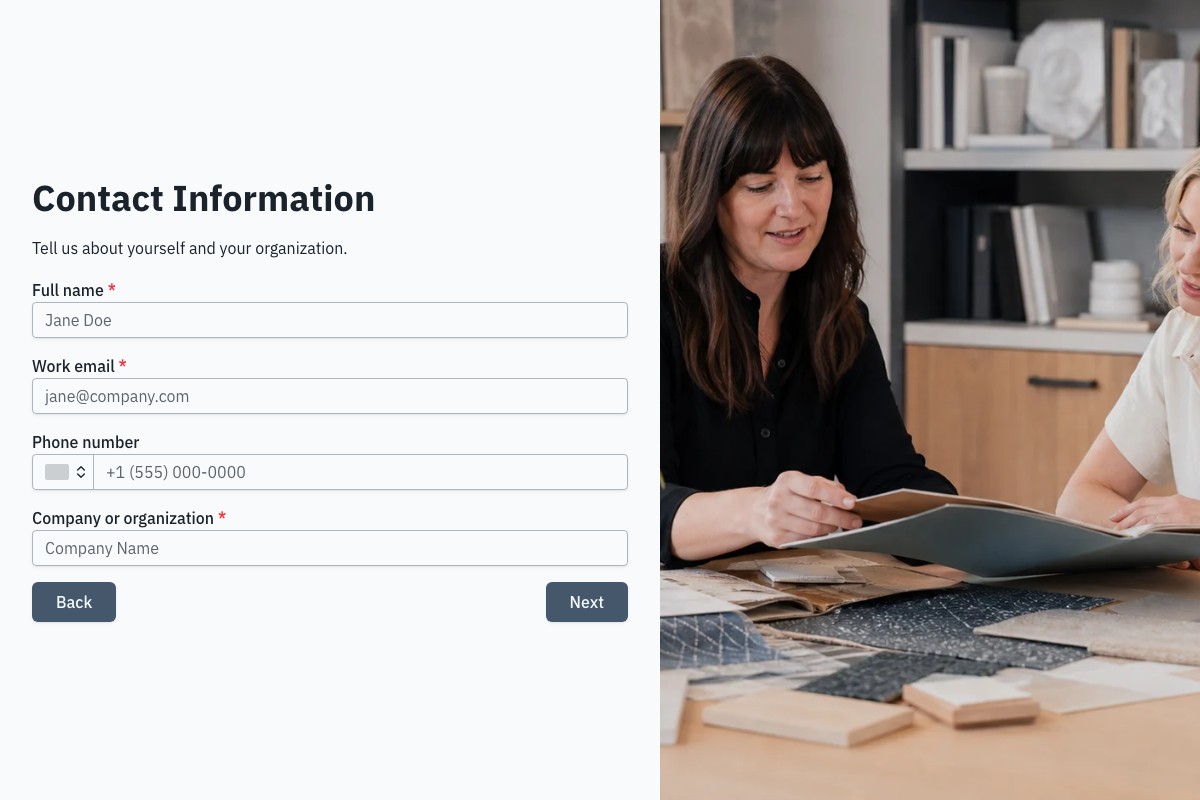
Create a client intake form in Floov and send each completed response to Google Sheets as a new row. Choose the worksheet and fields your team needs.
The Google Sheets integration is included on every Floov plan.
Keep new project inquiries in one spreadsheet
A client inquiry often starts with a few facts: who needs help, what they want to achieve and when they want to begin. A form gives clients a consistent set of questions. The integration puts their answers into the spreadsheet your team uses to review new work.
For an agency, that might mean collecting website project requests before a discovery call. For a consultant, it could mean checking the client’s goals and preferred start date before proposing an engagement.
Your team can add its own follow-up columns in Sheets, such as the person handling the inquiry and the next action. Floov delivers the selected form answers; your team manages those follow-up details in the spreadsheet.
See how a client response becomes a row
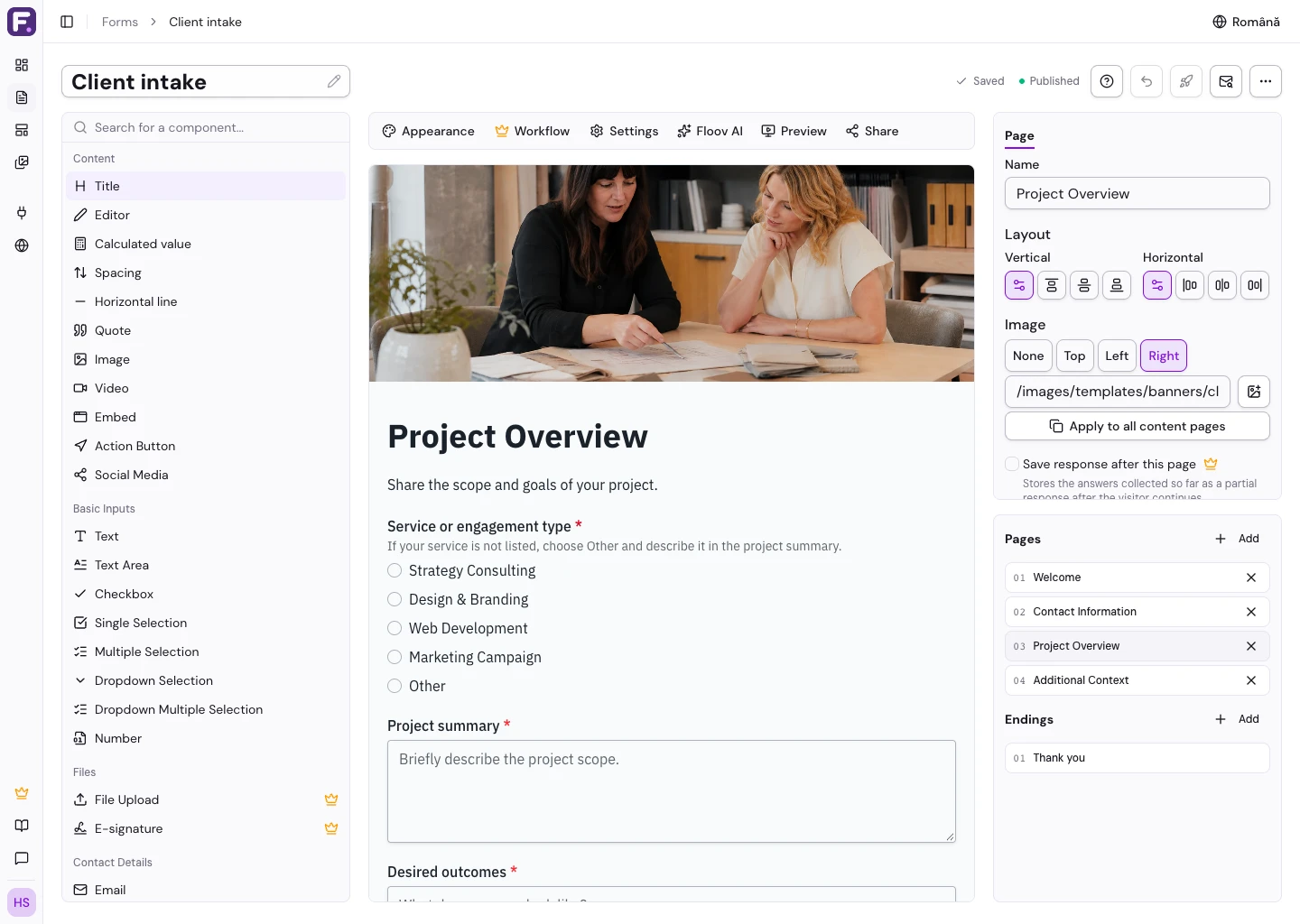
The existing client intake template includes contact details, project goals, a budget range and dates. You choose which fields to send.
Floov
Google Sheets
Fictional example
| Question in the form | Example column heading | Example saved answer |
|---|---|---|
| Full name | Contact | Morgan Lee |
| Work email | [email protected] | |
| Company or organization | Company | Example Studio |
| Service or engagement type | Service | Web Development |
| Project summary | Project | Replace our portfolio website and add an inquiry form. |
| Desired outcomes | Goal | Help visitors find the right service and request a consultation. |
| Estimated budget range | Budget | $10k - $25k |
| How did you hear about us? | Source | Search Engine |
- Full name
- Column: Contact Morgan Lee
- Work email
- Column: Email [email protected]
- Company or organization
- Column: Company Example Studio
- Service or engagement type
- Column: Service Web Development
- Project summary
- Column: Project Replace our portfolio website and add an inquiry form.
- Desired outcomes
- Column: Goal Help visitors find the right service and request a consultation.
- Estimated budget range
- Column: Budget $10k - $25k
- How did you hear about us?
- Column: Source Search Engine
Fictional website inquiry. These values appear in separate columns on the same row. The shorter column headings are examples; you can rename generated headings in your spreadsheet.
Floov also includes a submission ID so it can identify responses during a later sync. You can include the submission date too.
Use a filter in Sheets to review one service type or budget range. Keep the full written answers available when preparing the discovery call.
Connect your form to the right spreadsheet
-
Connect your account
The workspace owner connects a Google account to the workspace and selects a spreadsheet.
-
Choose your fields
In the form editor, choose the worksheet tab and the fields to send as columns.
-
Publish and test
Enable delivery and publish the form. Submit a test response, then check the saved response in Floov and the new spreadsheet row.
Bring earlier responses into the same sheet
If you collected responses before connecting Google Sheets, use Sync now to add them. Floov uses the submission ID to skip responses already present in the sheet.
You can rename or reorder the generated column headings. If you disconnect Google Sheets later, rows already delivered remain in the spreadsheet.
Who can configure the integration
Floov accesses only spreadsheets selected for the integration. Workspace admins and editors can configure the tab, columns and sync settings after the owner has selected the destination.
Update a published form
For an already published form, Apply to live form updates integration settings without publishing unrelated draft edits. Publish new questions or calculations before mapping them to the live integration.
Choose a starting form for your process
Choose the questions that help you decide the next step. You can edit your copy of a template before publishing it and select only the fields you want in Sheets.
Collect a project summary, desired outcomes, budget, dates and decision-makers. This template is free.
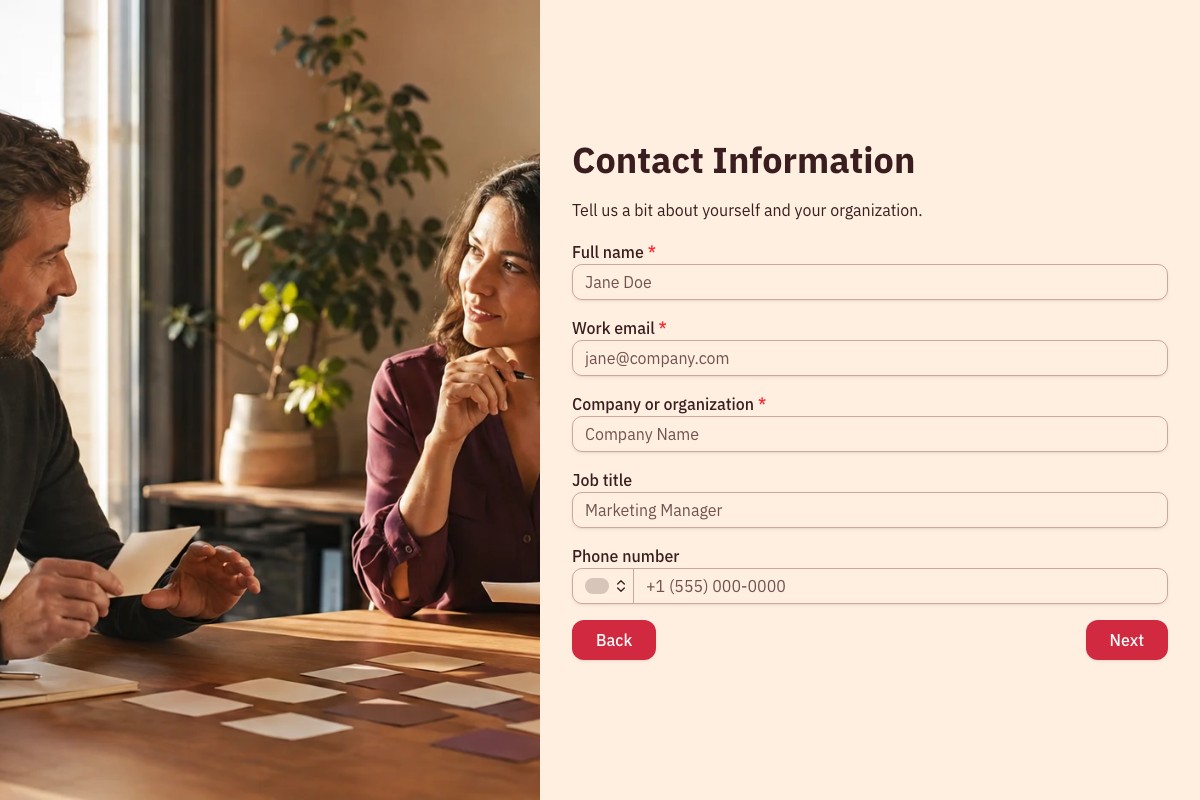
Ask about business goals, current obstacles, timing and follow-up preferences. This template is free.
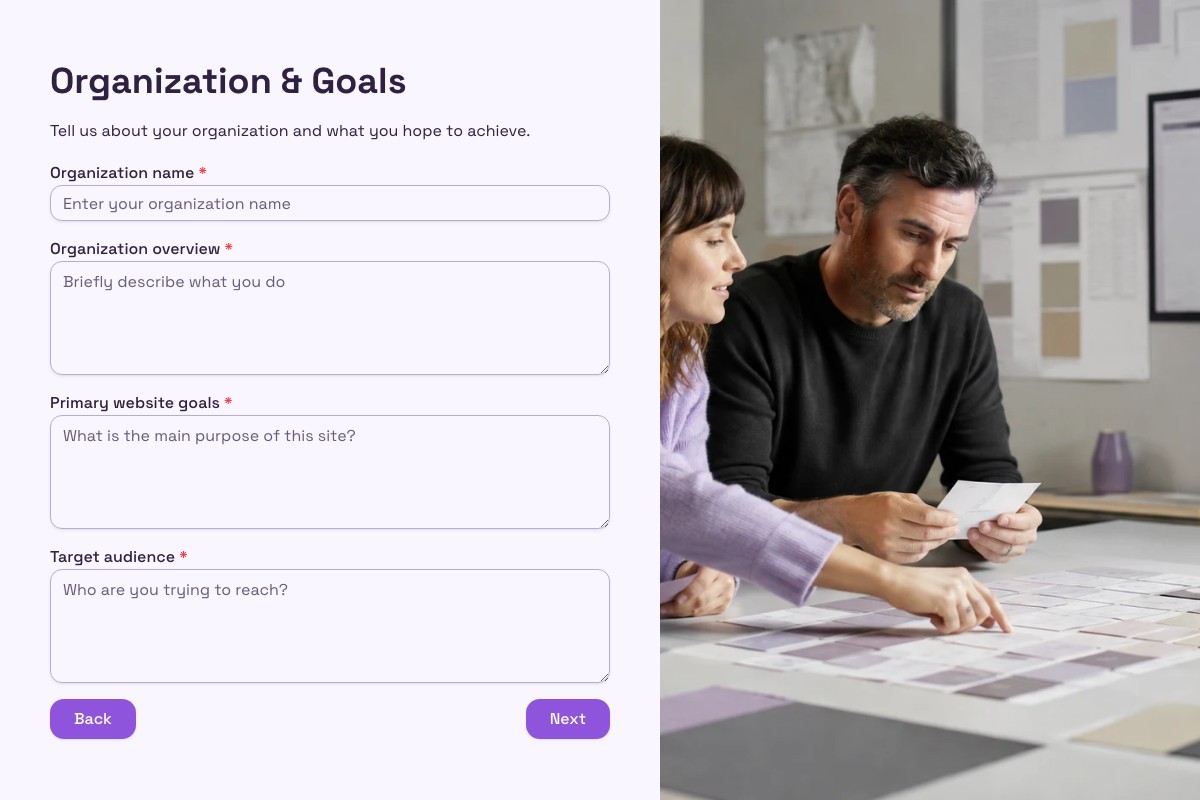
Go deeper into website goals, audiences, content and brand direction. Its file-upload field requires Pro.
Frequently Asked Questions
Answers about plans, response delivery and spreadsheet updates.
Yes. The integration is free on every Floov plan. File uploads and conditional logic require Pro.
Once delivery is enabled, Floov sends new completed responses automatically. If a row is missing, check the form’s Deliveries page. The original response stays saved in Floov if delivery fails.
Editing a saved response in Floov does not automatically resend it or update the spreadsheet row. Plan any corrections in both places when you need them to agree.
Yes. You can map the values saved with the submission. Publish new calculations before adding them to the live mapping.
The integration sends completed responses from Floov to Sheets. It does not read spreadsheet edits back into the form or use sheet rows to prefill answers.
Loading template preview…
The Preview Is Taking Longer Than Expected
Open the full preview in a new tab, or continue to the template details and field list.