
Support Request & Bug Report Form Templates
Help people send complete requests and give your team a cleaner starting point for follow-up.
Find the Right Starting Point

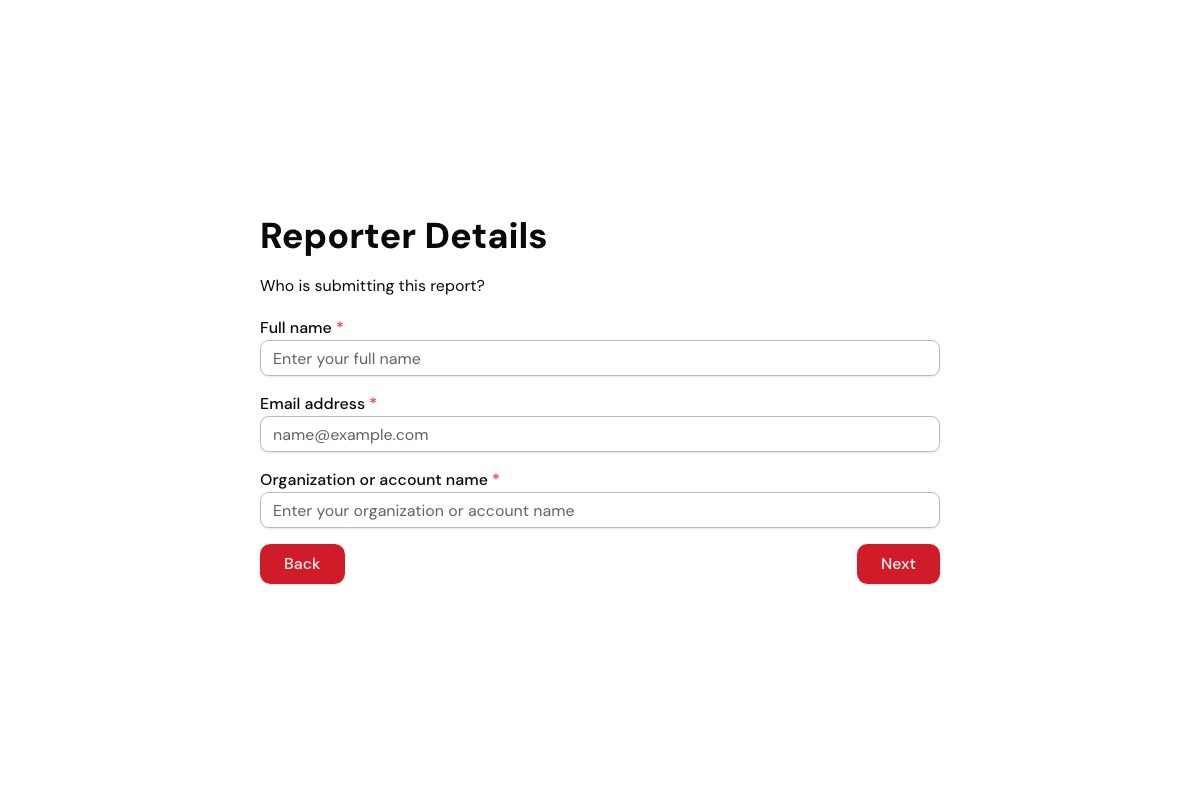
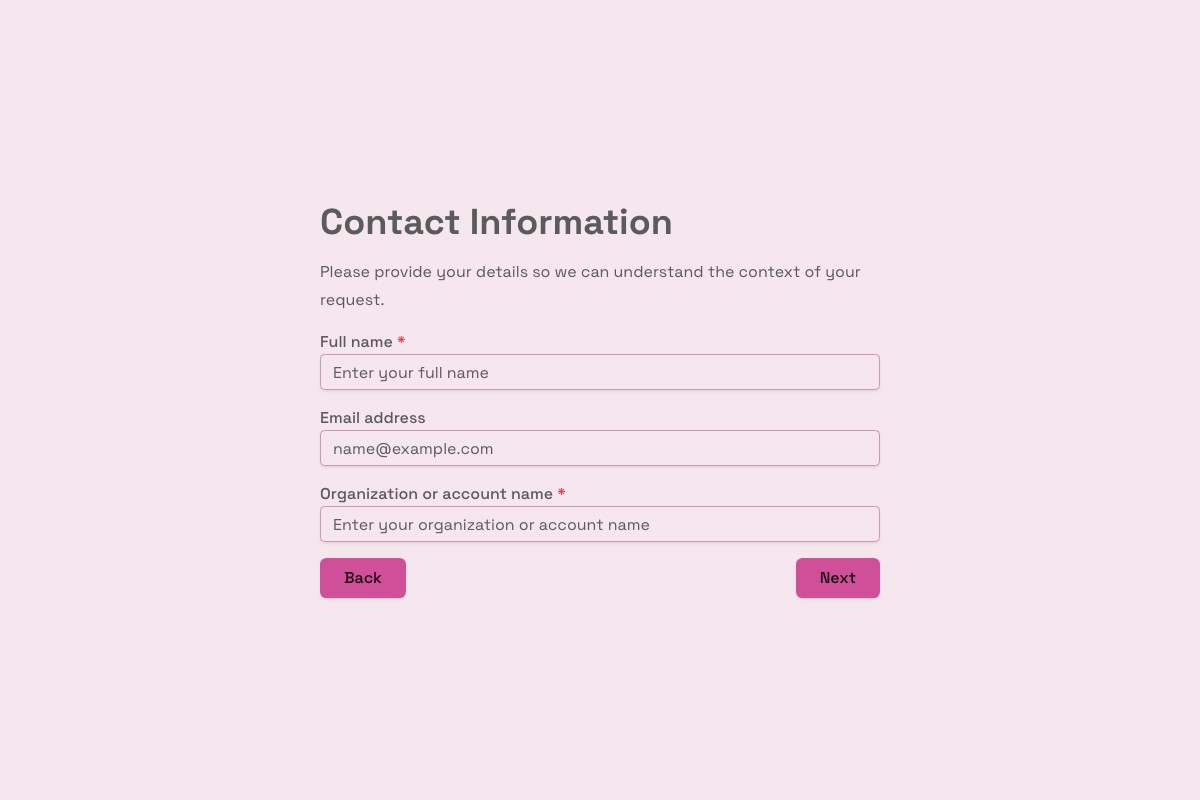
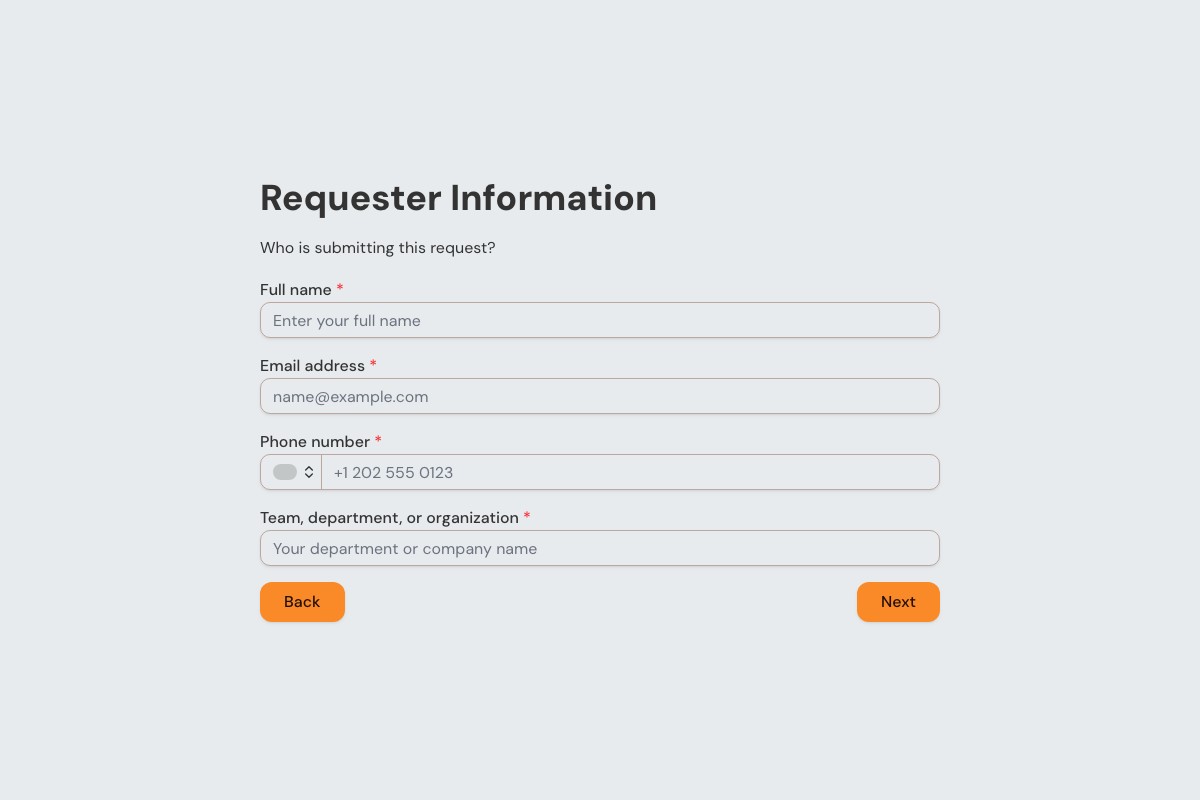
Choosing a Requests & Support Template
Start with the template whose questions and page flow are closest to your real process. Review every field, remove anything you cannot justify collecting, then adapt the labels, theme, ending, and delivery settings before publishing.
Can I Change Every Question?
Yes. A copied template becomes an ordinary Floov form, so its fields, pages, settings, and appearance are yours to edit.
Should I Preview It First?
Yes. Preview desktop and mobile layouts, then use the detail page to review exactly what the form collects.
Frequently Asked Questions
Answers about choosing, customizing, and publishing Floov templates.
A support request form should ask for contact details, issue category, a clear description, and the impact or urgency of the problem. You can also ask for a product or order reference and screenshots where helpful. File uploads are a Floov Pro feature. The form can collect and send submissions to your team, but it does not by itself provide a full ticketing system or guarantee faster resolution.
Ask the person reporting the bug to describe the steps that caused it, what they expected, what actually happened, and the device, browser, or app version involved. A screenshot or error message can help; file uploads are available on Floov Pro. Publish the form and send submissions to a supported destination such as Slack or Airtable for your team to review. Floov collects the reports but is not a dedicated bug-tracking system.
A support ticket form is usually used to report a problem that needs investigation, while a service request form asks for a routine action such as equipment, access, or setup. Organizations may use the terms differently, so make the form’s purpose clear in its title and instructions. Separate forms or categories can help your team collect the right details and decide what to do next.
Ask for clear steps to reproduce the issue, the expected result, the actual result, and the device, browser, operating system, or app version. Include any error message and when the issue occurred; screenshots can provide useful context. If you ask users to upload files through Floov, remember that file uploads require Pro. Tell users not to include passwords, payment details, or other unnecessary sensitive information.
A feature request form gives customers and teammates a consistent place to explain an idea, the problem it would solve, and who would benefit. You can ask how important it is and invite an example or use case. Reviewing requests together can help teams spot recurring needs, but submissions do not automatically determine product priorities. Floov responses can be sent to Notion or Airtable for review.
Loading template preview…
The Preview Is Taking Longer Than Expected
Open the full preview in a new tab, or continue to the template details and field list.