
Feedback & Research
Free Template
Product Feedback Form
Use this free product feedback form template to collect usage context, satisfaction, strengths, difficulties, improvement priorities, and follow-up consent.
- Pages
- 5 + Confirmation
- Fields
- 13
- Structure
- Multi-Page
- Compatibility
- Free and Pro
Live Preview
Try the respondent experience without changing the template.
Interactive preview
Full Preview
Open Full Preview
Explore any page without filling in answers.
Loading preview…
Preview Unavailable
The full template details and field list remain available below.
Template colors and styling are fully customizable.
Inside This Template
Review the page flow and every answer this form is configured to collect.
- Best For
- Product Teams SaaS Companies UX Researchers Customer Success Teams Digital Agencies
- Includes
- Choice fields Written answers Ratings and scales Contact details Consent and checkboxes
Welcome
Intro page
Introductory content; no answers are collected on this page.
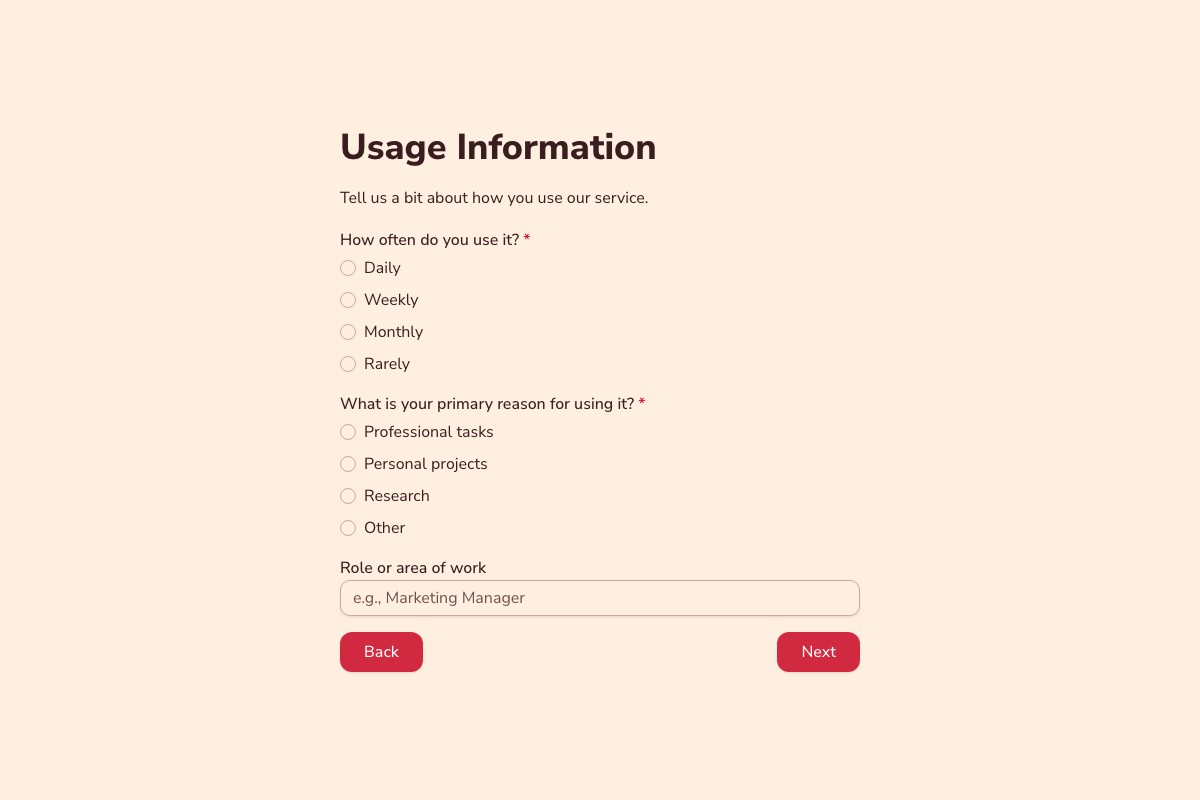
Usage Details
4 fields
- How often do you use the product? Single choice Required
- What is your primary use case? Single choice Required
- What is your role or area of work? Short answer
- How would you describe your experience level? Single choice Required
Your Experience
4 fields
- Overall, how satisfied are you with the product? Star rating Required
- How well does the product meet your needs? Single choice Required
- What works especially well for you? Long answer Required
- What is the biggest difficulty you have encountered? Long answer Required
Future Improvements
3 fields
- What feature or improvement would help you most? Long answer
- How important is this improvement to you? Single choice
- Any additional context? Long answer
Follow-up
2 fields
- Email address for follow-up Email
- The product team may contact me about this feedback. Checkbox
Thank you Confirmation ending
Shown after a successful form submission.
Before You Publish
Three quick checks help make the copied template ready for your audience.
-
Customize the Content
Replace sample copy, labels, choices, and images with details that match your audience and workflow.
-
Review the Questions
Keep only the information you need, confirm required fields, and review options, limits, and consent text.
-
Test the Experience
Complete the form on desktop and mobile, check every route and validation state, and verify the confirmation and notifications.
Related Templates
Explore more templates for similar tasks.
Loading template preview…
The Preview Is Taking Longer Than Expected
Open the full preview in a new tab, or continue to the template details and field list.