
What HR Forms Does Every Company Need

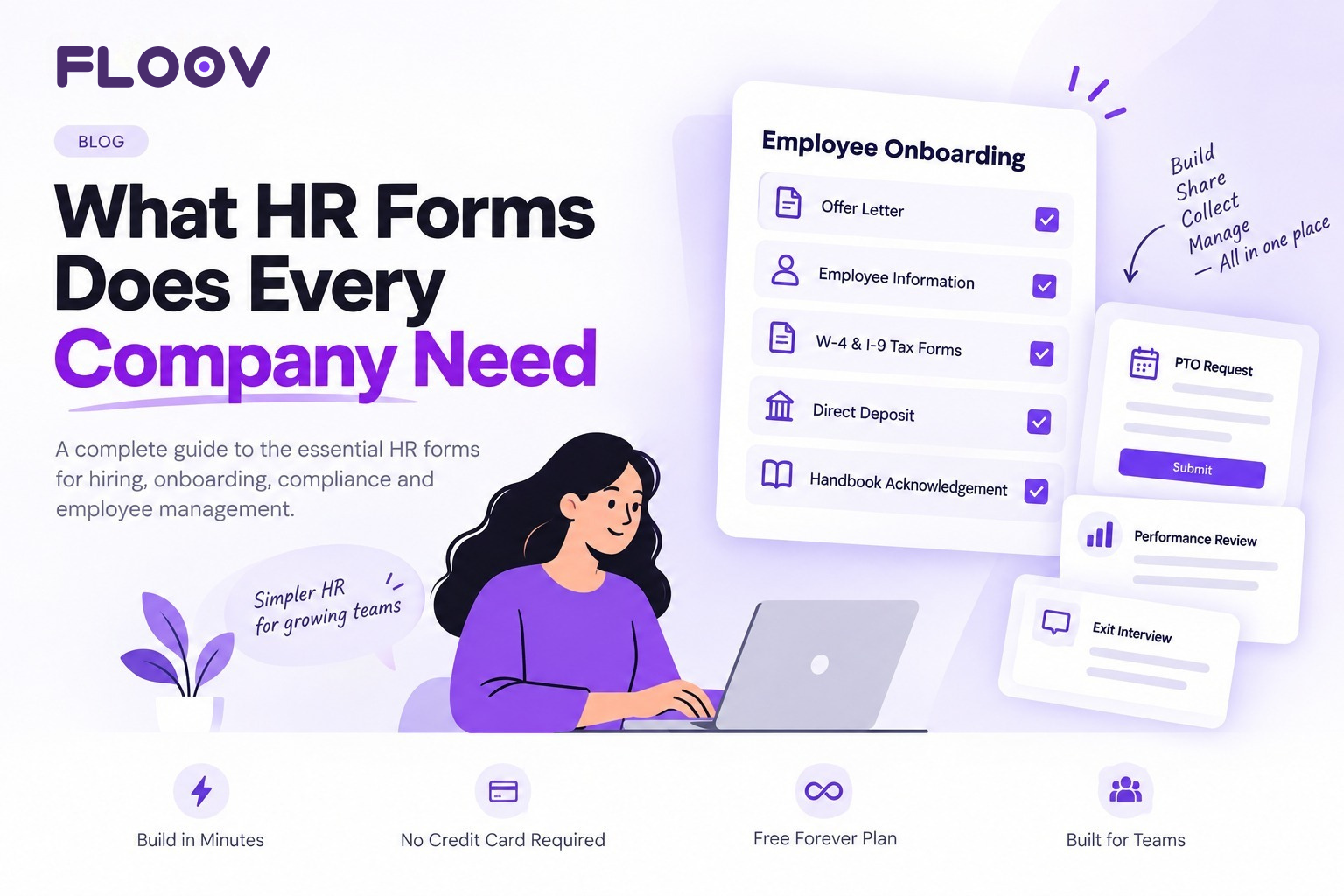
Hiring your first employee or your fiftieth comes with a stack of paperwork that most founders never planned for. Get it wrong, and you're looking at compliance headaches, missing records, or a new hire who isn't set up to get paid on time. That's why so many founders end up searching for what HR forms every company needs before their first hire even starts.
The good news: you don't need a huge HR department to get this right. You just need the right forms, ready to go before you need them.
Here's a simple breakdown of what HR forms every company needs, from five-person startups to growing businesses, so nothing slips through the cracks.
Why HR Forms Matter, Even for Small Teams
HR forms aren't just paperwork for the sake of paperwork. They do three things:
- Keep you compliant with labour and tax laws
- Protect your company if a dispute or audit ever comes up
- Make onboarding and day-to-day HR faster, so nothing falls through the cracks.
Skip them, or keep them scattered across email threads and paper files, and small problems (a missing signature, an outdated address) turn into real ones.
Forms Employers Need For New Employees
Forms employers need for new employees are the foundation of a clean onboarding process. Every new hire should come with a small, consistent packet of forms. At minimum, that includes:
- Employment offer letter – confirms role, pay, and start date in writing
- Employee information form – contact details, emergency contacts, and personal data for your records
- Direct deposit authorisation form – so payroll goes out correctly from day one
- Handbook and policy acknowledgement form – confirms the new hire has read and agreed to company policies
- Confidentiality or NDA form – if the role involves sensitive company or client information
Standardising the forms employers need for new employees means every hire gets the same experience, and HR isn't rebuilding the same document from scratch each time someone joins.
Tax Forms Needed For New Employees
Tax forms needed for new employees aren't optional, and getting them wrong can create real problems at filing time. For US employers, the core federal forms typically include:
- Form W-4 – tells you how much federal income tax to withhold from each paycheck
- Form I-9 – verifies the employee is legally authorised to work
- State tax withholding forms – requirements vary by state, so check your local rules.
- Form W-2 (issued annually) – summarises wages and taxes withheld for the year
These tax forms needed for new employees must be collected before or on an employee's first day, so it's worth having them ready as part of your standard onboarding flow rather than chasing signatures after the fact.
Other HR Forms Growing Companies Shouldn't Skip
Beyond onboarding, a handful of ongoing forms keep HR running smoothly:
- PTO and leave request forms – for vacation, sick leave, or personal time
- Performance review forms – for regular check-ins and annual evaluations
- Employee satisfaction surveys – to understand employees’ experience at work and identify improvements
- Expense reimbursement forms – to track and approve work-related spending
- Change of information forms – for updates to address, banking details, or emergency contacts
- Exit interview and offboarding forms – to close out an employee's file properly and gather honest feedback
For recurring feedback, start with the free employee satisfaction survey template. Ask about workload, support, communication, and development, then use the answers to choose what to improve. Explain who can read responses and how you will use them before sharing the survey. Tell the team what action you take after reviewing the feedback.
After an internal course or workshop, use the training feedback survey template. Ask whether the explanations were clear, the pace was suitable, and the exercises were useful. Find out what participants can apply in their work.
None of these need to be complicated. They just need to exist somewhere consistent, so nothing is lost in a group chat or forgotten email.
A Quick Checklist HR Forms Every Business Should Keep On File
Use this checklist HR forms guide if you're starting from scratch; here's the short version:
- Offer letter
- Employee information form
- W-4 and I-9 (or local equivalents)
- Direct deposit form
- Handbook acknowledgement
- PTO request form
- Performance review form
- Exit interview form
Keep this checklist of HR forms handy, and you've covered the basics for hiring, paying, and offboarding employees the right way.
How to Build and Manage These Forms Without the Headache
Chasing paper forms or rebuilding the same Word document every time you hire someone wastes time you don't have. This is where a good online form creator makes the difference. Instead of emailing PDFs back and forth, you build a form once, share a link, and let new hires fill it in from any device.
If you'd rather not start from a blank page, ready-made HR form templates cover onboarding, leave requests, and employee feedback, so you can customize instead of creating from scratch. And if hiring is where most of your paperwork starts, a dedicated Recruitment Form Builder helps you collect applications, screen candidates, and move people through your pipeline without a single spreadsheet.
Put together, these tools turn a stack of scattered paperwork into a simple, repeatable process, one your team can actually keep up with as you grow.
Need a simpler way to manage HR forms?
Managing HR forms becomes easier when everything is digital and organised in one place. With Floov, you can create, share, and manage HR forms without the hassle of paperwork or scattered email attachments.
Have questions or want to see how Floov can help? Contact us today and let’s simplify your HR workflow.
Frequently Asked Questions
Common questions about the topics covered in this article.
At minimum: an offer letter, employee information form, tax forms (like W-4 and I-9), direct deposit authorisation, a handbook acknowledgement, and basic leave request and performance review forms. As you grow, you can add more specialised forms for things like expense claims or exit interviews.
New hires typically need an offer letter, an employee information form, tax withholding forms, a direct deposit form, and a signed acknowledgement of your employee handbook or policies. Some companies also include an NDA or confidentiality agreement.
For small businesses, the priority is onboarding and tax compliance forms, offer letters, W-4/I-9 equivalents, and direct deposit forms followed by basic PTO and performance review forms once the team grows past a handful of people.
Yes. Online form builders let you create digital versions of every HR form, collect responses automatically, and store everything in one place instead of dealing with paper or scattered email attachments.
The easiest way is to build a set of templates once and reuse them for every employee, rather than recreating documents each time. Using consistent digital templates for onboarding, leave requests, and reviews keeps your process the same no matter who's handling HR that week.