
How To Create An Anonymous Feedback Form
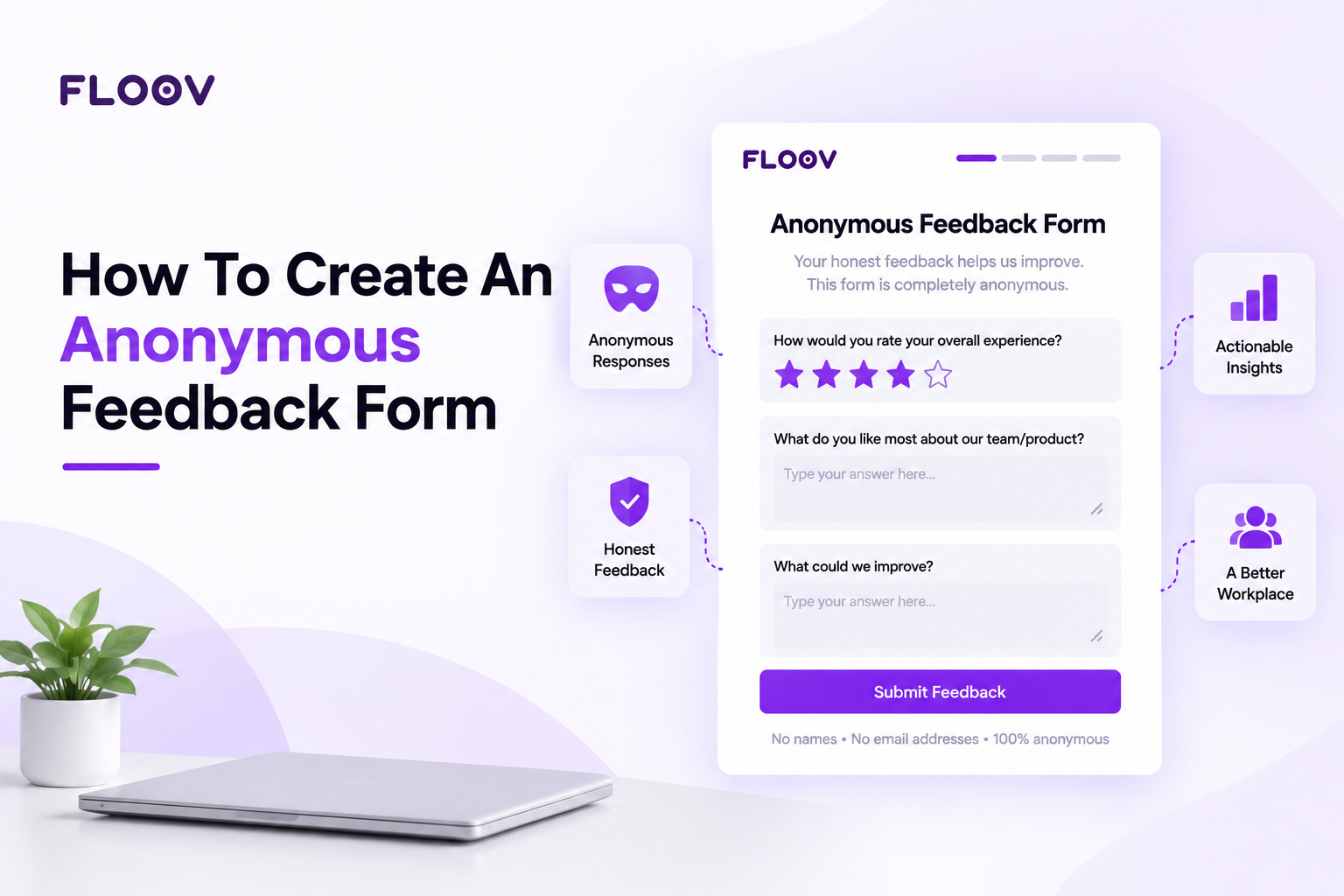
Think about the last time someone asked for your opinion face to face. You probably softened your answer a little. Most of us do. When our name is attached to a response, we play it safe.
That's why anonymous forms work so well. Take the name away and people finally say what they mean. This post covers how to set one up, what to ask, and how to get people to fill it out.
Why People Are Honest When Nobody's Watching
Someone worried about their manager's reaction won't mention that the new schedule is wearing the team down. A customer with a bad experience often won't explain what went wrong, because they don't want a sales call afterward. Anonymity removes that worry, and the answers get blunter, longer, and far more useful.
Here are some common uses:
- Checking team morale and culture
- Getting feedback on a new policy or manager
- Following up after events or training
- Finding out why customers leave
An anonymous employee feedback form is a good example. HR teams use it to hear about workload, communication, and leadership problems that rarely come up in meetings. On the customer side, an anonymous customer feedback survey shows you what buyers honestly think of your product, without the polite filter.
Plan Before You Build
A few minutes of planning saves you from a bloated form nobody wants to finish.
- Pick one goal. Ask yourself what decision this feedback will help you make. A form that tries to cover everything gets abandoned halfway.
- Know your audience. Employees, customers, and event guests each need different wording. What feels natural for a coworker can feel strange to a customer.
- Mix your question types. Rating scales and multiple choice give you numbers you can track over time. Open text boxes give you the story behind the numbers. Five to ten questions is plenty.
- Skip anything that identifies people. Leave out name, email, and employee ID. Be careful with softer questions too. In a team of eight, "Which department are you in?" or "How long have you worked here?" can point straight at one person. If you need that kind of detail, keep the categories broad.
How To Create An Anonymous Feedback Form, Step By Step
You don't need a developer. Plenty of people choose to build an anonymous survey without coding, using a drag-and-drop builder. Here's how it goes.
Step 1: Choose a form builder
Look for one that lets you switch off name and email collection. If you've never made a form before, How to Create Your First Form walks through adding fields and setting up the layout.
Step 2: Start from a template
You can begin with a blank page, but a ready-made layout is faster. Feedback Form Templates already have the question order and rating scales in place, so all you do is tweak the wording and delete what you don't need.
Step 3: Write simple questions
Keep each question about one thing. "How happy are you with communication and workload?" is really two questions, and the answers will be muddy. Split it. Use plain language, and avoid leading wording like "How great was our service?"
Step 4: Check your privacy settings
Make sure the form doesn't collect names, emails, or logins. If there's an option to turn off IP tracking, use it. Then add a line at the top saying responses are anonymous. One sentence does the job, and it builds trust before anyone types a word.
Step 5: Test it
Fill it out yourself on your phone and on a computer. Look for confusing questions, odd required fields, and anything that asks for personal details by accident.
Step 6: Publish and share
The good news is you can create an anonymous feedback form online in one sitting and send the link out right away. Share it by email, in a team chat, through a QR code, or on your website. Nobody needs an account to respond.
If you want the form to live on your own site and match your branding, you can Generate Web Forms that fit right into your pages. Agencies building forms for several clients might also look at White Label Form Builder Features Agencies rely on to deliver work under their own name.
Getting More People To Respond
A good form still needs a little nudge.
- Say why you're asking. People respond when they believe something will change. Tell them what you'll do with the results.
- Keep it quick. Under five minutes is the sweet spot. Long forms get abandoned.
- Set a deadline. "Please respond by Friday" works better than an open-ended request.
- Share what you learned. Report back with the main themes and what you plan to do about them. This is the biggest reason people answer next time.
- Run it again. One form is a snapshot. Repeating it every quarter shows whether your changes are helping.
The same steps work for a quick online anonymous questionnaire, like a post-event survey. Just use fewer questions.
Final Thoughts
An anonymous form is one of the simplest ways to hear what people really think. Pick one goal, keep the questions short, remove anything that could identify someone, and tell respondents their answers are private. Then share the results, so people see that speaking up made a difference.
Frequently Asked Questions
Common questions about the topics covered in this article.
They collect responses without saving names, emails, or other identifying details. People open a shared link, answer the questions, and submit. You see the answers and summary results, but nothing that connects a response to a specific person.
Yes. Build a short form with rating and comment questions, and leave out name and email fields. Add a note saying responses are anonymous. Customers usually share more honest opinions about your product, service, and pricing when they aren't identified.
Publish the form and copy its link. Send it by email, post it in a team chat, add it to your website, or turn it into a QR code for printed materials. Respondents don't need an account to answer.
Set one clear goal, choose a form builder, and add short questions. Remove fields that ask for personal details, turn off tracking if you can, and add an anonymity note. Test it on a phone and computer, then publish and share the link.
Yes. Drag-and-drop builders let you add questions, change settings, and publish without writing code. Pick a layout, edit the wording, and share the link. Most people finish in a few minutes.