
How to Build Forms Online Without Coding

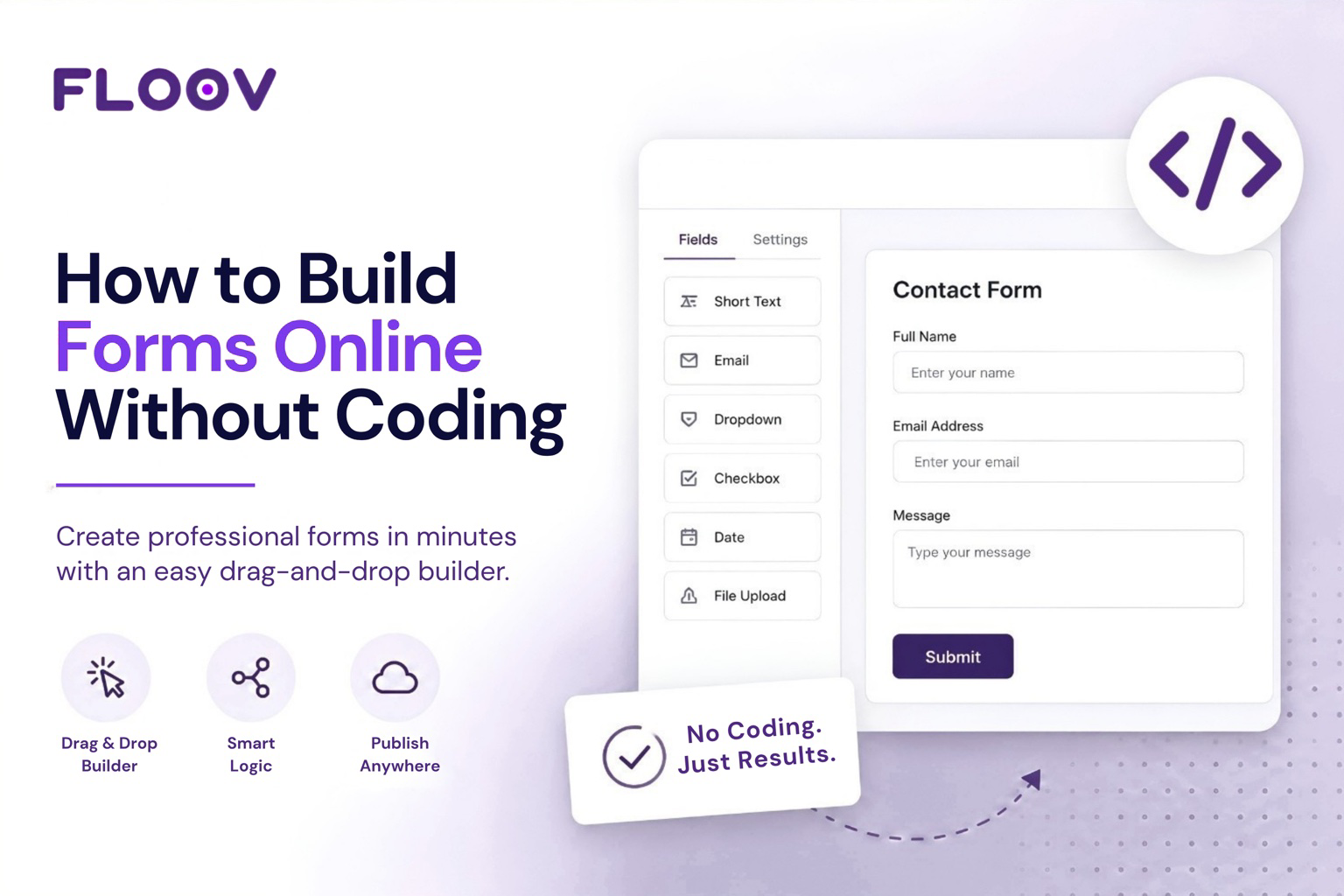
Every business needs forms, a contact form, an intake sheet, a booking request. The old way meant briefing a developer and waiting for a sprint to open up. If you're wondering how to build forms online without coding, today's visual builders let you go from a blank canvas to a published form in minutes, with no developer queue to wait on.
Why Create Forms Without Coding
Learning to create forms without coding removes a bottleneck, not a skill gap. Marketing teams stop waiting on engineering for one field. Recruiters, stop copy-pasting resumes from an inbox. A visual builder handles mobile layout, browser compatibility, and validation on its own, so you spend time on the questions, not the markup underneath them.
What to Look For in a Drag-and-Drop Form Builder
Start with a drag-and-drop form builder free enough to build real workflows before committing to a paid plan. A good builder should let you design forms visually, publish them anywhere, and collect responses without worrying about response limits. It should also work as a drag-and-drop HTML form builder, generating clean embed code for WordPress, Webflow, or any website. With Floov's free form builder, you can create up to 250 forms and collect unlimited responses under Fair Use. As your forms become more advanced, the Pro plan unlocks features such as Workflow Logic and File Uploads.
Getting the Design Right
A form that works and a form that looks right are two different things. Match your site's colors, pick a font that fits your brand, and round the corners the way the rest of your pages do. A handful of ready-made theme presets with dark mode built in saves the back-and-forth of getting a form to feel native instead of bolted on. None of this needs a designer, just a settings panel and a few clicks before you publish.
Once your design is ready, you can publish your form with a shareable link or embed it directly into your website. As your needs grow, integrations and workflow features can help turn a simple form into part of your everyday business process.
Build Your First Form in 5 Steps
- Start blank or pick a template, contact, RSVP, application, whatever fits.
- Add fields: text, choice, rating, date. Keep the first version short.
- Style it, colors, fonts, border radius, to match your brand.
- Add Workflow Logic when different answers need different paths. For example, if someone says they have a promo code, route them to a page where they can enter it. If they don't, skip directly to the next step. Workflow Logic (sometimes called conditional logic) makes this possible without writing code.
- Publish, share the link, or embed it directly on your page.
For a fuller walkthrough of the setup itself, see How to Create Your First Form.
Online Forms With File Upload and Advanced Fields
Job applications often need a resume, while support requests may require screenshots or documents. Choose a builder that supports file uploads on your forms, so people can attach files directly within the form instead of using a separate upload service. With Floov, File Uploads are available on the Pro plan, alongside other advanced workflow features.
Turn Forms Into Leads
Embedded on a landing page, the same builder produces lead generation forms that feed a CRM or spreadsheet directly through an integration. Notifications fire the moment someone submits, and exports stay clean enough to hand straight to sales. The same form can handle lead collection while keeping submissions organized for your sales team.
Common Mistakes
A few habits create rework. Building twenty fields before testing five is one, real responses teach more than another internal review. Skipping the mobile preview is another, since most respondents are on phones. Test the live embed, not just the preview link, before sharing it widely.
Wrapping Up
Building forms without code has become the fastest way for teams to collect information, generate leads, and streamline workflows. Start with a simple form, publish it in minutes, and improve it as responses come in. Whether you're collecting enquiries, applications, or customer feedback, the right form builder lets you focus on your workflow, not your code.
Ready to Build Your Own Form?
Start building for free, no credit card required. Create your first form, publish it in minutes, and see how easily a simple form can become part of your workflow. If you'd rather talk it through first, get in touch with the Floov team and we'll help you find the right setup.
Frequently Asked Questions
Common questions about the topics covered in this article.
Sign up for a visual form builder, drag fields onto a blank canvas or template, and adjust styling and settings from the same screen. No HTML, CSS, or JavaScript is required, and most builders let you publish within minutes.
Build and publish your form in a no-code builder, then copy the embed snippet it generates. Paste that into a Custom HTML or Embed block on WordPress, Webflow, Squarespace, or Wix, and the form appears on your page.
Yes. Drag fields like text, choice, rating, and date onto the canvas, reorder them as needed, and preview the result instantly. You can style and publish your form from the same visual editor, while advanced workflow features are available on the Pro plan.
Reputable no-code builders automatically adapt forms to phones and tablets, adjusting field width and spacing for smaller screens. It's still worth checking the mobile preview before publishing, since some layouts behave differently on touch devices.
Yes. Floov's Free plan lets you create up to 250 forms and collect unlimited responses under Fair Use, with no credit card required. If you need advanced features such as Workflow Logic and File Uploads, you can upgrade to the Pro plan.