Build Forms with Conditional Logic
Show follow-up questions or choose the next page based on a client’s answers. Use these controls for client inquiries or research screening. Try a working screener, then adapt its questions and rules.
This screener uses Pro page routing. Question visibility also requires Pro. Calculations and answer scoring are free.
Preview Form
Research Participant Screener
See one answer change the route
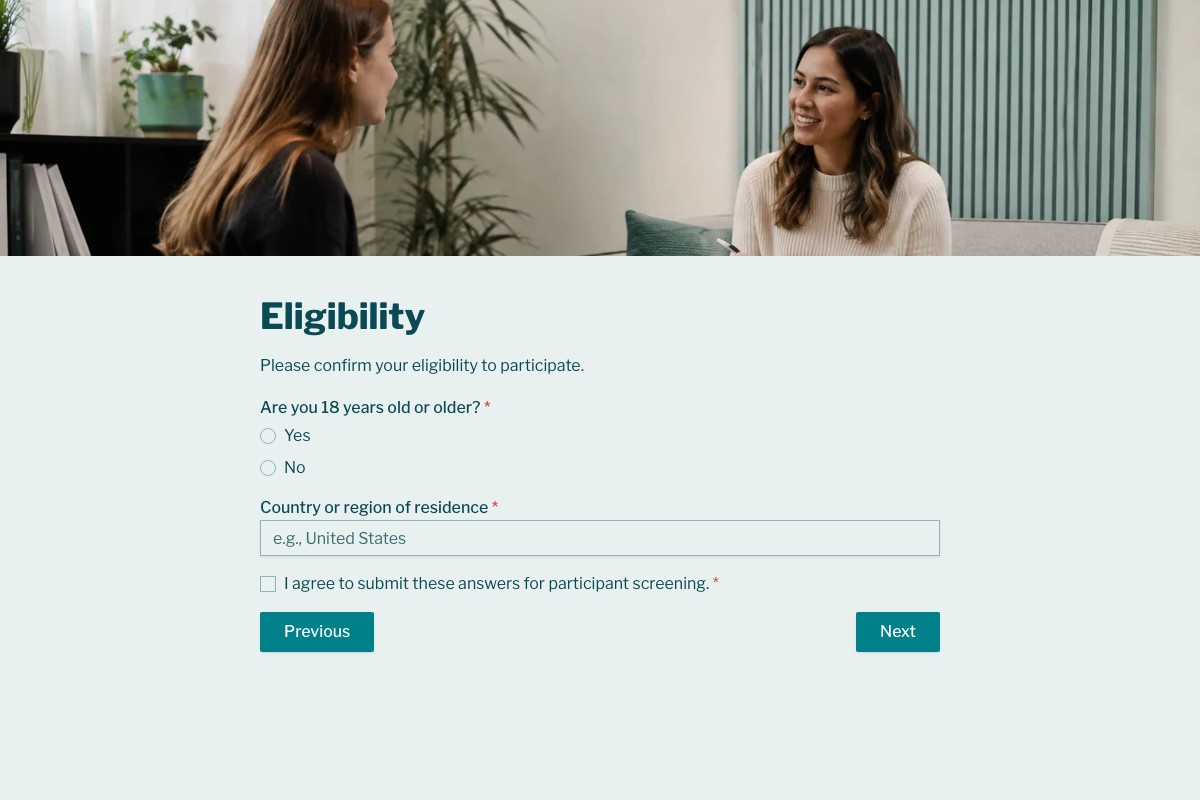
The Research Participant Screener checks age on its Eligibility page. The age answer determines whether the respondent continues or reaches a separate ending.
This diagram describes the template’s page rule. The preview lets you try it without submitting a response; reloading clears its answers.
Try the screenerAre you 18 years old or older?
Complete the required age, residence and consent questions, then choose Next. Only the age answer controls this branch.
- No
-
Thank you for your interest
Go to the separate ending and skip the remaining question pages.
- Yes
-
Continue to Experience
Continue through Experience, Logistics and Contact Information, then reach Submission Received.
Choose what changes after an answer
Change the next page, show a follow-up question or select an ending from a score. These are separate controls you can combine.
Route to pages and endings
Choose where clients continue when an answer meets your condition, and where everyone else goes.
Read the guideShow relevant questions
For example, ask for a company name when someone selects Business. Visibility changes individual questions on a page; the screener above demonstrates page routing instead.
Read the guideChoose an ending by score
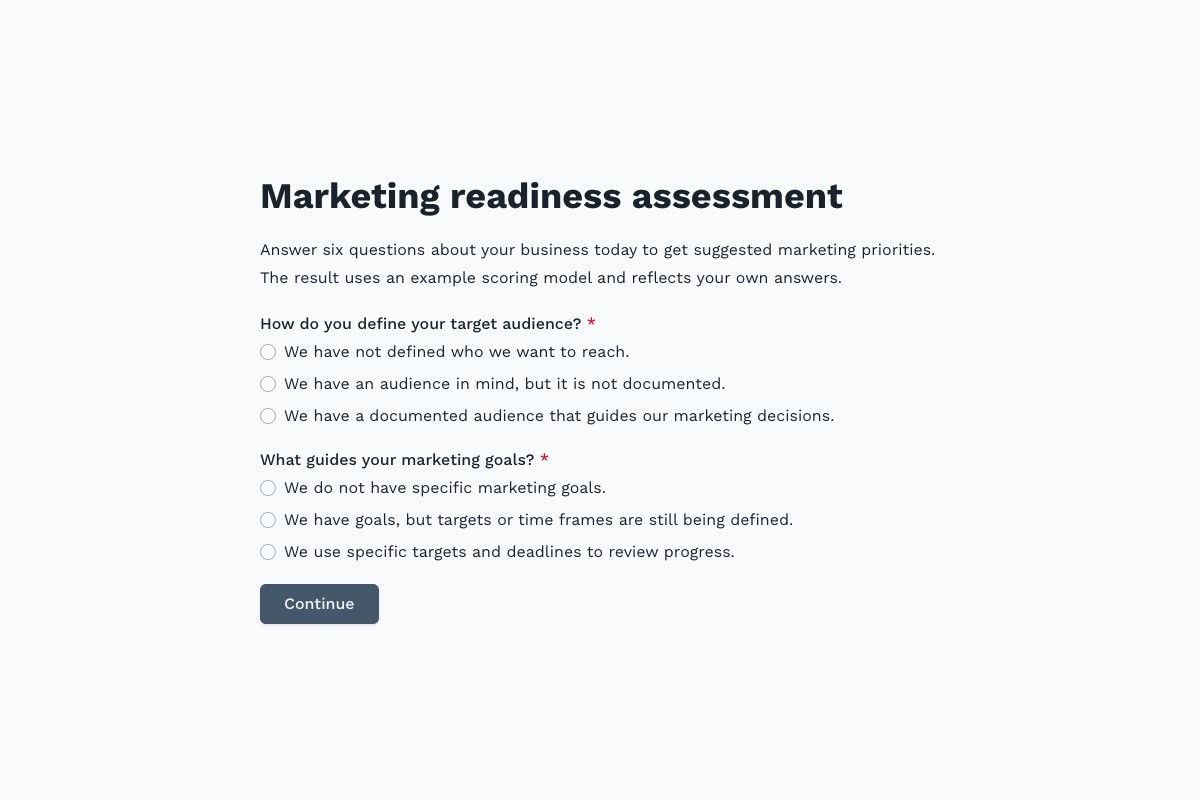
The Marketing Readiness Assessment uses a score out of 60 to choose guidance on foundations, consistency or improvement. Its example bands start at 0, 25 and 45.
Read the guideWhat’s free, and when you need Pro
Calculating scores is free. Showing or hiding questions and choosing pages or endings based on answers or scores requires Pro.
Included on Free
- Multiple pages with the same question order for everyone.
- Arithmetic, answer scores and conditional calculation operations.
- Calculated results displayed in forms and saved with submitted responses.
Available with Pro
- Page and ending routes based on answers or calculated results.
- Question visibility based on answers or calculated results.
- Combined conditions to match your routing and visibility criteria.
Set a default page destination and check rule order. Preview matching, non-matching and unanswered cases before publishing.
Build and check your paths
-
Copy the screener
Add the template to your workspace. Keep its age branch as an example while you adapt the questions for your study or client process.
-
Adapt the rule and destinations
Open Workflow to edit the page rule and default destination. To show individual questions, use Show this field when… in Field settings.
-
Preview every path
Try matching and non-matching answers, required questions and Back navigation. Publish and submit a test response before sharing the form.
Start with a working branch
Both templates use Pro routes. Adapt their questions, criteria and ending text to your own process.
Route an age answer to a separate ending or continue through the remaining screening questions.
Choose one of three guidance endings from a self-assessment score. The example weights and bands are yours to adapt.
Frequently Asked Questions
Answers about page branches, question visibility, scores and testing.
It changes the respondent’s path based on answers or calculated results. You can choose the next page or ending, or show individual questions when their conditions match.
Page routing, conditional endings and question visibility require Pro. Arithmetic, answer scoring and conditional calculation operations are free.
Page routing chooses where respondents go when they continue. Visibility shows or hides individual questions as conditions change. A hidden required question does not block progress, and hiding an answered question clears its answer.
Yes. With Pro, a page rule can compare a calculated result and choose an ending. The Marketing Readiness Assessment demonstrates this with three guidance bands. Its scores reflect self-reported practices, not a scientific benchmark.
Rules are checked when respondents continue after the current page’s required questions pass validation. The first matching rule chooses the destination; if none matches, the default route applies.
No. The preview shows the form and its endings without submitting a response. Answers remain while you navigate the preview and are cleared when you reload.

The Preview Is Taking Longer Than Expected
Open the full preview in a new tab, or continue to the template details and field list.