Group related questions into pages, with Next and Back buttons and a progress bar. Start with a free client intake template and adapt the questions to your agency or consultancy.
Pages, navigation and progress are free. Conditional page routing and save and resume require Pro.
Preview FormClient Intake FormFour pages, 12 questions and a separate thank-you ending. Open the preview to try the Client Intake Form.
Collect the details before the first client call
Ask about the project scope and budget before you meet. A structured inquiry gives you the details to prepare for the conversation.
Use the same approach for discovery questionnaires, project briefs and lead qualification. Each page can contain several questions, so you decide where one topic ends and the next begins.
Walk through a real client intake form
The Client Intake Form starts with a welcome page, followed by 12 questions across three pages. Try the preview, then copy the template into your workspace.
1
Welcome
Explain what the form covers before clients select Start.
2
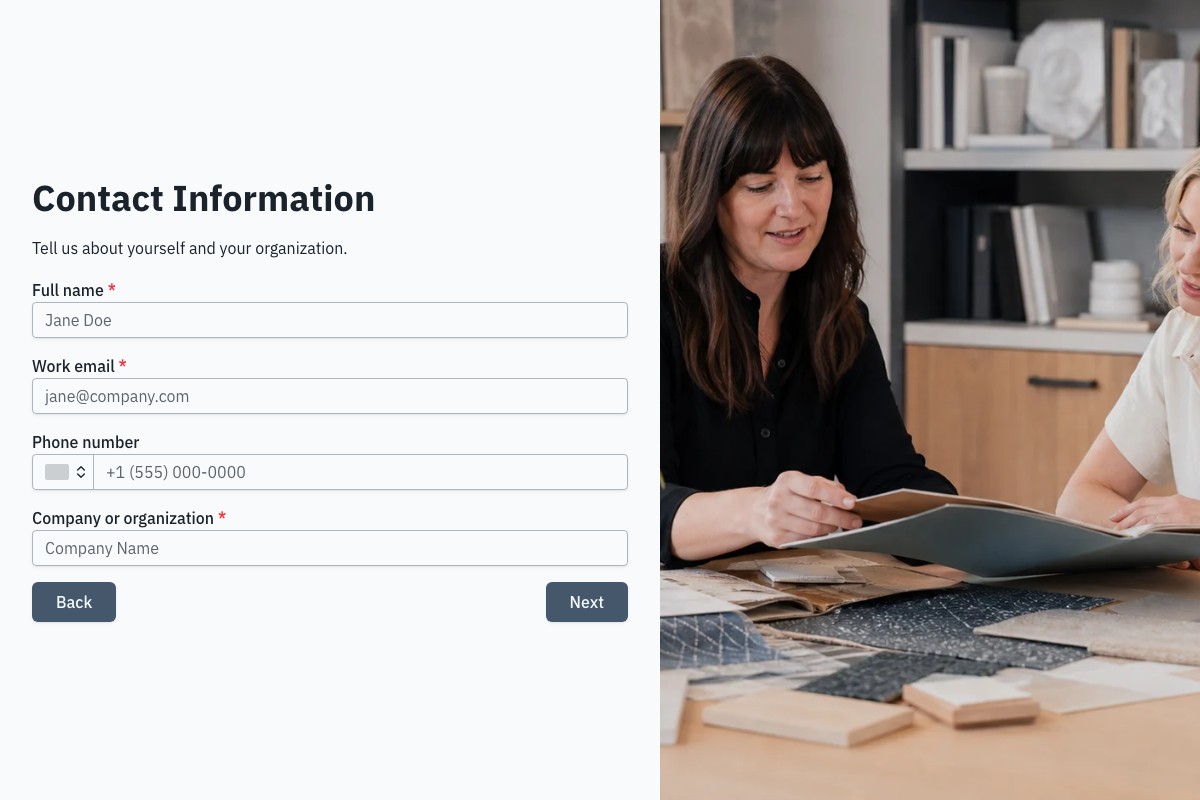
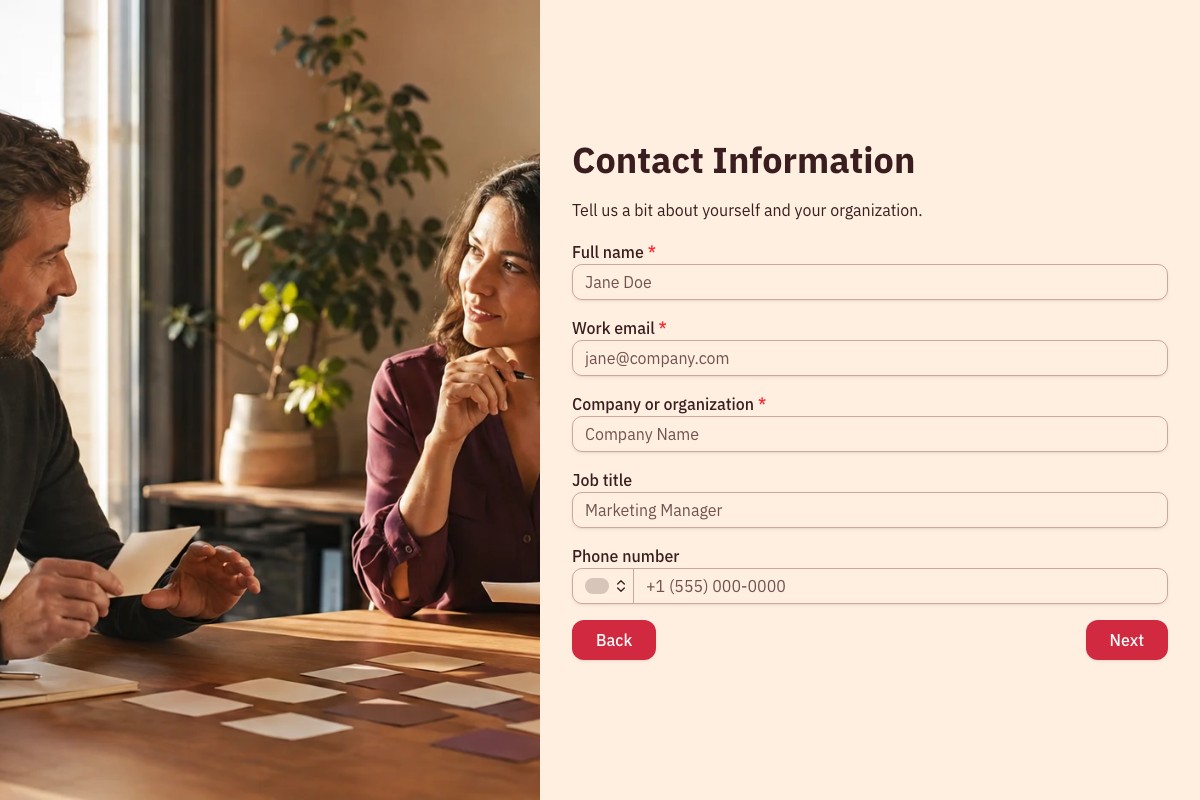
Contact Information
Collect the details you need to follow up.
Full name
Work email
Phone number
Company or organization
3
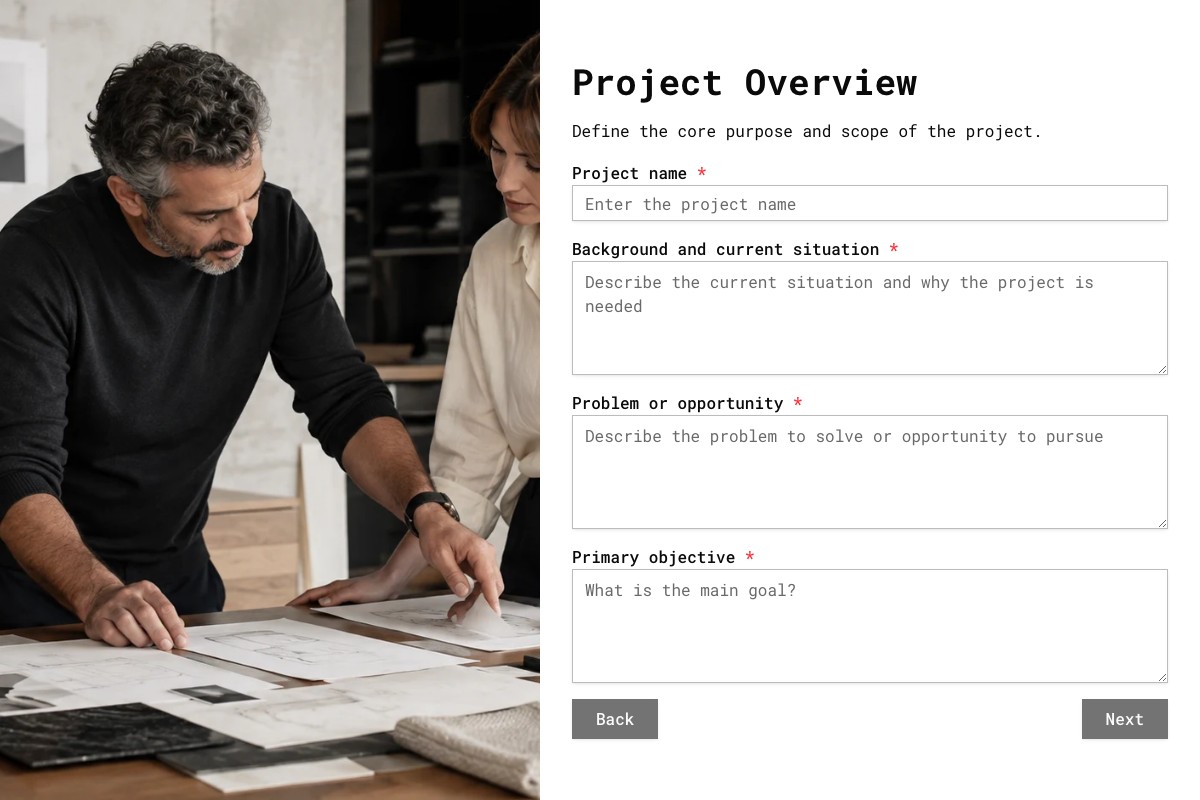
Project Overview
Understand the scope, budget and expected results.
Service or engagement type
Project summary
Desired outcomes
Estimated budget range
Preferred start date
4
Additional Context
Check the deadline and who will be involved in the decision.
Target completion date
Decision-makers and stakeholders
How did you hear about us?
The preview does not submit responses. Answers remain as you move between pages and disappear when you reload. Use sample details to try it.
Choose how clients move through the form
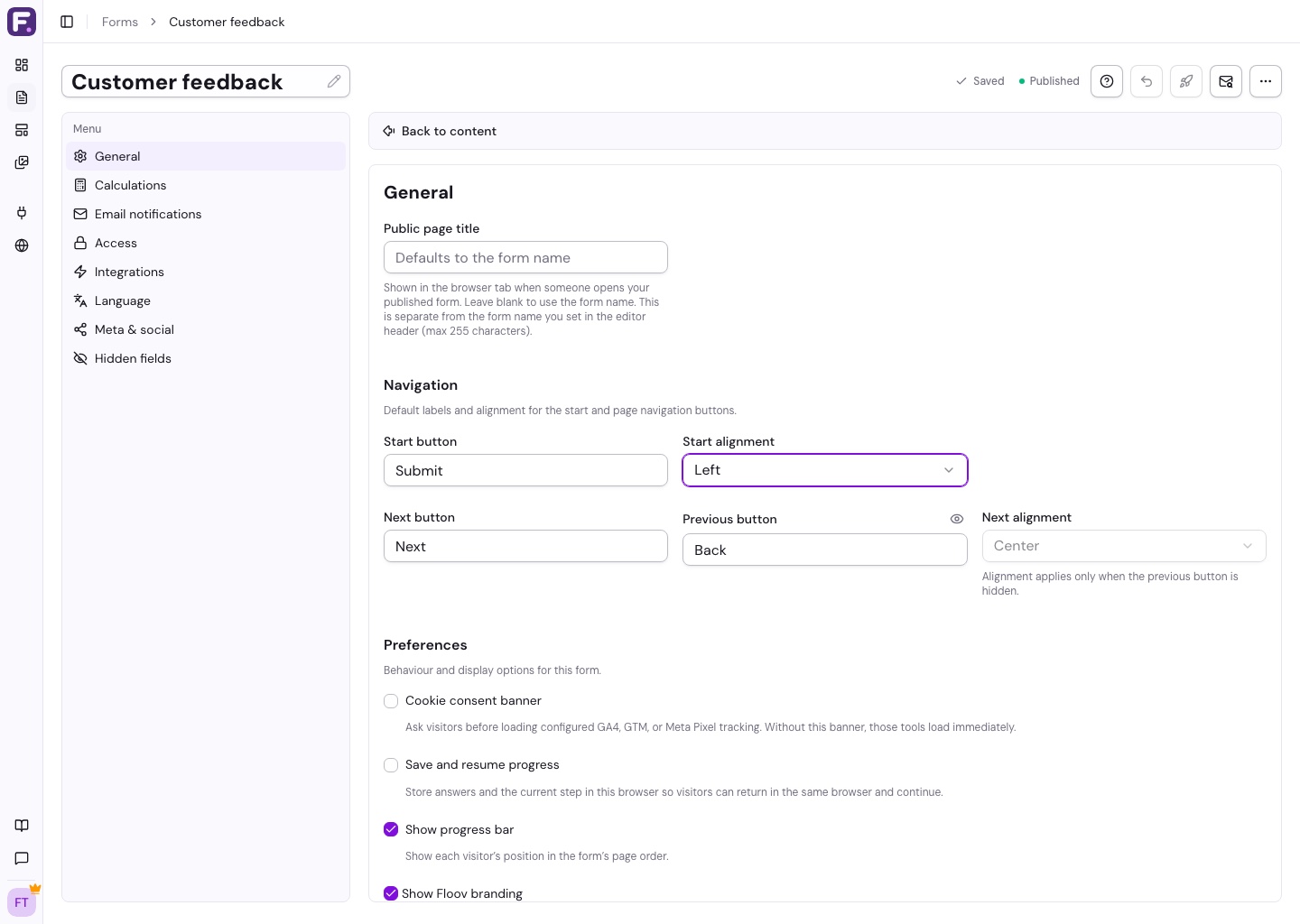
Arrange the pages, label the buttons and show clients where they are in the form.
Group questions by topic
Add, reorder or remove pages in the editor. Move existing fields between pages without recreating them.
Enable the progress bar in General settings to show clients their place in the page sequence. If conditional logic skips pages, the indicator is approximate.
Gather the deliverables, exclusions and success measures your team needs before work starts.
Frequently Asked Questions
Answers about pages, pricing and saving progress.
Yes. Multiple pages, navigation buttons and an optional progress bar are available on Free. The client intake example is free to copy and publish.
Yes. Add several questions to a page and group them by topic. You control where each new page begins.
Yes, with Pro. Send respondents to different pages or endings based on their answers, or show a follow-up question on the current page. The example here uses a fixed page order.
Enable save and resume with Pro to restore answers in the same browser. It does not carry progress to another device. Clearing site data removes saved answers, and files and signatures must be provided again after a reload.
Yes. Pages and navigation adapt to phone screens. Use the mobile preview, then check the published form on a phone before sharing it.
No. You can try the questions and reach the sample ending without submitting a response. Answers disappear when you reload. Copy the template to start collecting real responses.