
All features
Preview Form
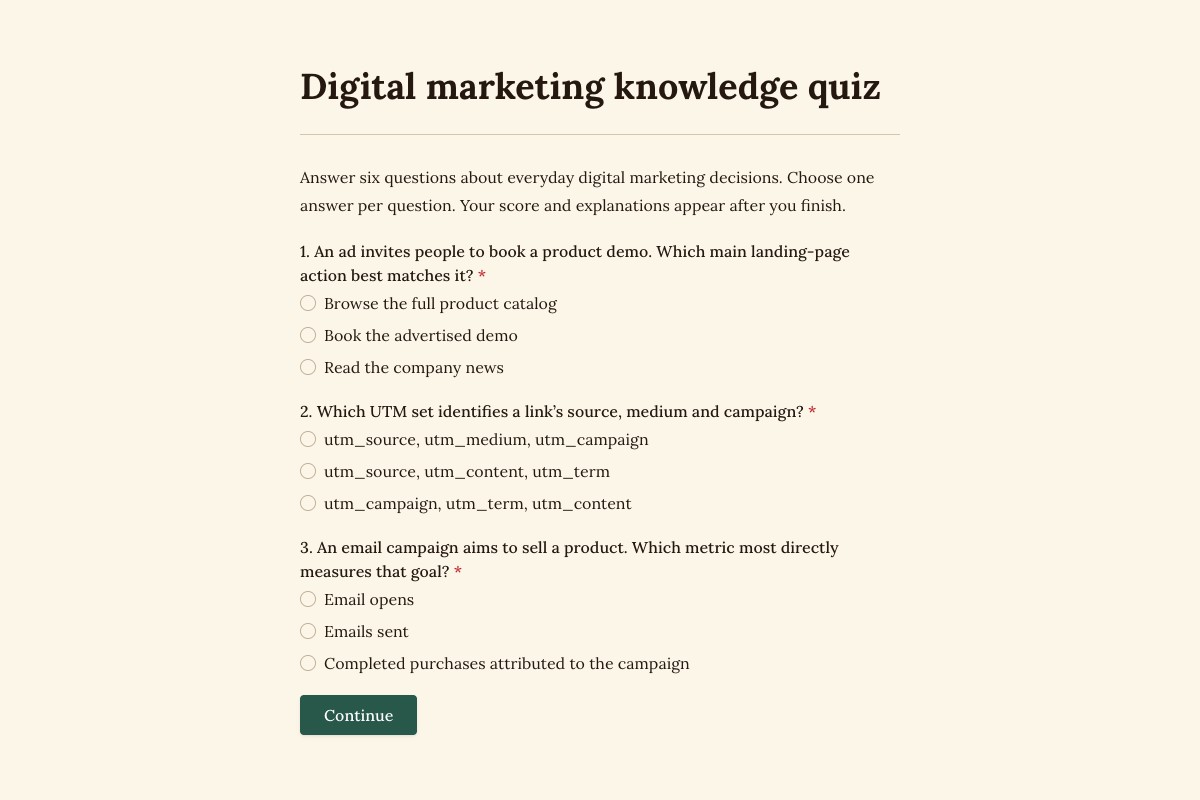
Digital Marketing Knowledge Quiz
Six questions, two pages and a results page with scores and explanations.
Create Online Quizzes with Scores
Create a knowledge check for your team or workshop. Assign points and show a score with your answer explanations when participants finish. Start with the free marketing quiz and adapt it to your topic.
Quiz scoring and result displays are free. Choosing different result endings based on scores requires Pro.
Preview Form
Digital Marketing Knowledge Quiz
A score of 3 out of 6 is 50%
Each correct answer earns one point. This sample has three correct answers out of six. Choose Try the quiz to answer the questions yourself.
Scores and explanations appear on the results page after all six questions. The preview collects no response; answers disappear when you reload.
- Correct answers
- 3 / 6
- Percentage
- 50%
Score calculation
3 ÷ 6 × 100 = 50%
Selected answers
- An ad promoting a product demo
- Points: 1 point Correct
- Book the advertised demo
- Campaign tags
- Points: 1 point Correct
- utm_source, utm_medium, utm_campaign
- Campaign goal: product sales
- Points: 1 point Correct
- Completed purchases attributed to the campaign
- CTR for 20 clicks from 1,000 impressions
- Points: 0 points Incorrect
- 20%
- Controlled A/B test
- Points: 0 points Incorrect
- Change the headline, offer and layout together
- Title for a page selling ceramic mugs
- Points: 0 points Incorrect
- Home
Set the questions, points and explanations
Keep the content and scoring aligned with what you want participants to learn.
Choose how answers earn points
Edit points in Settings, under Calculations. Check sample answers with Try values before publishing.
Explain the correct answers
Edit the answer guide shown to every participant on the results page. Update it when you change the questions or correct answers.
Use AI to help with a draft
Ask Floov AI to help revise questions. Generating an AI suggestion uses credits. Check the facts, correct answers and points before publishing.
For client discovery, use a self-assessment
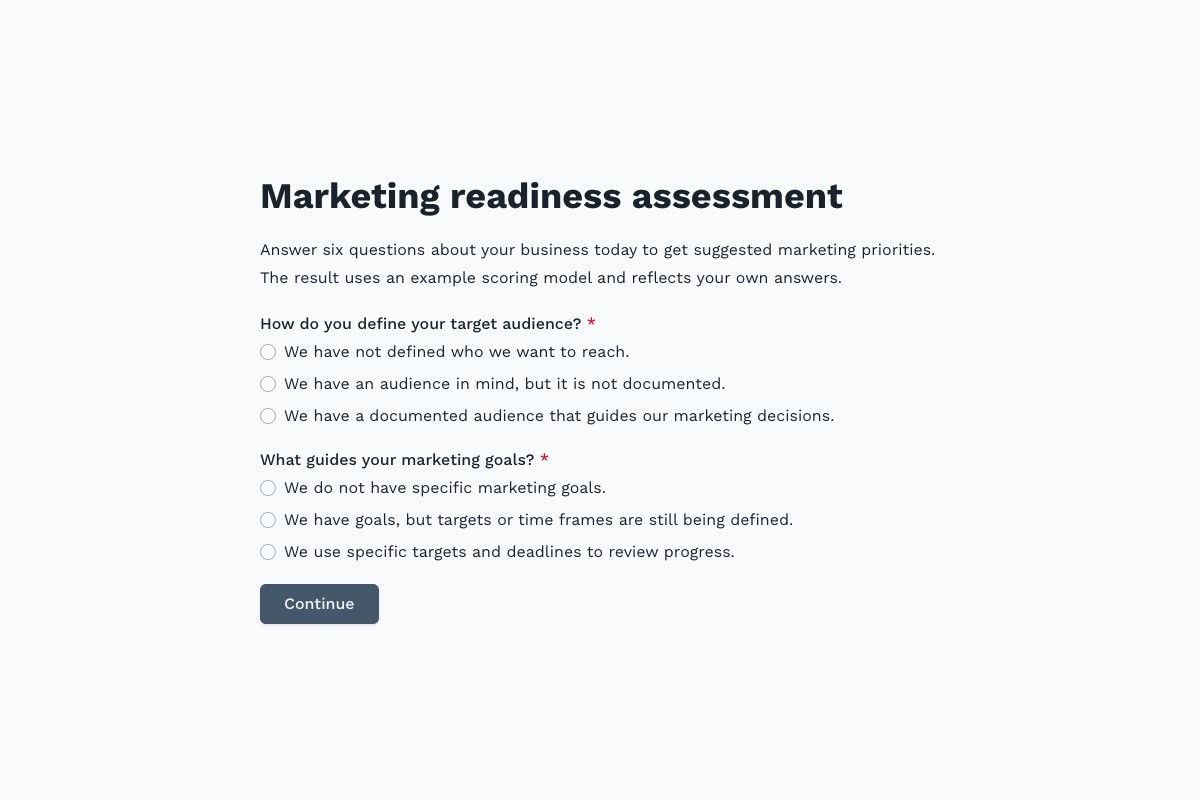
Marketing Readiness Assessment asks about existing practices, with no right or wrong answers. With Pro, the score determines which of three results pages participants see.
- Adapt its example points and score bands to your discovery process.
- Treat the guidance as a conversation starter, not a validated benchmark or prediction.
 Preview Form
Marketing Readiness Assessment
Preview Form
Marketing Readiness Assessment
What’s free, and when you need Pro
Everyone reaches the same results page in the knowledge quiz. The readiness assessment uses Pro to show different results based on the score.
Included on Free
- Questions across multiple pages.
- Answer scores and percentages.
- A results page with your explanations, plus scores saved in Responses.
Available with Pro
- Choose pages or endings based on answers or scores.
- Show follow-up questions when conditions match.
When you change score bands, check every results page before publishing.
Prepare your quiz for participants
-
Copy the template
Add the quiz to your workspace. Its questions, scoring and results page are ready to edit.
-
Review questions and points
Change the questions, answer points, maximum score and explanations together. Check fully correct and incorrect attempts.
-
Test and publish
Preview on a phone, publish and submit a test response. Verify the saved score and percentage in Responses before sharing.
Choose between knowledge and self-assessment
Start with the example that matches your session.
A free knowledge check for training and workshops, with correct answers and explanations.
A Pro discovery questionnaire with example weights and tailored guidance endings.
Frequently Asked Questions
Answers about quiz scoring, results and templates.
Yes. The marketing knowledge quiz, its points, percentage and results page are all available on Free.
In this template, the score, percentage and answer explanations appear on the results page after all six questions.
Yes. Update the questions, answer points, maximum score and ending explanations together, then test the result.
You review the questions, facts and scoring rules. AI can help draft or revise content; it does not replace that review.
Yes, with Pro. Use score conditions to select different pages or endings. The readiness assessment demonstrates three guidance endings.
No. Preview answers remain while navigating and disappear on reload. Publish your own copy to collect responses and scores.
Loading template preview…
The Preview Is Taking Longer Than Expected
Open the full preview in a new tab, or continue to the template details and field list.