Build Visually
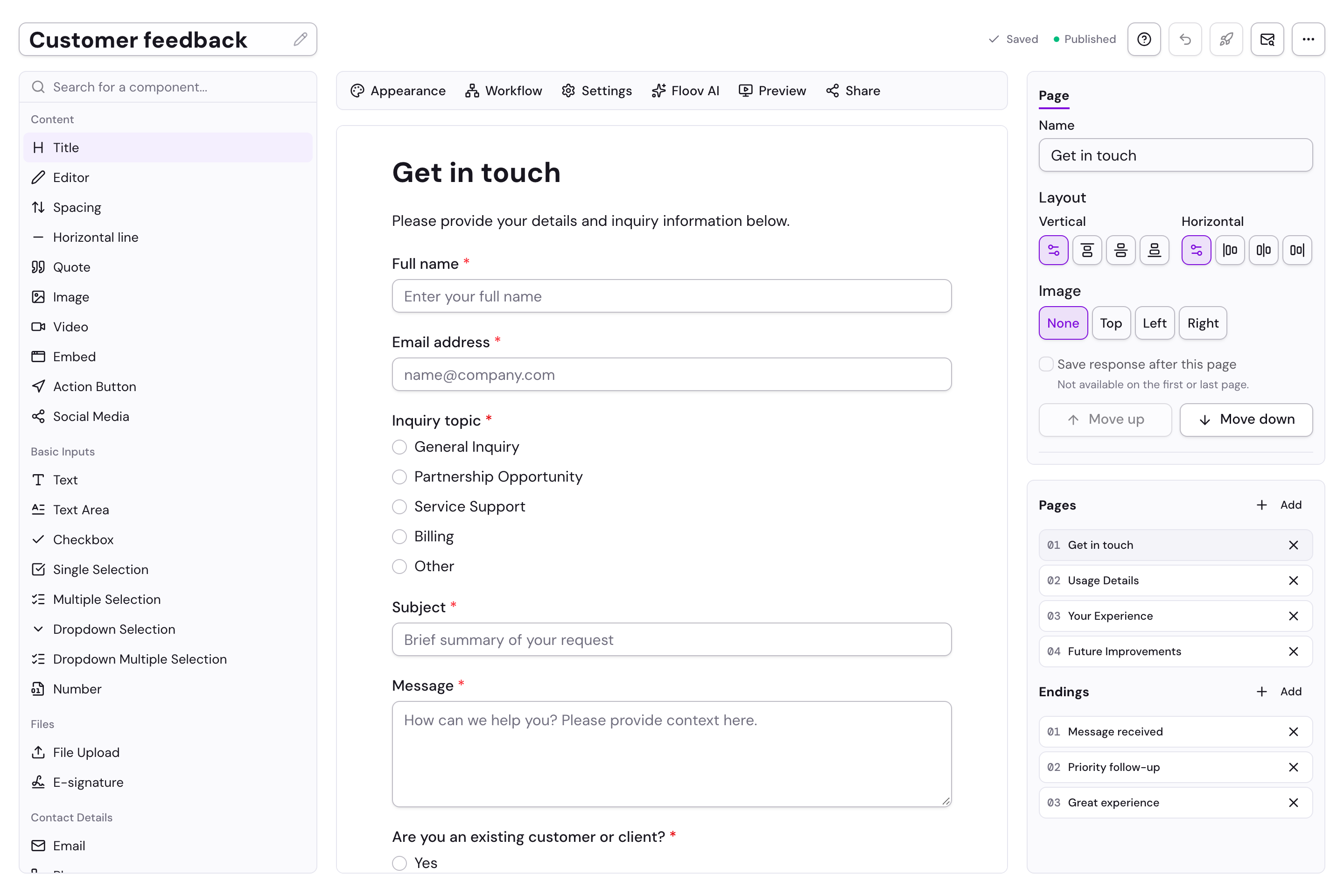
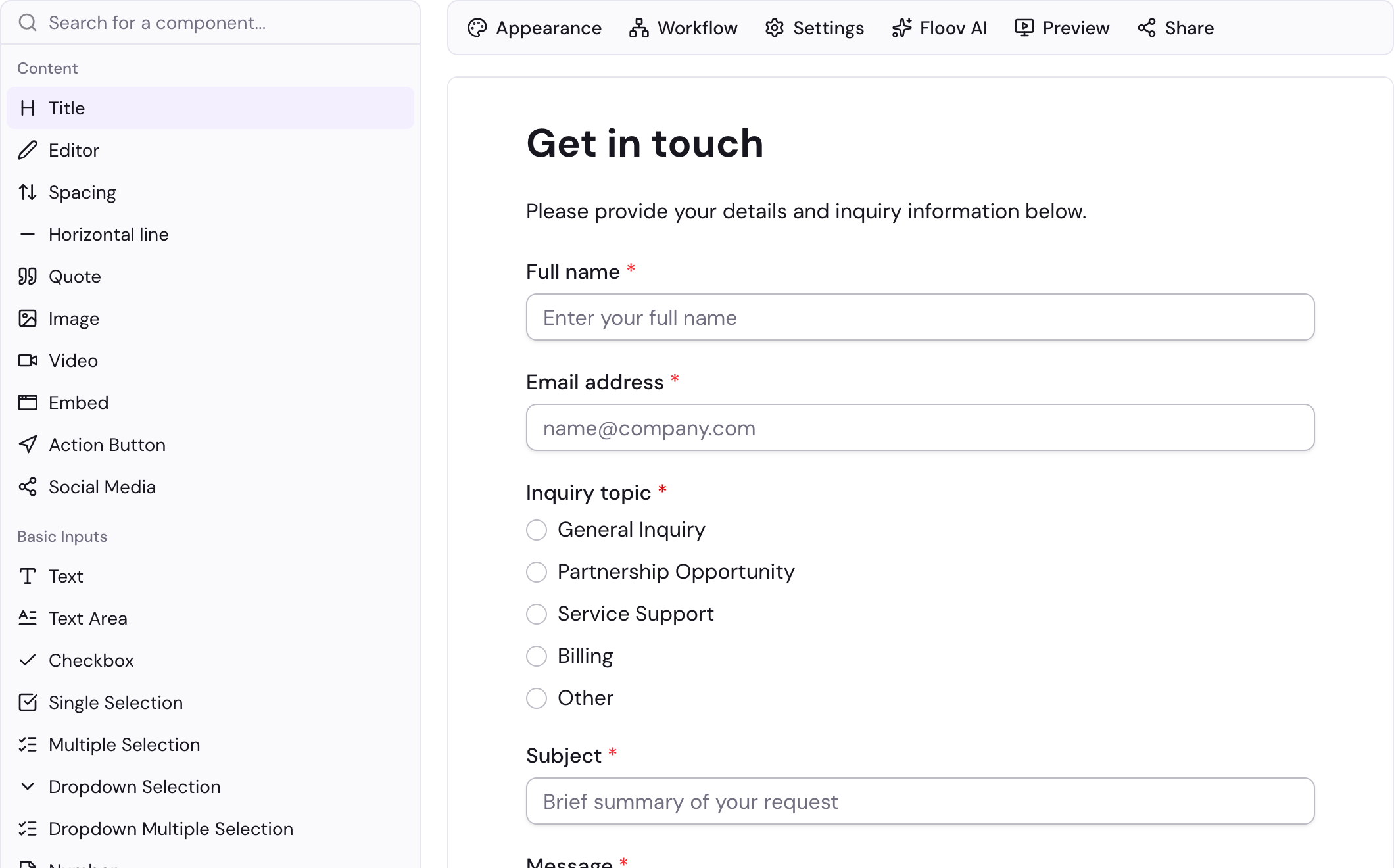
Turn an idea into a polished form in a focused drag-and-drop editor.
- Flexible fields and multi-page layouts
- Start blank or adapt a ready-made template
Build beautiful, branded, mobile-friendly forms with smart conditional logic and team workspaces. Pay no per-response charges or per-seat fees for Pro collaboration.
Choose what you want to build and see conditional logic take you through a relevant question to a tailored ending.
Two quick questions. Nothing is submitted or saved.
Build, customize, collaborate, and act on responses from one focused workspace.
Turn an idea into a polished form in a focused drag-and-drop editor.
Create a form experience that feels consistent with your business or client.
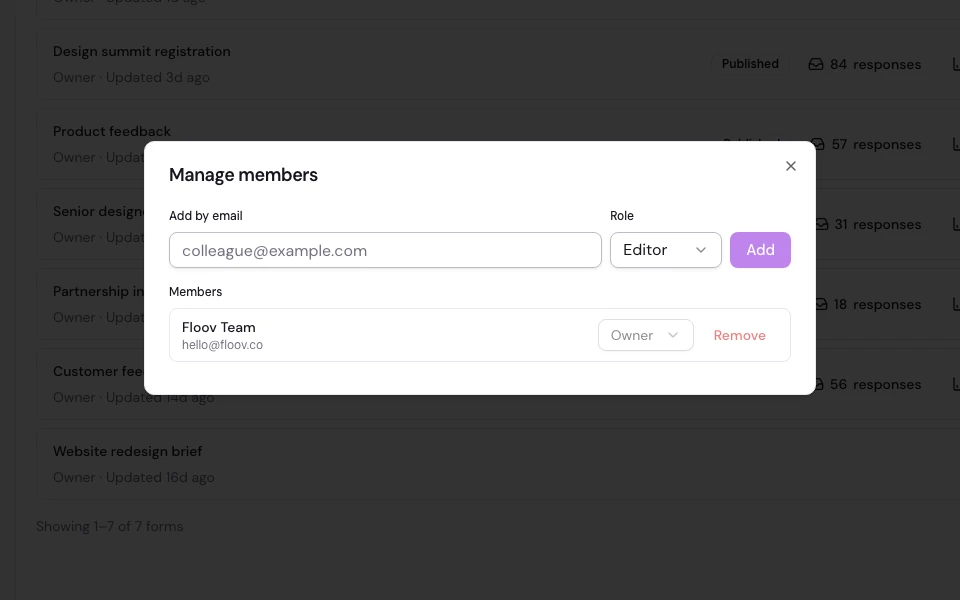
Keep client, project, or team forms organized without sharing one login.
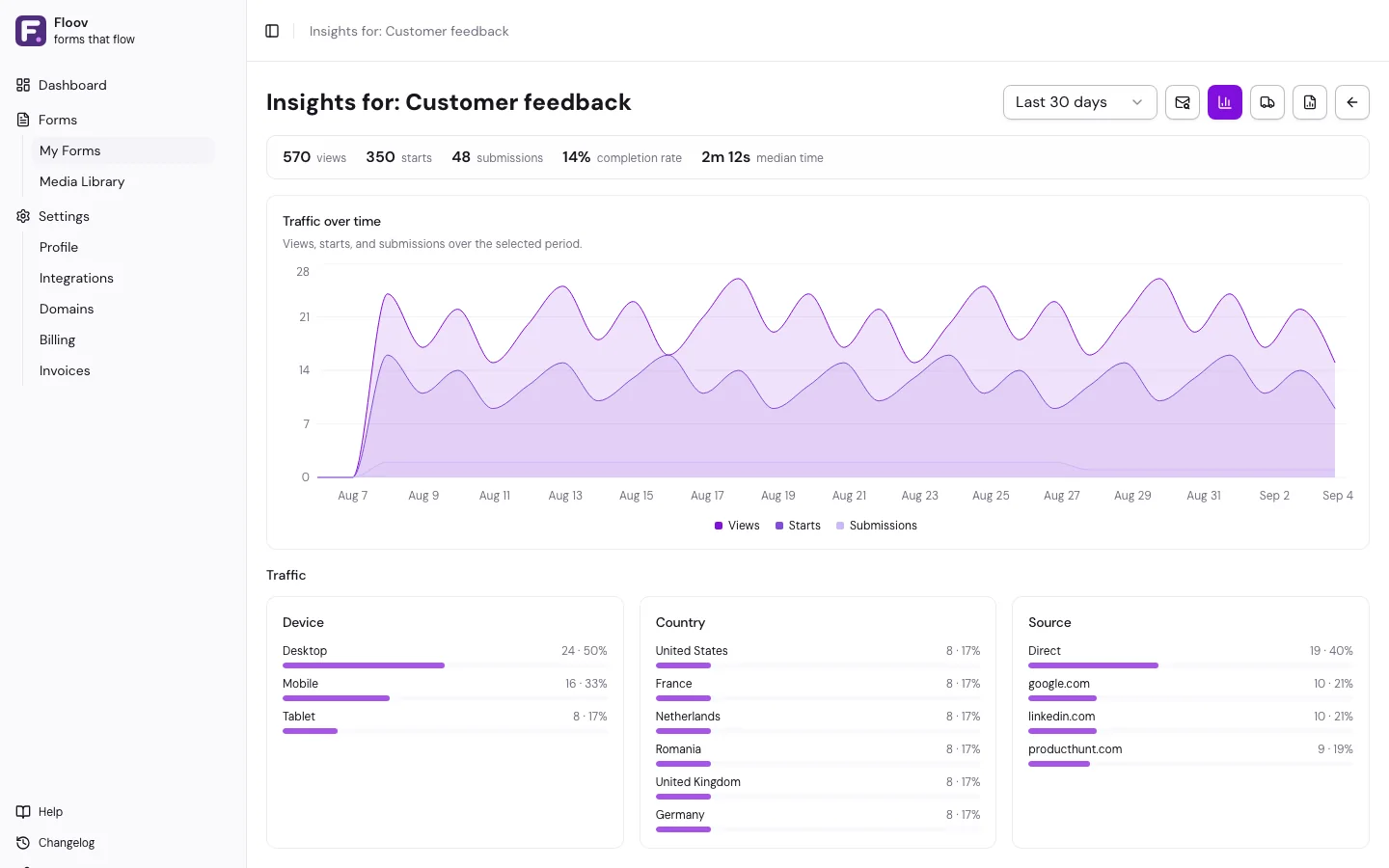
Turn each response into a clear next step without leaving the workspace.
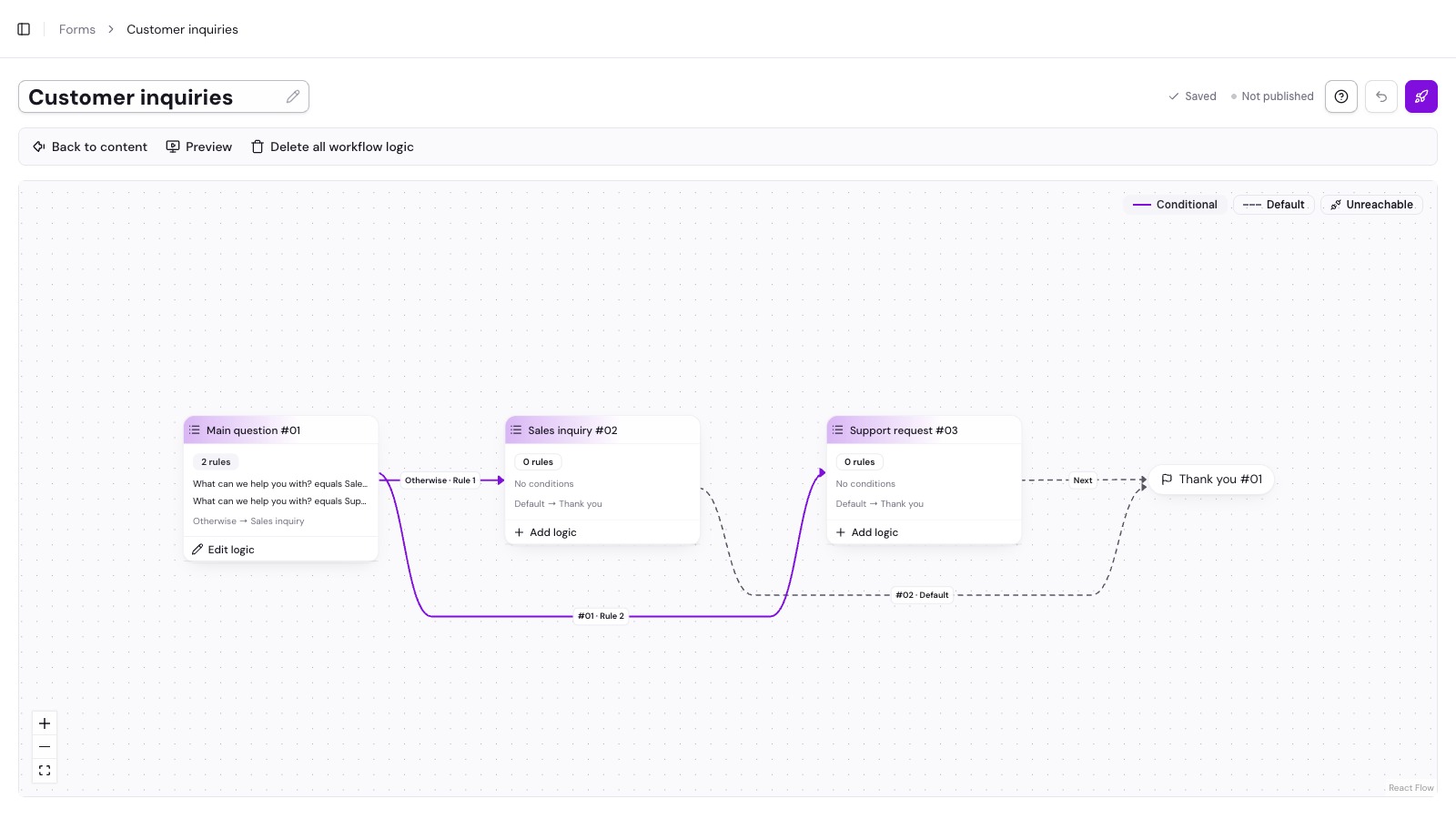
The visual workflow editor routes respondents between pages based on what they pick. Skip sections, jump to custom endings, and tailor the experience in real time. No code, no scripting.
From client work to internal workflows, Floov adapts to how your team operates.
Give each client a focused workspace for their forms, branding, responses, and collaborators.
Turn discovery, intake, and feedback into a professional client experience from the first question onward.
Standardize requests, approvals, and customer-facing forms while keeping ownership and performance clear.
Publish once, then use Floov's embed code to place your form on any page or open it in a popup—no code required.
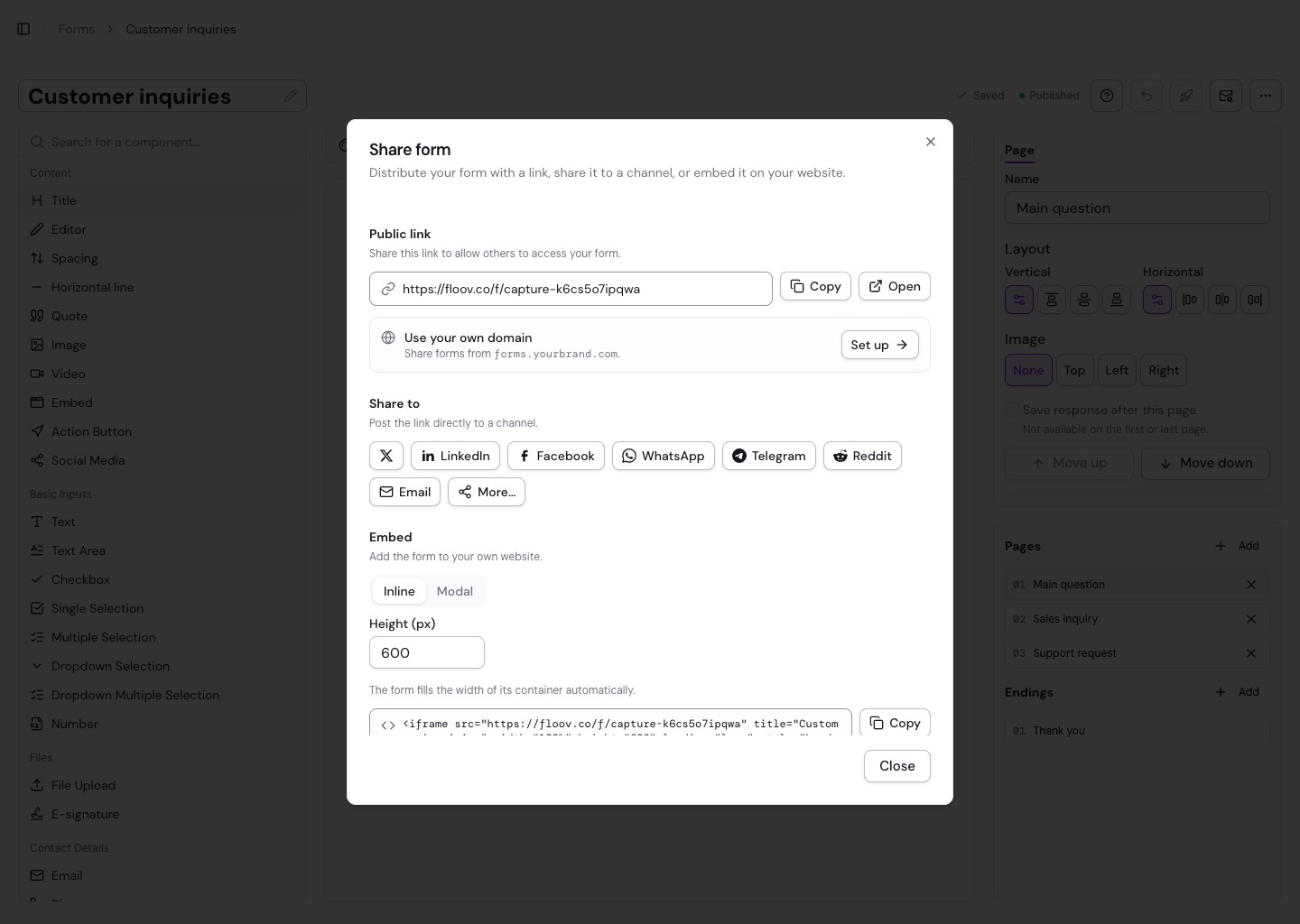
Place the complete form inside any page with a responsive iframe and the embed code Floov provides.
Use an existing button, link, or image to open the form in a focused popup handled by Floov.
Works with WordPress, Webflow, Squarespace, Wix, static HTML, and other platforms that accept custom code.
Describe what you need and let Floov's AI form generator draft your fields, questions, and layout. Review and customize the result before publishing.
Explore Floov AI →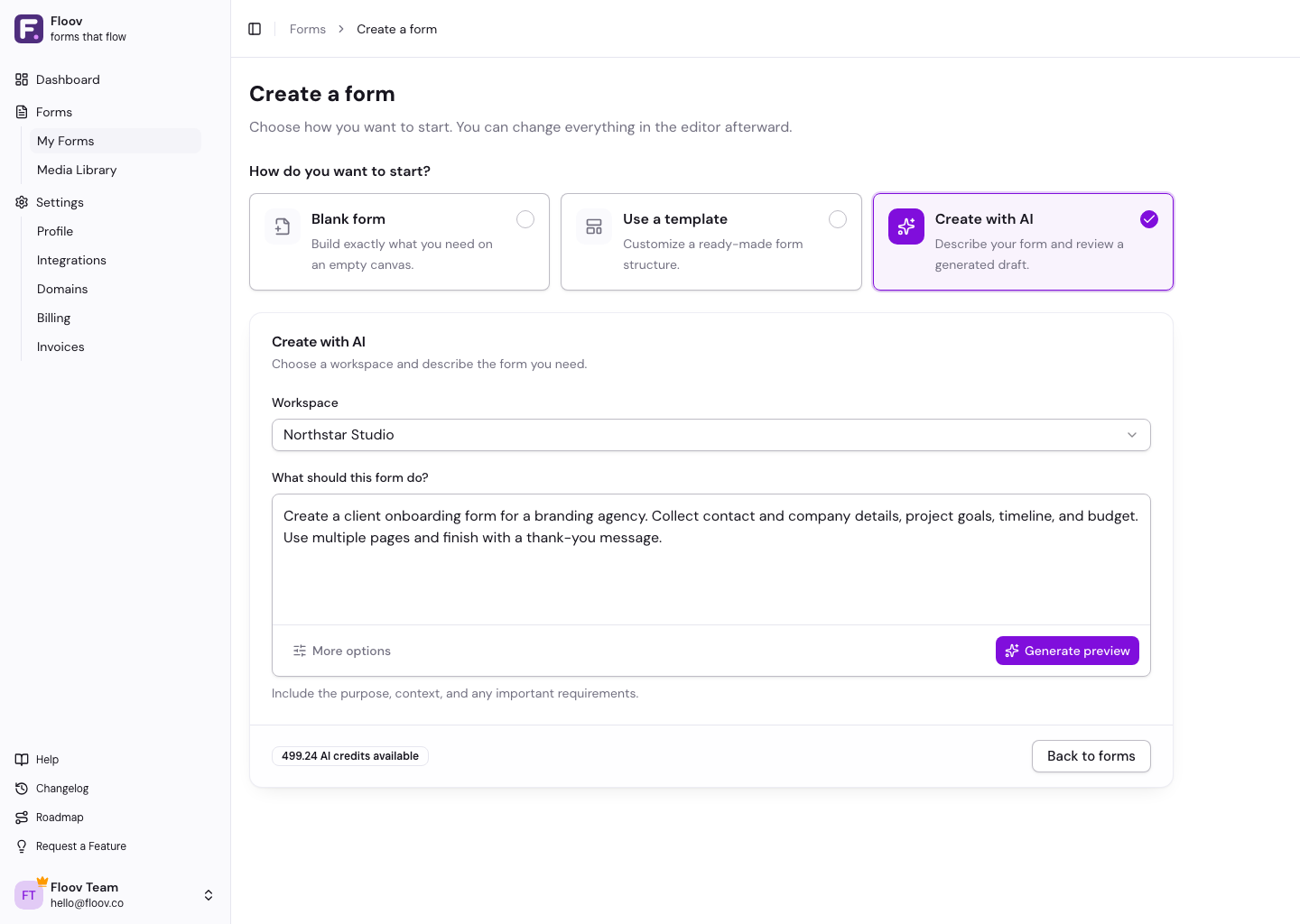
Send responses to spreadsheets, databases, team channels, and automation tools—without copying data by hand.
Start with a pre-built form, customize every detail, and publish an experience that adapts to phones, tablets, and desktops.
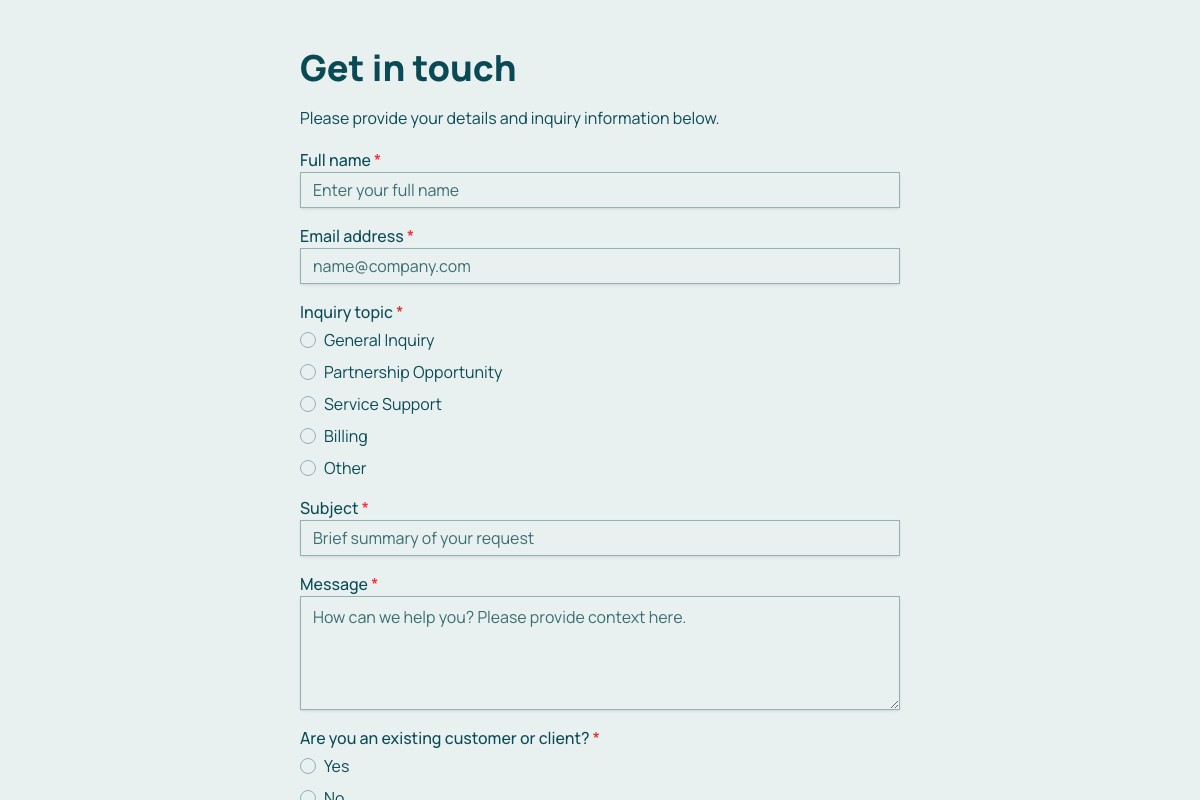


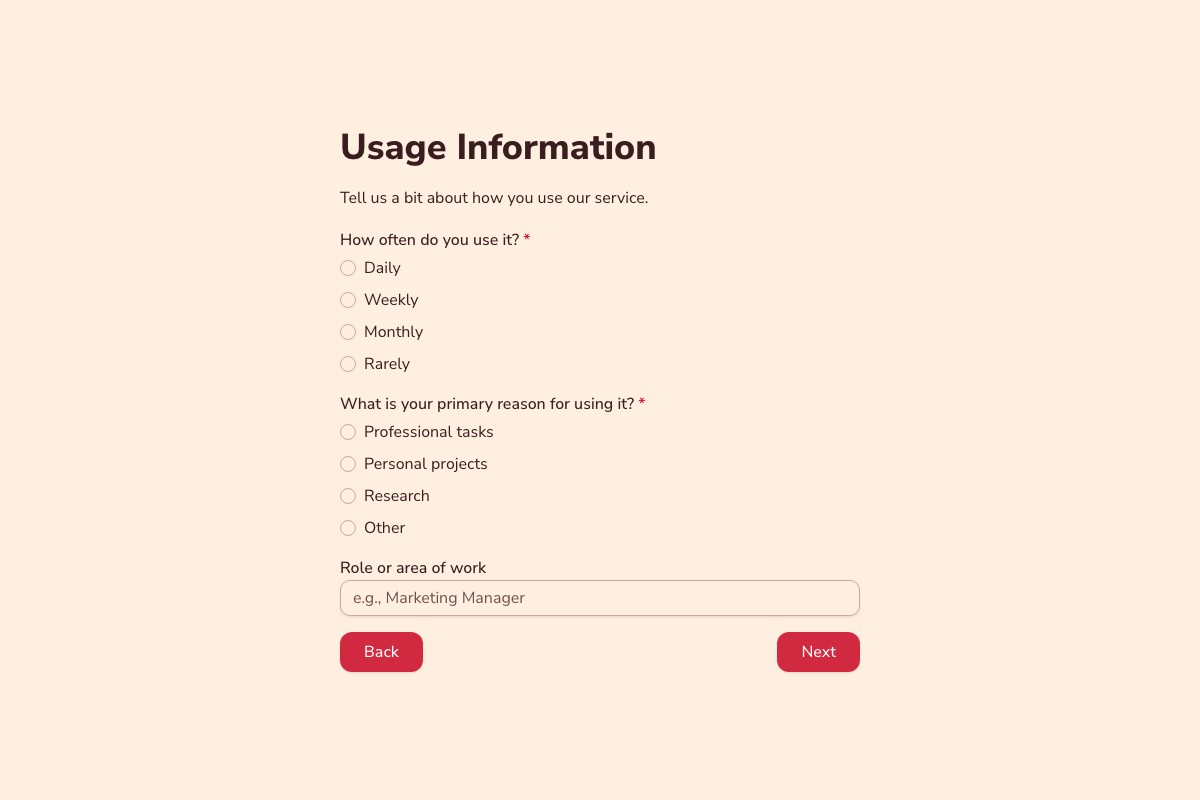
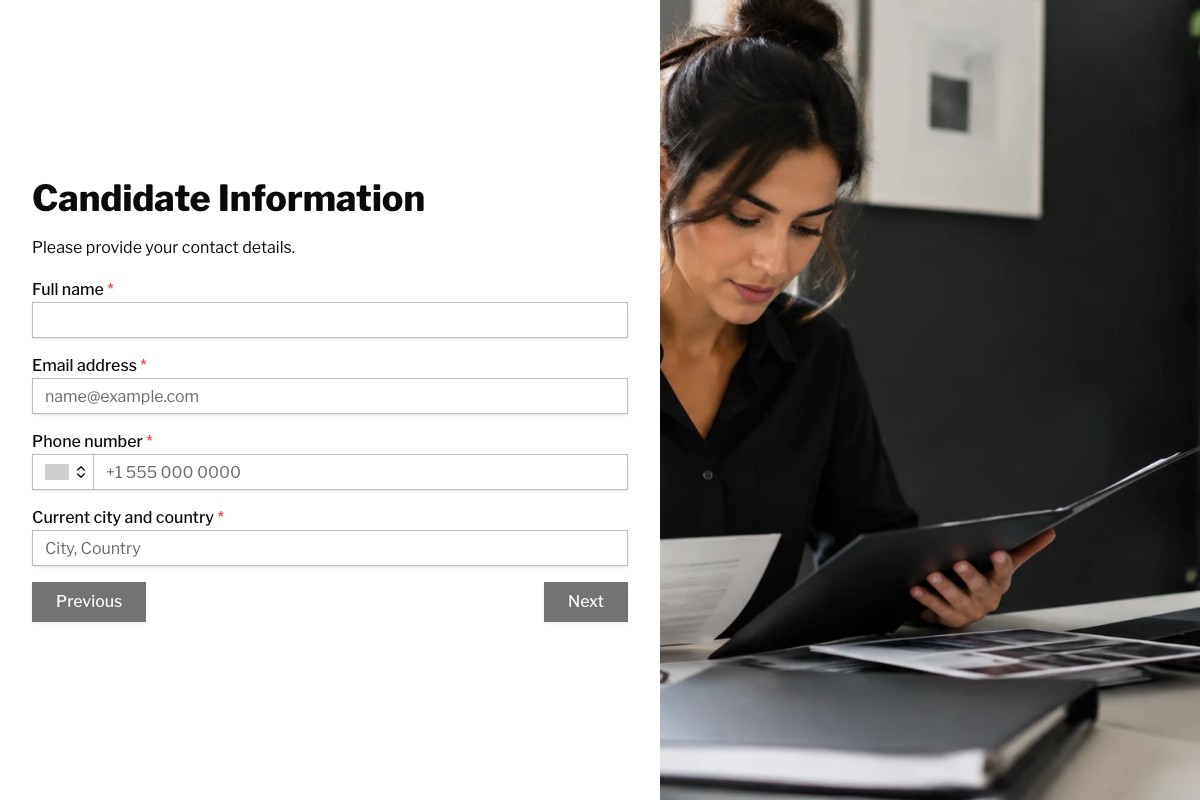
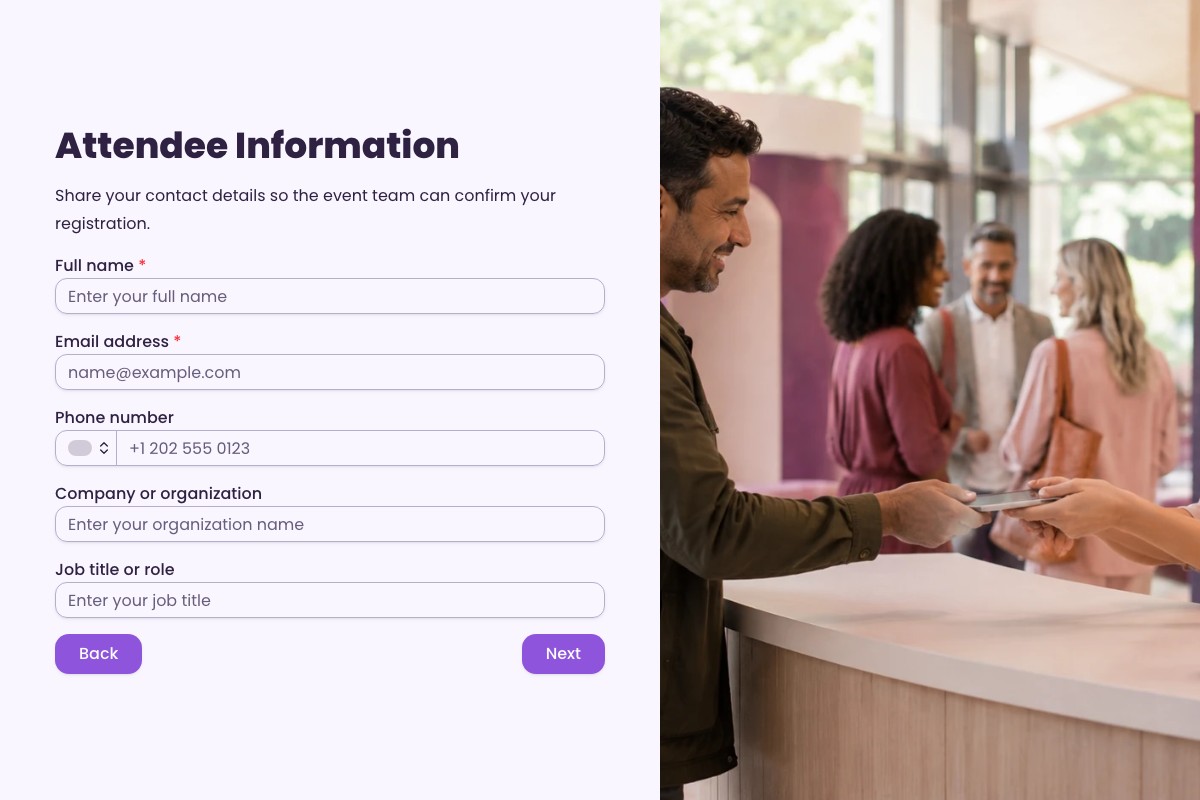
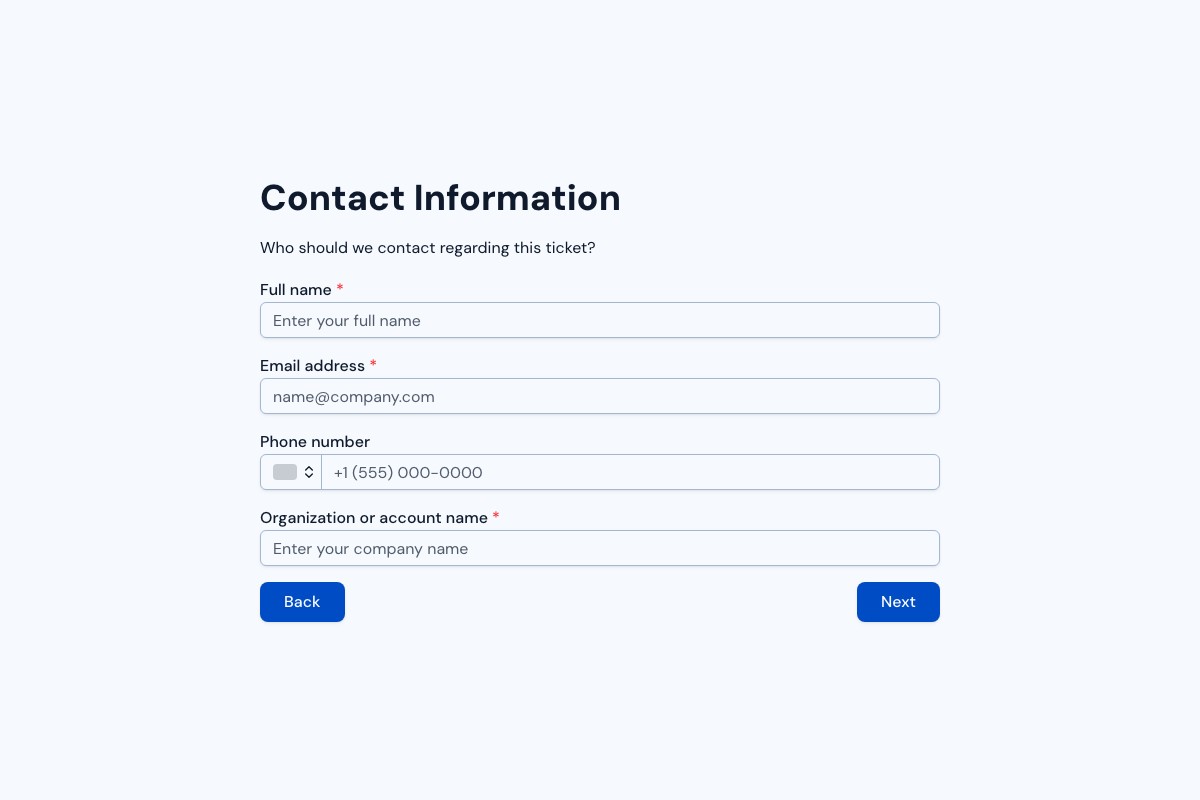
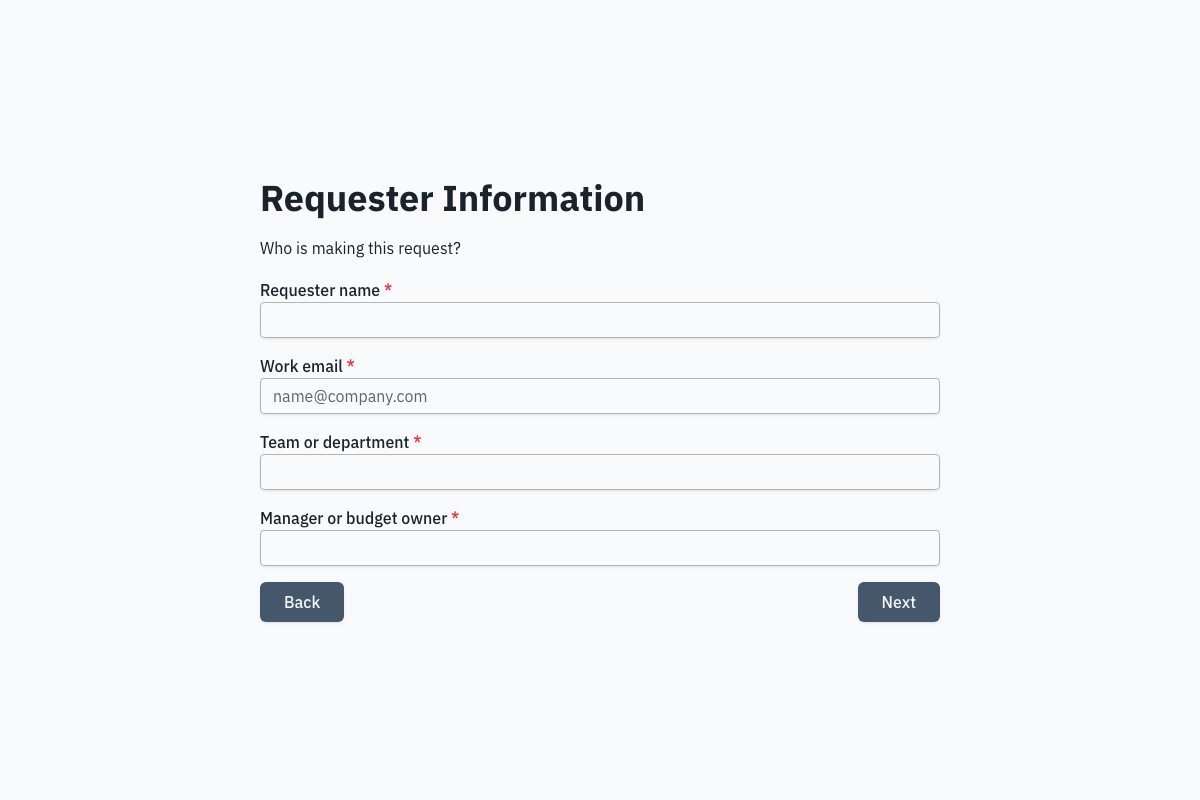
Open the full preview in a new tab, or continue to the template details and field list.
Start free, then upgrade for advanced workflows, custom branding, more AI capacity, and team collaboration.
€0 forever
Build and collect responses for free.
€24 / month
Advanced logic, branding, AI, and collaboration.
Everything you need to know about Floov. Still have questions? Reach out to our team.
Yes. Create up to 250 forms, collect unlimited responses under Fair Use, and start without a credit card. Upgrade only when you need Pro features like conditional logic, file uploads, or custom domains.
Not at all. Floov is a drag-and-drop visual builder designed for non-developers. If you can use a slide editor, you can build a professional form in Floov.
Yes. Published Floov forms adapt to phones, tablets, and desktops. Share a public link, place the form inline with the provided embed code, or open it as a popup on your website without writing code. You can also send the link by email, social media, or a messaging app.
Floov combines a visual drag-and-drop builder with conditional workflows and role-based workspaces, so teams can build, route, publish, and manage forms in one place. Pro includes up to 25 members per workspace with no per-seat fee, and Floov does not charge per response.
Pro unlocks workspace-based collaboration for up to 25 members per workspace, with owner, admin, editor, and viewer roles and no per-seat fee. If the owner's Pro plan ends, collaborator access pauses until Pro resumes.
Yes. You can export responses to CSV or Excel at any time from the Responses page. You can also send every response to your own systems through webhooks and integrations.
Your data is encrypted in transit and at rest. Floov does not sell it and discloses it to service providers only as needed to operate features you use, under the safeguards described in the Privacy Policy. You own your forms and responses and can export or delete them any time.